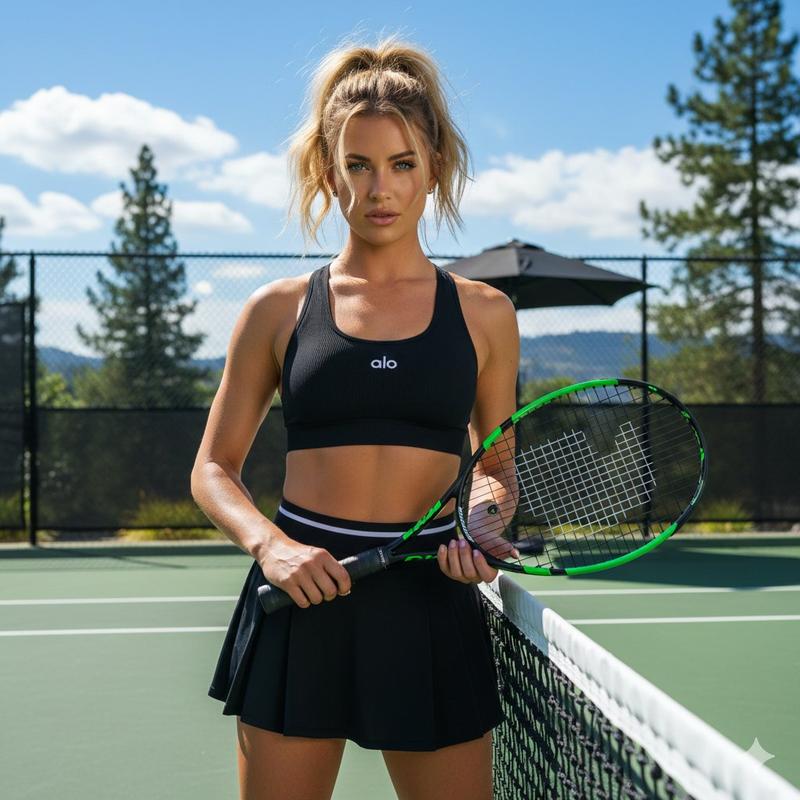
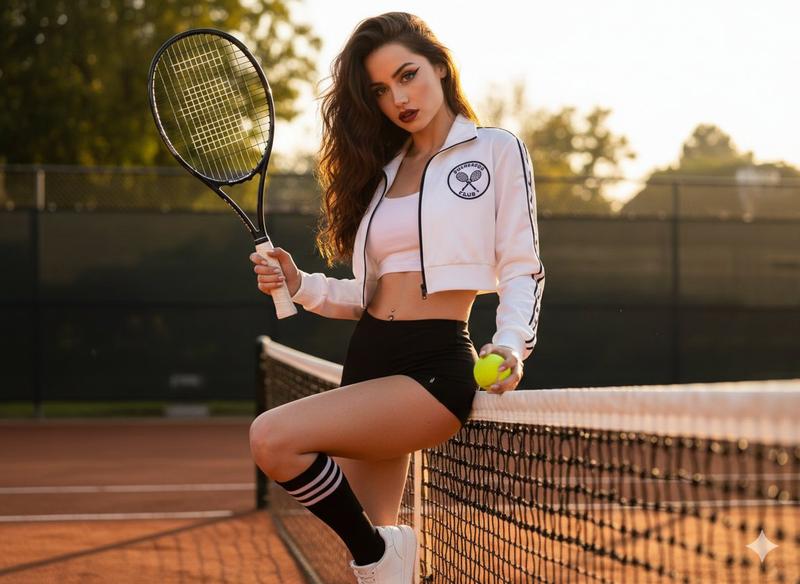
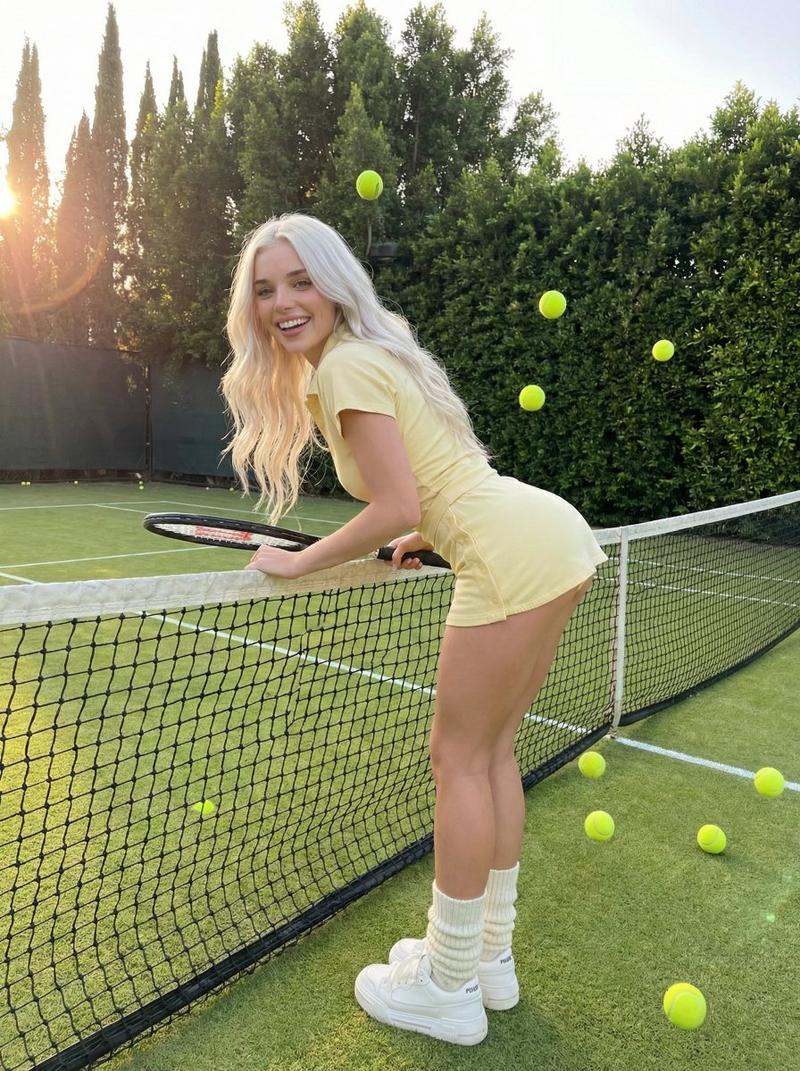
网球运动员匿名照片拼贴画
Prompt
Create a wide horizontal editorial sports photo collage on a 16:9 canvas showing {argument name="character description" default="a young athletic blonde female tennis player"} on an outdoor tennis court in bright natural daylight. Use a realistic photographic style with shallow depth of field, warm sun, blue sky with soft clouds, green court fencing, white court lines, and a clean lifestyle-sportswear aesthetic. The player wears {argument name="outfit" default="a white tennis crop top with black trim, white tennis skirt or shorts, white wristband, and white sneakers"}; her hair is tied in a neat bun. Build the collage from exactly 6 overlapping photo panels: 1) a large left panel of her jumping or lunging while swinging a tennis racket, 2) a central panel of her standing near the net wiping her face or holding a towel, 3) a central-right panel from behind as she gestures toward the court while holding a racket, 4) a top-right panel of her seated on the court tying a shoe, 5) a bottom-left panel of her seated tying a shoe with tennis balls scattered around, and 6) a bottom-right close-up portrait crop beside a tennis net and racket. Include exactly 6 visible tennis rackets, one associated with each panel. Include exactly 11 visible bright yellow-green tennis balls distributed across the collage. Add exactly 5 opaque rectangular face-obscuring blocks in a tan skin-tone color, covering the faces in every front-facing or side-facing panel while leaving the back-view panel unobscured. Use dynamic angled panel edges and soft blends between images, like a modern sports brand montage. No text, logos, watermarks, or graphic icons.- Category
- Brand & Logos
- Model
- GPT Image 2
- Creator
- Cherry 2.O
- Source ID
- 25969
- Published
- Jun 17, 2026
Views0