17

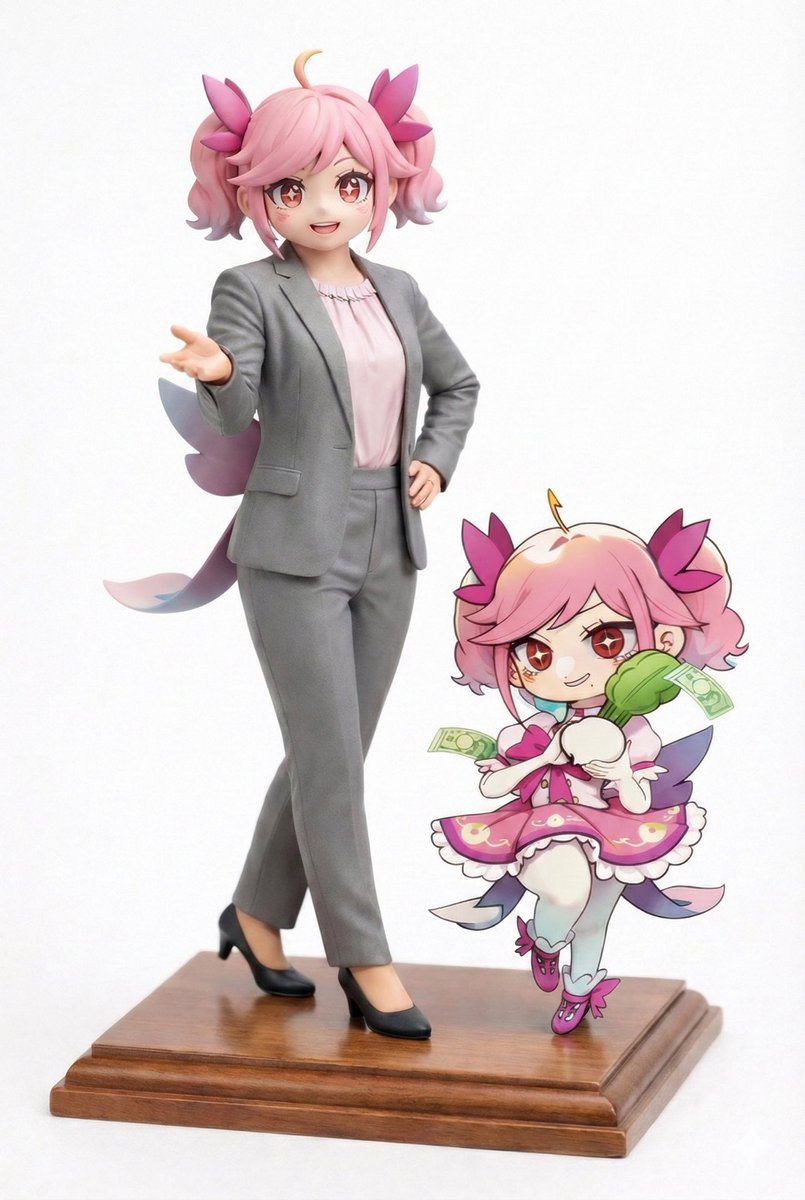
写实影棚肖像与Q版插图涂鸦
Enlarge

Example images

写实影棚肖像与Q版插图涂鸦

Prompt
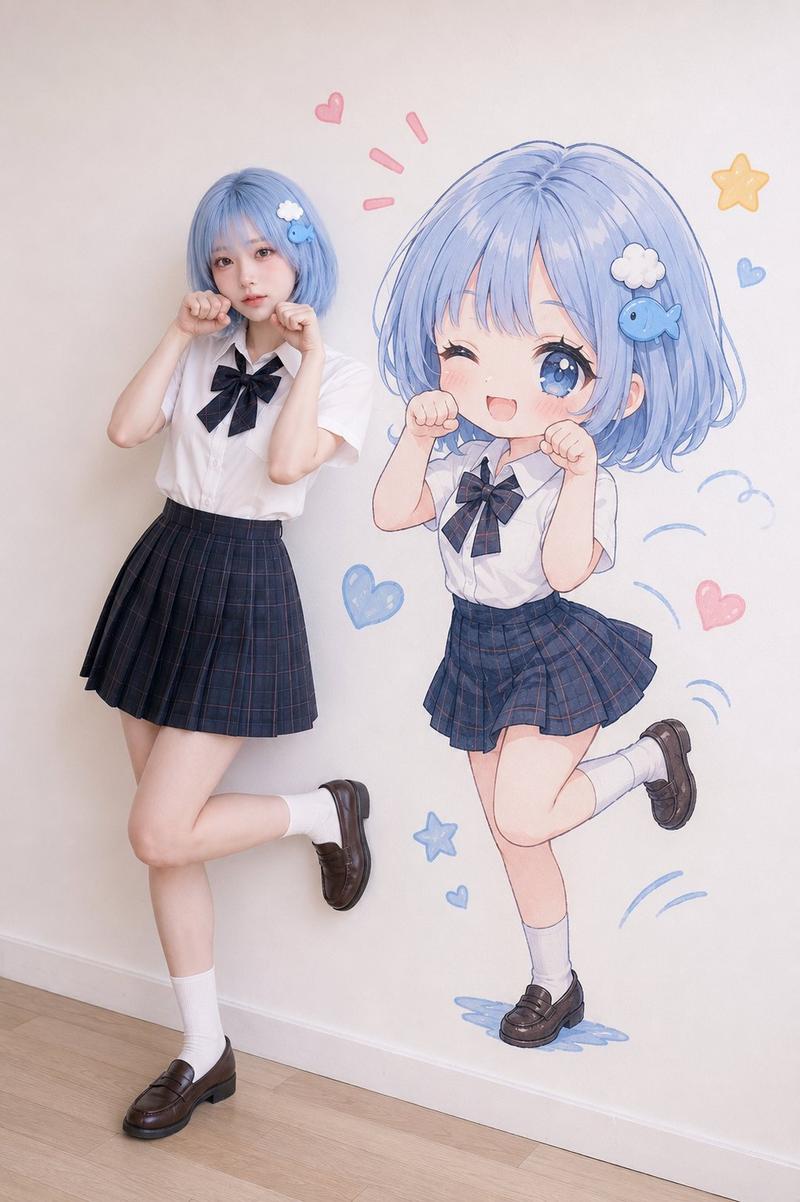
Create a full-body ultra-realistic studio portrait using the uploaded photo as the exact face reference. Preserve the person’s face Identity with no modifications to facial structure, eyes, nose, lips, cheeks, jawline, skin tone, hairstyle, or bangs. Keep the expression natural and cute.

Place the person in a clean light gray seamless studio background. She is standing in a playful pose with one leg lifted slightly behind her, smiling naturally while holding a colorful rainbow lollipop in . Add a pastel blue crossbody bag with a small Winnie the Pooh keychain hanging from it. Keep her hair exactly as in the original photo.
Beside her, create a cute chibi illustration version of the same person with identical hairstyle and bangs, wearing the same outfit and blue bag. The chibi is playfully pulling the hem of her skirt while smiling mischievously.

Add hand-drawn black doodles around both characters, including motion lines, excitement marks, tiny sparkles, and playful accents. The overall style should combine a realistic fashion studio photograph with a kawaii hand-drawn illustration. Bright, soft lighting, clean composition, adorable, cheerful, modern Korean-inspired aesthetic, ultra detailed, high resolution, premium quality.
Category
Charts & Infographics
Model
ChatGPT
Views22
Source ID
17305
Published
Jul 2, 2026

Guide

About "写实影棚肖像与Q版插图涂鸦"

What is this prompt for?

"写实影棚肖像与Q版插图涂鸦" AI image prompt for ChatGPT (Charts & Infographics). 使用上传的照片作为精确的面部参考,创建一张全身超写实影棚肖像。保持人物的面部特征,不对面部结构、眼睛、鼻子、嘴唇、脸颊、下颌线、肤色、发型或刘海进行任何修改。保持表情自然可爱。将人…

The full copyable prompt and example visuals above are ready for AI image generation or one-click recreate in Picva.

How to use this prompt

  1. Step 1

    Open the prompt detail

    Review the example visuals, category, and full prompt text for "写实影棚肖像与Q版插图涂鸦".

  2. Step 2

    Copy the prompt

    Copy the prompt body from this page, or load it directly in Studio.

  3. Step 3

    Pick a model (ChatGPT)

    Prefer ChatGPT. If you switch models, keep subject and composition and tweak style terms.

  4. Step 4

    Generate and export

    Recreate the look in Picva, or export into your workflow for editing and publishing.

FAQ

What is the "写实影棚肖像与Q版插图涂鸦" prompt?
It is an AI image-generation prompt for ChatGPT in the Charts & Infographics category. This page includes the full prompt text, example visuals, and a one-click recreate path in Picva.
How do I use this prompt to generate an image?
Copy the prompt from this page, or use Generate / Studio. Paste it into a compatible image model, or recreate the look in Picva with optional reference images.
Which model is this prompt for?
This page lists ChatGPT. Most descriptive prompts also transfer to nearby image models such as GPT Image, Flux, or Midjourney with light style tweaks.
Can I use the result commercially?
You can usually copy the prompt for creation, but commercial use of the final image depends on the model terms, reference-image rights, and the generated content. Follow the source author and platform rules.