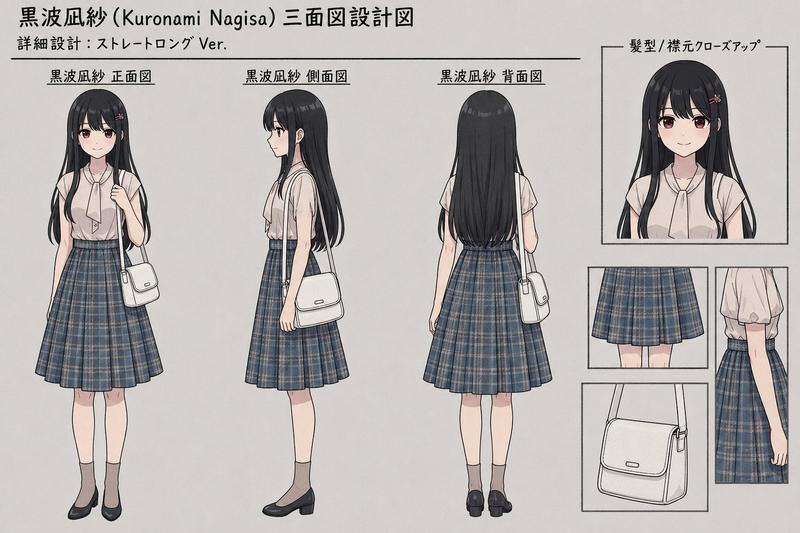
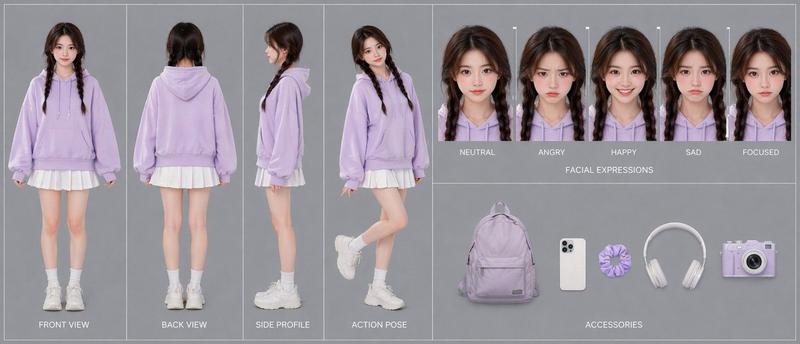
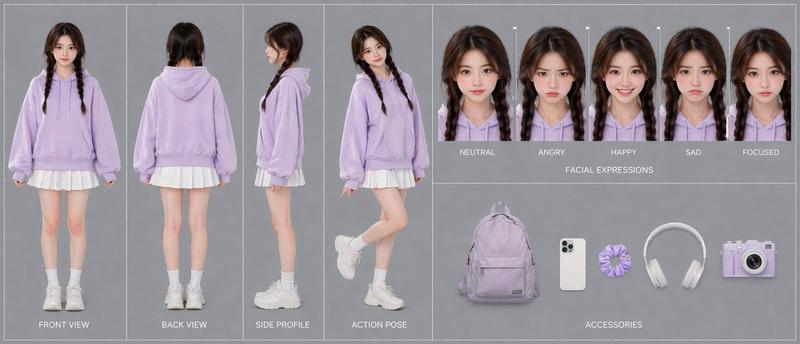
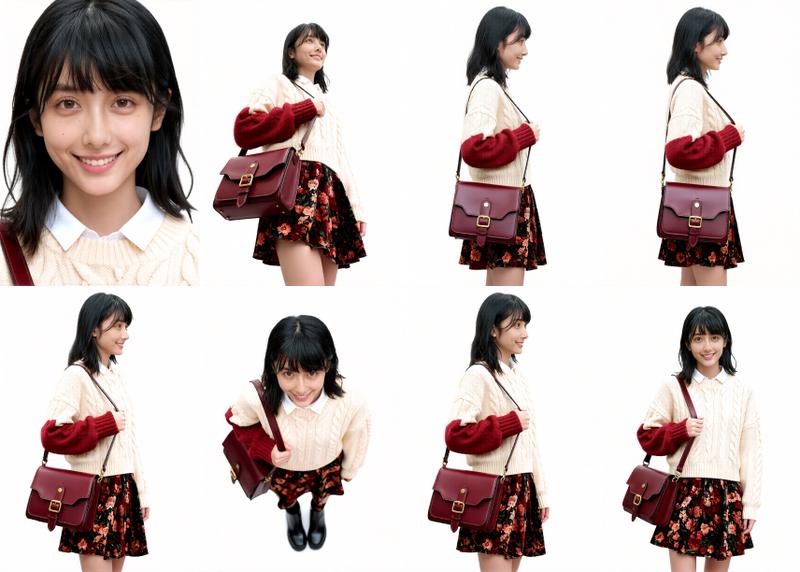
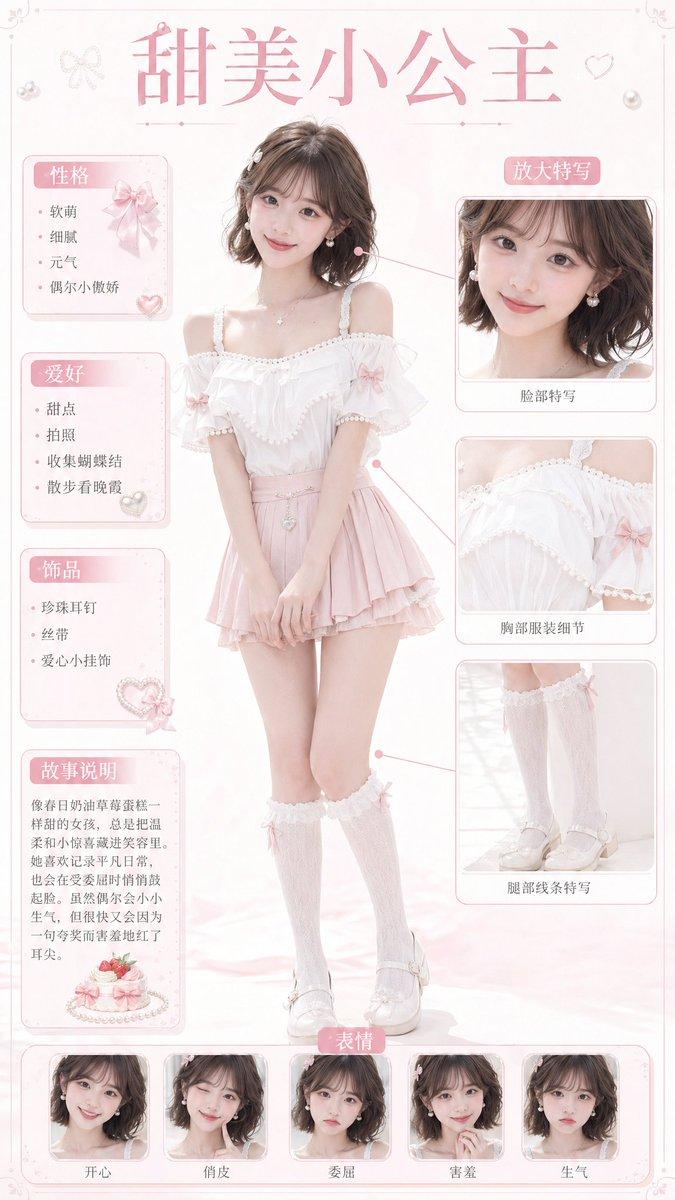
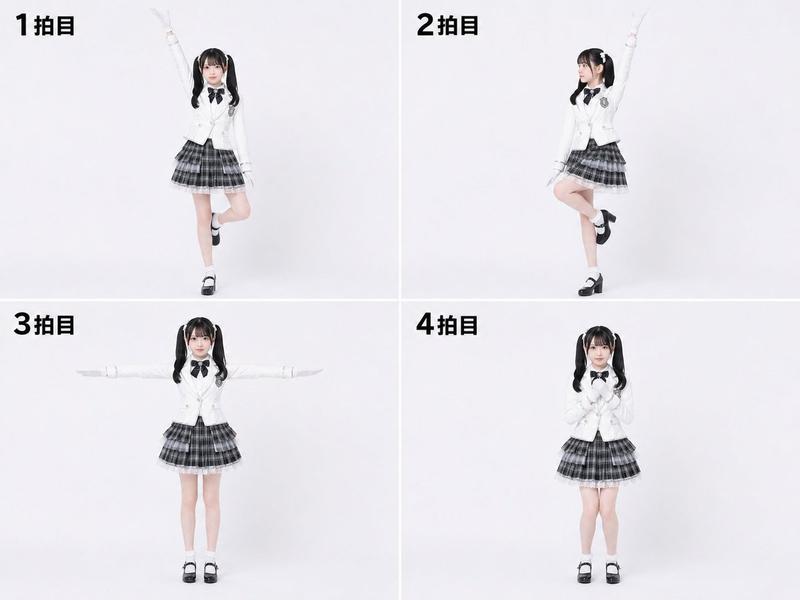
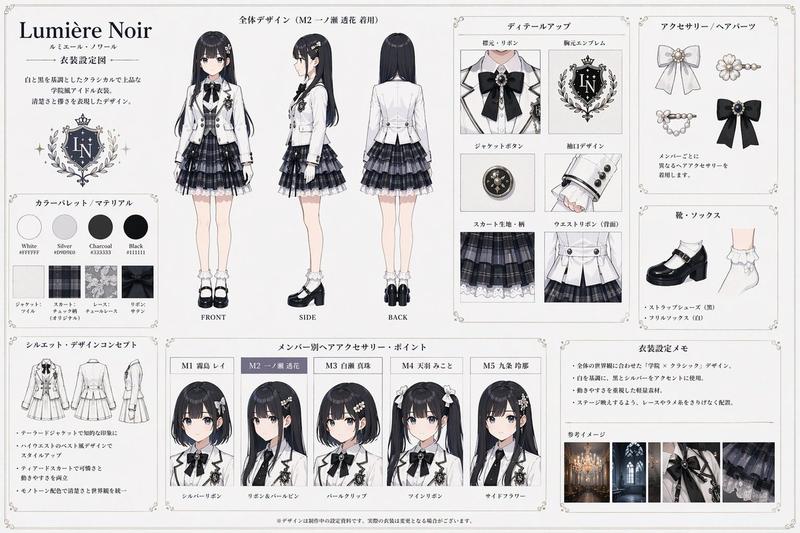
3D 女学生角色设计图
Prompt
{"type":"3D character design sheet","style":"photorealistic stylized 3D character model presentation for storyboard and film development","subject":{"gender presentation":"young girl, elementary-school age","build":"slim, petite","ethnicity":"East Asian appearance","character role":"quiet everyday school-age character","face":"soft youthful features, natural skin, neutral expression","hair":{"color":"{argument name=\"hair color\" default=\"dark brown\"}","style":"very long, straight, smooth hair with a center part and subtle shine, reaching below the chest in front and to the upper back behind"},"outfit":{"count":6,"items":["light powder-blue cardigan with round neckline and small pearl-like buttons","white inner top visible at the collar","black shorts with a simple clean silhouette","white mid-calf socks","black leather Mary Jane shoes with thick soles and straps","small structured crossbody bag in beige and black with a dark strap"]}},"layout":{"background":"clean warm light gray studio backdrop","sections":[{"title":"main portrait","position":"left","count":1,"labels":["large close-up three-quarter portrait with head slightly tilted down"]},{"title":"turnaround views","position":"center","count":3,"labels":["Front View","Side View","Back View"]},{"title":"FACIAL EXPRESSIONS","position":"top-right","count":6,"labels":["neutral front","soft smile front","gentle concern front","subtle smile three-quarter","calm downcast gaze three-quarter","shy reserved look three-quarter"]},{"title":"HAIR DETAIL","position":"mid-right","count":2,"labels":["close-up of straight glossy hair strands","close-up of cardigan neckline and shoulder strap"]},{"title":"SHOES & BAG DETAIL","position":"bottom-right","count":2,"labels":["close-up of socks and Mary Jane shoes","close-up of structured crossbody bag"]},{"title":"color palette","position":"bottom-left","count":10,"labels":["cream","light beige","tan","camel","warm brown","olive gray","soft gray","dusty blue","charcoal","black"]}],"text elements":{"count":7,"labels":["3D CHARACTER DESIGN","For Storyboard & Film","FACIAL EXPRESSIONS","HAIR DETAIL","SHOES & BAG DETAIL","High Quality","Ultra High Resolution"]}},"composition":"large hero portrait on the left, three full-body turnaround renders across the middle, stacked reference panels on the right, small color swatches at the bottom left","lighting":"soft studio lighting, even illumination, gentle shadows, realistic material rendering","rendering notes":"high-resolution polished character-sheet presentation, realistic fabric texture, glossy hair strands, subtle skin shading, clean product-design layout, professional preproduction style","camera":"orthographic-like character sheet framing for full-body views, portrait lens feel for the close-up"}- Category
- Charts & Infographics
- Model
- GPT Image 2
- Creator
- Peter Lam
- Source ID
- 17616
- Published
- May 1, 2026
Views5