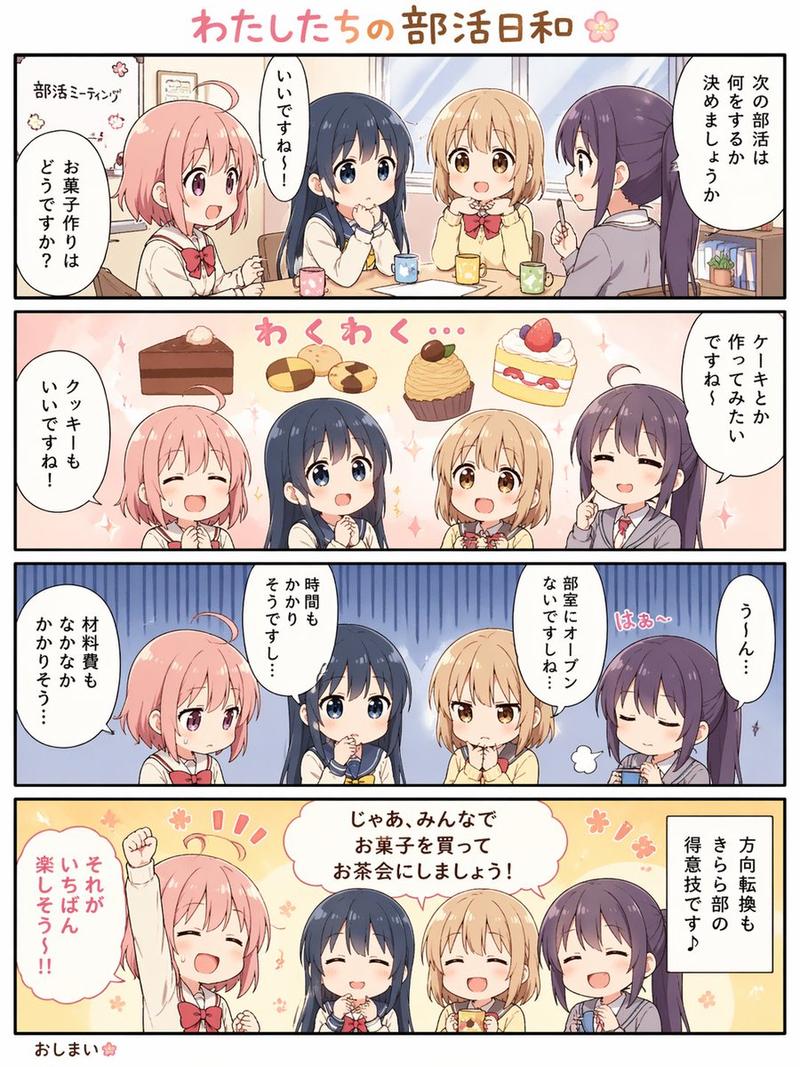
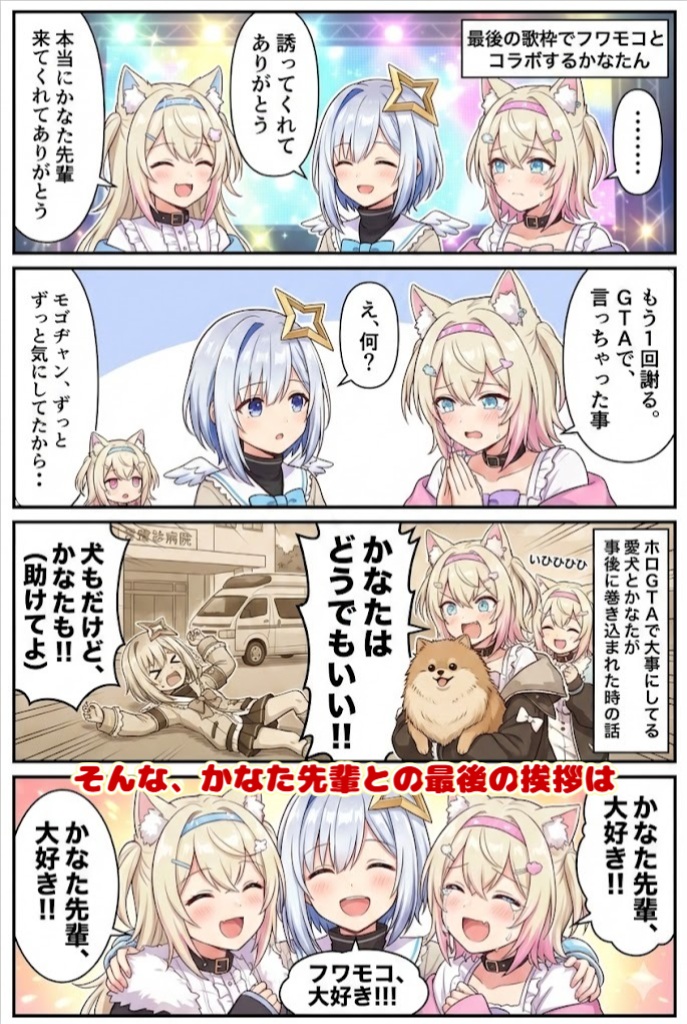
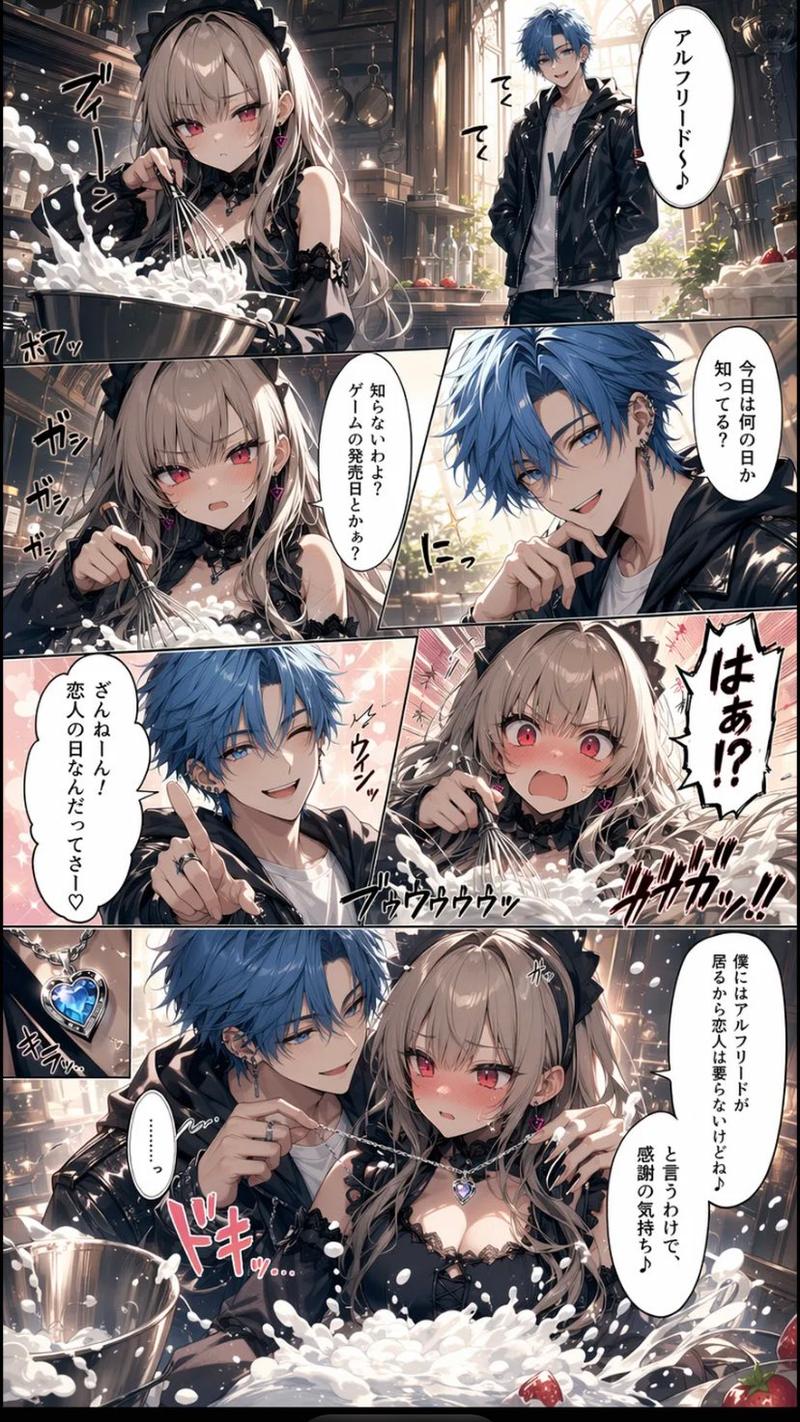
一键解锁无限脑洞
Prompt
Just throw in your favorite theme, and the AI will perfectly handle concept generation, direction, and drawing.
- Category
- Creative Use Cases
- Model
- Nano Banana Pro
- Creator
- @FURUYAN12345
- Source ID
- 11590
- Published
- Apr 23, 2026
Views47
15

Just throw in your favorite theme, and the AI will perfectly handle concept generation, direction, and drawing.
Guide
"一键解锁无限脑洞" AI image prompt for Nano Banana Pro (Creative Use Cases). 只需输入您最喜欢的 theme,AI 即可完美处理概念生成、方向把控和绘图。 Copy it on Picva and recreate the look in one click.
The full copyable prompt and example visuals above are ready for AI image generation or one-click recreate in Picva.
Step 1
Review the example visuals, category, and full prompt text for "一键解锁无限脑洞".
Step 2
Copy the prompt body from this page, or load it directly in Studio.
Step 3
Prefer Nano Banana Pro. If you switch models, keep subject and composition and tweak style terms.
Step 4
Recreate the look in Picva, or export into your workflow for editing and publishing.