20

穿梭云端的都市飞行者

Prompt
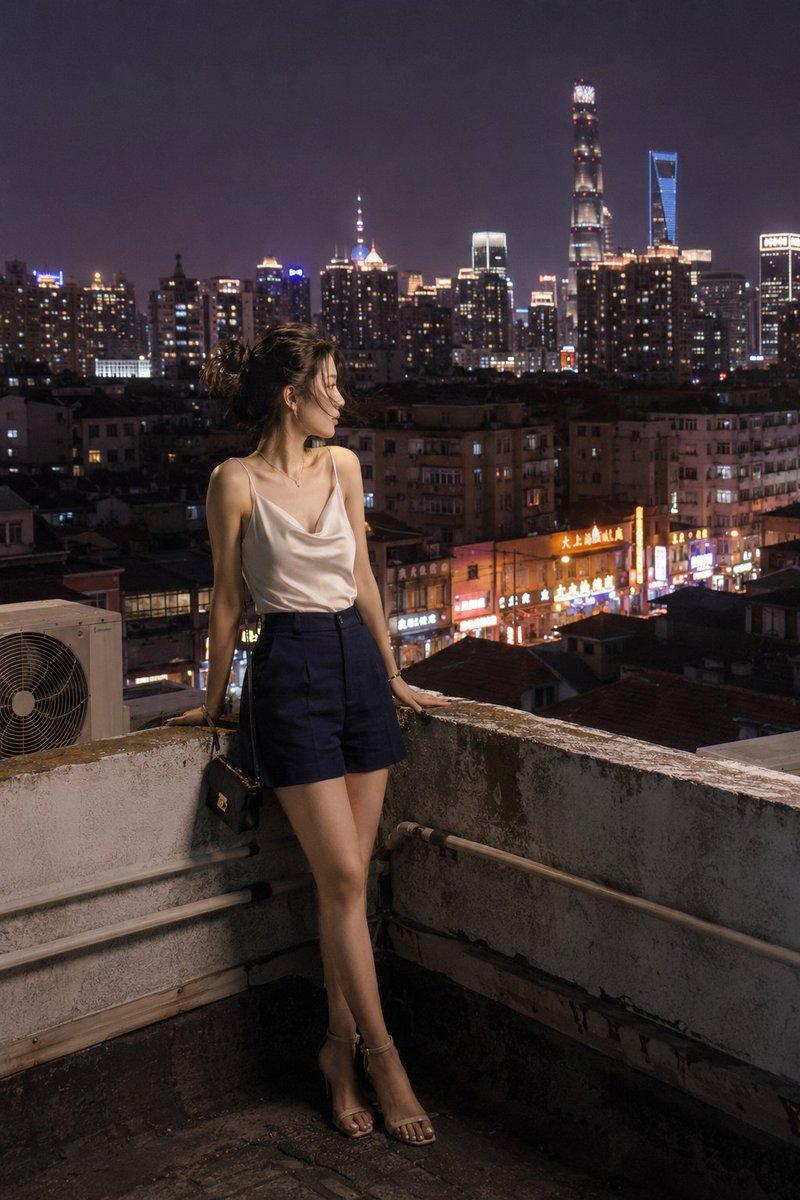
@Image, jumping down from a high-rise building, slowly soaring into the air just as approaching the ground, taking off freely at will, body lightly suspended in the air, posture elegant and stable; shuttling flexibly between skyscrapers and clouds, performing smooth rotating movements, flight speed sometimes rapid sprinting, sometimes slow floating, natural variation in fast and slow rhythm; shuttling through the gaps of city skyscrapers, skimming over clouds, overlooking the city panoramic view; dynamic motion silky and coherent, cinematic camera movement, backlighting atmosphere, realistic texture, 4K ultra-clear, no clipping, hair and corners of clothes fluttering in the wind, creating an immersive high-altitude flight blockbuster effect, scene beautiful and shocking.
Category
Video Prompts
Model
Seedance 2.0
Views512
Source ID
7175
Published
Mar 13, 2026

Guide

About "穿梭云端的都市飞行者"

What is this prompt for?

"穿梭云端的都市飞行者" AI image prompt for Seedance 2.0 (Video Prompts). @图片,从高楼跃下,快接近地面时缓缓腾空而起,随意念自由起飞,身体轻盈悬浮空中、姿态优雅稳定;在高楼大厦与云层间灵活穿梭,做流畅旋转动作,飞行速度时而急速冲刺、时而缓慢漂浮,快慢节奏自然变化;…

The full copyable prompt and example visuals above are ready for AI image generation or one-click recreate in Picva.

How to use this prompt

  1. Step 1

    Open the prompt detail

    Review the example visuals, category, and full prompt text for "穿梭云端的都市飞行者".

  2. Step 2

    Copy the prompt

    Copy the prompt body from this page, or load it directly in Studio.

  3. Step 3

    Pick a model (Seedance 2.0)

    Prefer Seedance 2.0. If you switch models, keep subject and composition and tweak style terms.

  4. Step 4

    Generate and export

    Recreate the look in Picva, or export into your workflow for editing and publishing.

FAQ

What is the "穿梭云端的都市飞行者" prompt?
It is an AI image-generation prompt for Seedance 2.0 in the Video Prompts category. This page includes the full prompt text, example visuals, and a one-click recreate path in Picva.
How do I use this prompt to generate an image?
Copy the prompt from this page, or use Generate / Studio. Paste it into a compatible image model, or recreate the look in Picva with optional reference images.
Which model is this prompt for?
This page lists Seedance 2.0. Most descriptive prompts also transfer to nearby image models such as GPT Image, Flux, or Midjourney with light style tweaks.
Can I use the result commercially?
You can usually copy the prompt for creation, but commercial use of the final image depends on the model terms, reference-image rights, and the generated content. Follow the source author and platform rules.