17

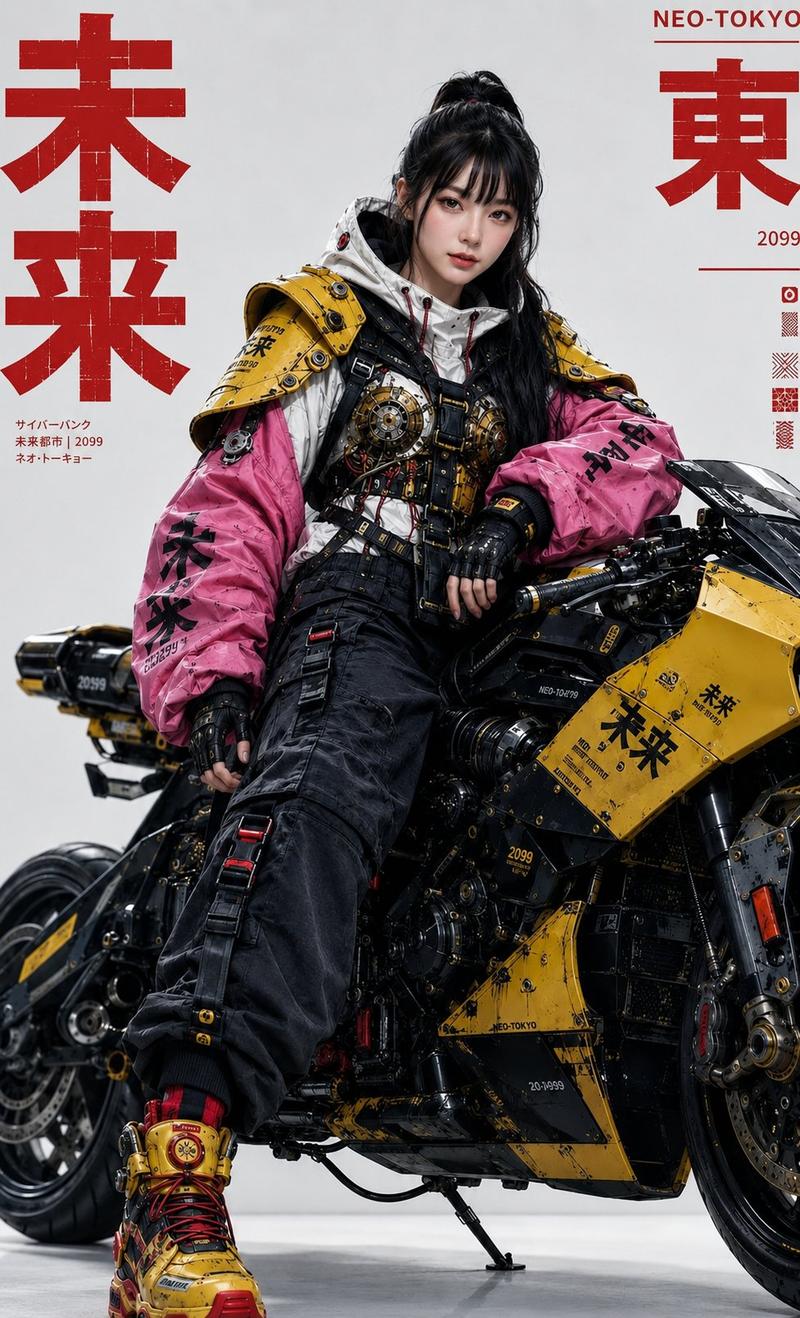
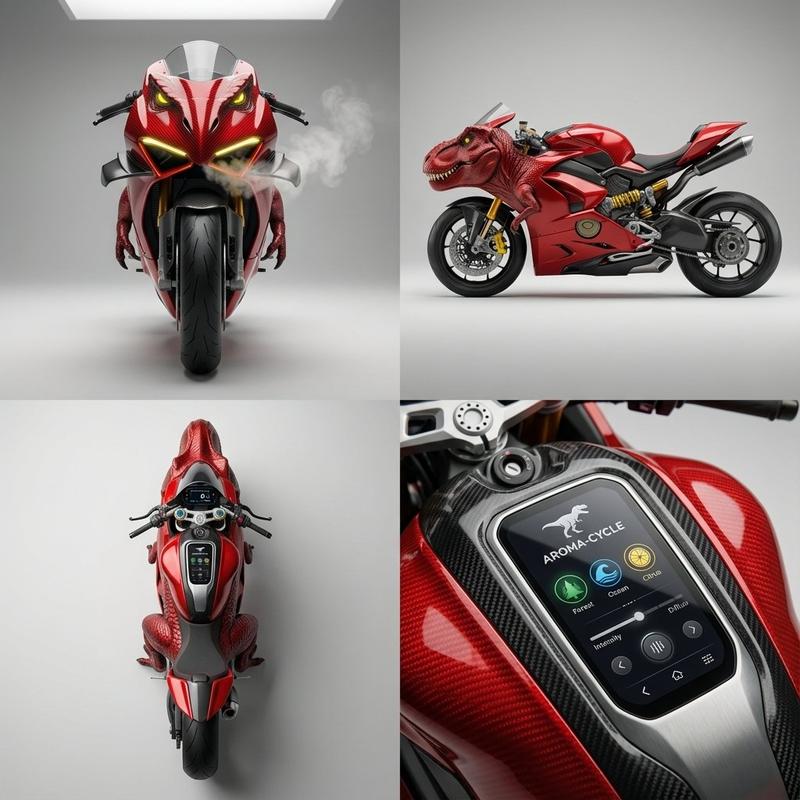
超高清专业涂装效果图
Enlarge

Example images

超高清专业涂装效果图

Prompt
Ultra high-definition professional photography work, [motorcycle helmet] paint effect image, designed in [Venom movie character style].

Product details:
- [Product type: car/motorcycle/bicycle/helmet etc.]
- Paint style: [specific description of color, pattern, theme]
- All license plate numbers are completely blurred and unrecognizable
- Maintain the original contour and structural characteristics of the product

Visual effects:
- 8K ultra-high definition resolution
- Professional commercial photography level
- Perfect lighting effects and reflection details
- Paint texture is realistic and natural, no PS traces
- Metallic paint/matte texture authentically restored

Scene environment:
- [Natural environment: mountain road/seaside/forest/city street/race track etc.]
- Golden hour soft light
- Depth of field effect highlights the subject
- Environment and product perfectly integrated
- Professional photography composition

Technical parameters:
- Photography equipment: professional camera shooting effect
- Lens: 85mm f/1.4 large aperture
- Natural light, soft shadows
- Cinematic color grading
- Ultra-realistic rendering, photographic quality

Forbidden elements: cartoon style, excessive PS traces, unrealistic light effects, clearly visible license plate numbers
Category
Posters & Typography
Model
Nano Banana Pro
Creator
@yyyole
Views93
Source ID
2179
Published
Jan 25, 2026

Guide

About "超高清专业涂装效果图"

What is this prompt for?

"超高清专业涂装效果图" AI image prompt for Nano Banana Pro (Posters & Typography). 超高清专业摄影作品,[摩托车头盔]涂装效果图,采用[毒液电影形象风格]设计。 产品细节: - [产品类型:汽车/摩托车/自行车/头盔等] - 涂装风格:[具体描述颜色、图案…

The full copyable prompt and example visuals above are ready for AI image generation or one-click recreate in Picva.

How to use this prompt

  1. Step 1

    Open the prompt detail

    Review the example visuals, category, and full prompt text for "超高清专业涂装效果图".

  2. Step 2

    Copy the prompt

    Copy the prompt body from this page, or load it directly in Studio.

  3. Step 3

    Pick a model (Nano Banana Pro)

    Prefer Nano Banana Pro. If you switch models, keep subject and composition and tweak style terms.

  4. Step 4

    Generate and export

    Recreate the look in Picva, or export into your workflow for editing and publishing.

FAQ

What is the "超高清专业涂装效果图" prompt?
It is an AI image-generation prompt for Nano Banana Pro in the Posters & Typography category. This page includes the full prompt text, example visuals, and a one-click recreate path in Picva.
How do I use this prompt to generate an image?
Copy the prompt from this page, or use Generate / Studio. Paste it into a compatible image model, or recreate the look in Picva with optional reference images.
Which model is this prompt for?
This page lists Nano Banana Pro. Most descriptive prompts also transfer to nearby image models such as GPT Image, Flux, or Midjourney with light style tweaks.
Can I use the result commercially?
You can usually copy the prompt for creation, but commercial use of the final image depends on the model terms, reference-image rights, and the generated content. Follow the source author and platform rules.