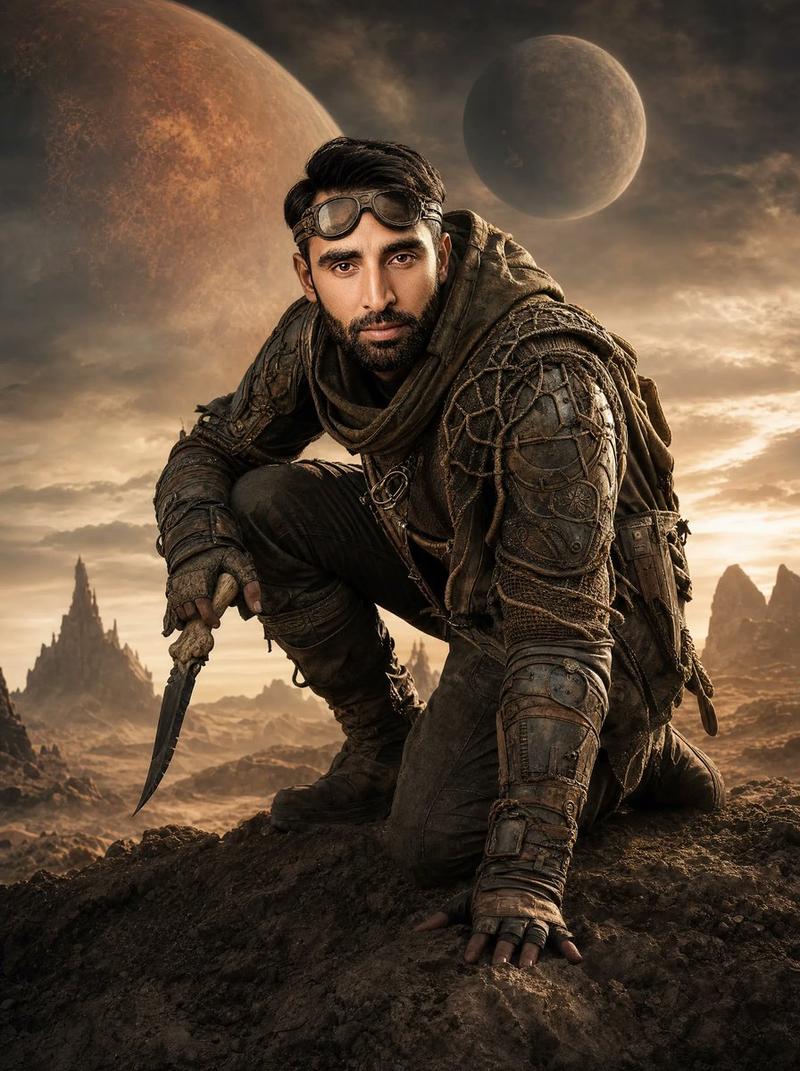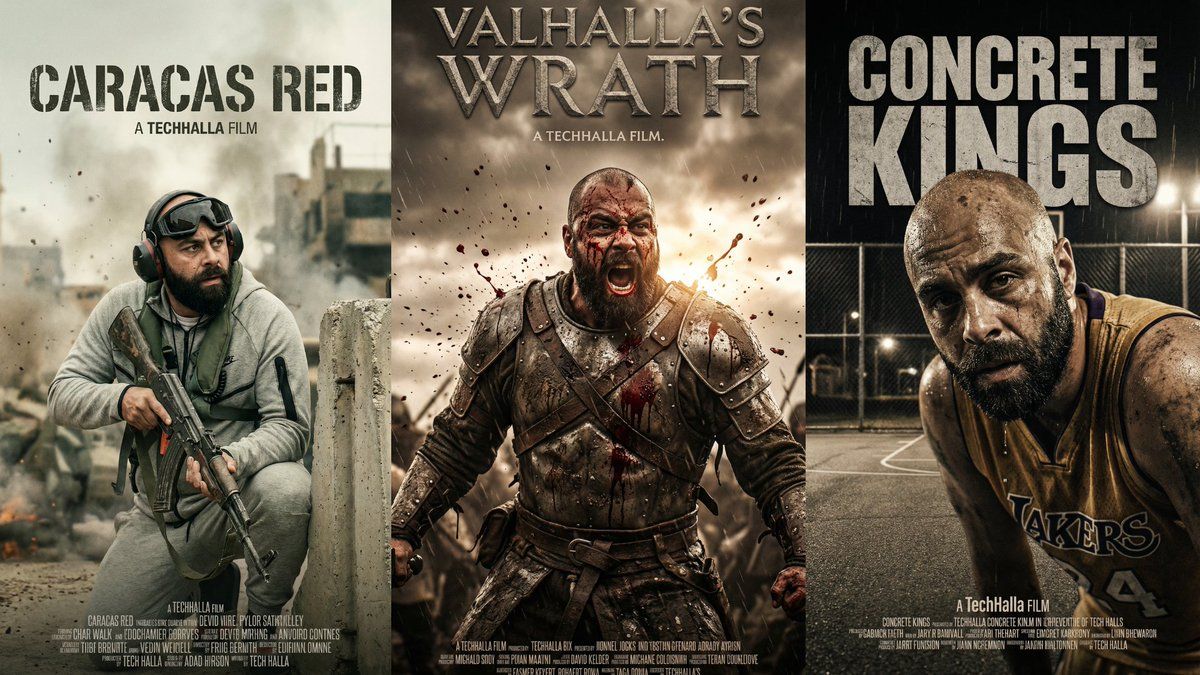
高端竖版电影海报生成指令
Prompt
DIRECTIVE:
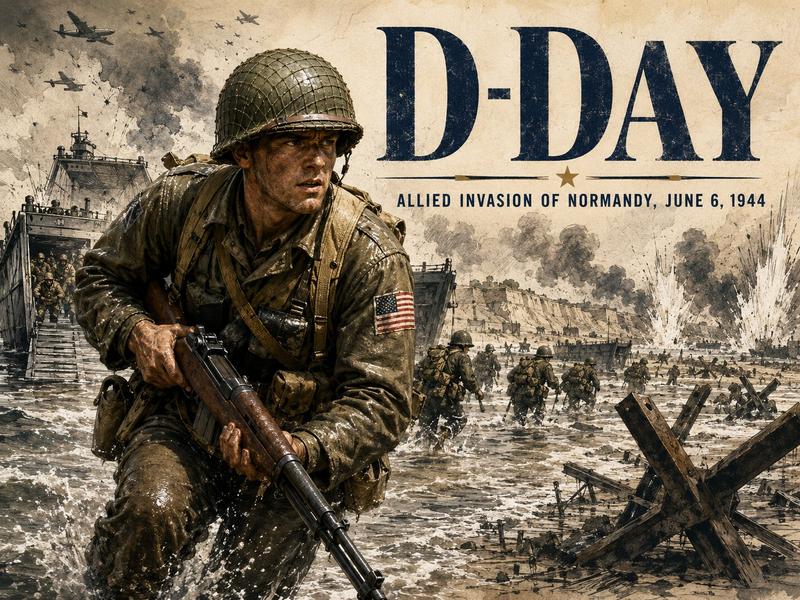
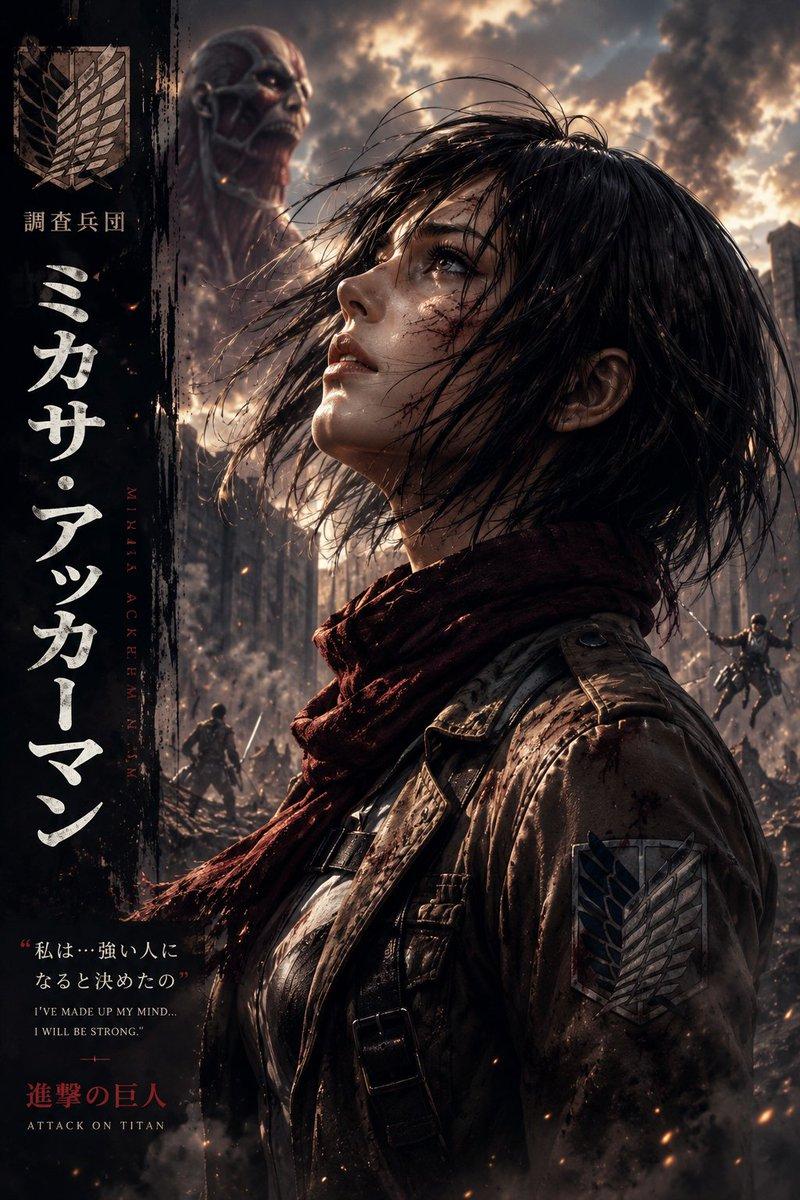
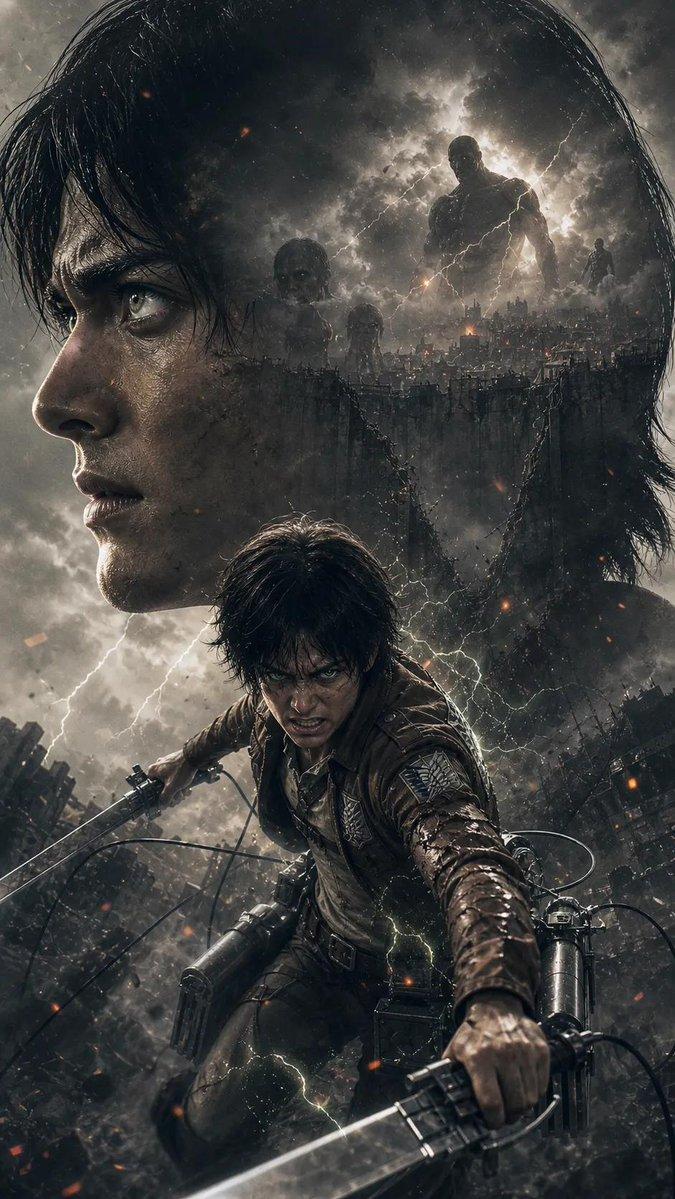
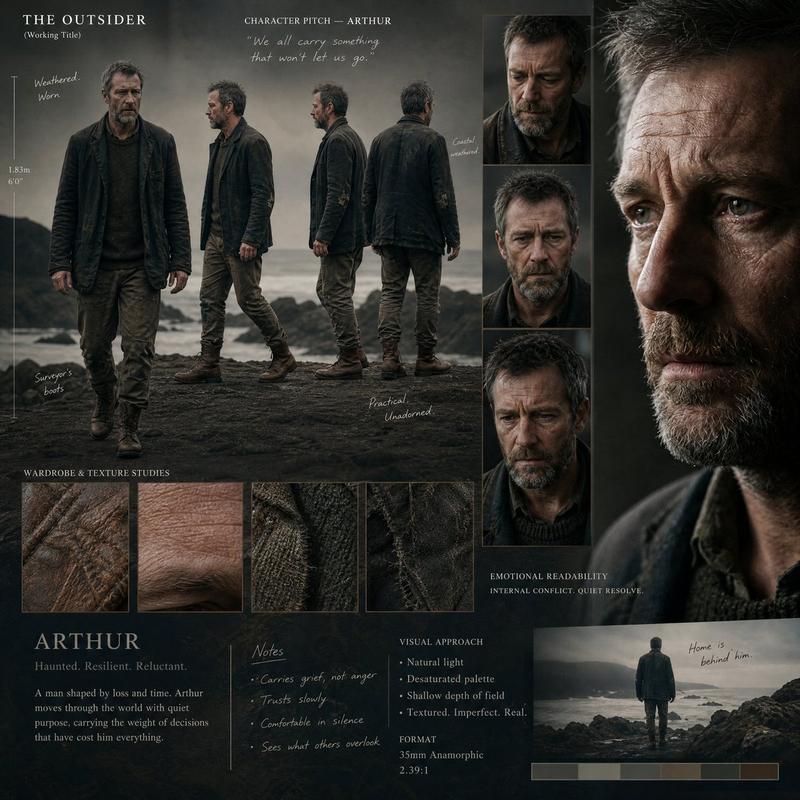
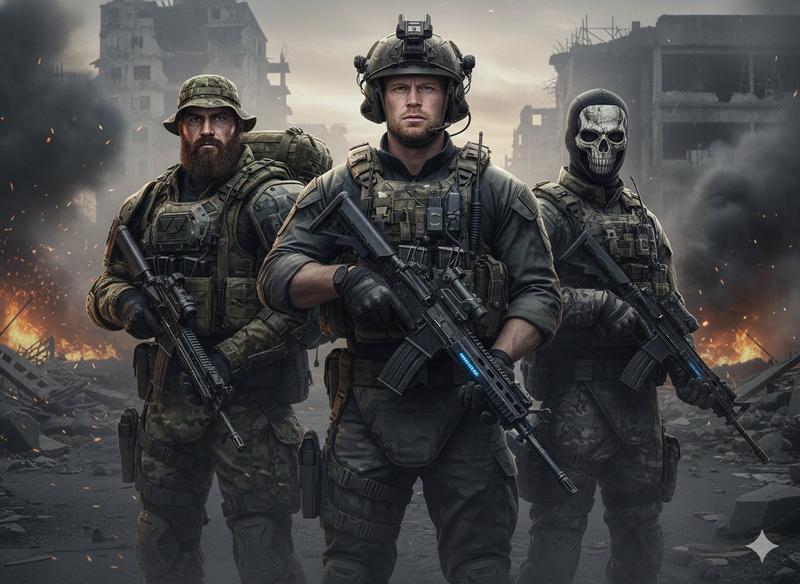
Generate a high-end, vertical format Movie Poster. Act as an expert Art Director and execute the following prompt based strictly on the defined INPUT VARIABLES and any ATTACHED IMAGES.

INPUT VARIABLES (FILL THESE OUT):
{VAR_TITLE}: [INSERT MOVIE TITLE HERE]

{VAR_CREATOR}: [INSERT CREATOR/DIRECTOR NAME HERE]

{VAR_STYLE}: [INSERT GENRE OR ART STYLE HERE]

{VAR_PALETTE}: [INSERT COLOR PALETTE HERE]

EXECUTION PLAN:

SUBJECT & REFERENCE HANDLING (CONDITIONAL LOGIC):

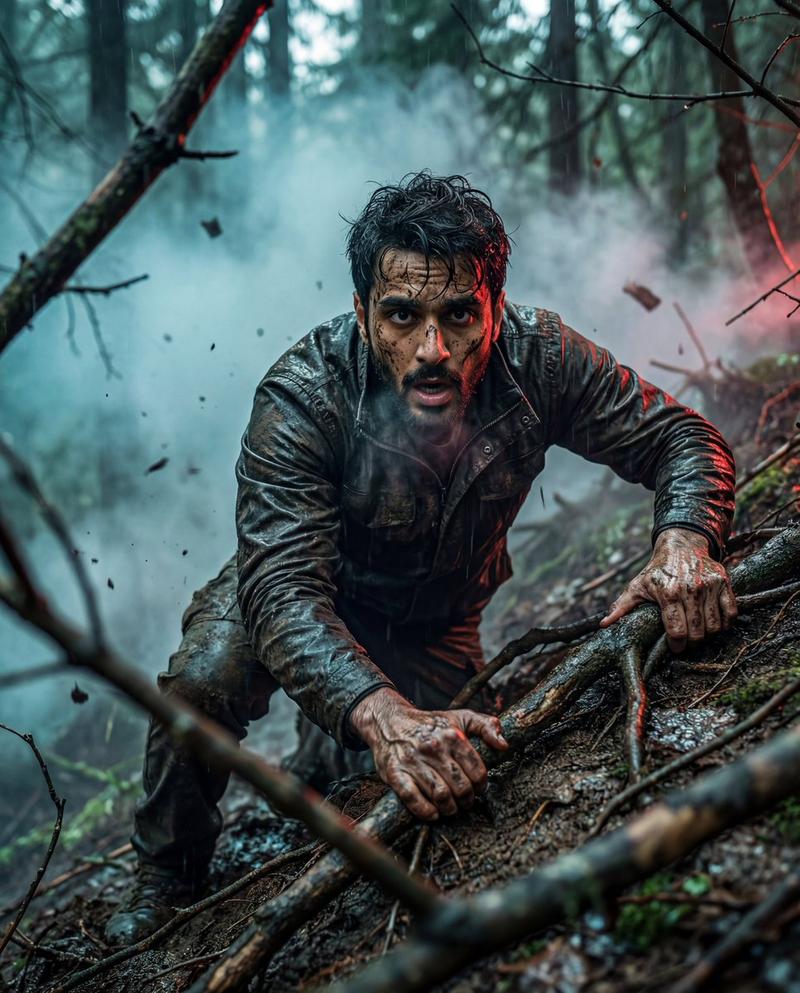
IF IMAGES ARE ATTACHED: You must use the attached images as the primary visual reference. The protagonist on the poster must STRICTLY maintain the facial features, likeness, and physical attributes of the reference images.

IF NO IMAGES ARE ATTACHED: You have full creative freedom to design an original protagonist that perfectly fits the {VAR_STYLE} and {VAR_CREATOR} aesthetic.

ARTISTIC DIRECTION:

Visual Style: Render the entire image in the specific style of {VAR_STYLE}.

Signature Look: Apply the directorial techniques associated with {VAR_CREATOR} (like signature camera angles, lighting choices, or visual composition habits).

Color Grading: The whole vibe, lighting, and shadows should be fully driven by the {VAR_PALETTE}. Go for high contrast and make sure the mood matches the color palette.

TYPOGRAPHY & LAYOUT:

Title: Display the text "{VAR_TITLE}" front and center (top or bottom placement).

Font: Pick a typeface that fits both the {VAR_STYLE} and the feel of {VAR_CREATOR}.

Poster Elements: Add a subtle billing block (credits) at the bottom to keep it realistic.

TECHNICAL SPECS:

Aspect Ratio: Vertical (9:16 or 2:3)

Resolution: 8K, ultra-detailed

Finish: Commercial print quality, sharp subject focus, cinematic depth of field- Category
- UI & Interfaces
- Model
- Nano Banana Pro
- Creator
- @techhalla
- Source ID
- 1955
- Published
- Jan 11, 2026
Views120