19

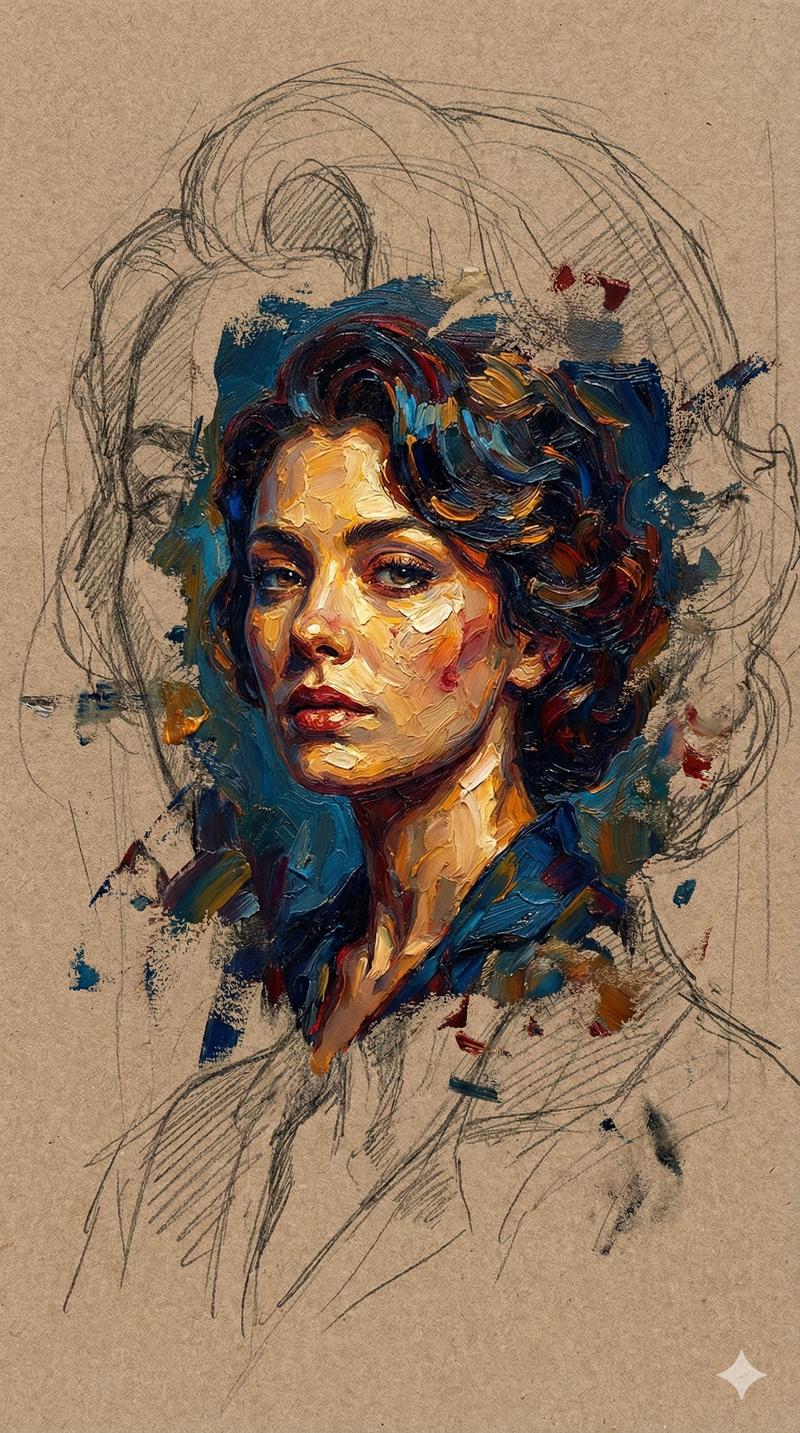
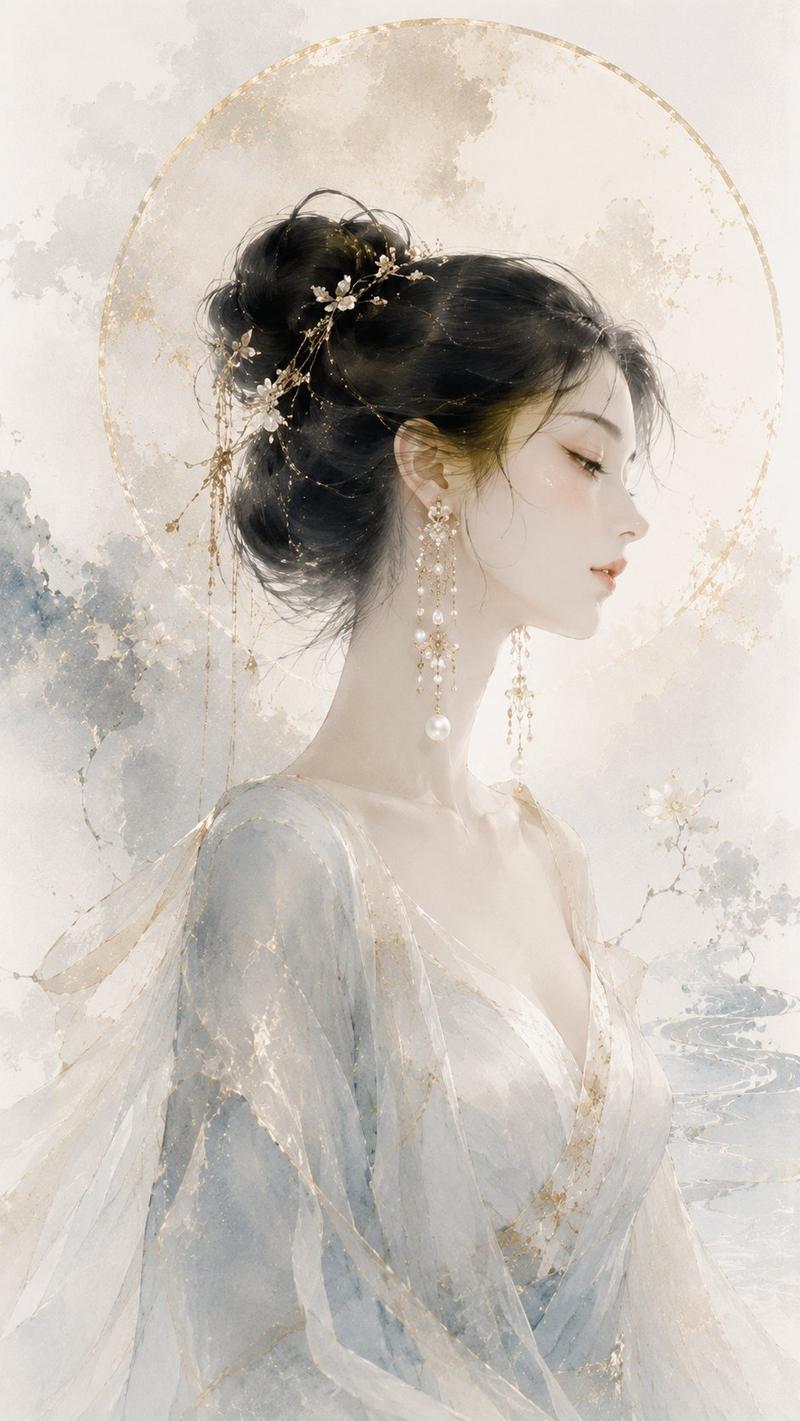
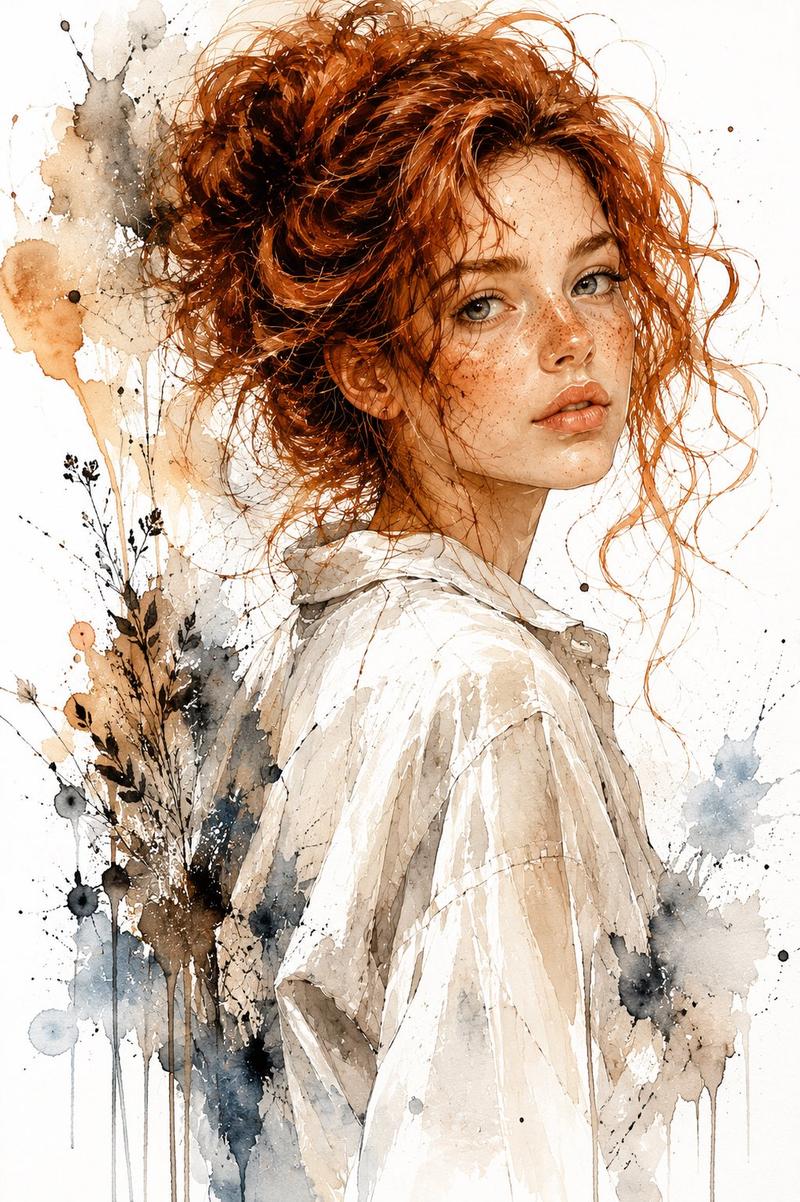
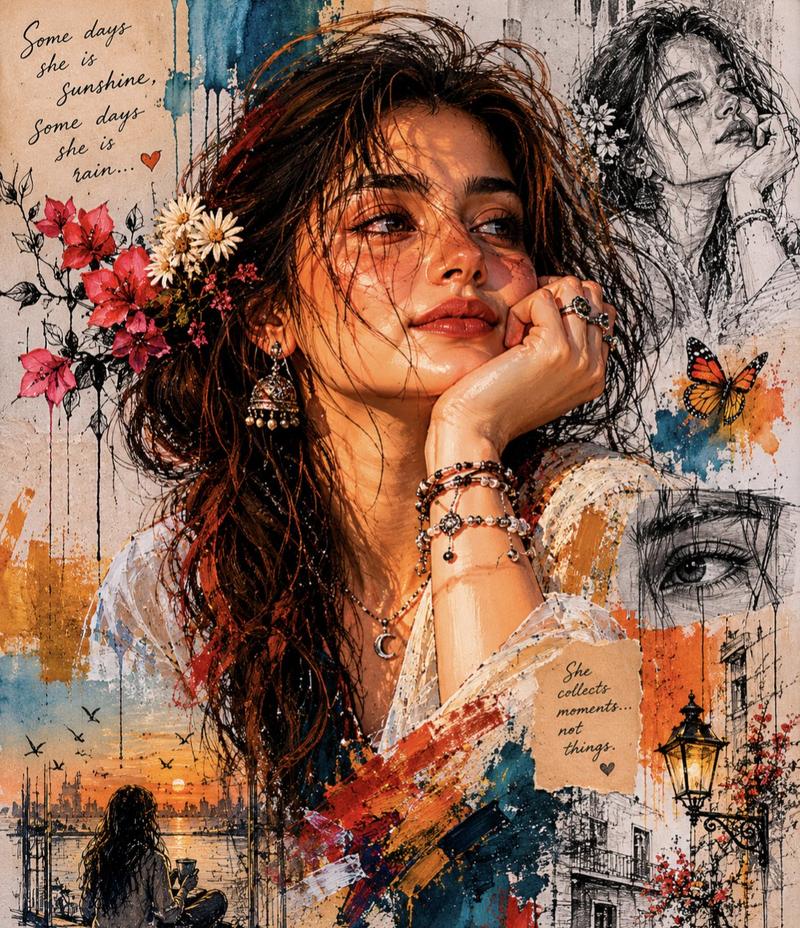
复古水粉时尚杂志封面插画
Enlarge

Example images

复古水粉时尚杂志封面插画

Prompt
Vintage gouache fashion magazine cover illustration featuring a close-up portrait of [HUMAN] with [HAIR], delicate oversized [COLOR] eyes, porcelain skin with soft blush and tiny freckles, [COLOR] lips, wearing [CLOTHING] with [ELEMENTS] tucked into the hair and neckline, set against [BACKGROUND]. Glossy sculpted hair, fine black ink accents, soft airbrushed color fields, hand-painted floral ornament, decorative calligraphic flourishes, aged paper grain, faded print texture, elegant cover composition, muted [PALETTE] palette, romantic mysterious expression. Add a fictional magazine logo reading "[LOGO]" at the top, a cover title reading "[TITLE]", a main headline reading "[HEADLINE]", two smaller side cover lines, a printed price "[PRICE]", a small issue line near the top, and a barcode at the bottom corner. Aspect ratio 4:5.
Category
Posters & Typography
Model
ChatGPT
Views3
Source ID
15562
Published
Jun 9, 2026

Guide

About "复古水粉时尚杂志封面插画"

What is this prompt for?

"复古水粉时尚杂志封面插画" AI image prompt for ChatGPT (Posters & Typography). 复古水粉时尚杂志封面插画,特写肖像,展示了拥有 [HAIR] 的 [HUMAN],精致的超大 [COLOR] 眼睛,带有柔和腮红和微小雀斑的瓷肌,[COLOR] 嘴唇,穿着 [CLOT…

The full copyable prompt and example visuals above are ready for AI image generation or one-click recreate in Picva.

How to use this prompt

  1. Step 1

    Open the prompt detail

    Review the example visuals, category, and full prompt text for "复古水粉时尚杂志封面插画".

  2. Step 2

    Copy the prompt

    Copy the prompt body from this page, or load it directly in Studio.

  3. Step 3

    Pick a model (ChatGPT)

    Prefer ChatGPT. If you switch models, keep subject and composition and tweak style terms.

  4. Step 4

    Generate and export

    Recreate the look in Picva, or export into your workflow for editing and publishing.

FAQ

What is the "复古水粉时尚杂志封面插画" prompt?
It is an AI image-generation prompt for ChatGPT in the Posters & Typography category. This page includes the full prompt text, example visuals, and a one-click recreate path in Picva.
How do I use this prompt to generate an image?
Copy the prompt from this page, or use Generate / Studio. Paste it into a compatible image model, or recreate the look in Picva with optional reference images.
Which model is this prompt for?
This page lists ChatGPT. Most descriptive prompts also transfer to nearby image models such as GPT Image, Flux, or Midjourney with light style tweaks.
Can I use the result commercially?
You can usually copy the prompt for creation, but commercial use of the final image depends on the model terms, reference-image rights, and the generated content. Follow the source author and platform rules.