18

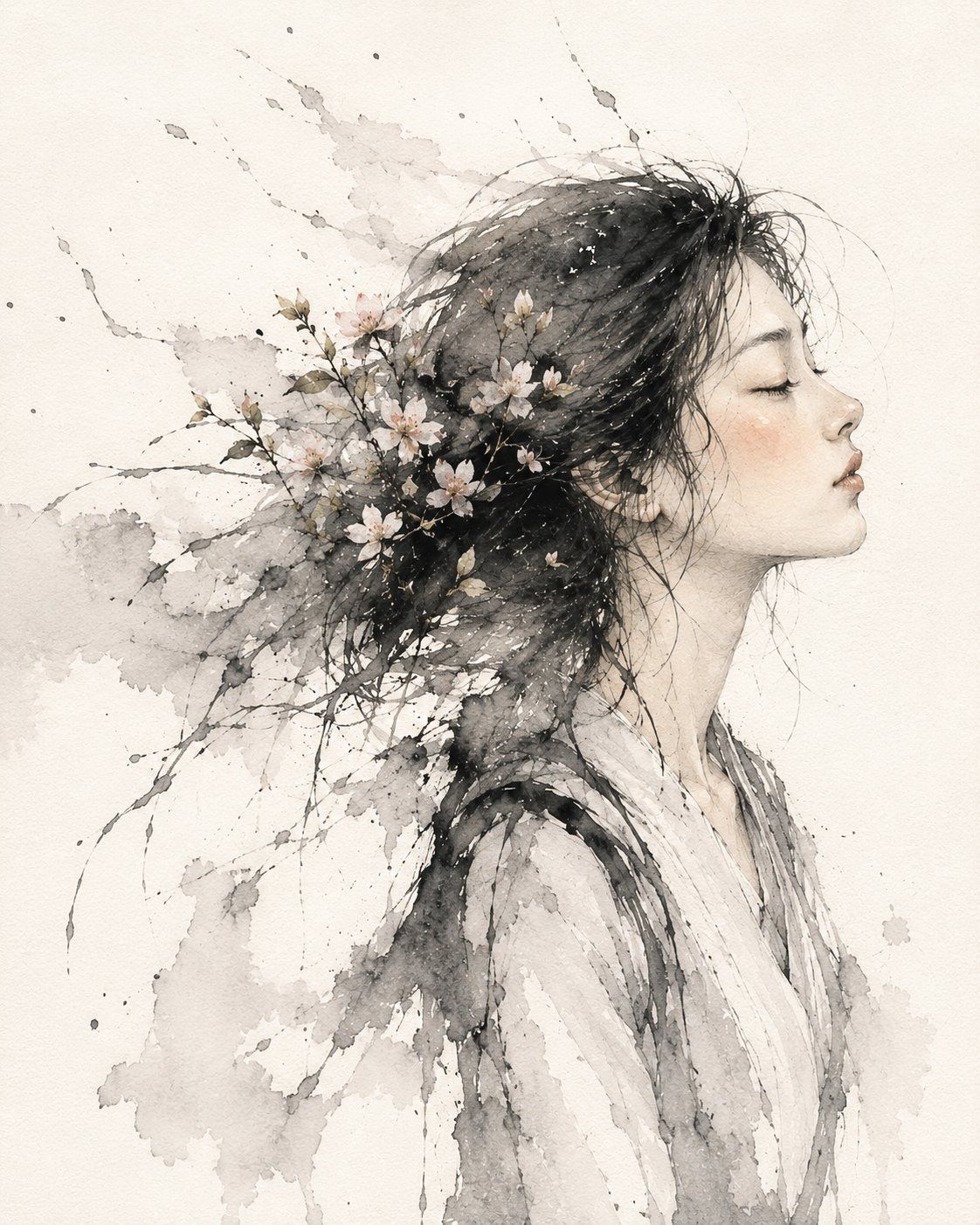
水墨樱花肖像
Enlarge

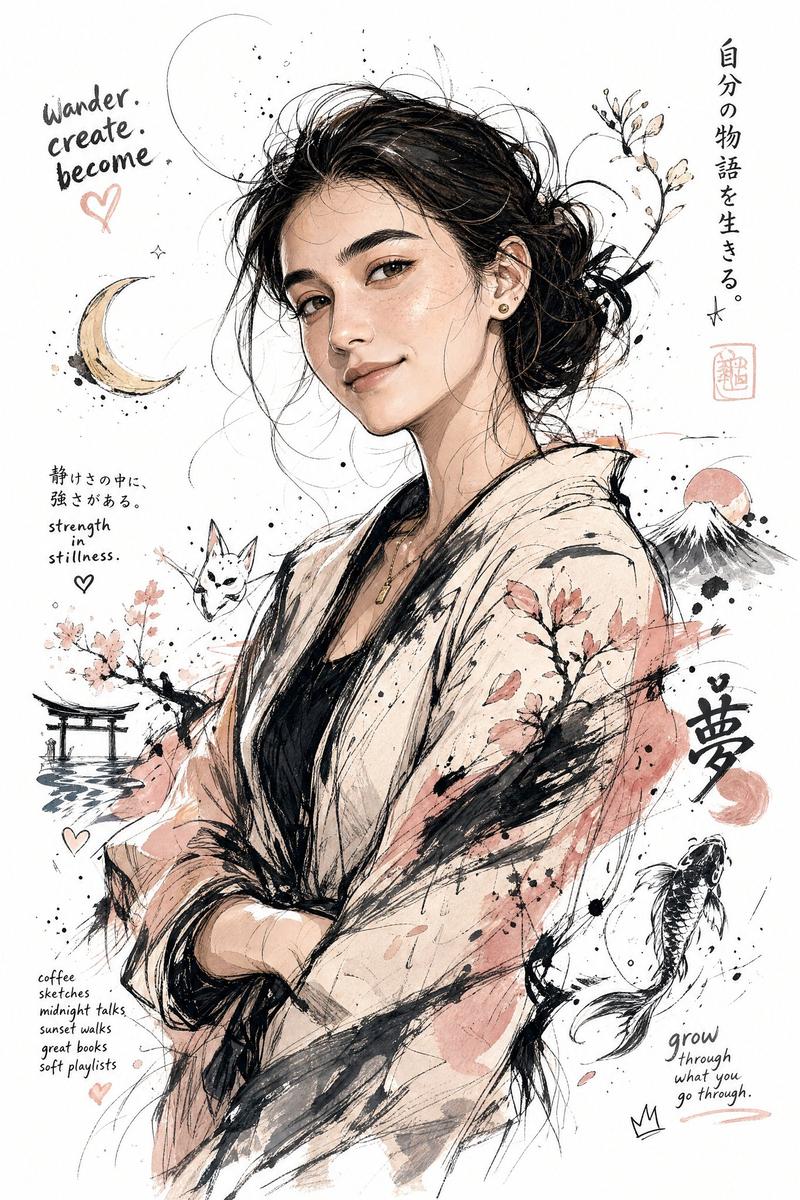
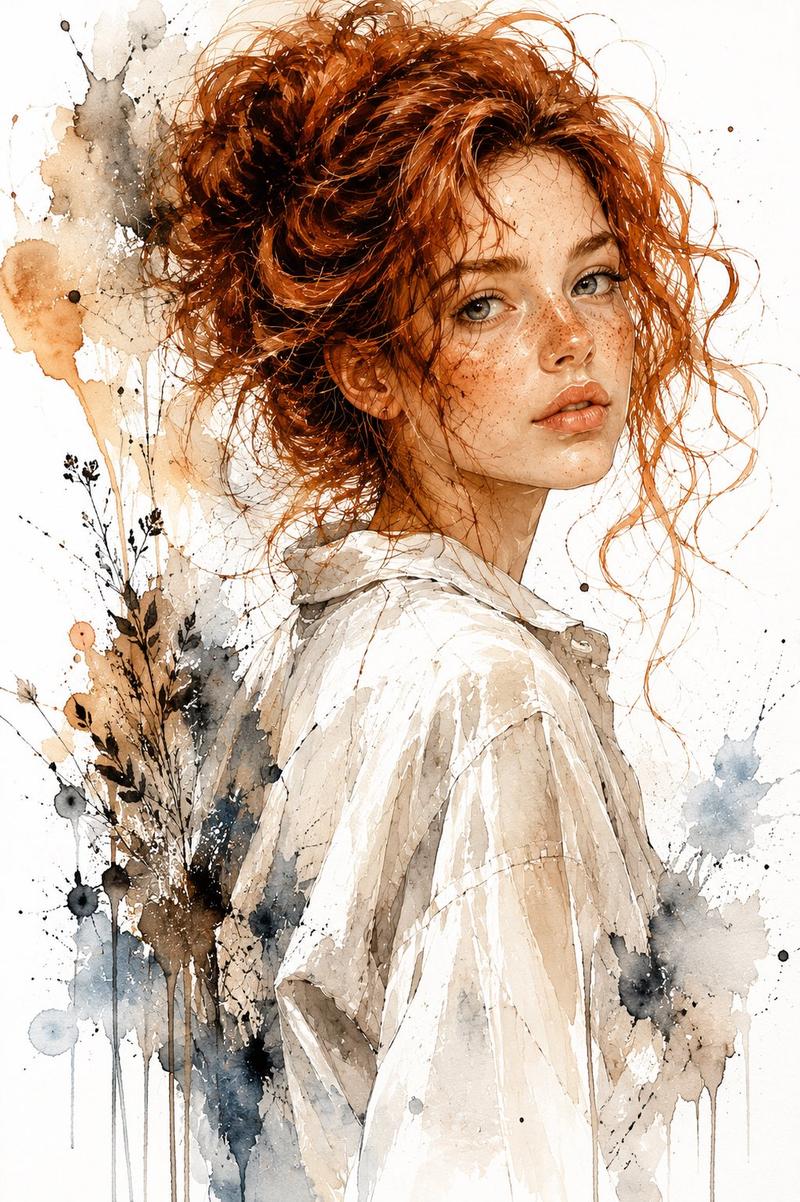
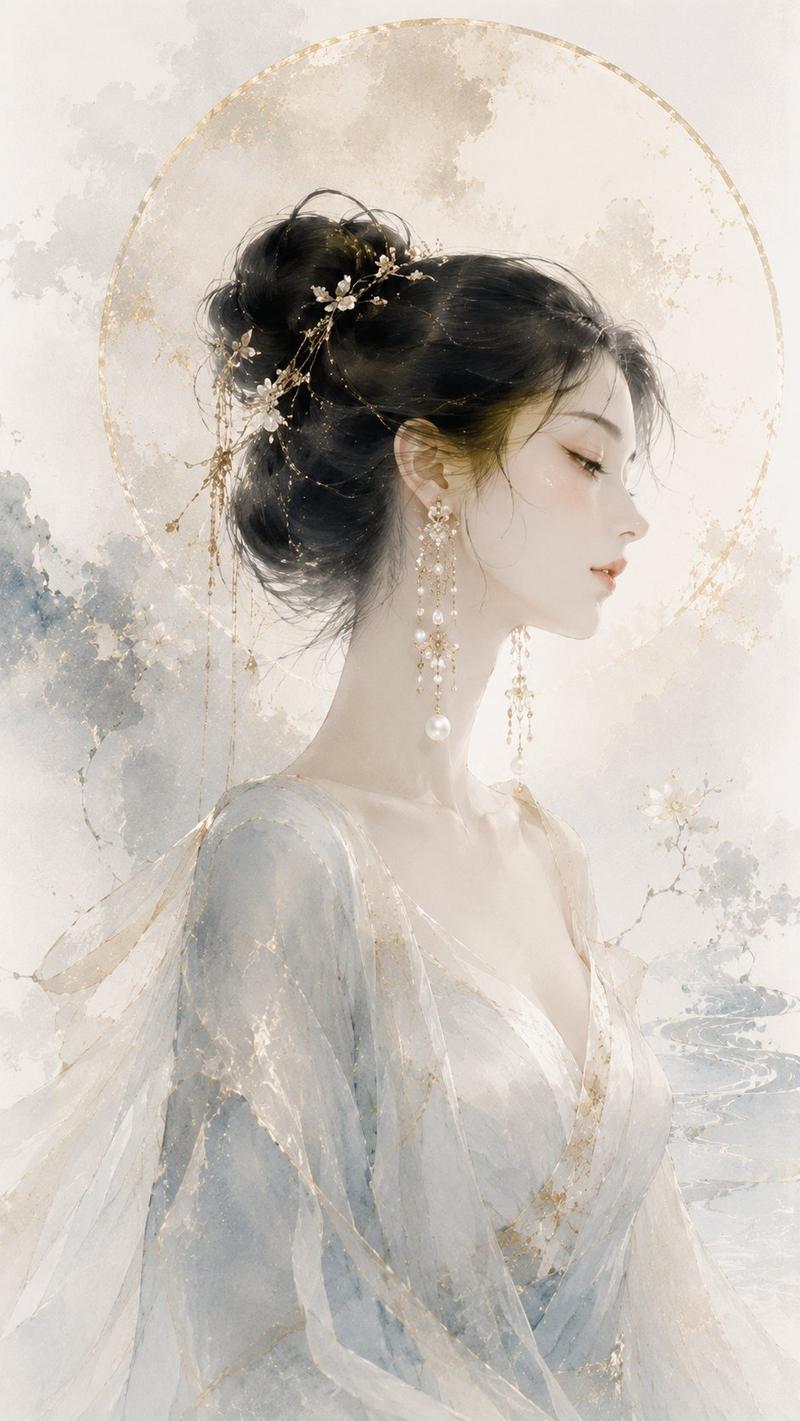
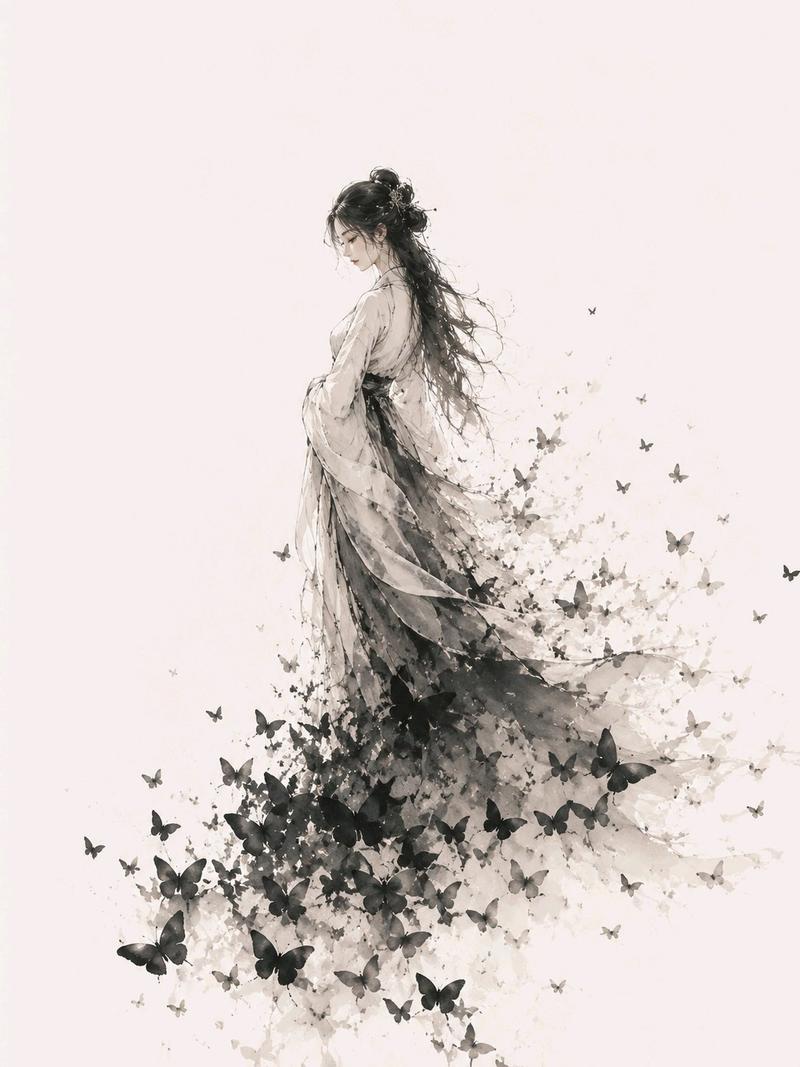
Example images

水墨樱花肖像

Prompt
Create a delicate ink wash and watercolor portrait of {argument name="subject" default="a young East Asian woman"} in right-facing side profile, eyes closed, serene and introspective. She has {argument name="hair color" default="black"} hair swept dramatically backward to the left, merging into loose watery ink splashes, fine stray strands, and branching brush lines. Embed exactly one cluster of pale cherry blossom branches through the back of her hair, with small white and blush-pink flowers, buds, and muted olive-gray leaves. She wears a loose, translucent {argument name="garment" default="white kimono-like robe"} with soft gray ink shadows and minimal detail. Use an off-white textured paper background with visible watercolor grain. The composition is vertical, centered slightly to the right, leaving negative space around the head and ink bloom. Style: traditional Asian sumi-e / ink wash mixed with modern watercolor portraiture, monochrome grays with subtle peach skin tones and blush accents, splattered ink droplets, feathered wet-on-wet edges, fine pencil-like facial contour lines, elegant, airy, poetic. No text, no border, no watermark, no photorealistic background.
Category
Architecture & Spaces
Model
GPT Image 2
Views0
Source ID
27840
Published
Jul 6, 2026

Guide

About "水墨樱花肖像"

What is this prompt for?

"水墨樱花肖像" AI image prompt for GPT Image 2 (Architecture & Spaces). 生成一幅宁静的水墨晕染侧脸肖像,融合花卉与写意墨迹,非常适合诗意 AI 艺术创作或墙面装饰画概念。 Copy it on Picva and recreate the look in o…

The full copyable prompt and example visuals above are ready for AI image generation or one-click recreate in Picva.

How to use this prompt

  1. Step 1

    Open the prompt detail

    Review the example visuals, category, and full prompt text for "水墨樱花肖像".

  2. Step 2

    Copy the prompt

    Copy the prompt body from this page, or load it directly in Studio.

  3. Step 3

    Pick a model (GPT Image 2)

    Prefer GPT Image 2. If you switch models, keep subject and composition and tweak style terms.

  4. Step 4

    Generate and export

    Recreate the look in Picva, or export into your workflow for editing and publishing.

FAQ

What is the "水墨樱花肖像" prompt?
It is an AI image-generation prompt for GPT Image 2 in the Architecture & Spaces category. This page includes the full prompt text, example visuals, and a one-click recreate path in Picva.
How do I use this prompt to generate an image?
Copy the prompt from this page, or use Generate / Studio. Paste it into a compatible image model, or recreate the look in Picva with optional reference images.
Which model is this prompt for?
This page lists GPT Image 2. Most descriptive prompts also transfer to nearby image models such as GPT Image, Flux, or Midjourney with light style tweaks.
Can I use the result commercially?
You can usually copy the prompt for creation, but commercial use of the final image depends on the model terms, reference-image rights, and the generated content. Follow the source author and platform rules.