19

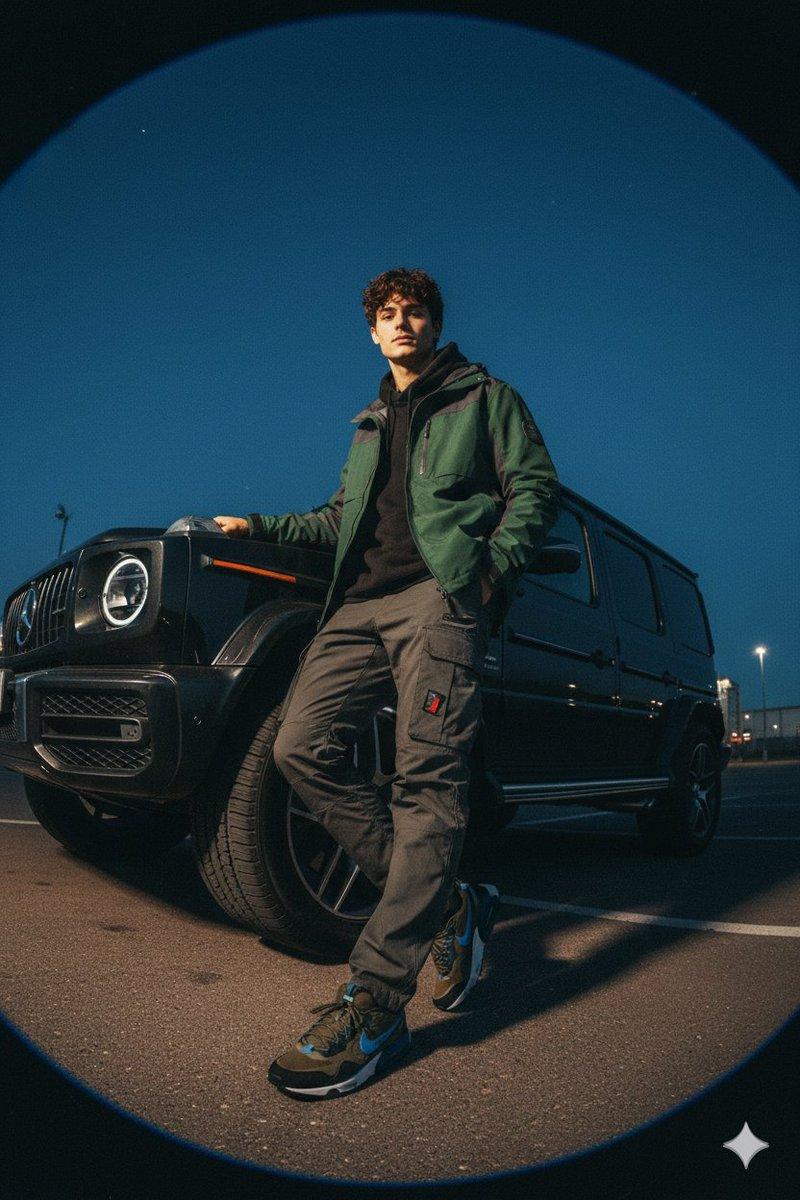
广角畸变下的山系潮男与奔驰G级
Enlarge

广角畸变下的山系潮男与奔驰G级

Prompt
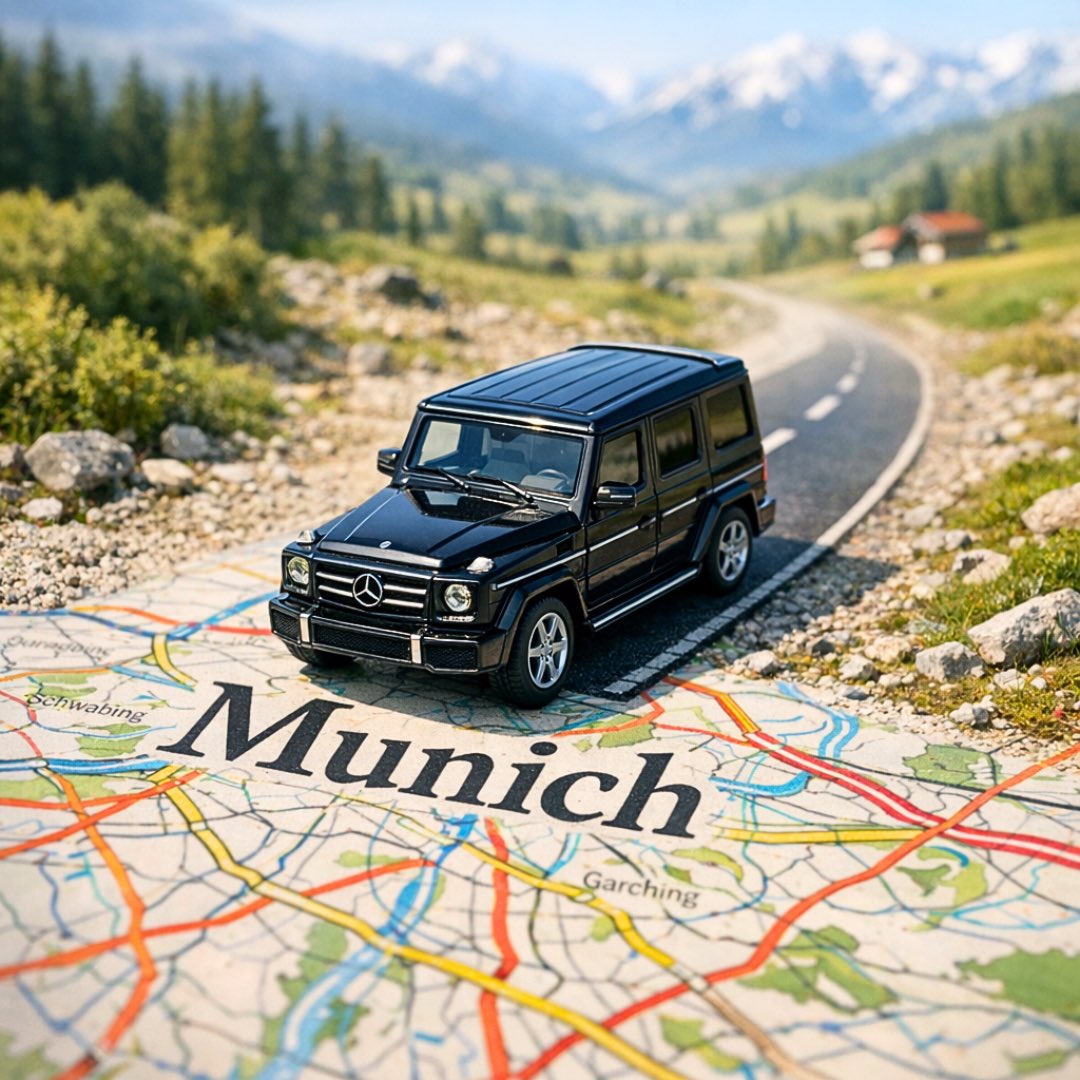
Low Angle Shot Blur, Fashion Campaign Image For A High-end Streetwear Brand, Male In Their 20s Sat Next To A Mercedes G Wagon Car. He Is Wearing Gorpcore Styled Clothing, Nike Air Max Trainers. Shot With An Ultra-wide Lens Creating Strong Barrel Distortion And Curved Perspective, Exaggerating The Edges Of The Frame With Dramatic Bending And Warped Lines. Harsh Handheld Flash Casts Raw Shadows And Emphasizes Texture. Background Fades Into Deep Blue Twilight With Scattered Field Lighting. The Entire Scene Feels Candid And Cinematic Grainy Film Texture, Slight Motion Blur, Imperfect Lighting, Warm Analog Tone Shifts. Inspired By Experimental Gorpcore Fashion. Shot On Kodak Portra 800, Handheld, F/2.0
Category
Posters & Typography
Model
Nano Banana Pro
Creator
@harboriis
Views30
Source ID
11864
Published
Apr 23, 2026

Guide

About "广角畸变下的山系潮男与奔驰G级"

What is this prompt for?

"广角畸变下的山系潮男与奔驰G级" AI image prompt for Nano Banana Pro (Posters & Typography). 低角度模糊拍摄,高端街头服饰品牌的时尚宣传图片,一名 20 多岁的男性坐在梅赛德斯 G 级越野车旁。他身穿 Gorpcore 风格服装,脚踩 Nike Air M…

The full copyable prompt and example visuals above are ready for AI image generation or one-click recreate in Picva.

How to use this prompt

  1. Step 1

    Open the prompt detail

    Review the example visuals, category, and full prompt text for "广角畸变下的山系潮男与奔驰G级".

  2. Step 2

    Copy the prompt

    Copy the prompt body from this page, or load it directly in Studio.

  3. Step 3

    Pick a model (Nano Banana Pro)

    Prefer Nano Banana Pro. If you switch models, keep subject and composition and tweak style terms.

  4. Step 4

    Generate and export

    Recreate the look in Picva, or export into your workflow for editing and publishing.

FAQ

What is the "广角畸变下的山系潮男与奔驰G级" prompt?
It is an AI image-generation prompt for Nano Banana Pro in the Posters & Typography category. This page includes the full prompt text, example visuals, and a one-click recreate path in Picva.
How do I use this prompt to generate an image?
Copy the prompt from this page, or use Generate / Studio. Paste it into a compatible image model, or recreate the look in Picva with optional reference images.
Which model is this prompt for?
This page lists Nano Banana Pro. Most descriptive prompts also transfer to nearby image models such as GPT Image, Flux, or Midjourney with light style tweaks.
Can I use the result commercially?
You can usually copy the prompt for creation, but commercial use of the final image depends on the model terms, reference-image rights, and the generated content. Follow the source author and platform rules.