20

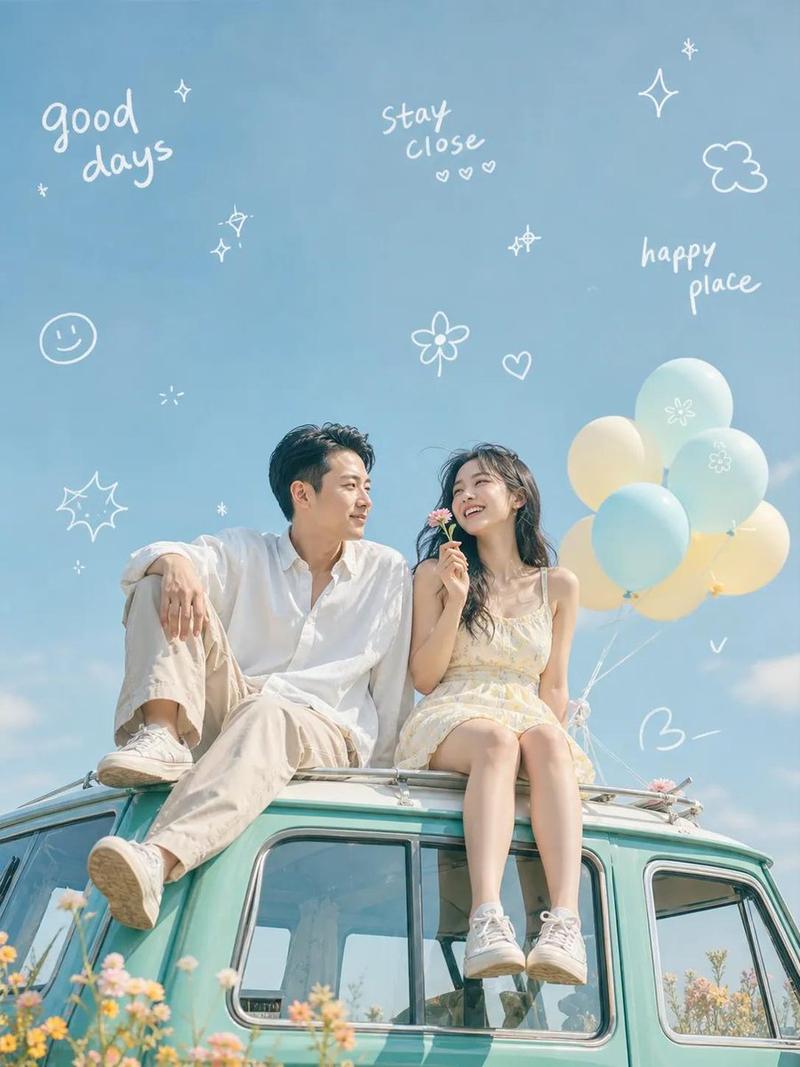
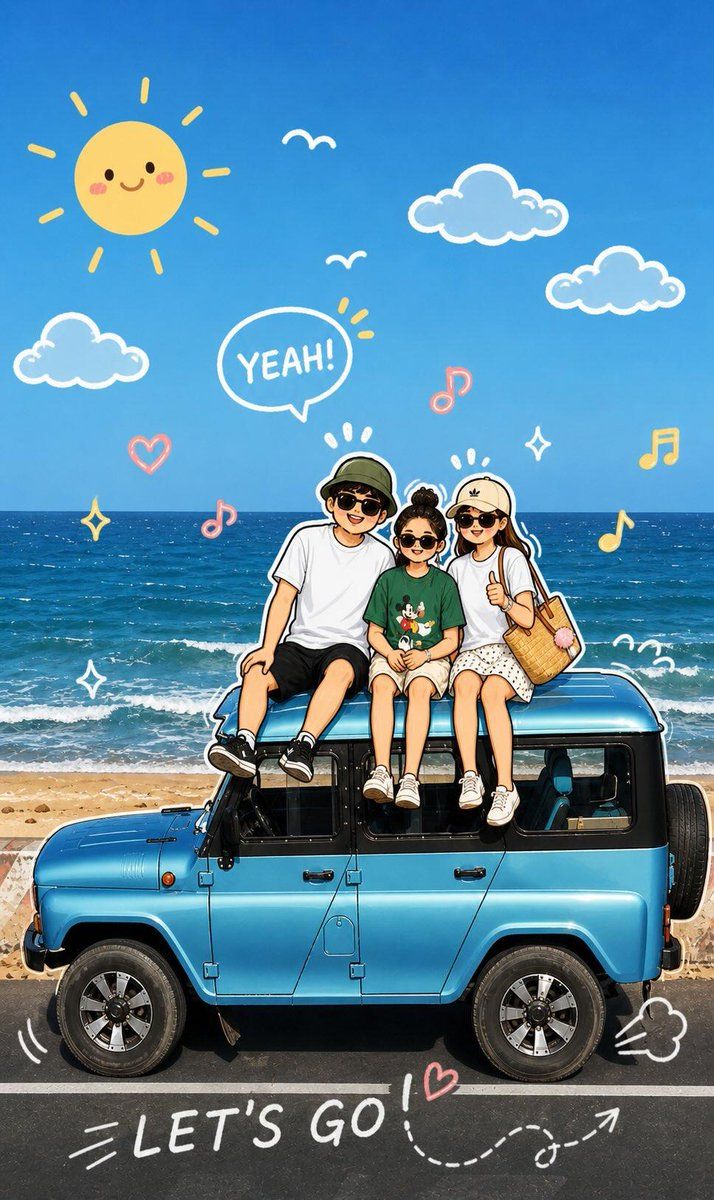
趣味卡通素描转换
Enlarge

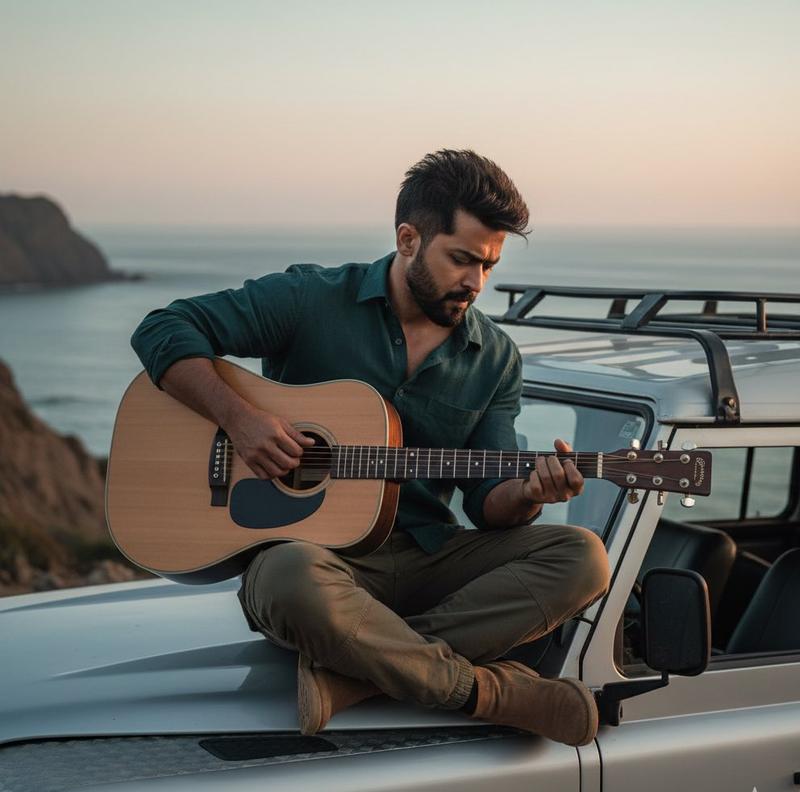
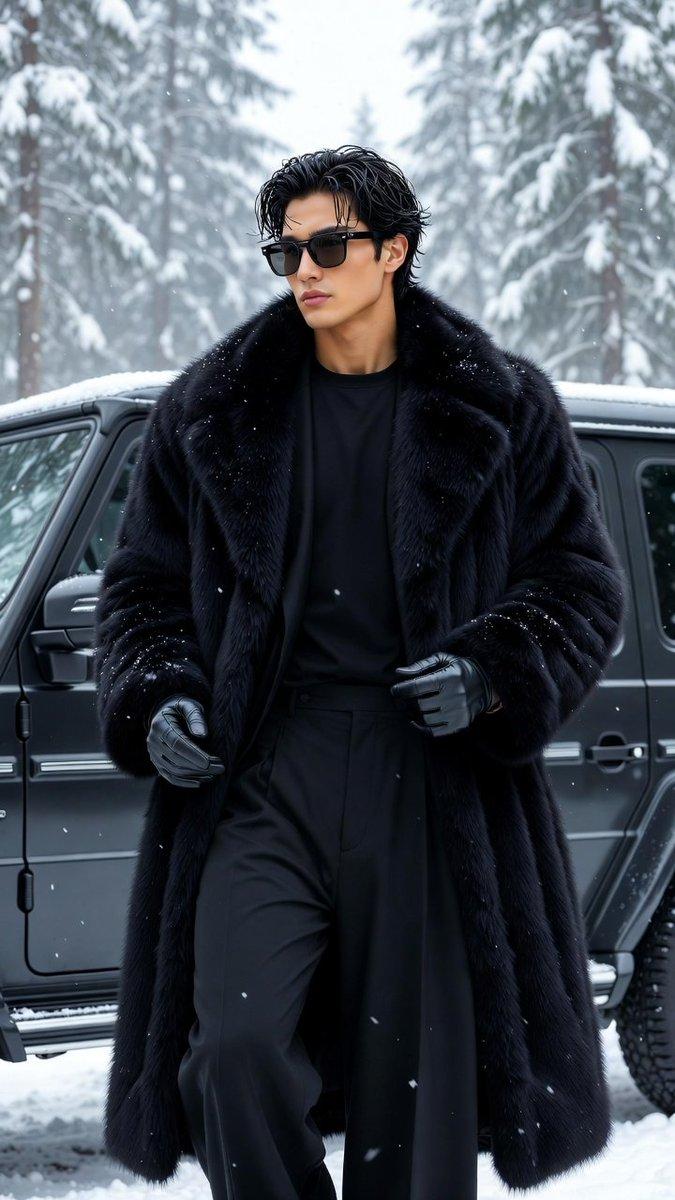
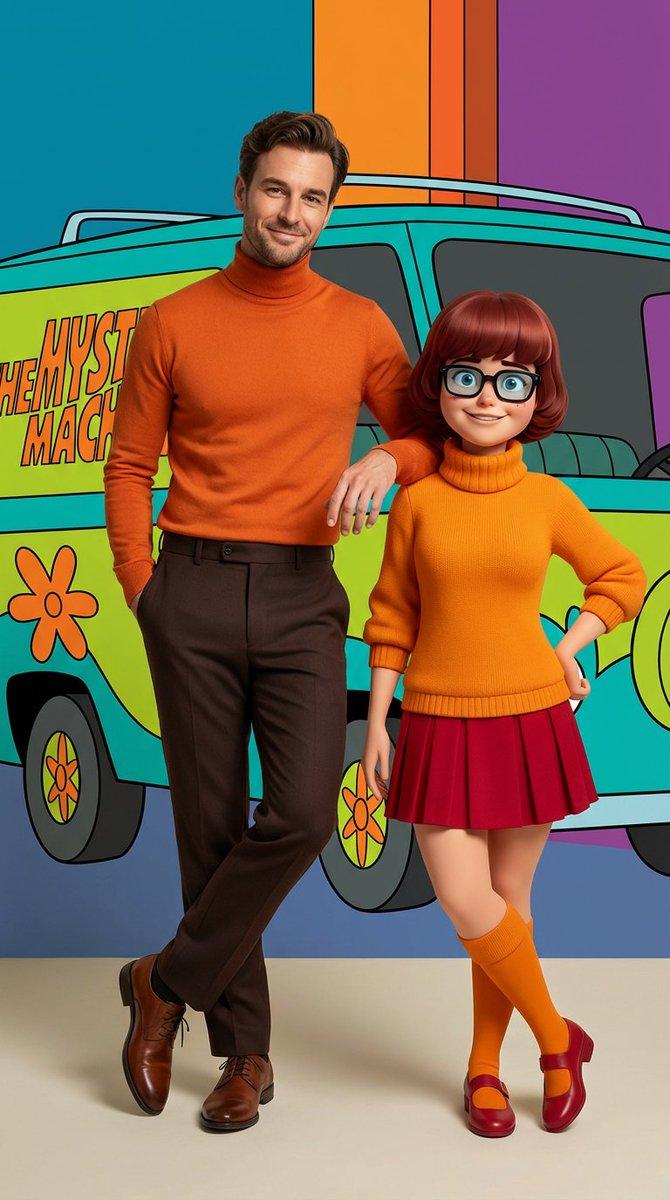
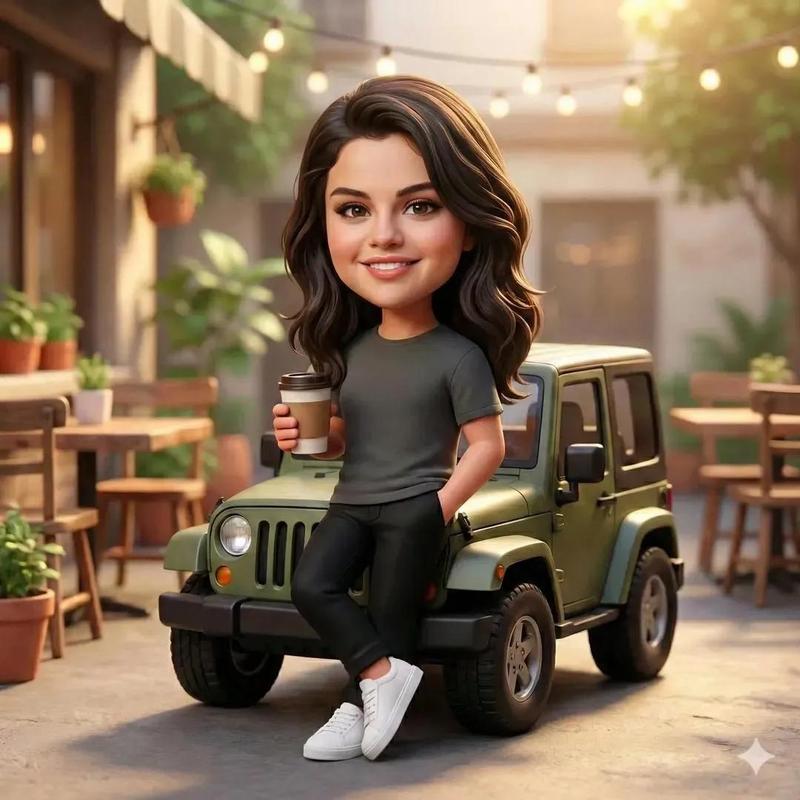
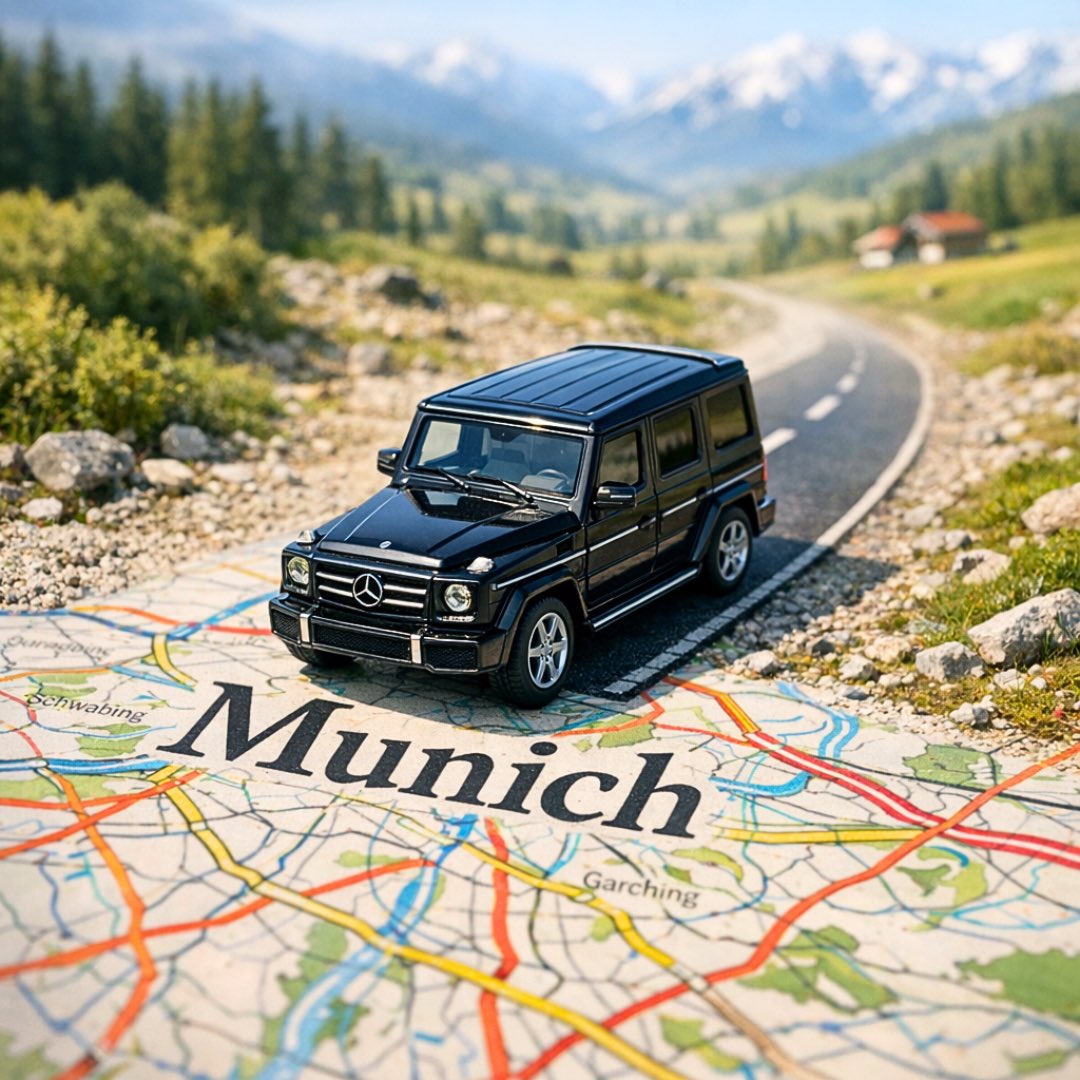
Example images

趣味卡通素描转换

Prompt
قم بتحليل الصورة المرفوعة والحفاظ على الموضوع الأصلي، والتركيب، والإضاءة. لا تقم بتغيير هوية أو هيكل الوجه للشخصية الرئيسية. أضف عناصر رسومات يدوية مرحة تتفاعل مباشرة مع الموضوع في الصورة. يجب أن تقلد الرسومات، أو تتبع، أو تبالغ في الأشكال أو الإيماءات أو الحركات الموجودة — مثل رسم الخطوط حول الوضعية، أو تمديد الذراعين أو الساقين، أو إضافة خطوط حركة، أو إنشاء عناصر خيالية ت"تفاعل" مع الموضوع.

الخطوة 2:
حول الصورة بأكملها إلى رسم توضيحي كرتوني لطيف بأسلوب كرتوني ناعم وحيوي ومرح. حافظ على المشهد الأصلي وتفاصيل الشخصية مع تطبيق مظهر كرتوني نابض بالحياة ولطيف ومرح.
Category
Photography & Realism
Model
GPT Image 2
Views3
Source ID
18775
Published
May 7, 2026

Guide

About "趣味卡通素描转换"

What is this prompt for?

"趣味卡通素描转换" AI image prompt for GPT Image 2 (Photography & Realism). 一个两步提示词,用于将上传的照片转换为带有手绘图形元素的生动卡通插画。 Copy it on Picva and recreate the look in one click.

The full copyable prompt and example visuals above are ready for AI image generation or one-click recreate in Picva.

How to use this prompt

  1. Step 1

    Open the prompt detail

    Review the example visuals, category, and full prompt text for "趣味卡通素描转换".

  2. Step 2

    Copy the prompt

    Copy the prompt body from this page, or load it directly in Studio.

  3. Step 3

    Pick a model (GPT Image 2)

    Prefer GPT Image 2. If you switch models, keep subject and composition and tweak style terms.

  4. Step 4

    Generate and export

    Recreate the look in Picva, or export into your workflow for editing and publishing.

FAQ

What is the "趣味卡通素描转换" prompt?
It is an AI image-generation prompt for GPT Image 2 in the Photography & Realism category. This page includes the full prompt text, example visuals, and a one-click recreate path in Picva.
How do I use this prompt to generate an image?
Copy the prompt from this page, or use Generate / Studio. Paste it into a compatible image model, or recreate the look in Picva with optional reference images.
Which model is this prompt for?
This page lists GPT Image 2. Most descriptive prompts also transfer to nearby image models such as GPT Image, Flux, or Midjourney with light style tweaks.
Can I use the result commercially?
You can usually copy the prompt for creation, but commercial use of the final image depends on the model terms, reference-image rights, and the generated content. Follow the source author and platform rules.