16

木制凉亭从草图到实景的蜕变
Enlarge

木制凉亭从草图到实景的蜕变

Prompt
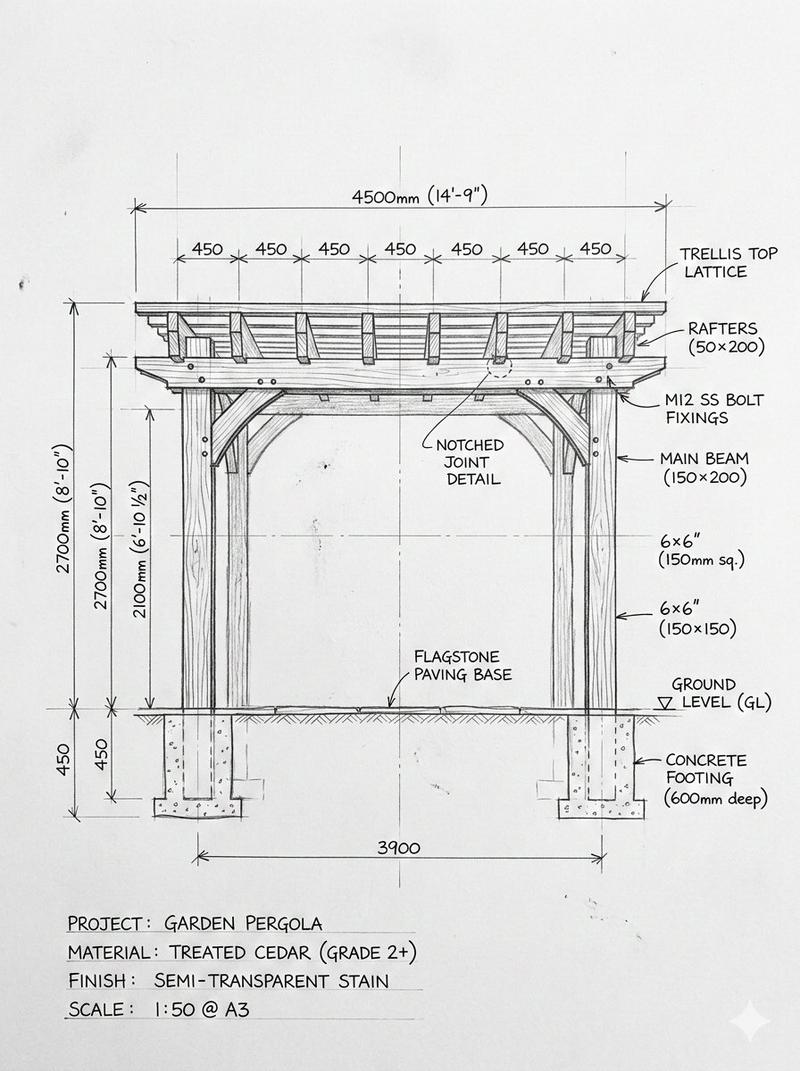
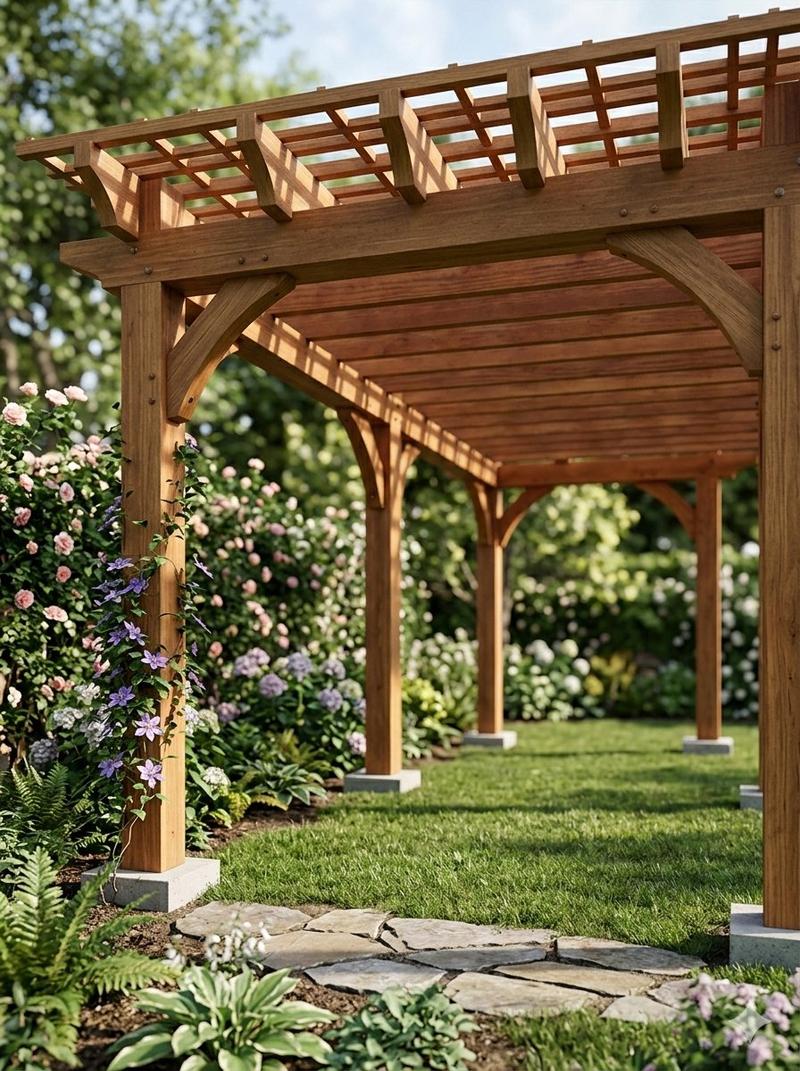
Pergola Blueprint Prompt: Hand-drawn architectural pencil sketch of a wooden garden pergola on white paper. Front and slight side elevation view with clear proportions. Construction lines, dimensions and handwritten notes visible. Wooden posts and cross beams precisely drafted. Professional but hand-sketched technical style. Clean white background. Finished Pergola: Fully built wooden pergola in a real garden, matching the exact structure and proportions from the sketch. Viewed from a low front corner perspective at eye level, showing depth and the full beam structure instead of a flat elevation. Natural wood texture with realistic joints and connections. Installed on grass with surrounding plants. Soft daylight with grounded shadows. Photorealistic architectural visualization.
Category
Charts & Infographics
Model
Nano Banana Pro
Views73
Source ID
13009
Published
Apr 8, 2026

Guide

About "木制凉亭从草图到实景的蜕变"

What is this prompt for?

"木制凉亭从草图到实景的蜕变" AI image prompt for Nano Banana Pro (Charts & Infographics). 凉亭蓝图提示词:在白纸上用铅笔手绘木制花园凉亭的建筑草图。正面和略侧立面图,比例清晰。 可见施工线、尺寸和手写注释。木柱和横梁精确绘制。专业但手绘的技术风格。干净的…

The full copyable prompt and example visuals above are ready for AI image generation or one-click recreate in Picva.

How to use this prompt

  1. Step 1

    Open the prompt detail

    Review the example visuals, category, and full prompt text for "木制凉亭从草图到实景的蜕变".

  2. Step 2

    Copy the prompt

    Copy the prompt body from this page, or load it directly in Studio.

  3. Step 3

    Pick a model (Nano Banana Pro)

    Prefer Nano Banana Pro. If you switch models, keep subject and composition and tweak style terms.

  4. Step 4

    Generate and export

    Recreate the look in Picva, or export into your workflow for editing and publishing.

FAQ

What is the "木制凉亭从草图到实景的蜕变" prompt?
It is an AI image-generation prompt for Nano Banana Pro in the Charts & Infographics category. This page includes the full prompt text, example visuals, and a one-click recreate path in Picva.
How do I use this prompt to generate an image?
Copy the prompt from this page, or use Generate / Studio. Paste it into a compatible image model, or recreate the look in Picva with optional reference images.
Which model is this prompt for?
This page lists Nano Banana Pro. Most descriptive prompts also transfer to nearby image models such as GPT Image, Flux, or Midjourney with light style tweaks.
Can I use the result commercially?
You can usually copy the prompt for creation, but commercial use of the final image depends on the model terms, reference-image rights, and the generated content. Follow the source author and platform rules.