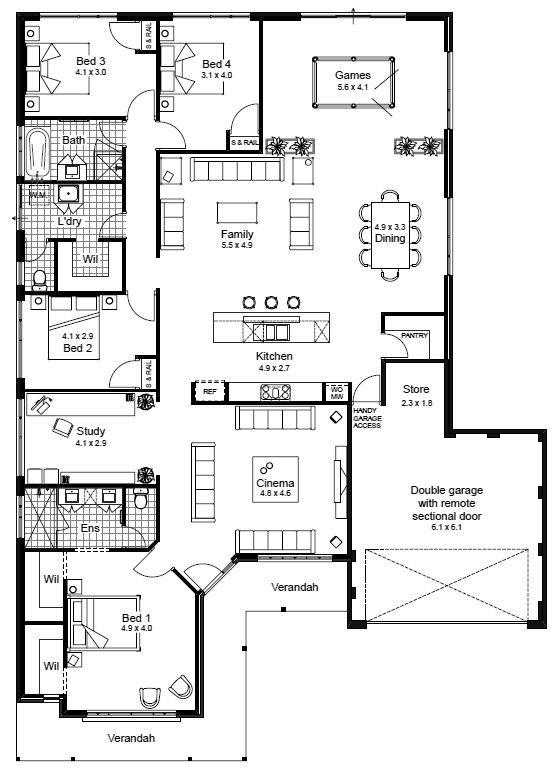
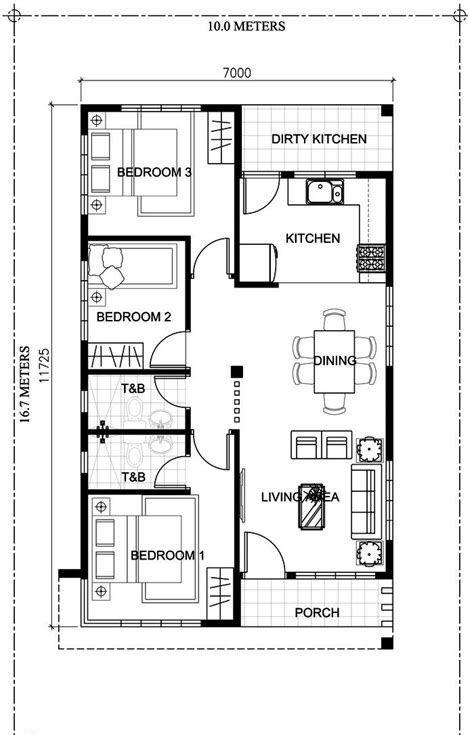
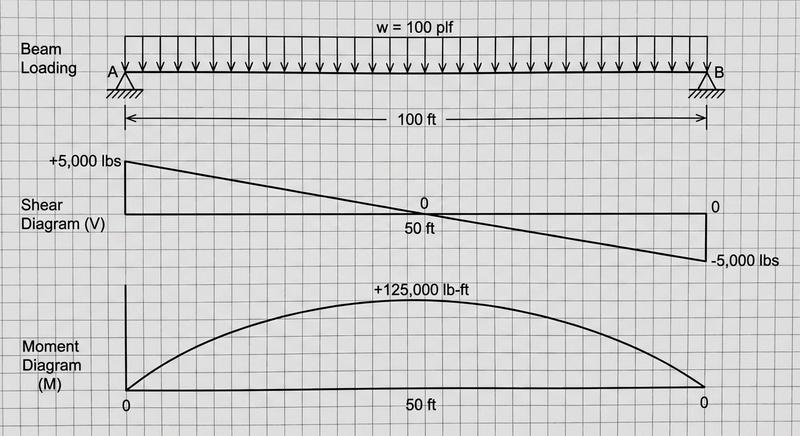
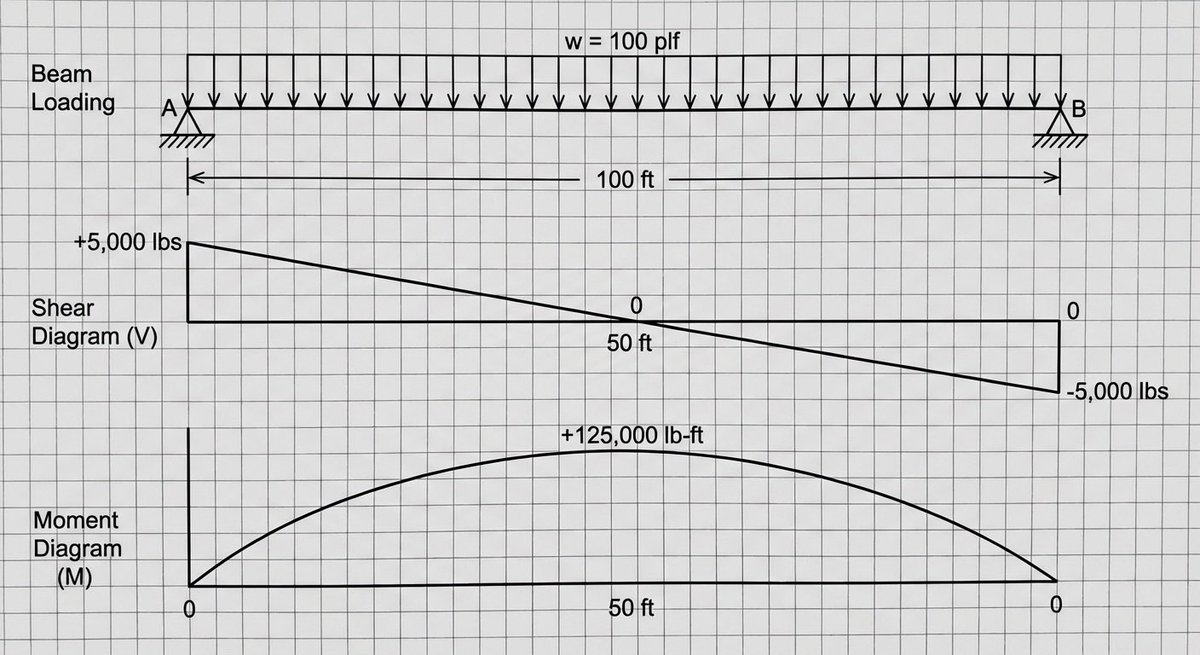
建筑标识施工图
Prompt
{
  "type": "architectural construction drawing",
  "subject": "outdoor landscape sign",
  "style": "black and white technical line drawing, precise dimensions, engineering callouts, Chinese annotations",
  "sign_details": {
    "main_text": "{argument name=\"main sign text\" default=\"hi Park\"}",
    "sub_text": "{argument name=\"sub sign text\" default=\"天府公园运动中心\"}",
    "english_sub_text": "West Entrance"
  },
  "layout": {
    "diagrams_count": 8,
    "sections": [
      {
        "position": "top left",
        "title": "① 立面图 1:20",
        "description": "Front elevation showing overall dimensions and callouts pointing to the letters and base."
      },
      {
        "position": "top middle",
        "title": "② 侧立面图 1:20",
        "description": "Side elevation showing depth dimensions."
      },
      {
        "position": "top right",
        "elements": [
          {
            "type": "table",
            "title": "材质与颜色表",
            "rows": 6,
            "columns": 4
          },
          {
            "type": "text_block",
            "title": "材质说明:",
            "points_count": 3
          },
          {
            "type": "text_block",
            "title": "结构说明:",
            "points_count": 3
          }
        ]
      },
      {
        "position": "middle left",
        "title": "③ 平面图 1:20",
        "description": "Top-down plan view with horizontal dimensions."
      },
      {
        "position": "middle right",
        "title": "④ 1-1剖面图 1:20",
        "description": "Cross-section view showing foundation and ground levels."
      },
      {
        "position": "bottom row",
        "description": "Four detailed node diagrams enclosed in dashed boxes.",
        "details": [
          "⑤ 节点A 字母与基座连接详图 1:5",
          "⑥ 节点B 基座与地面固定详图 1:5",
          "⑦ 预埋件详图 1:10",
          "⑧ 基础做法详图 1:15"
        ]
      }
    ],
    "footer": {
      "position": "bottom edge",
      "blocks": [
        {
          "title": "施工说明:",
          "points_count": 4
        },
        {
          "title": "技术要求:",
          "points_count": 3
        },
        {
          "title": "title block",
          "fields": [
            "图名: {argument name=\"project title\" default=\"景观小品施工图\"}",
            "图号: {argument name=\"drawing number\" default=\"LP-01\"}",
            "比例: 见图",
            "日期: {argument name=\"drawing date\" default=\"2024.05\"}"
          ]
        }
      ]
    }
  }
}- Category
- Charts & Infographics
- Model
- GPT Image 2
- Creator
- Lee Colin
- Source ID
- 13811
- Published
- Apr 16, 2026
Views4