15

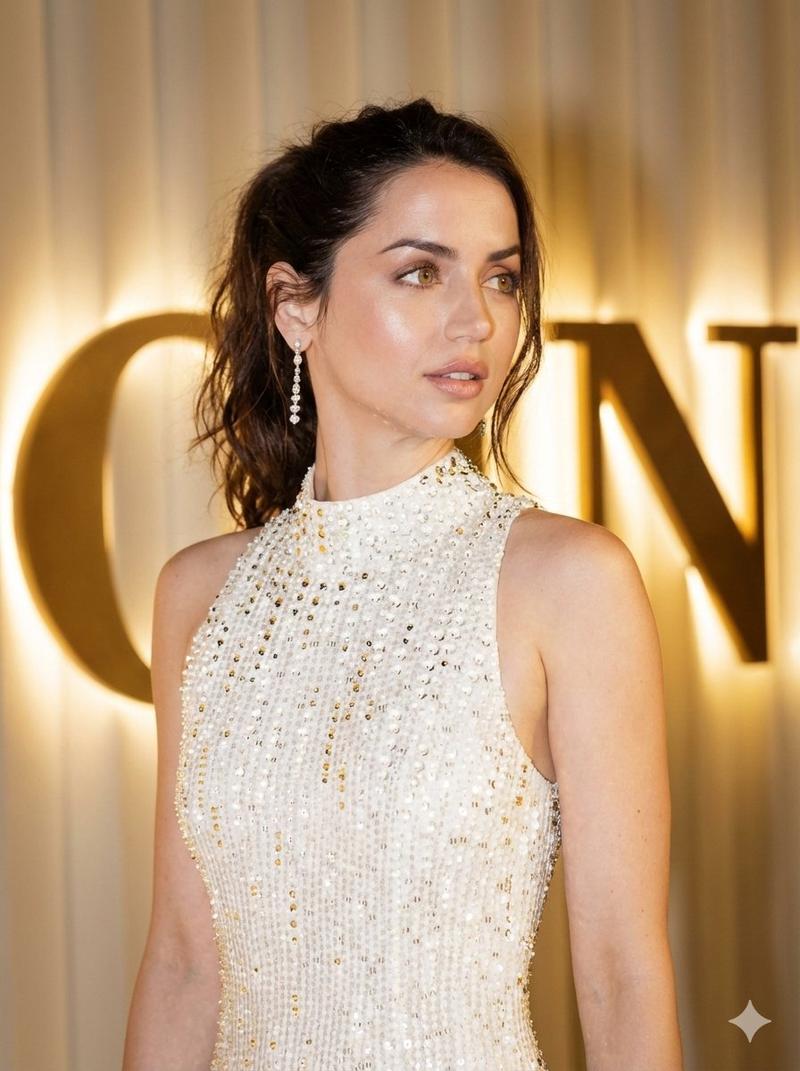
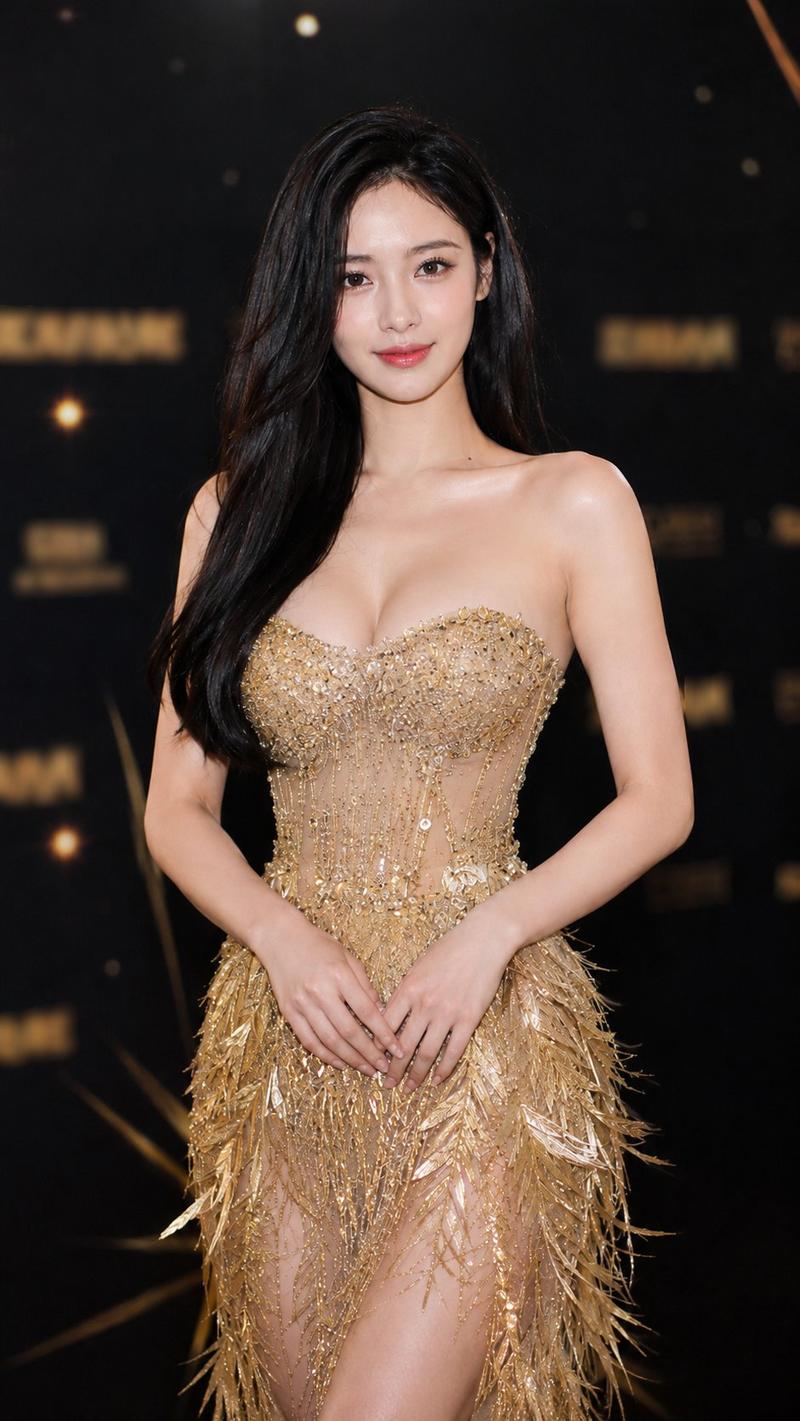
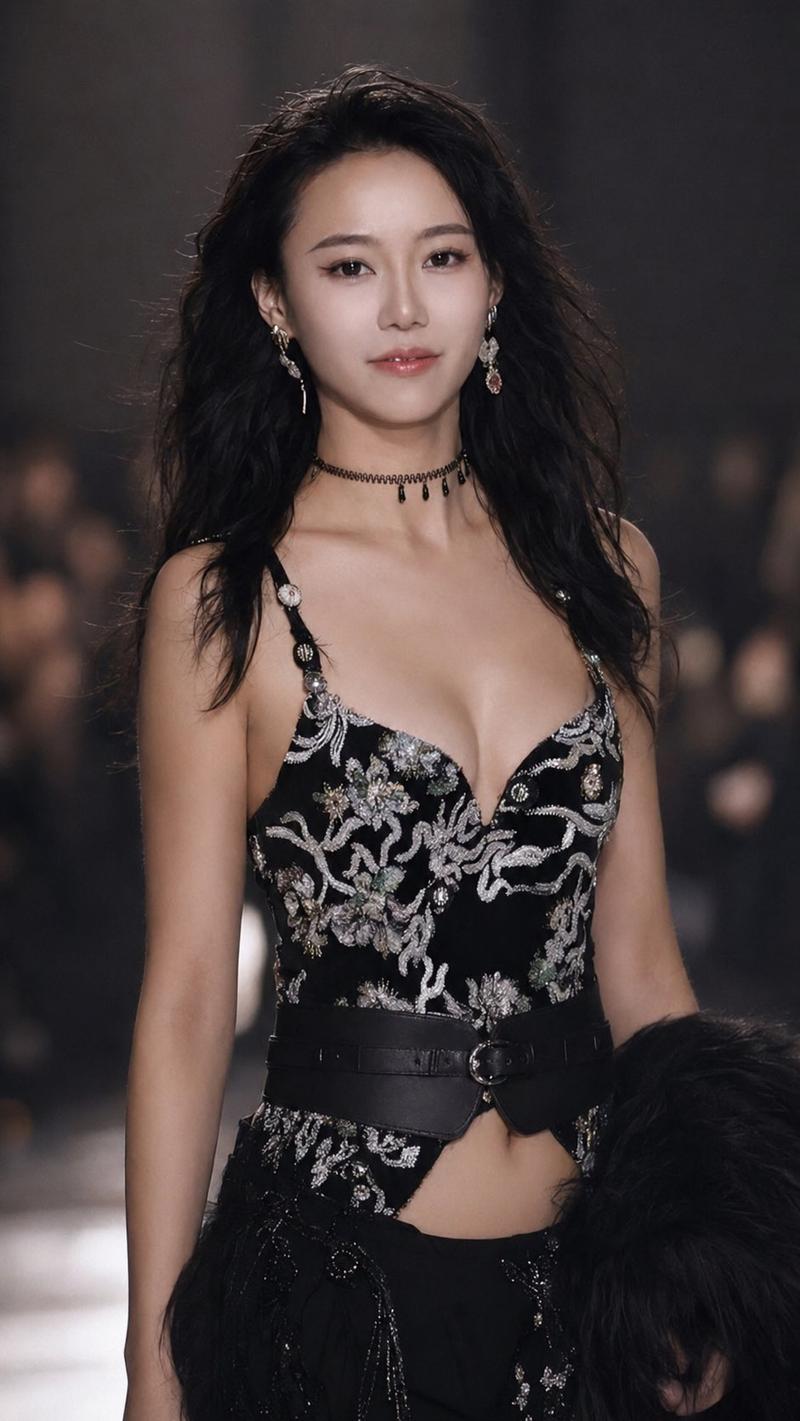
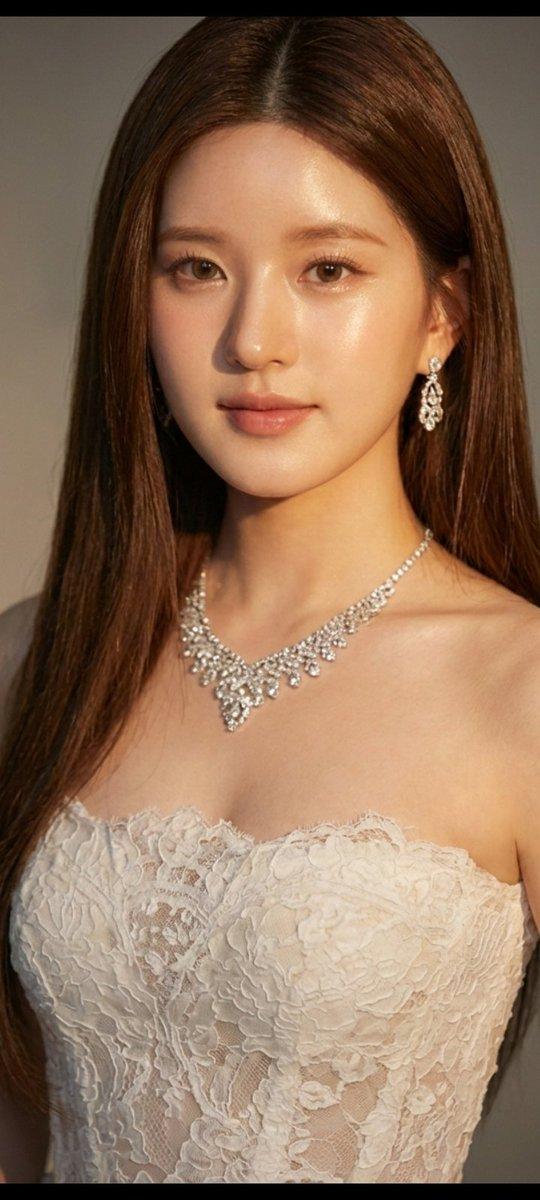
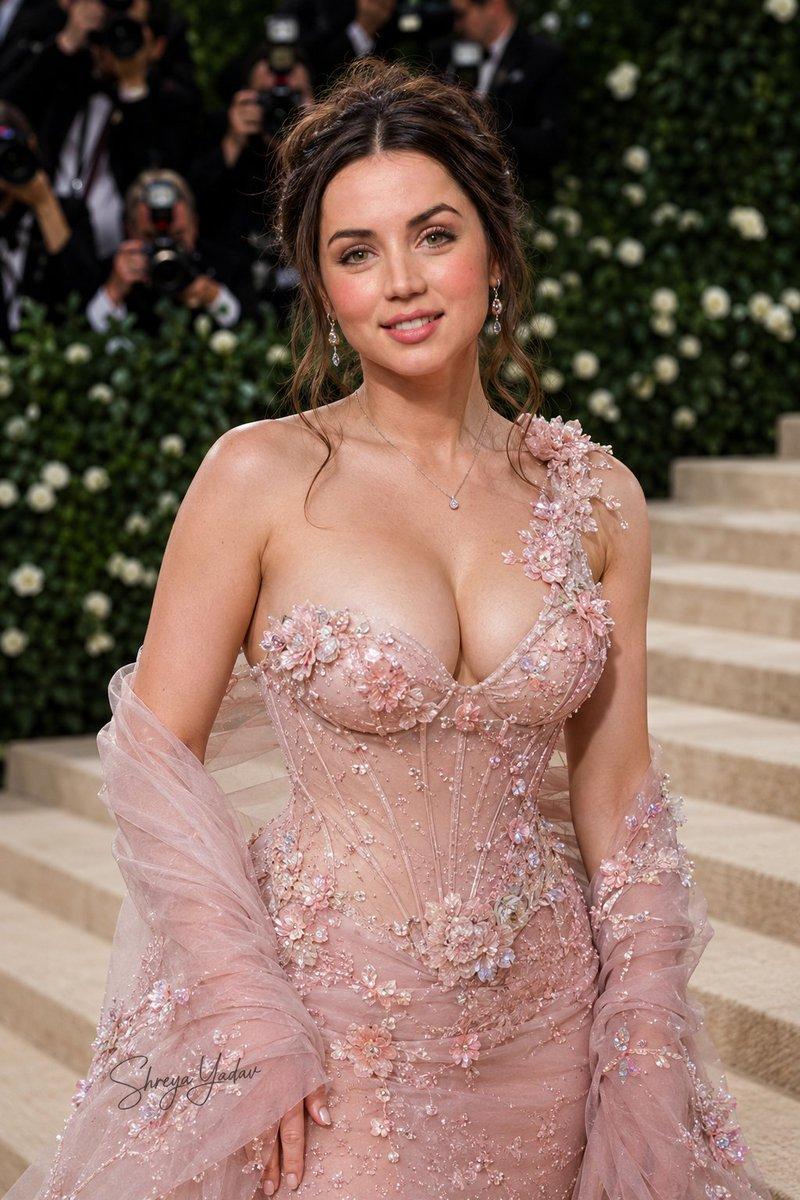
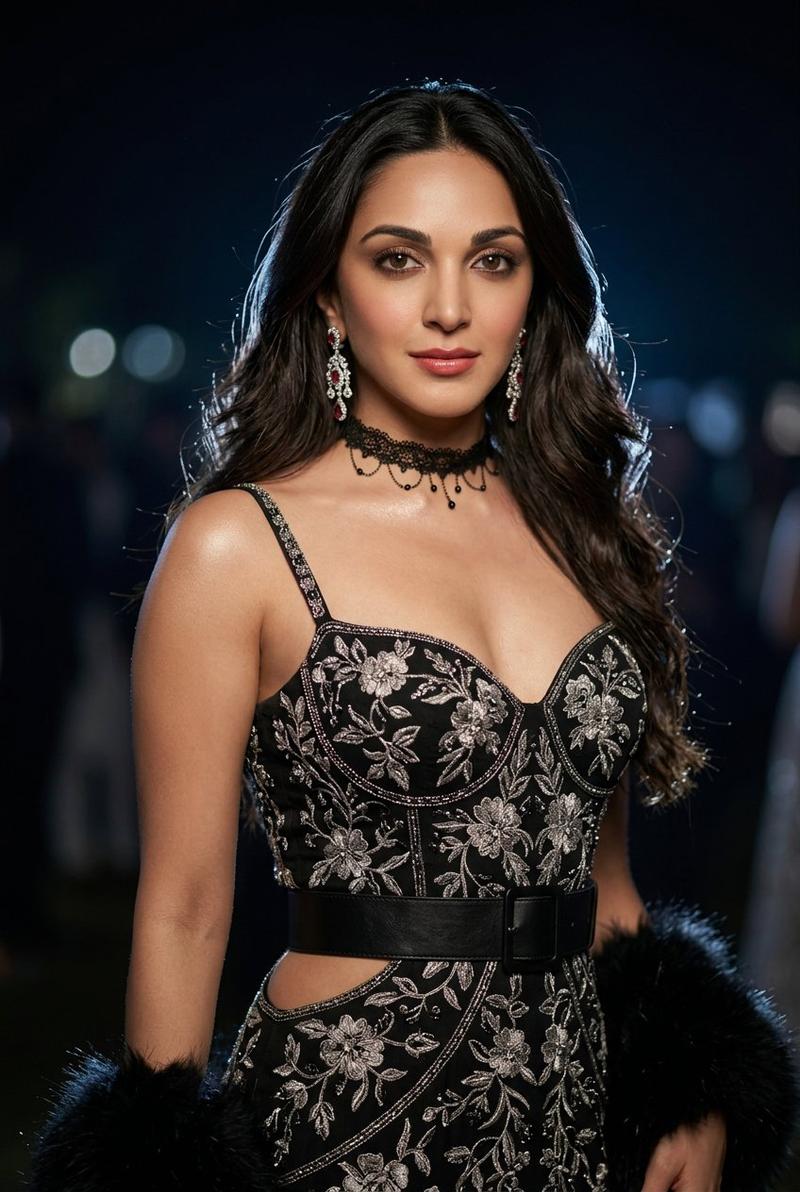
赵露思红黑晚礼服绝美特写
Enlarge

赵露思红黑晚礼服绝美特写

Prompt
{ "subject": "Zhao Lusi (Rosy Zhao), Chinese actress", "pose": "Centered, facing camera, gentle smile, sleek low bun with middle part", "attire": { "type": "strapless evening gown", "bodice": "metallic silver embroidery transitioning into bold 3D red floral lace appliqués", "skirt": "shimmering black sequined fabric creating a starry effect" }, "accessories": { "necklace": "delicate gold", "earrings": "drop style", "bracelets": "stack of gold bangles on left wrist", "nails": "soft iridescent polish" }, "skin": "soft luminous 'glass skin' look, dewy, glistening, slight oily sheen", "background": { "type": "evening gala / awards ceremony", "effect": "bokeh, blurred green and white lights" }, "style": { "fashion": "high-glamour, 'femme fatale', sophisticated elegance", "contrast": "bold red and silver against black", "camera": "macro photography / close-up portrait" }, "image_dimensions": { "width": 504, "height": 1002, "orientation": "vertical" } }
Category
Posters & Typography
Model
Nano Banana Pro
Views74
Source ID
11442
Published
Apr 23, 2026

Guide

About "赵露思红黑晚礼服绝美特写"

What is this prompt for?

"赵露思红黑晚礼服绝美特写" AI image prompt for Nano Banana Pro (Posters & Typography). { "subject": "{argument name=\"celebrity name\" default=\"中国女演员赵露思\"}", "pose": "居中,…

The full copyable prompt and example visuals above are ready for AI image generation or one-click recreate in Picva.

How to use this prompt

  1. Step 1

    Open the prompt detail

    Review the example visuals, category, and full prompt text for "赵露思红黑晚礼服绝美特写".

  2. Step 2

    Copy the prompt

    Copy the prompt body from this page, or load it directly in Studio.

  3. Step 3

    Pick a model (Nano Banana Pro)

    Prefer Nano Banana Pro. If you switch models, keep subject and composition and tweak style terms.

  4. Step 4

    Generate and export

    Recreate the look in Picva, or export into your workflow for editing and publishing.

FAQ

What is the "赵露思红黑晚礼服绝美特写" prompt?
It is an AI image-generation prompt for Nano Banana Pro in the Posters & Typography category. This page includes the full prompt text, example visuals, and a one-click recreate path in Picva.
How do I use this prompt to generate an image?
Copy the prompt from this page, or use Generate / Studio. Paste it into a compatible image model, or recreate the look in Picva with optional reference images.
Which model is this prompt for?
This page lists Nano Banana Pro. Most descriptive prompts also transfer to nearby image models such as GPT Image, Flux, or Midjourney with light style tweaks.
Can I use the result commercially?
You can usually copy the prompt for creation, but commercial use of the final image depends on the model terms, reference-image rights, and the generated content. Follow the source author and platform rules.