19

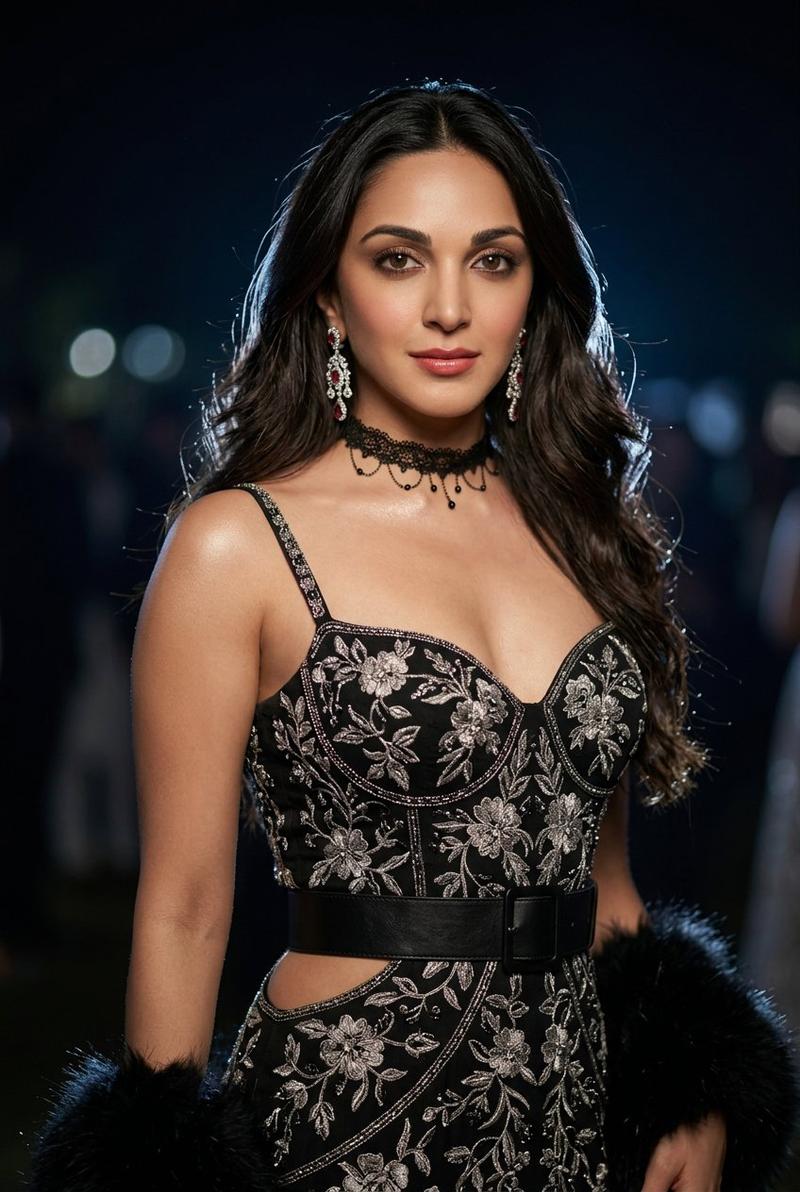
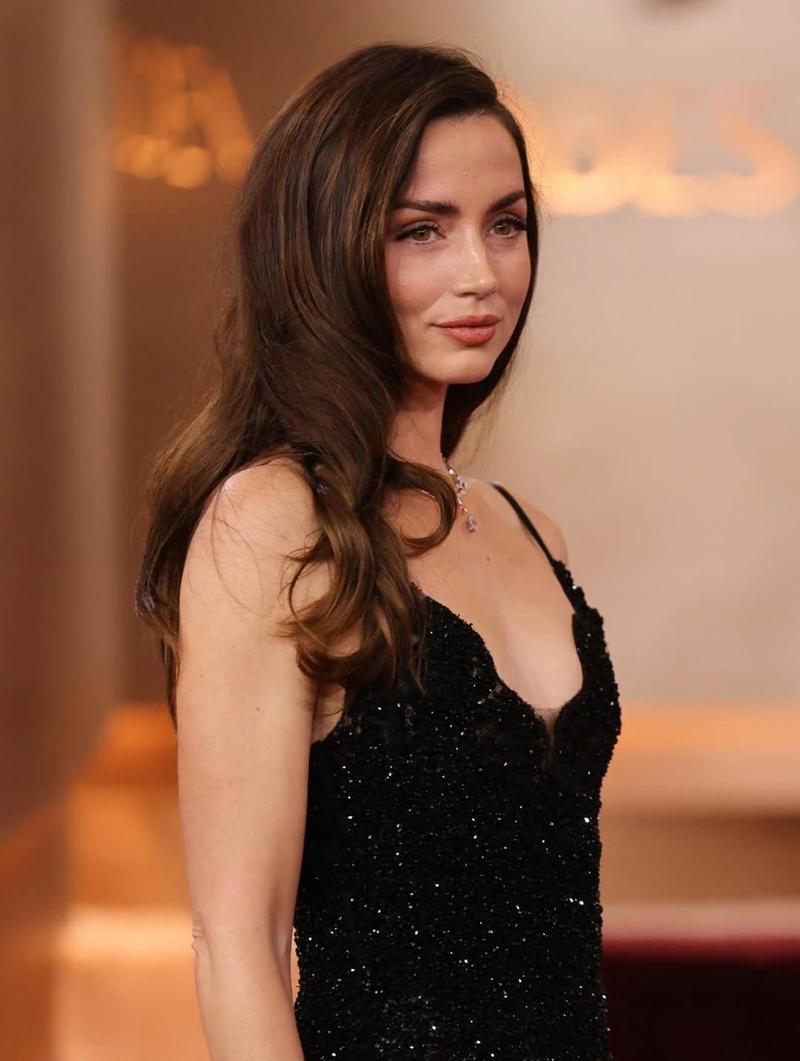
T 台高定肖像
Enlarge

Example images

T 台高定肖像

Prompt
Create a high-fashion runway portrait of {argument name="model description" default="a young East Asian woman with fair skin, delicate features, and long voluminous wavy black hair"} walking toward the camera with a calm confident expression and direct eye contact. Frame her from mid-thigh to just above the head in a vertical 9:16 composition, centered slightly left, with shallow depth of field and a dark blurred runway audience in the background. She wears {argument name="outfit" default="a black deep-V spaghetti-strap couture bodice covered in ornate silver floral embroidery and beadwork, paired with black trousers or skirt panels"}, a wide black leather waist belt with a round metal buckle, and cutout detailing at the waist. Include exactly 4 visible jewelry elements: two dangling crystal earrings, one black choker with small hanging beads, and one small strap brooch or jewel near the left shoulder. She carries or holds one black feathery garment or stole at her right side. Lighting should be dramatic runway lighting with soft highlights on the face and collarbones, muted charcoal background, realistic skin texture, glossy lips, subtle smoky eye makeup, cinematic editorial fashion photography, ultra-detailed fabric embroidery, natural motion in the hair as if from a runway breeze. Use {argument name="color palette" default="black, silver, charcoal gray, and soft skin tones"}. No text, no logo, no watermark.
Category
Brand & Logos
Model
GPT Image 2
Views4
Source ID
28556
Published
Jul 12, 2026

Guide

About "T 台高定肖像"

What is this prompt for?

"T 台高定肖像" AI image prompt for GPT Image 2 (Brand & Logos). 一张逼真的竖版时尚 T 台肖像,展现了一位身着黑色刺绣高定礼服的优雅模特,配以戏剧性的灯光和模糊的观众背景。 Copy it on Picva and recreate the look in one…

The full copyable prompt and example visuals above are ready for AI image generation or one-click recreate in Picva.

How to use this prompt

  1. Step 1

    Open the prompt detail

    Review the example visuals, category, and full prompt text for "T 台高定肖像".

  2. Step 2

    Copy the prompt

    Copy the prompt body from this page, or load it directly in Studio.

  3. Step 3

    Pick a model (GPT Image 2)

    Prefer GPT Image 2. If you switch models, keep subject and composition and tweak style terms.

  4. Step 4

    Generate and export

    Recreate the look in Picva, or export into your workflow for editing and publishing.

FAQ

What is the "T 台高定肖像" prompt?
It is an AI image-generation prompt for GPT Image 2 in the Brand & Logos category. This page includes the full prompt text, example visuals, and a one-click recreate path in Picva.
How do I use this prompt to generate an image?
Copy the prompt from this page, or use Generate / Studio. Paste it into a compatible image model, or recreate the look in Picva with optional reference images.
Which model is this prompt for?
This page lists GPT Image 2. Most descriptive prompts also transfer to nearby image models such as GPT Image, Flux, or Midjourney with light style tweaks.
Can I use the result commercially?
You can usually copy the prompt for creation, but commercial use of the final image depends on the model terms, reference-image rights, and the generated content. Follow the source author and platform rules.