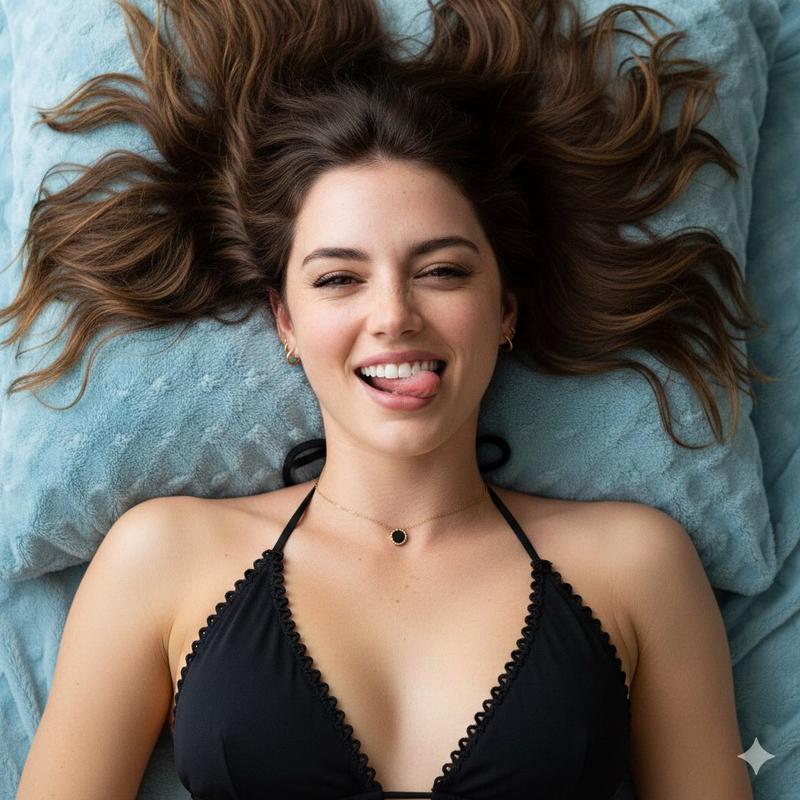
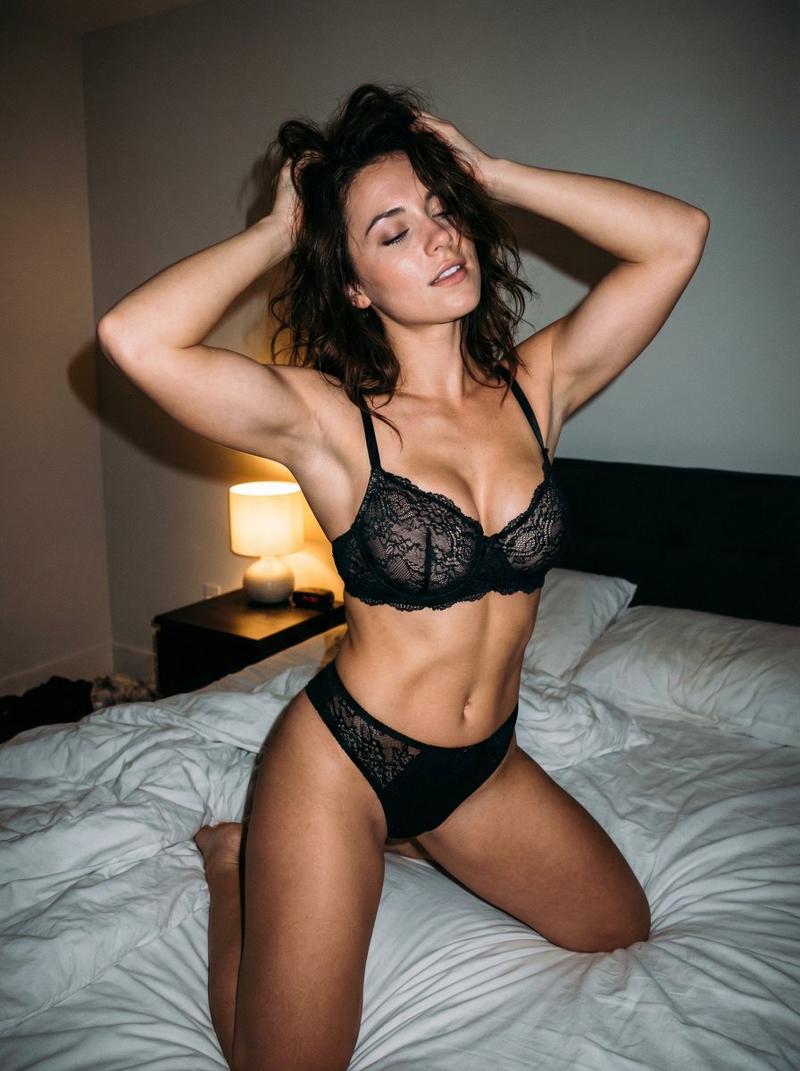
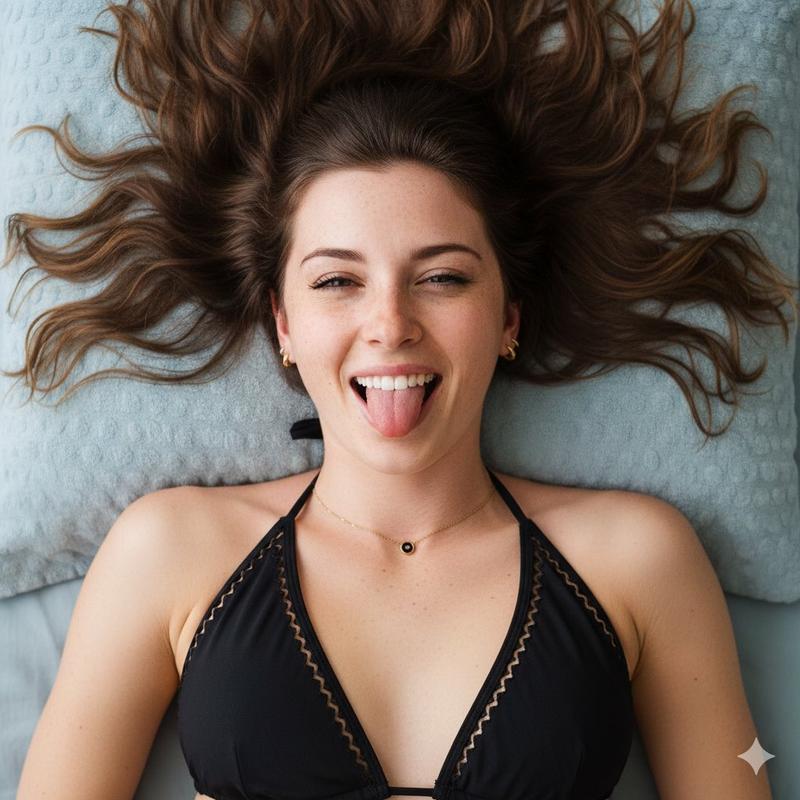
逼真的斜倚人像,带 ControlNet 细节
Prompt
{
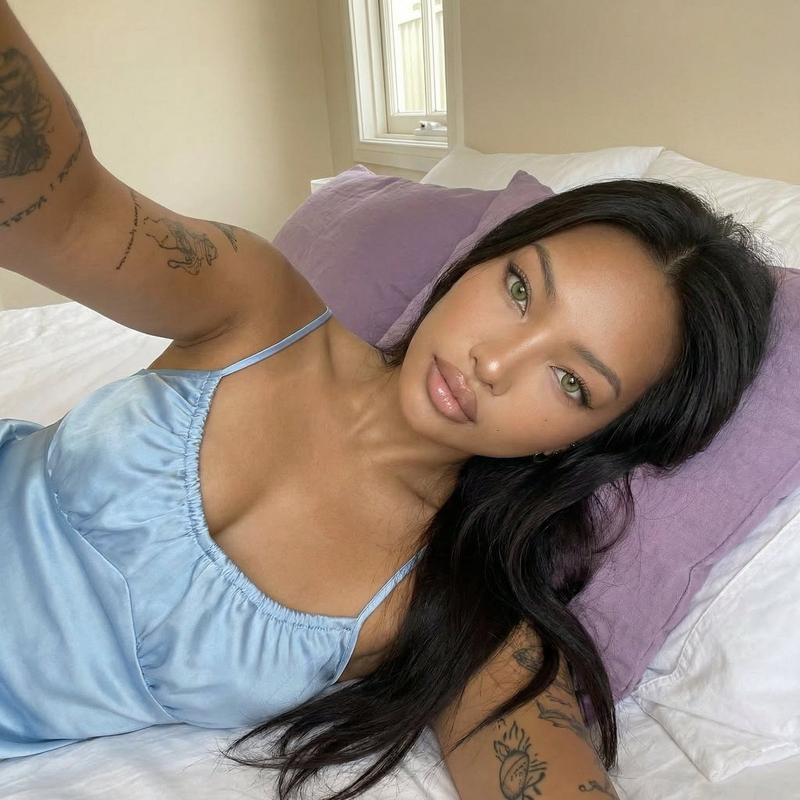
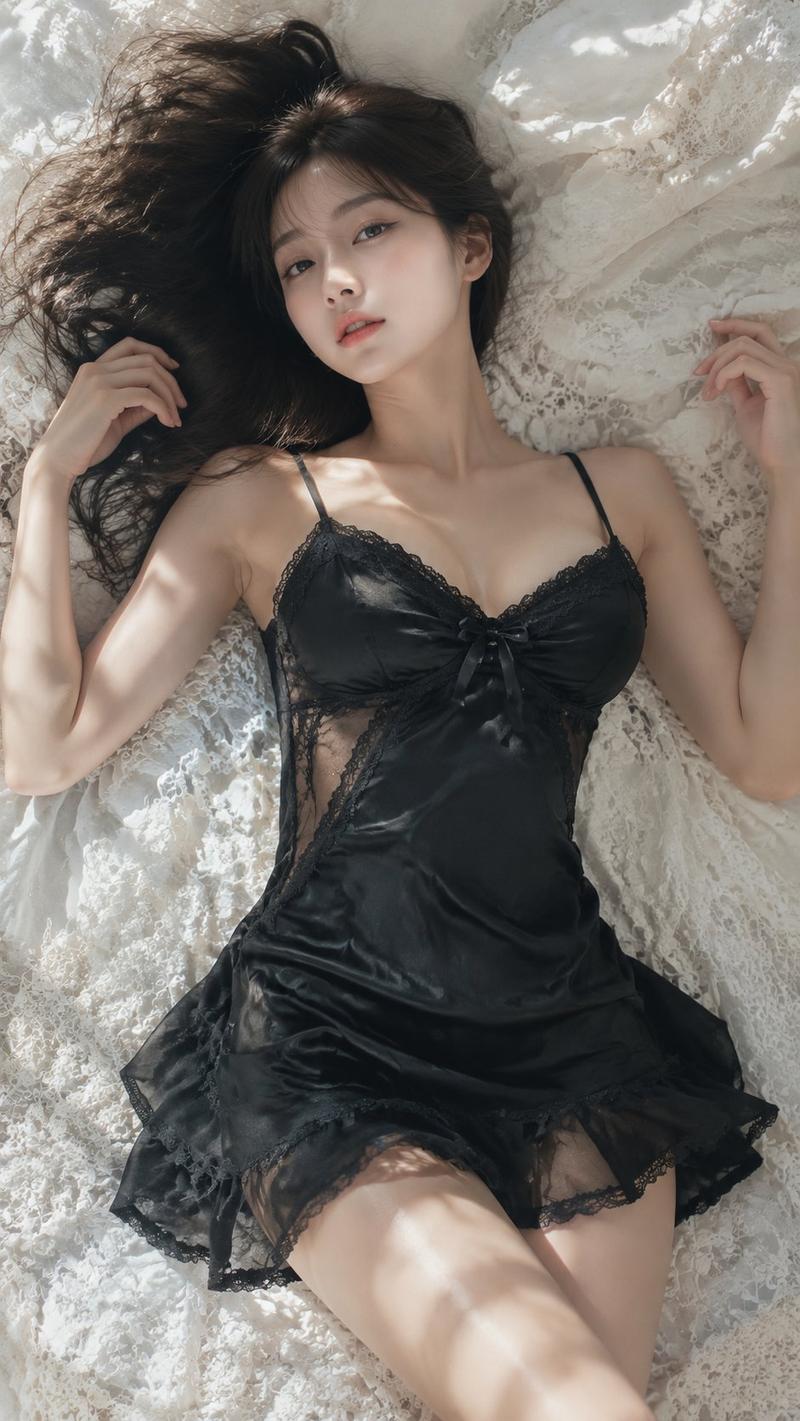
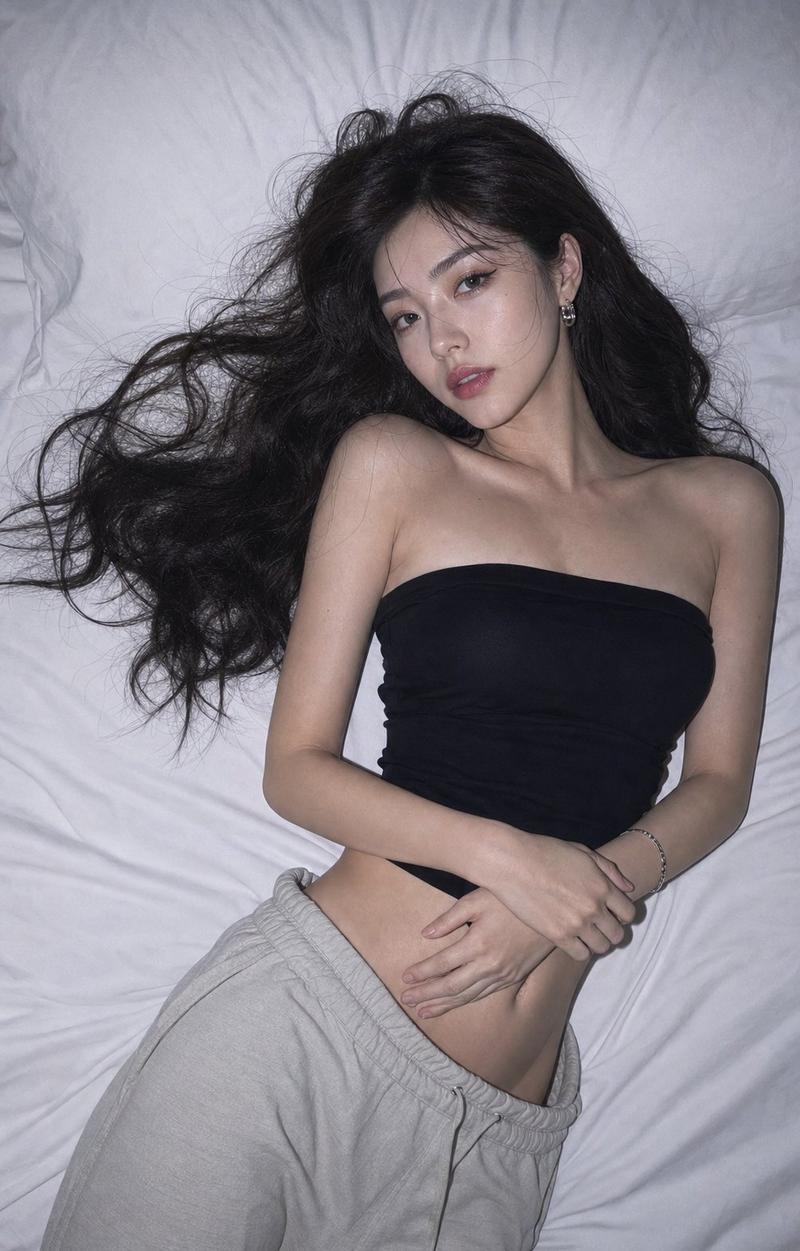
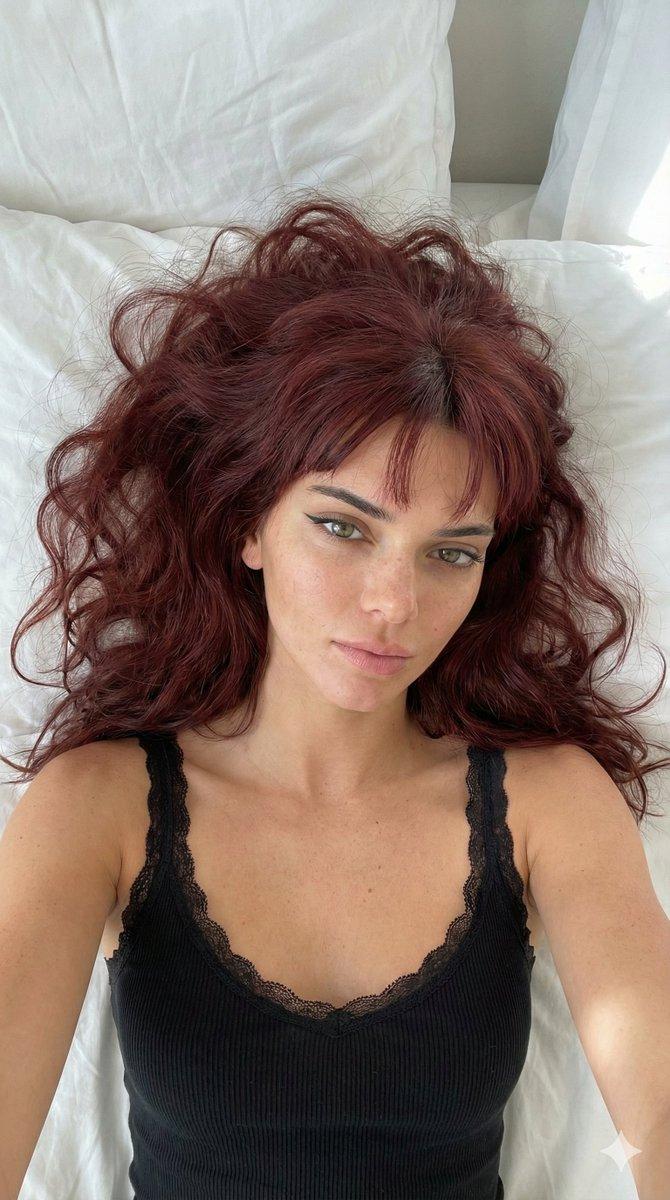
"subject": "A young woman with long, dark, wavy hair spread out behind her. She has a tan complexion, dark eyes, and is smiling widely, showing her teeth. She is wearing a dark emerald green satin bodysuit with delicate dark green lace trim along the bust cups and thin straps. She is wearing a thin gold necklace and small earrings.",
"pose": "The subject is lying on her back, angled slightly towards the camera. Her right arm is bent with her index finger gently touching her lower teeth/lip. Her left arm extends downward out of the frame. Her head is tilted slightly. The pose exhibits natural gravity-induced soft tissue displacement and structural volume consistent with a reclining position.",
"environment": "The subject is resting on wrinkled white bed sheets. A beige rectangular pillow is visible behind her head. To the left of her torso, a black compact digital camera with an attached black neck strap is resting flat on the white sheets.",
"camera": "Captured from a high angle, looking down at the subject. The perspective exhibits characteristics of a wide-angle lens used at close proximity, with the foreground elements (torso and shoulders) appearing prominent relative to the background.",
"lighting": "Direct, somewhat harsh lighting originating from near the camera position, akin to a direct flash or bright overhead room light. This creates sharp, hard-edged shadows cast onto the white sheets beneath her right arm, body, and the camera. High contrast with bright specular highlights on the skin, teeth, and satin fabric.",
"mood_and_expression": "Playful, relaxed, and cheerful candid snapshot expression.",
"style_and_realism": "Photorealistic, resembling an unedited casual selfie or snapshot photograph taken with a digital camera or smartphone.",
"colors_and_tone": "Warm color palette dominated by the tan skin tones and deep emerald green, contrasting sharply against the bright white background of the sheets. Deep blacks in the hair and camera.",
"quality_and_technical_details": "Sharp focus on the subject's face, hands, and upper torso. Visible texture in the lace, satin, and bed sheets. High-contrast exposure.",
"aspect_ratio_and_output": "3:4",
"controlnet": {
"pose_control": {
"model_type": "openpose_full",
"purpose": "Strictly lock skeletal alignment, anatomical proportions, torso orientation, and prevent structural or volumetric alteration",
"constraints": "No limb length adjustment, no torso compression, no chest volume reduction, no posture change, no symmetry correction, no ribcage narrowing",
"recommended_weight": 1.2
},
"depth_control": {
"model_type": "depth_midas",
"purpose": "Enforce exact volumetric projection, silhouette area equivalence, curvature depth integrity, and spatial layering",
"constraints": "No depth flattening, no volumetric shrinkage, no perspective reinterpretation, no shadow softening, no foreground-background collapse, no artificial depth of field",
"recommended_weight": 1.2
}- Category
- 创意图片
- Model
- Nano Banana Pro
- Creator
- brindley
- Source ID
- dcc184b3-04b0-4495-9ad8-5a4160b36725
- Published
- Mar 8, 2026
Views1