18

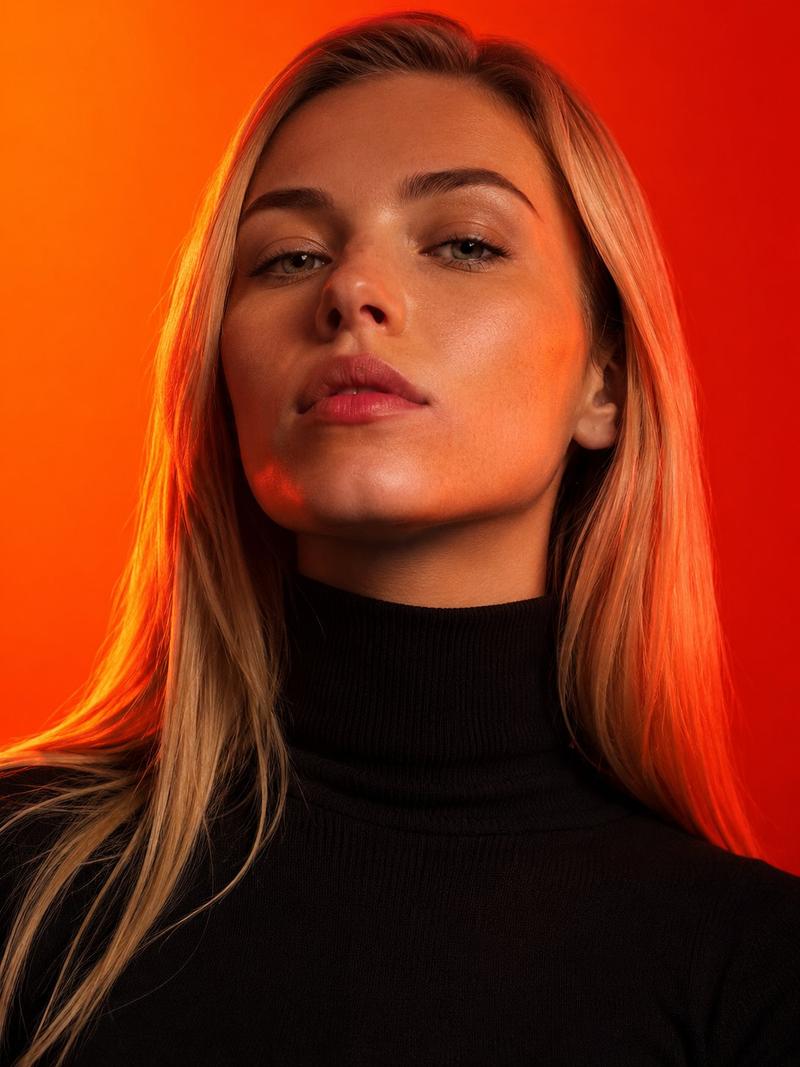
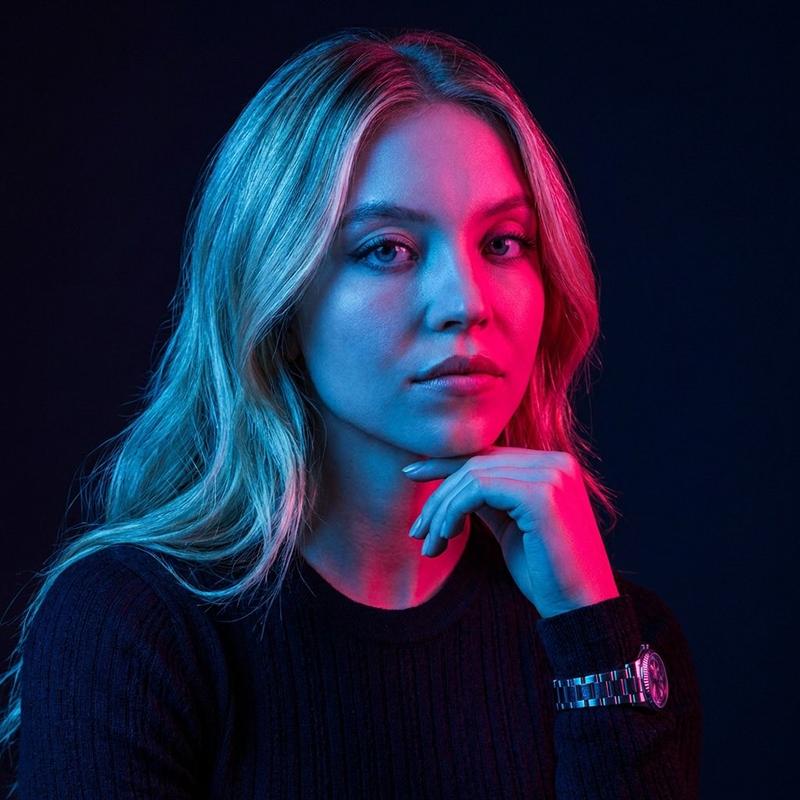
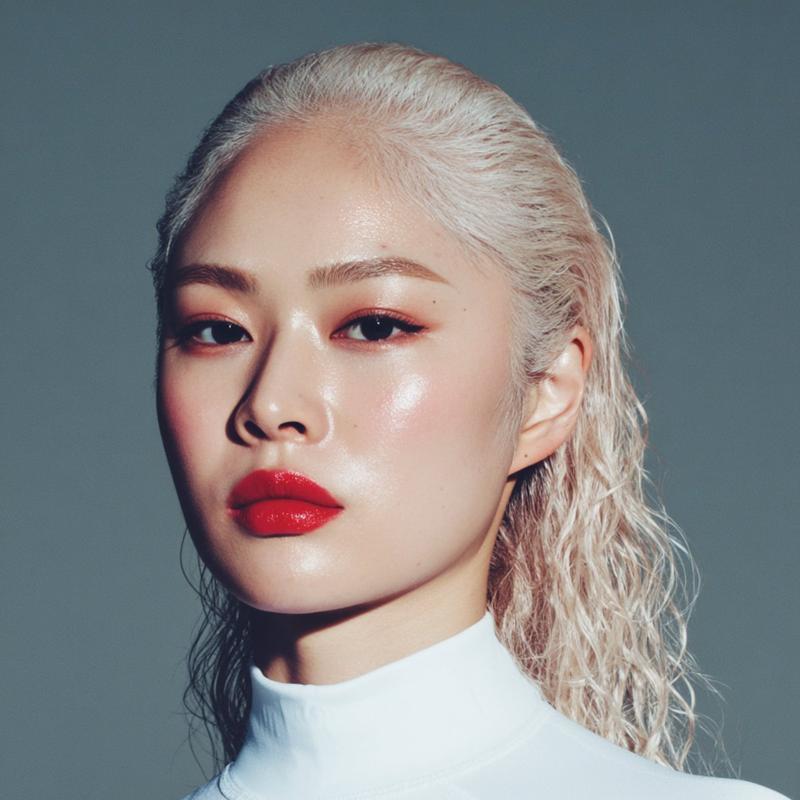
暖光下的时尚编辑风人像
Enlarge

暖光下的时尚编辑风人像

Prompt
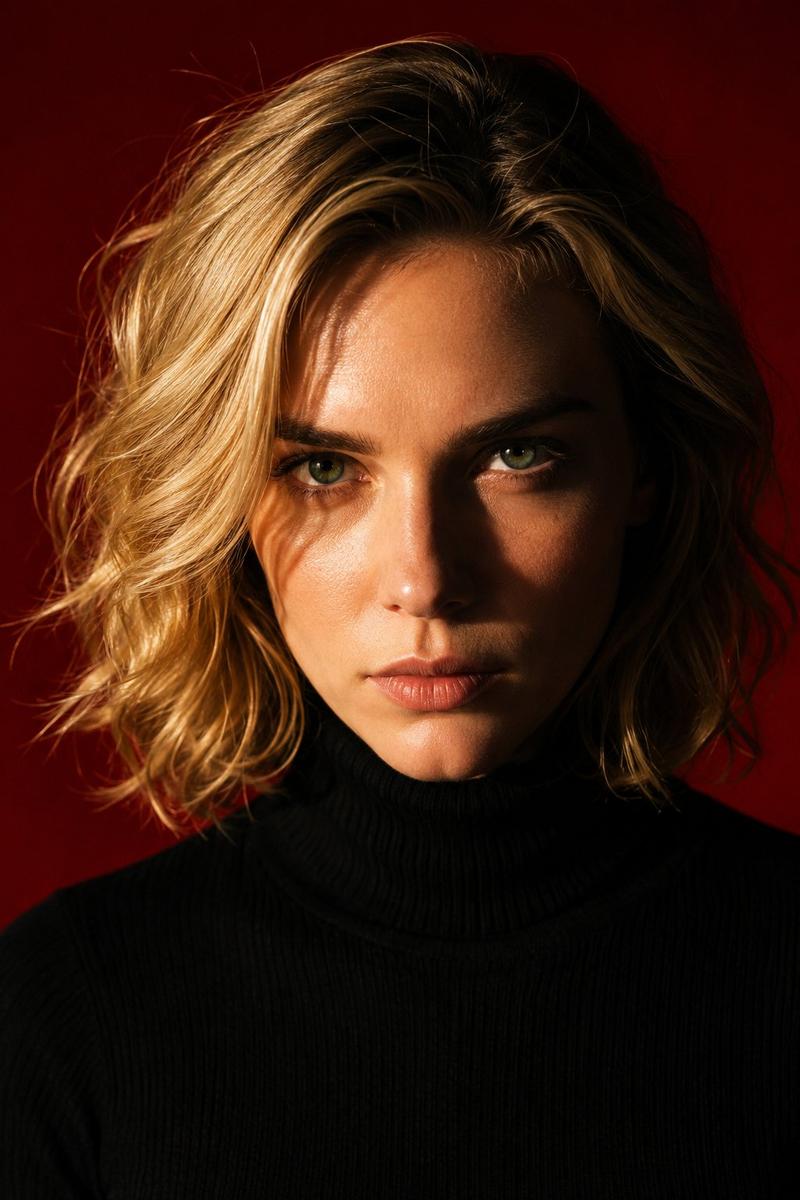
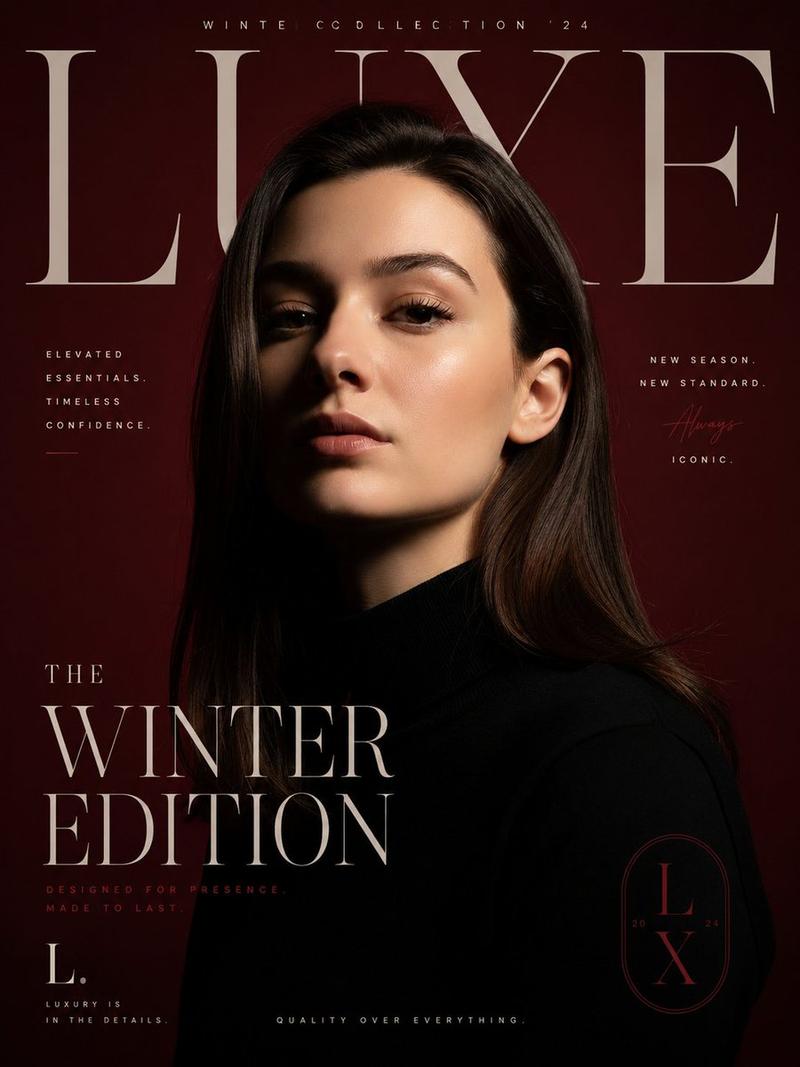
Ultra-photorealistic editorial fashion portrait of a {argument name="subject" default="beautiful young woman with straight blonde hair"}, piercing eyes, and an intense direct gaze, wearing a {argument name="outfit" default="premium black high-neck turtleneck sweater"}. Tight head-and-shoulders close-up, shot from a slightly low angle to create a bold, heroic, commanding presence. Dramatic cinematic studio lighting with a warm orange key light and deep red rim lighting sculpting the face, emphasizing natural skin texture, pores, and fine facial detail while creating rich contrast and cinematic shadows. Clean seamless studio backdrop featuring a {argument name="background color" default="vivid orange-to-deep-red gradient"} background. Razor-sharp focus on the eyes, hyperrealistic skin detail, premium editorial fashion photography, luxury magazine cover aesthetic, ultra-detailed, 8K resolution, HDR, realistic color grading, soft falloff, subtle catchlights, professional medium-format camera, 85mm portrait lens, f/4, ISO 100, studio strobe lighting, high dynamic range, crisp details, minimal makeup, symmetrical composition, ultra-realistic, masterpiece quality, vertical 3:4 composition.
Category
Posters & Typography
Model
GPT Image 2
Creator
Aijaz
Views0
Source ID
26939
Published
Jun 27, 2026

Guide

About "暖光下的时尚编辑风人像"

What is this prompt for?

"暖光下的时尚编辑风人像" AI image prompt for GPT Image 2 (Posters & Typography). 一张超写实的时尚人像,模特身着黑色高领毛衣,采用戏剧性的影棚灯光,背景为鲜艳的橙红色渐变。 Copy it on Picva and recreate the look in o…

The full copyable prompt and example visuals above are ready for AI image generation or one-click recreate in Picva.

How to use this prompt

  1. Step 1

    Open the prompt detail

    Review the example visuals, category, and full prompt text for "暖光下的时尚编辑风人像".

  2. Step 2

    Copy the prompt

    Copy the prompt body from this page, or load it directly in Studio.

  3. Step 3

    Pick a model (GPT Image 2)

    Prefer GPT Image 2. If you switch models, keep subject and composition and tweak style terms.

  4. Step 4

    Generate and export

    Recreate the look in Picva, or export into your workflow for editing and publishing.

FAQ

What is the "暖光下的时尚编辑风人像" prompt?
It is an AI image-generation prompt for GPT Image 2 in the Posters & Typography category. This page includes the full prompt text, example visuals, and a one-click recreate path in Picva.
How do I use this prompt to generate an image?
Copy the prompt from this page, or use Generate / Studio. Paste it into a compatible image model, or recreate the look in Picva with optional reference images.
Which model is this prompt for?
This page lists GPT Image 2. Most descriptive prompts also transfer to nearby image models such as GPT Image, Flux, or Midjourney with light style tweaks.
Can I use the result commercially?
You can usually copy the prompt for creation, but commercial use of the final image depends on the model terms, reference-image rights, and the generated content. Follow the source author and platform rules.