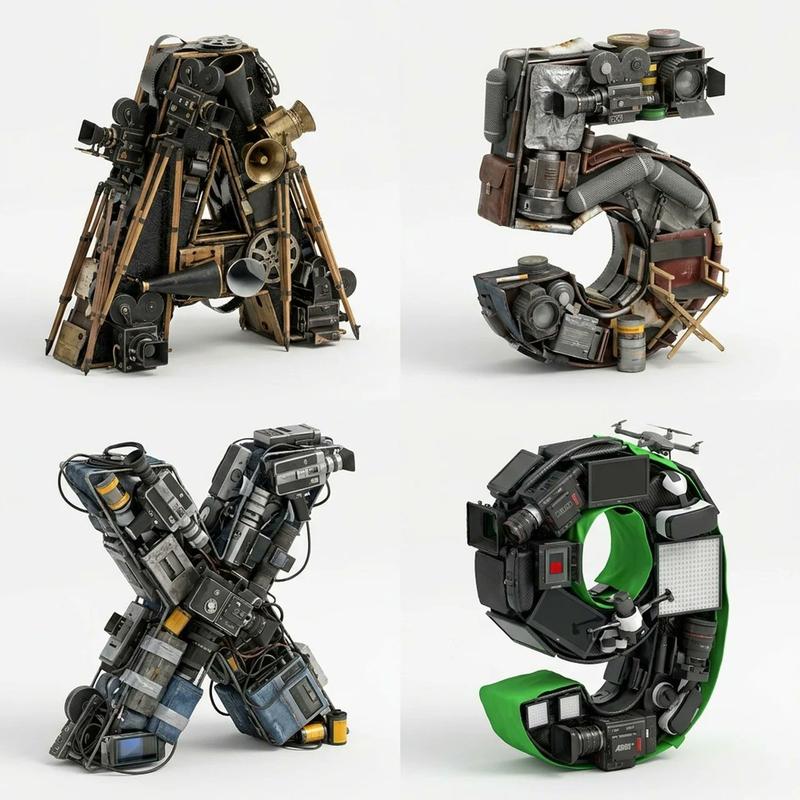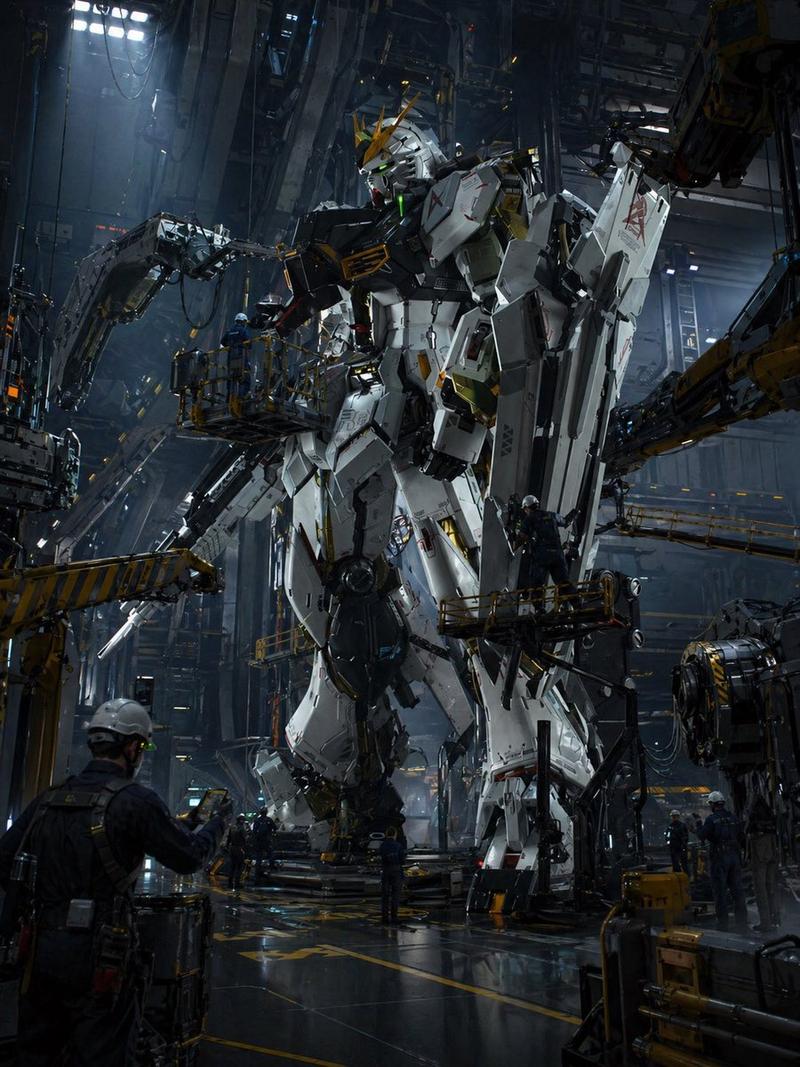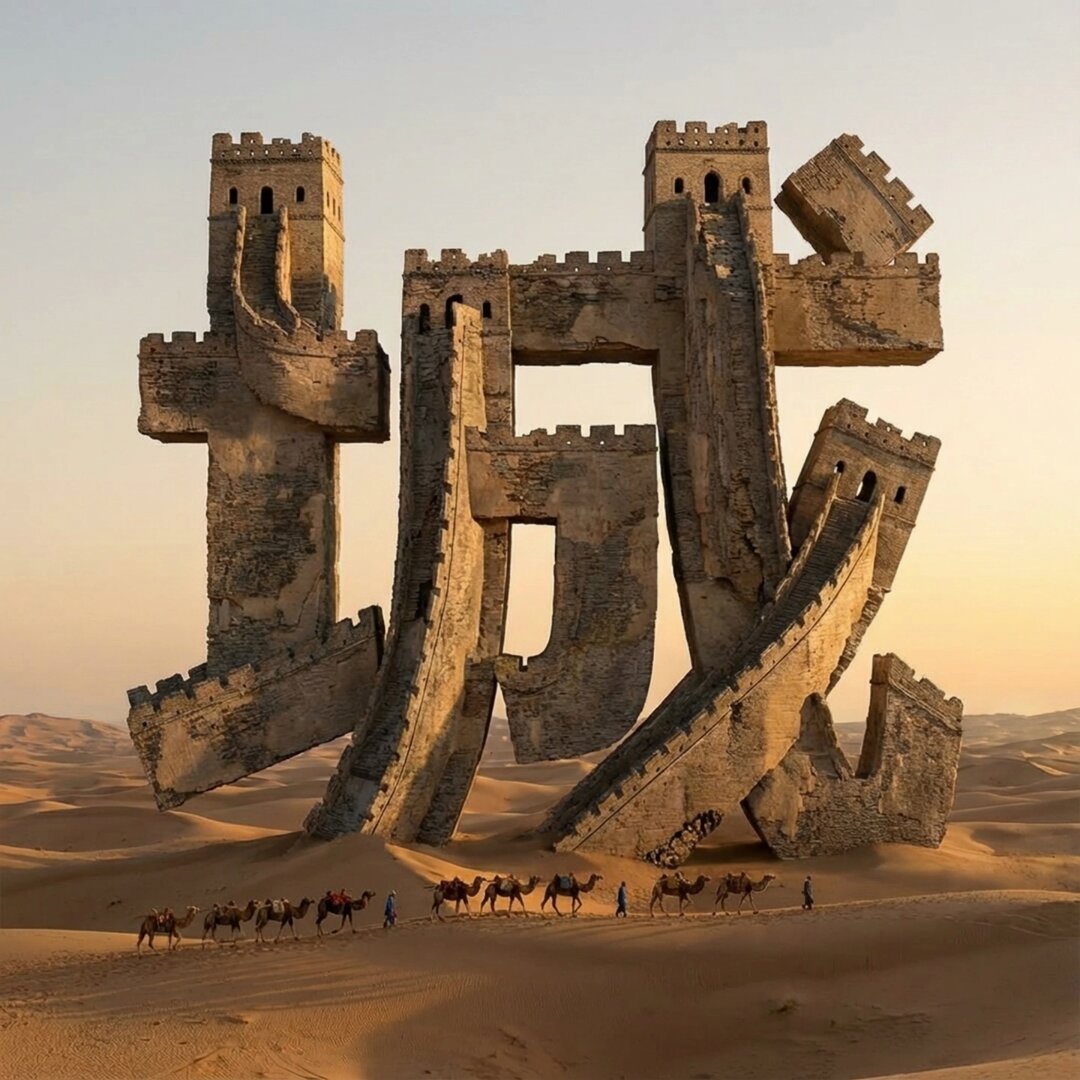
赛博工业外骨骼物体转换提示
Prompt
<instructions>
Input Variable: {argument name="object" default="[INSERT OBJECT]"} (e.g., A Sneaker, A Human Skull, A Cheeseburger, The Letter 'A')

System Instruction:
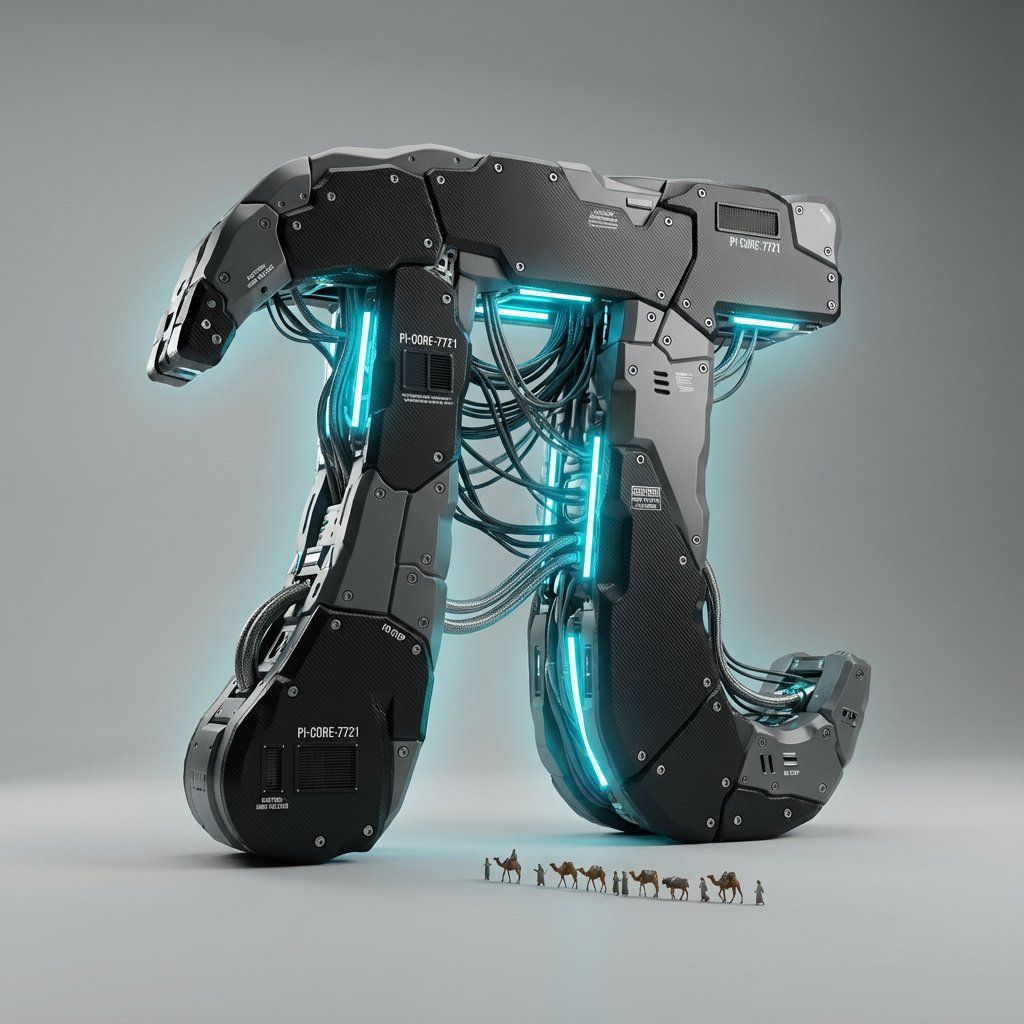
Reimagine the Input Object as a complex, high-performance Cyber-Industrial Assembly.

1.  Deconstruction:
   The Shell: Replace the object's natural skin with Matte Black Carbon Fiber and Gunmetal Grey Polymer.
   The Segmentation: The object is not solid. It is segmented into distinct panels (like Iron Man armor or a high-end camera body), held together by visible Hex Bolts and Rivets.
   The Gaps: Between the panels, leave small gaps to reveal the internal mechanics.

2.  Internal Mechanics :
   The Piping: Where organic veins or structure would be, insert Bundled Industrial Cabling and Braided Steel Hoses.
   The Flow: These cables must look functional, routing power from a central core to the extremities of the object.
   The Glow (The Soul):
       Color: Identify the "Spirit Color" of the object (e.g., Burger = Amber/Orange; Skull = Cyan/Blue; Sneaker = Neon Green).
       Source: Hidden LED strips and neon tubes run parallel to the cables, casting a strong internal glow that spills out from the panel gaps.

3. The Narrative Micro-Detail (The Greebles):
   Scale Indicators: Embed tiny technical details to sell the scale.
       Vents: Cooling fans or intake grilles.
       Text: Tiny white serial numbers and warning labels (e.g., "CAUTION: HOT", "NO STEP") printed on the casing.
       The "City" (Optional): If the object is large enough, tiny architectural elements (antennas, platforms) can grow out of the mechanical base.

4. Visual Syntax & Composition:
   Background: Clean Studio Grey (Infinite Curve). The focus is entirely on the object's silhouette.
   Lighting:
       Key Light: Soft white studio light to highlight the texture of the carbon fiber weave.
       Rim Light: A sharp backlight to define the edge of the object against the grey background.
       Bloom: The internal colored LEDs must have a soft "Octane Bloom" effect.

5. Render Style:
   Aesthetic: Hard Surface Modeling, "Tech-Wear" Fashion, High-End Automotive Design.
   Camera: Isometric or 3/4 Product Shot angle.

Output: Photorealistic 3D Render, 8k, Highly Detailed Textures (Carbon Fiber, Brushed Metal, Rubber).
</instructions>- Category
- 创意图片
- Model
- Nano Banana Pro
- Creator
- Gadgetify
- Source ID
- 610dc3f3-3ea9-4dc7-836d-5a5ac0e4fb17
- Published
- Mar 8, 2026
Views5