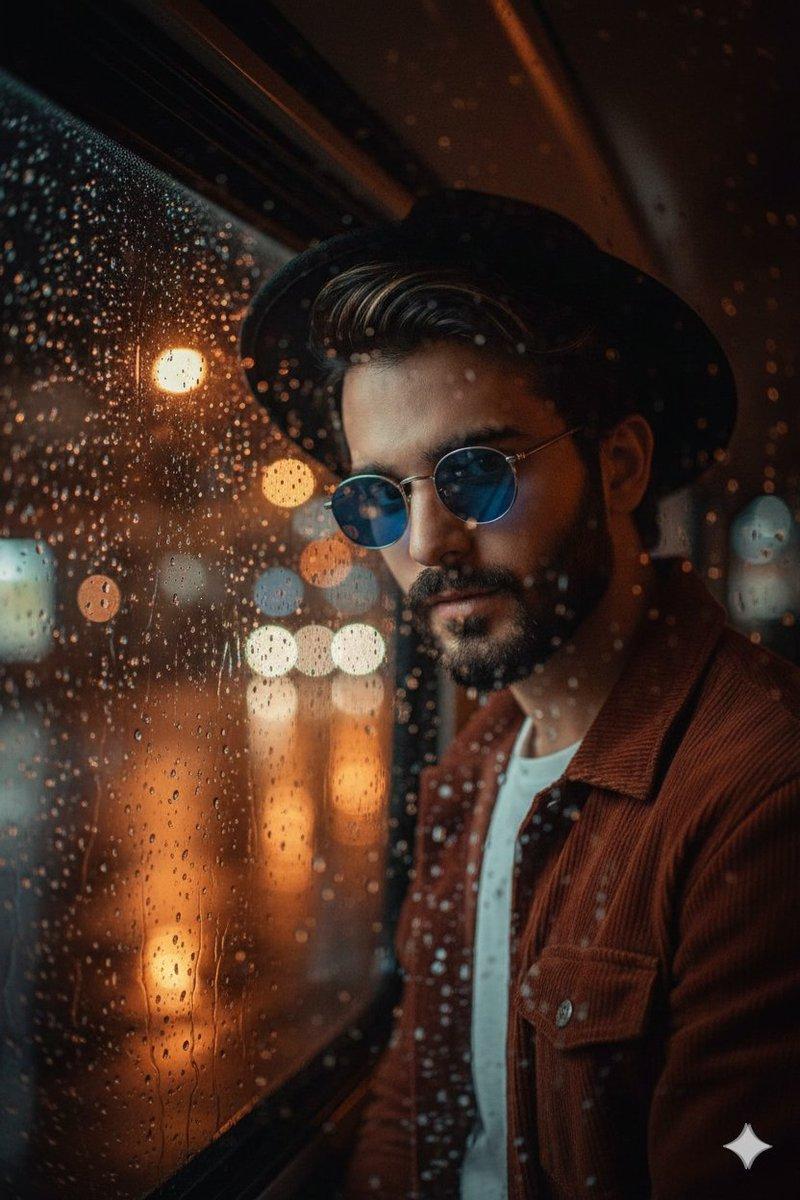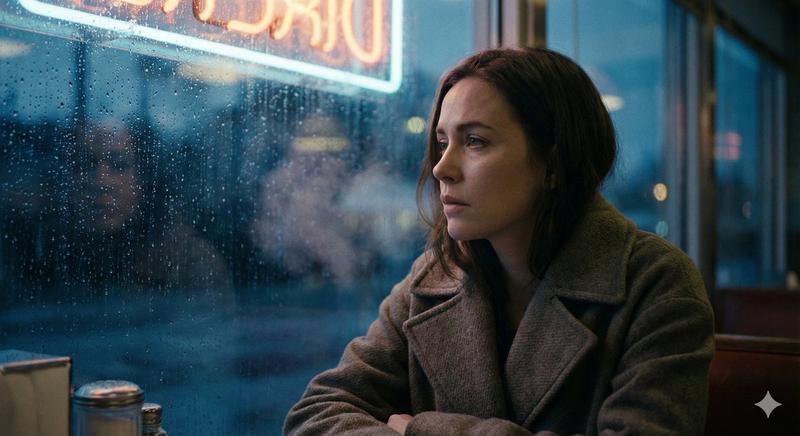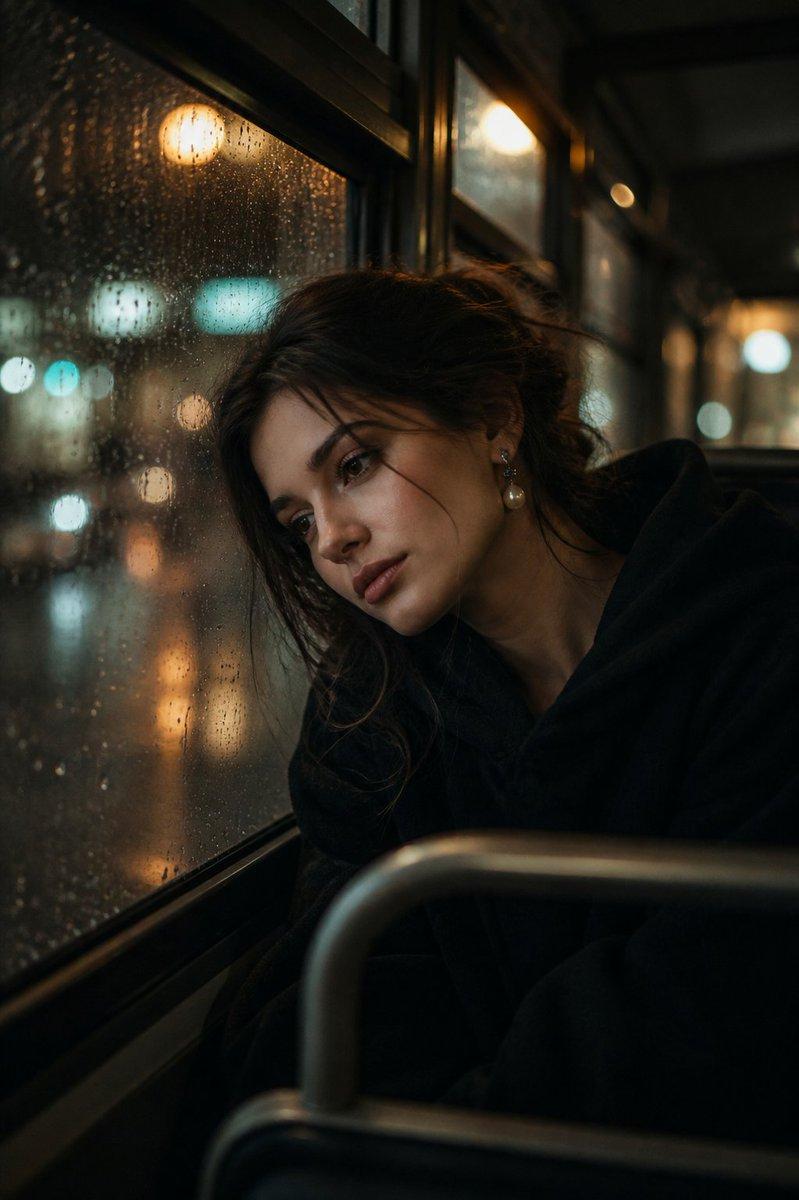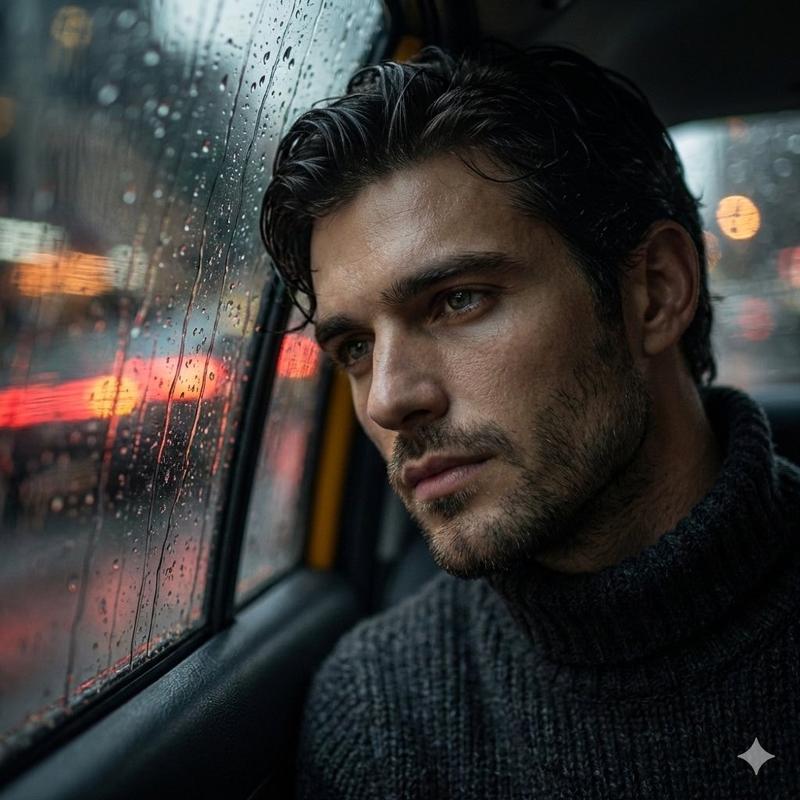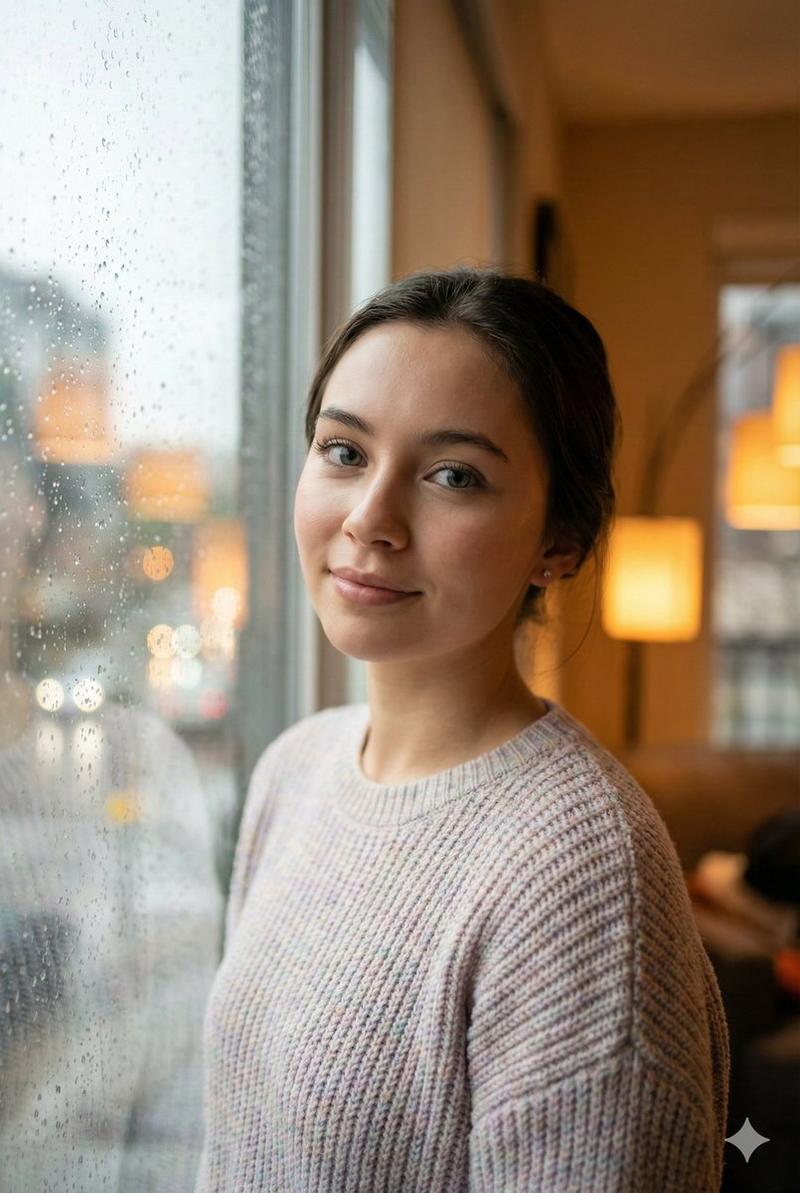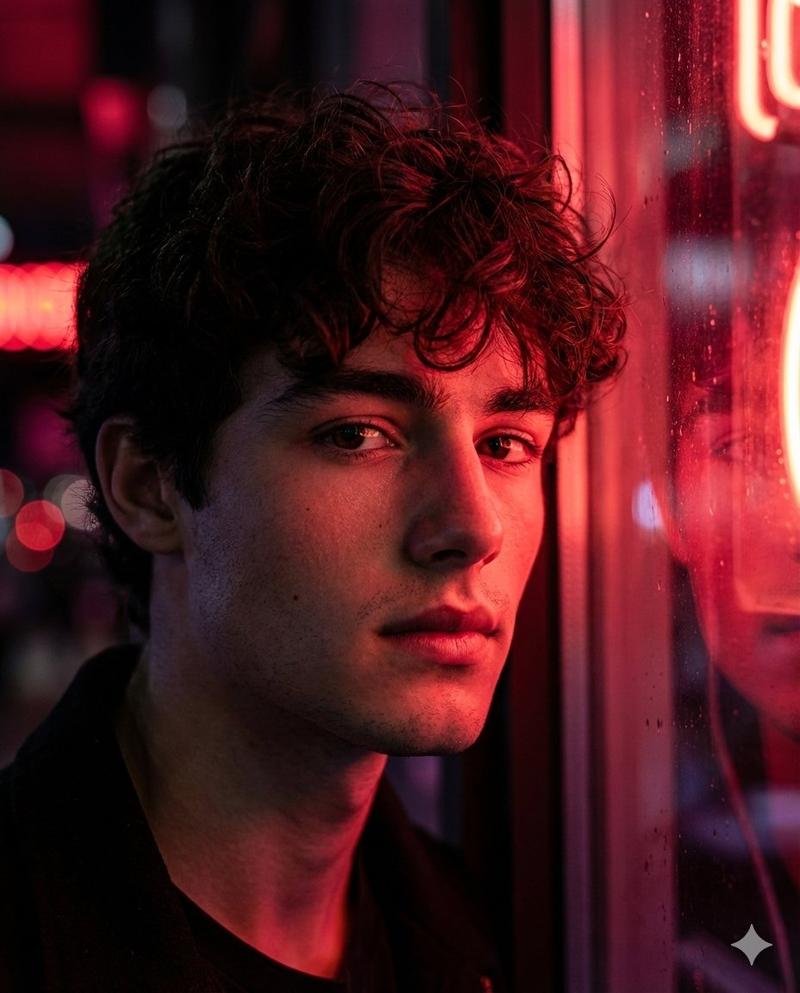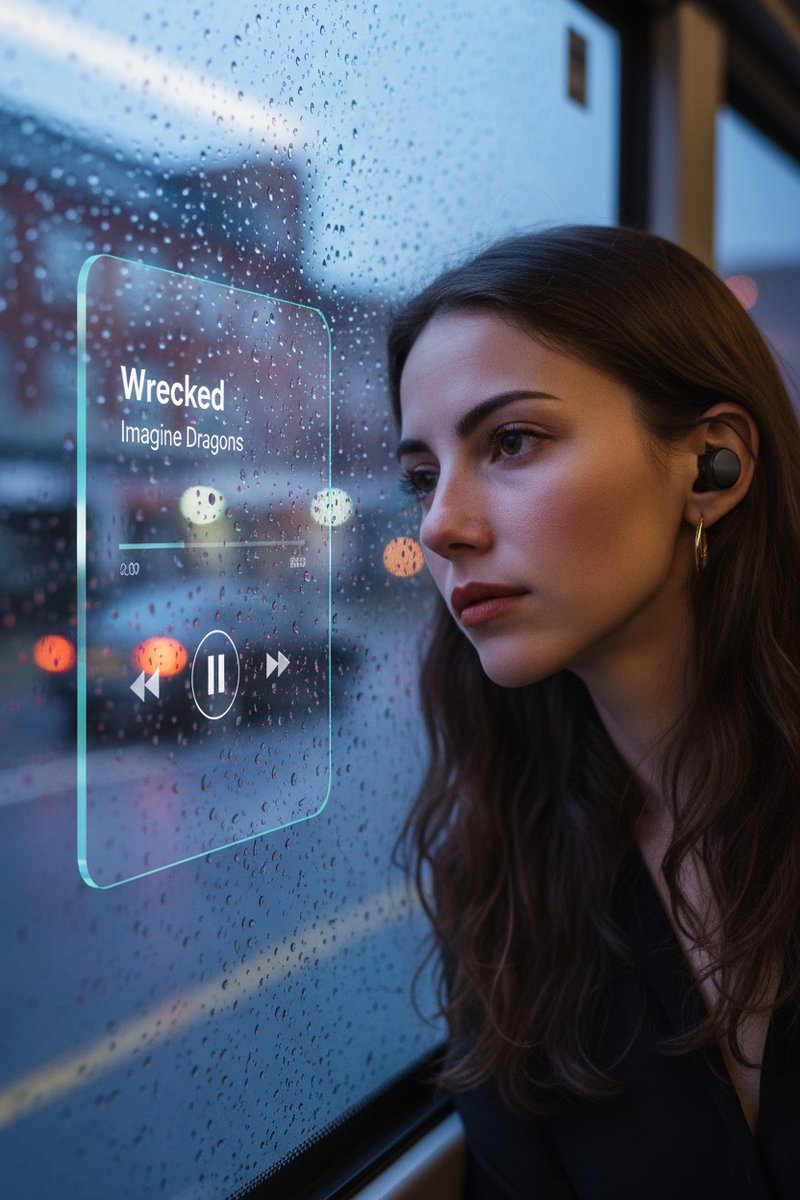
年轻女子公交车上的窗户边
Prompt
{
    "promptDetails": {
        "description": "A prompt to *create a new scene* by placing a subject (based on a reference photo) into a new atmospheric background, then overlaying a music UI.",
        "styleTags": [
            "Aesthetic Edit",
            "Cinematic",
            "Scene Compositing",
            "Glassmorphism"
        ]
    },
    "subjectReference": {
        "source": "[UPLOADED IMAGE]",
        "description": "Use this image *only* as a reference for the subject's face, hair, and appearance. Do *not* use its original background."
    },
    "scene": {
        "background": {
            "setting": "the window on the bus is sad, troubled, sorrowful",
            "details": "This is the *new* environment the subject must be placed into, completely replacing the original background."
        },
        "subject": {
            "description": "The young man whose appearance is defined by the `[UPLOADED IMAGE]`.",
            "pose": "his head resting gently against the bus window",
            "focus": "Subject is in sharp focus, fully integrated into the new background."
        }
    },
    "overlayObject": {
        "type": "Floating Glassmorphism Music Player UI",
        "relationshipToEnvironment": "the UI is **perfectly flush and physically attached** to the same plane as the bus window glass, **not floating**, not screen-space.",
        "transform": "the UI matches the *exact same rotation and perspective* as the window surface. If the window tilts, the UI tilts identically with correct foreshortening.",
        "surfaceInteraction": "subtle, realistic reflection and slight refraction through glass, extremely thin glassmorphism panel integrated *into* the window surface.",
        "components": {
            "songTitle": "Wrecked",
            "artistName": "Imagine Dragons",
            "position": "mounted on the bus window glass at the middle-left region of the frame (not floating)."
        }
    },
    "technicalStyle": {
        "aspectRatio": "1:1",
        "photographyStyle": "Cinematic Portrait, Realistic Compositing",
        "camera": {
            "shotType": "Medium Shot or Medium Close-Up",
            "angle": "Eye-level",
            "depthOfField": "Shallow, to blur the new background (bokeh)."
        },
        "lighting": {
            "type": "Soft, Ambient, Moody",
            "description": "Lighting on the subject *must match* the lighting of the new background setting (e.g., rainy light through bus window, soft shadow gradients)."
        },
        "color": {
            "palette": "Muted, cinematic color grading."
        }
    },
    "audioDevice": {
        "type": "subtle in-ear wireless earbuds",
        "fit": "naturally seated in both ears with correct realistic skin contact",
        "color": "matte black or dark neutral tone",
        "consistencyNote": "no cable, no bulky gaming headset"
    },
    "moodReinforcement": "earbuds imply the sad music 'Wrecked - Imagine Dragons' is what the subject is listening to."
}- Category
- creative_scene
- Model
- Nano Banana Pro
- Creator
- @miilesus
- Source ID
- 73201ae8-da3f-41c2-ba99-0d589821b3d3
- Published
- Dec 27, 2025
Views5