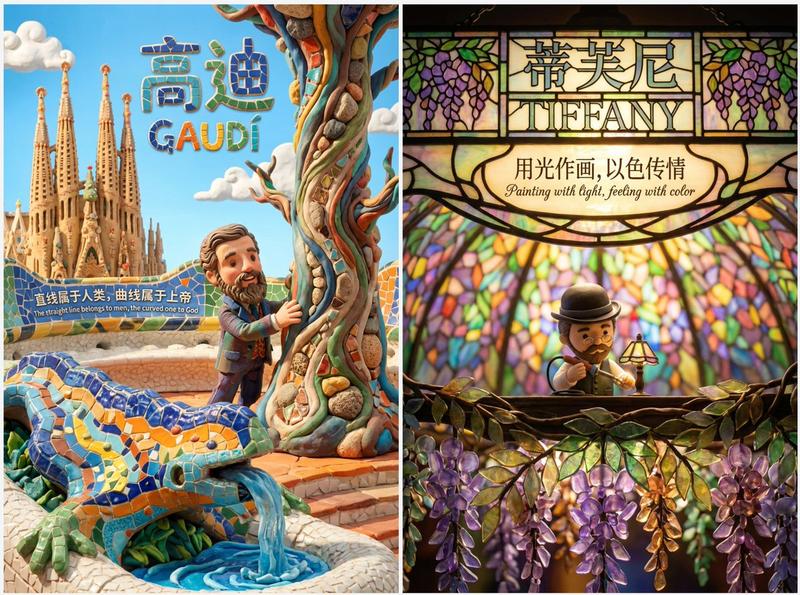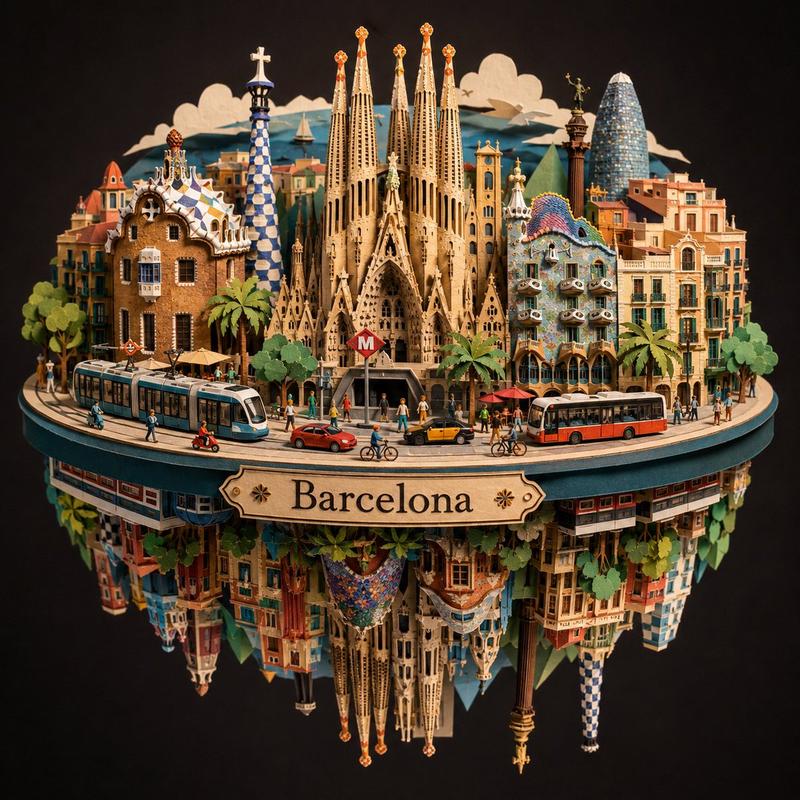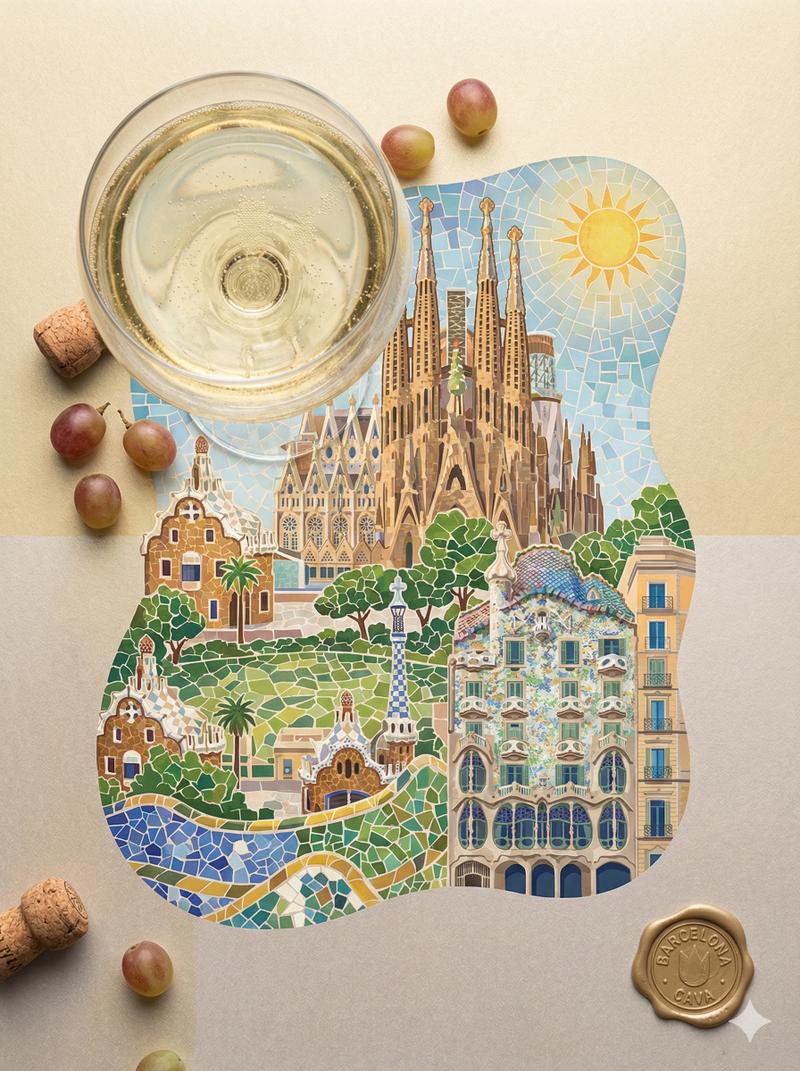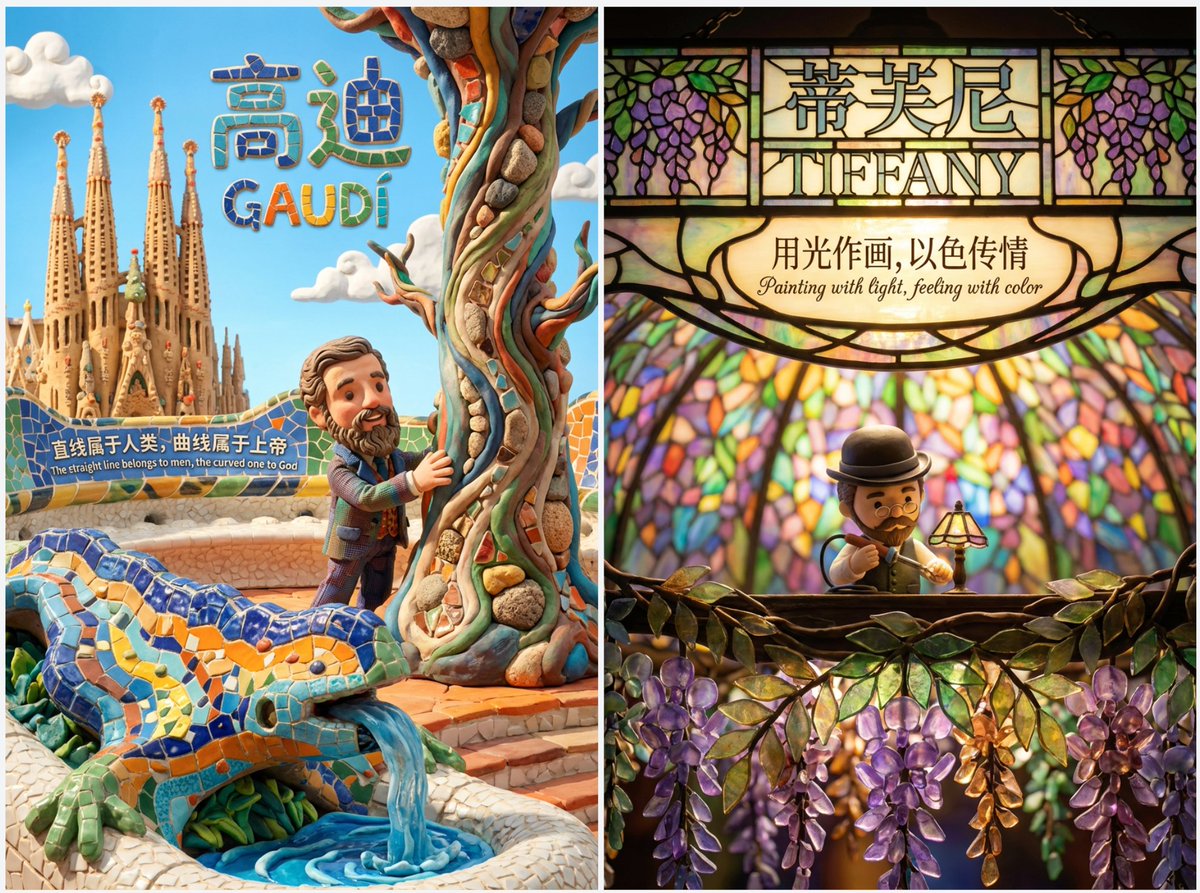
可爱黏土风格主题海报
Prompt
Top-tier clay stop-motion animation style poster for [在此填入核心主题/人物] - MAXIMUM EXPRESSION & IMMERSION

[1. VISUAL STYLE & ATMOSPHERE | 核心画风]
- Style: 3D Clay Art, Q-version cute proportions, Stop-motion Animation aesthetic.
- Texture: Soft matte clay, visible fingerprints, rounded edges, slight imperfections (handmade feel).
- Camera: Macro photography, shallow depth of field (Bokeh), diorama effect.
- Color Palette: [在此填入颜色关键词,如:Soft Pastel, Dark Gothic, Vibrant Neon].

[2. IMMERSIVE COMPOSITION | 沉浸式构图]
- Concept: A seamless 3D micro-world. The character is embedded in the environment, not just standing in front of it.
- Perspective: [在此填入视角,如:Low angle, Top-down, Fish-eye, Isometric].
- Foreground: [在此填入前景物体,用于增加纵深感].
- Mid-ground: Q-version [在此填入人物描述] doing [在此填入动作], surrounded by [在此填入环境元素].
- Background: [在此填入背景元素], blurred for depth.

[3. LIGHTING & MOOD | 光影氛围]
- Lighting Type: [在此填入光效,如:Warm golden hour, Cold moonlight, Dramatic spotlight, Volumetric lighting].
- Shadow: Soft, colored shadows (not pitch black).

[4. INTEGRATED TEXT DESIGN | 文字物理化融合]
- Main Title: "[在此填入中文标题]" and "[在此填入英文标题]".
- Title Style: The text is PHYSICALLY formed by [在此填入标题材质,如:Clouds, Wood, Neon tubes, Stone].
- Body Copy: "[在此填入中文文案]" / "[在此填入英文文案]".
- Copy Placement: Written directly on [在此填入文案载体,如:A floating paper, A wall, A road sign] within the scene.
- Font Style: [在此填入字体风格,如:Handwritten, Graffiti, Elegant calligraphy], natural and textured.

[5. TECH SPECS | 技术参数]
- Resolution: 4K Definition, High Fidelity, Octane Render style.

💡 如何像设计师一样填写?(使用指南)
为了达到最佳效果,请在填写[ ]内容时参考以下“心法”:
1. 构图 (Perspective) - 打破常规
不要只用“平视”。尝试:
Low angle (仰视):表现伟大、压迫感(如贝多芬、诺兰)。
Top-down (俯视):表现掌控、精致感(如韦斯·安德森、莫扎特)。

Inside-out (内部视角):如从后备箱看出去、从山洞看出去。
2. 标题材质 (Title Material) - 脑洞大开
不要让 AI 随便生成字体,指定一种和主题相关的**“物体”**:
写音乐家?标题由**“五线谱”或“乐器零件”**组成。
写赛车手?标题由**“赛道沥青”或“轮胎痕迹”**组成。
写厨师?标题由**“面粉”或“蔬菜切片”**组成。
3. 文案载体 (Copy Placement) - 拒绝字幕

不要让文字悬浮在空中,给它找个**“落脚点”**:
写在飘落的树叶上。
写在斑驳的墙壁上。
写在扔在地上的纸团上。
写在显示器的屏幕里。
- Category
- 创意图片
- Model
- Nano Banana Pro
- Creator
- @sundyme
- Source ID
- 9cd51710-c122-43cc-8323-9a9fcd3f1ef6
- Published
- Dec 27, 2025
Views7