18

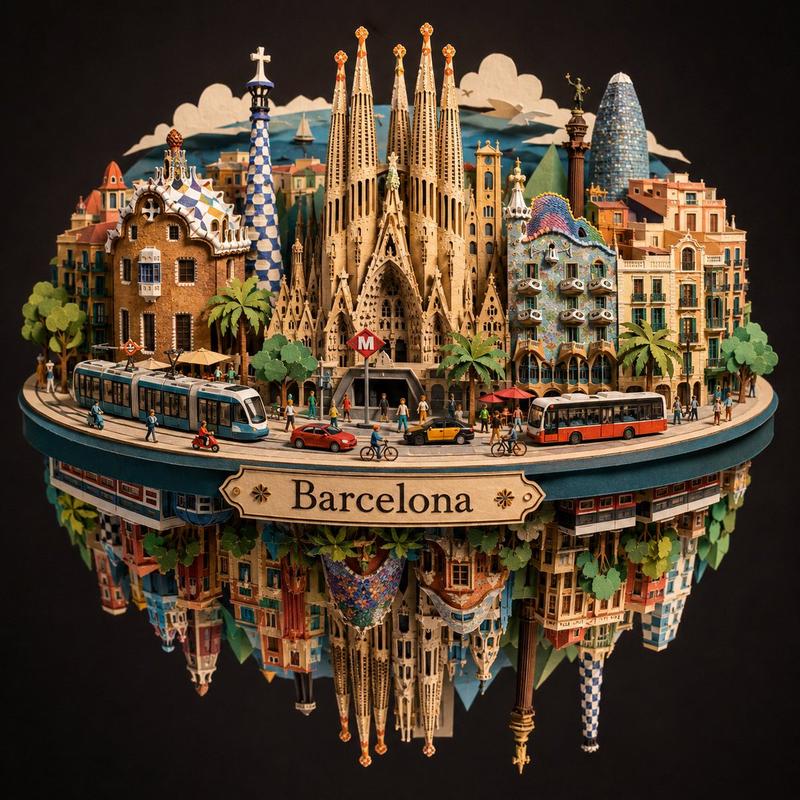
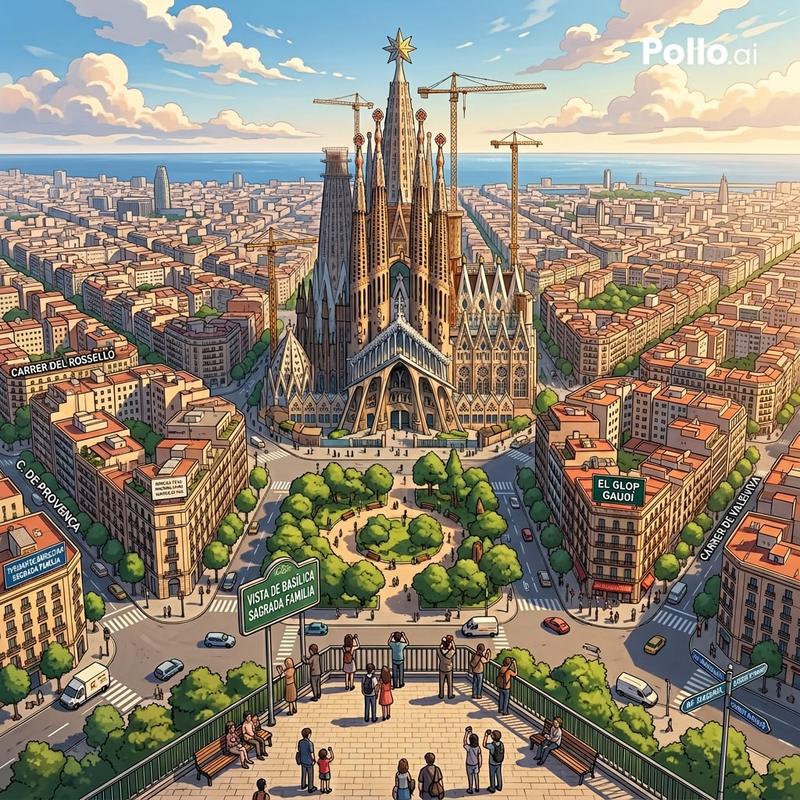
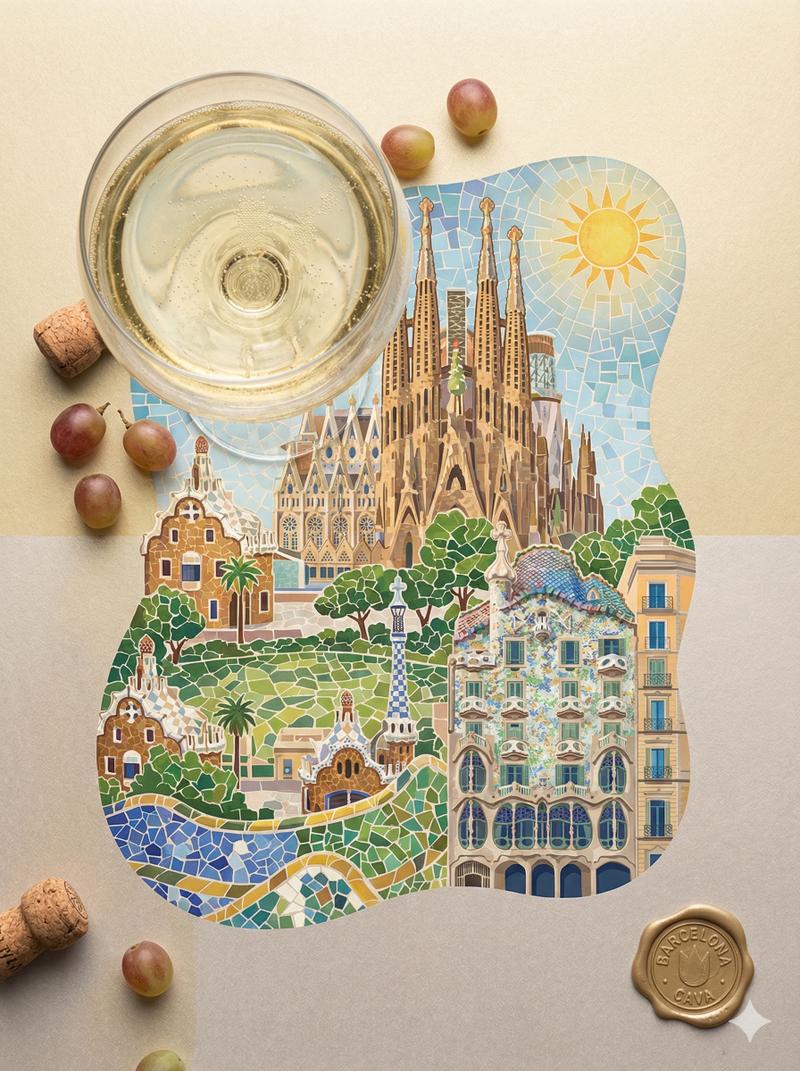
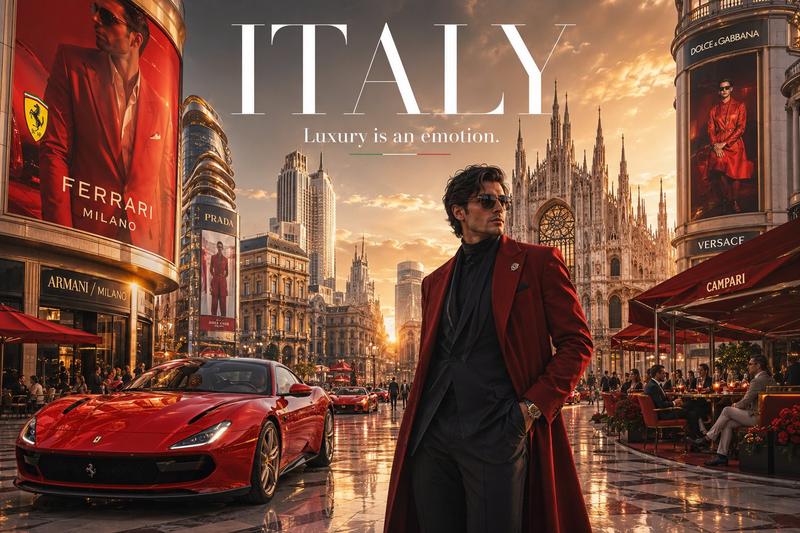
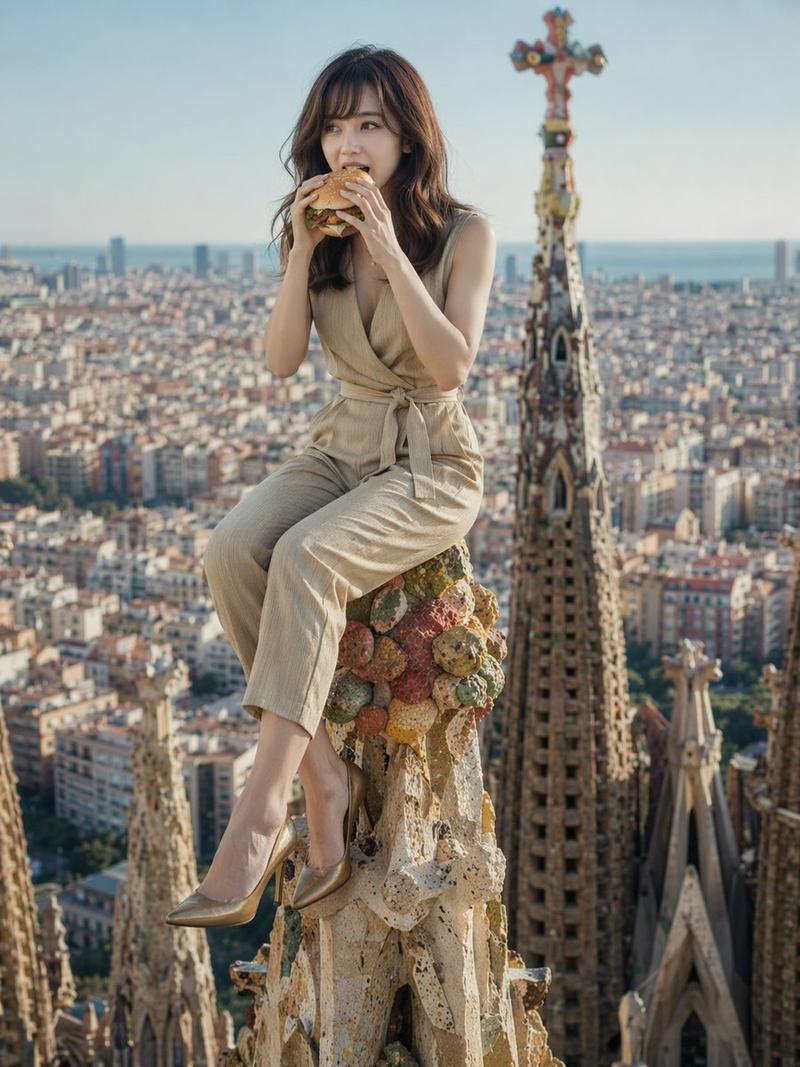
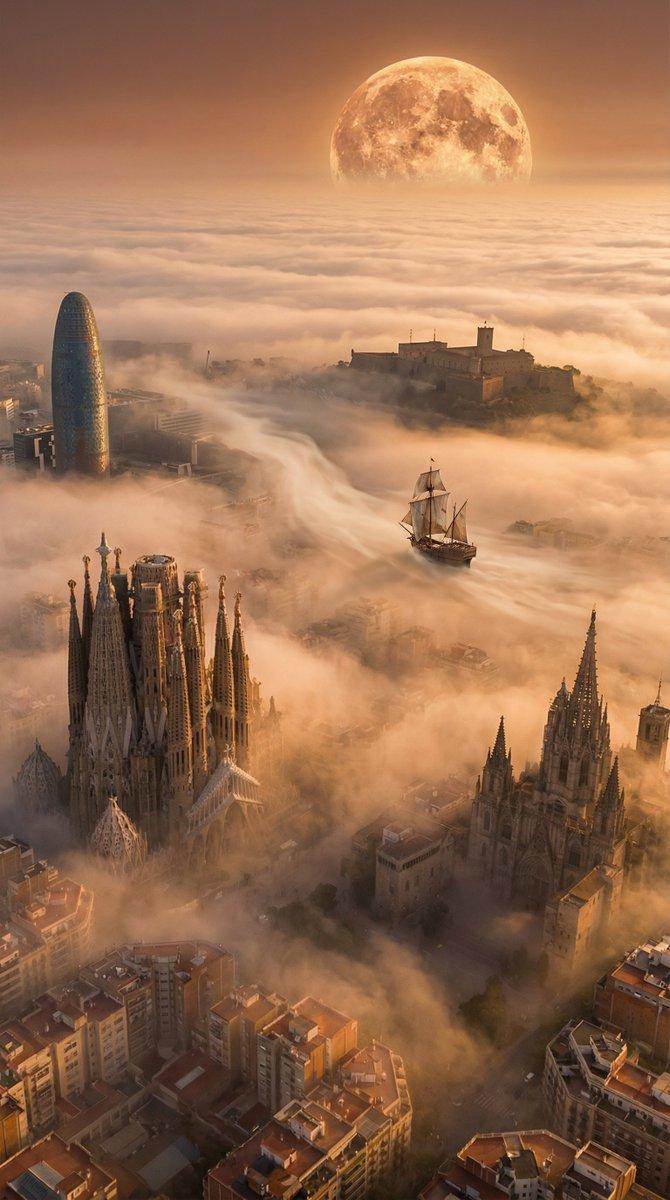
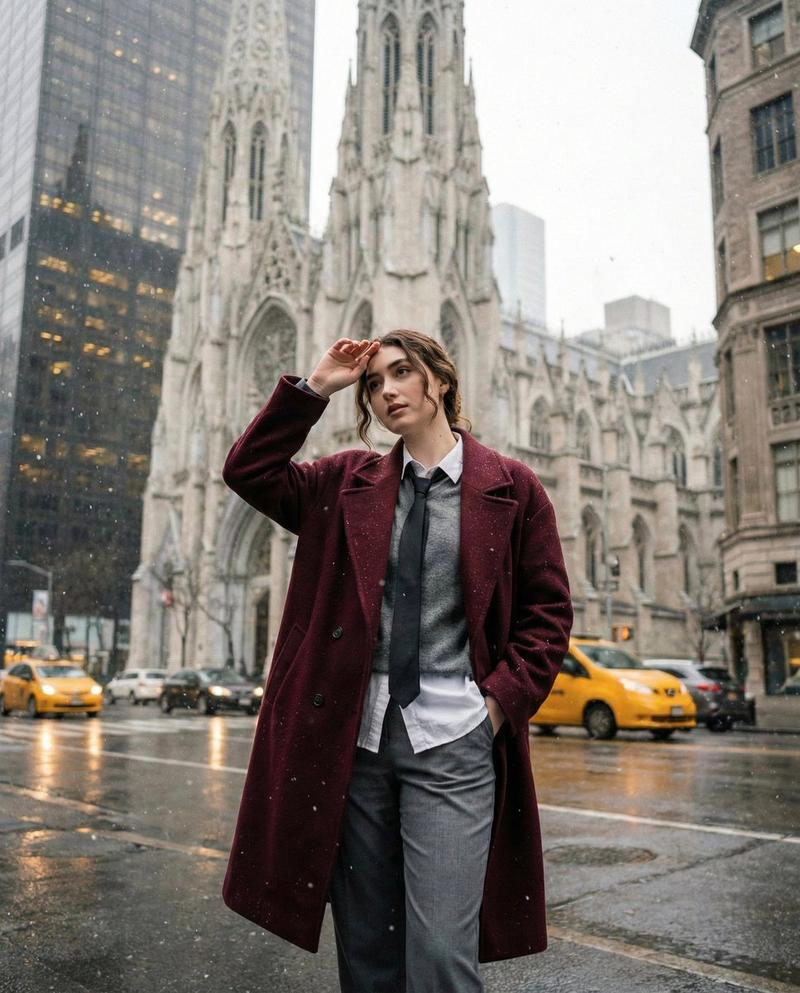
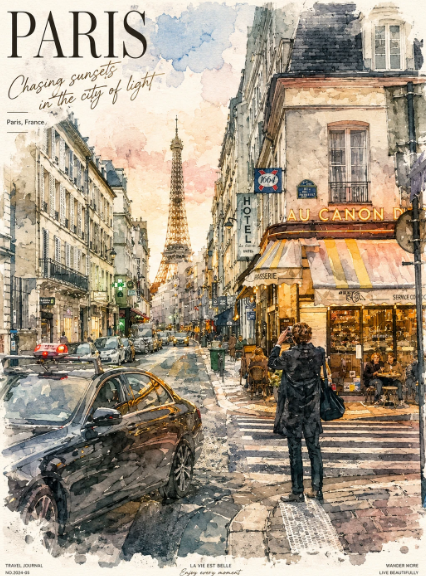
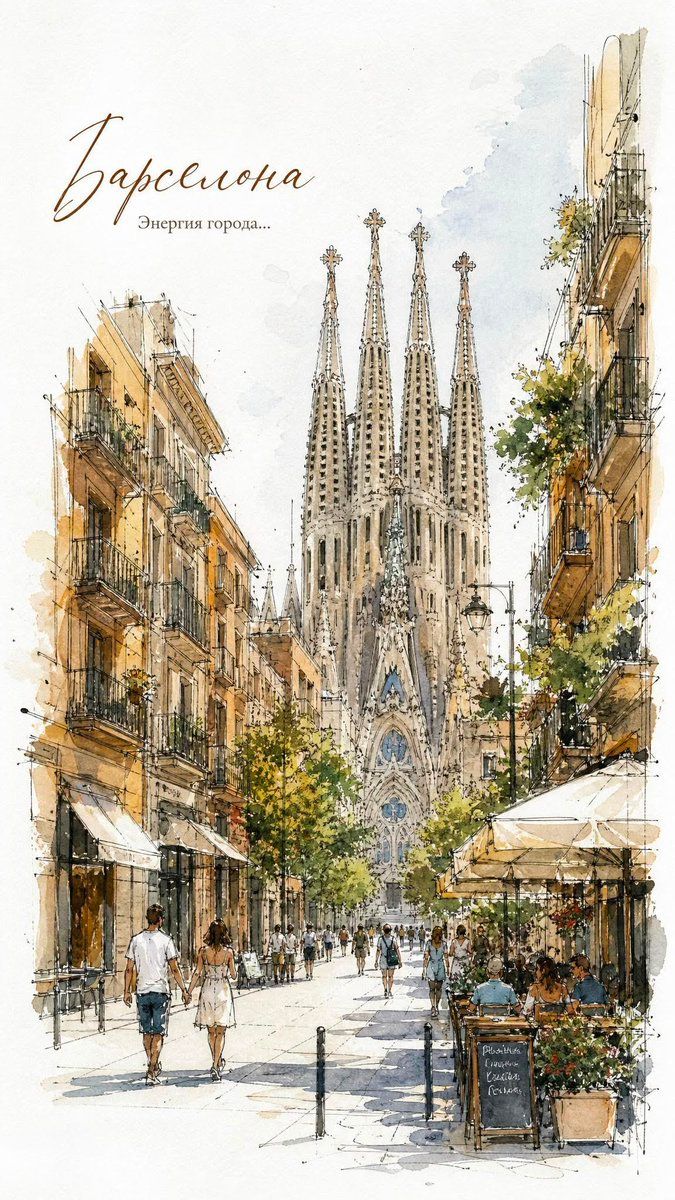
欧洲城市水彩素描海报
Enlarge

Example images

欧洲城市水彩素描海报

Prompt
Elegant {argument name="location" default="European city street"} travel poster, delicate watercolor and ink sketch illustration, hand-drawn architectural linework, soft pastel washes, urban streetscape with historic buildings, charming cafés, pedestrians strolling, outdoor terraces, detailed balconies, trees and flower boxes, loose expressive brushstrokes, architectural journal sketch style, travel diary aesthetic, white paper texture, minimal background, subtle paint splashes, fine pen outlines, sophisticated composition, light and airy atmosphere, vintage travel book illustration, high-detail watercolor rendering, muted earthy palette, European old-town charm, artistic perspective drawing, editorial illustration, premium stationery art, museum-quality watercolor, clean negative space, handwritten calligraphy title at the top, elegant typography, travel magazine cover design, masterpiece, ultra-detailed, 8k.
Category
Charts & Infographics
Model
GPT Image 2
Creator
Taaruk
Views4
Source ID
23447
Published
May 31, 2026

Guide

About "欧洲城市水彩素描海报"

What is this prompt for?

"欧洲城市水彩素描海报" AI image prompt for GPT Image 2 (Charts & Infographics). 创作一张优雅的欧洲老城水彩与水墨旅行海报,展现精致的建筑线条和轻盈通透的氛围。 Copy it on Picva and recreate the look in one cli…

The full copyable prompt and example visuals above are ready for AI image generation or one-click recreate in Picva.

How to use this prompt

  1. Step 1

    Open the prompt detail

    Review the example visuals, category, and full prompt text for "欧洲城市水彩素描海报".

  2. Step 2

    Copy the prompt

    Copy the prompt body from this page, or load it directly in Studio.

  3. Step 3

    Pick a model (GPT Image 2)

    Prefer GPT Image 2. If you switch models, keep subject and composition and tweak style terms.

  4. Step 4

    Generate and export

    Recreate the look in Picva, or export into your workflow for editing and publishing.

FAQ

What is the "欧洲城市水彩素描海报" prompt?
It is an AI image-generation prompt for GPT Image 2 in the Charts & Infographics category. This page includes the full prompt text, example visuals, and a one-click recreate path in Picva.
How do I use this prompt to generate an image?
Copy the prompt from this page, or use Generate / Studio. Paste it into a compatible image model, or recreate the look in Picva with optional reference images.
Which model is this prompt for?
This page lists GPT Image 2. Most descriptive prompts also transfer to nearby image models such as GPT Image, Flux, or Midjourney with light style tweaks.
Can I use the result commercially?
You can usually copy the prompt for creation, but commercial use of the final image depends on the model terms, reference-image rights, and the generated content. Follow the source author and platform rules.