20

Güzel prompt { "prompt": "Create an ultra realistic isometric diorama based st
Enlarge

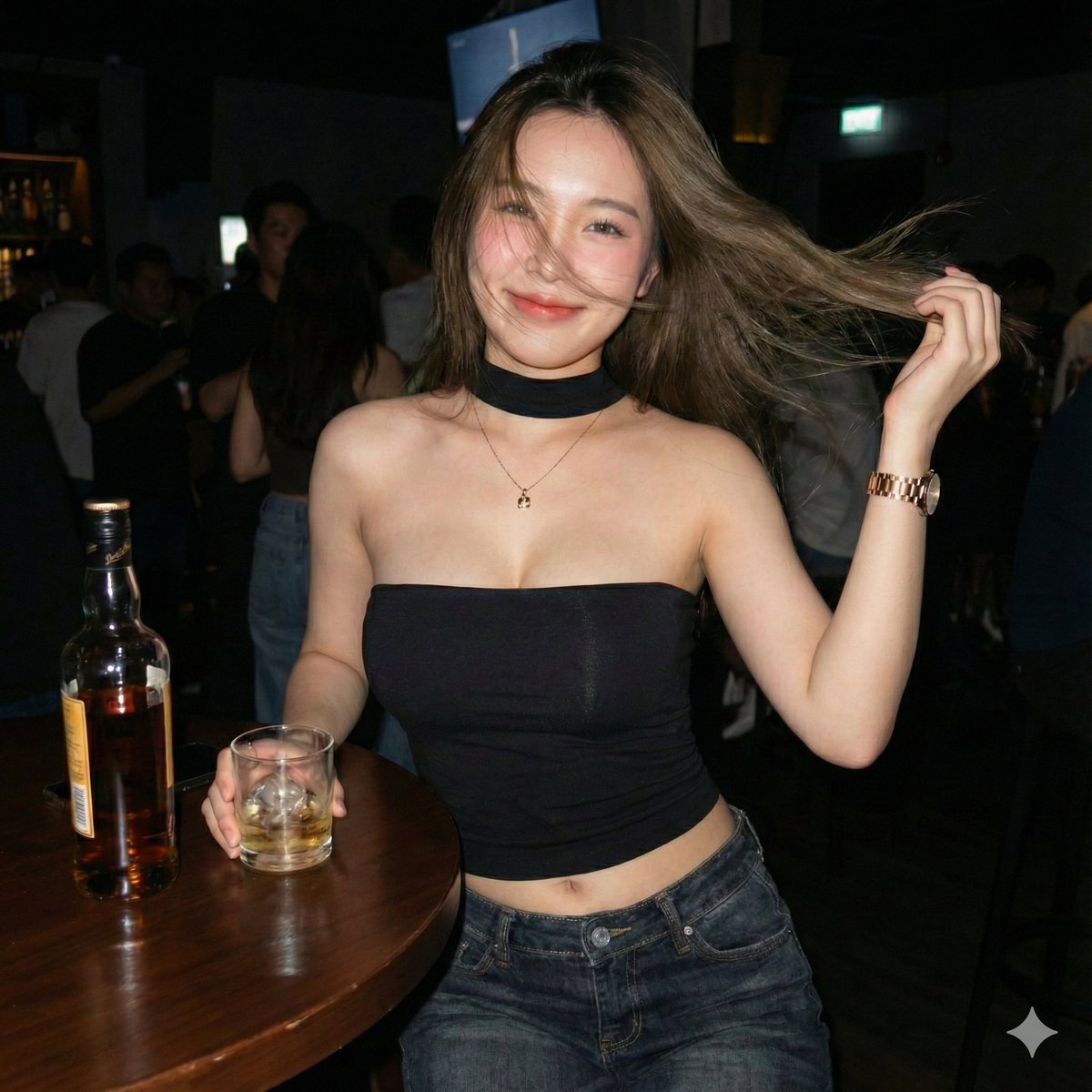
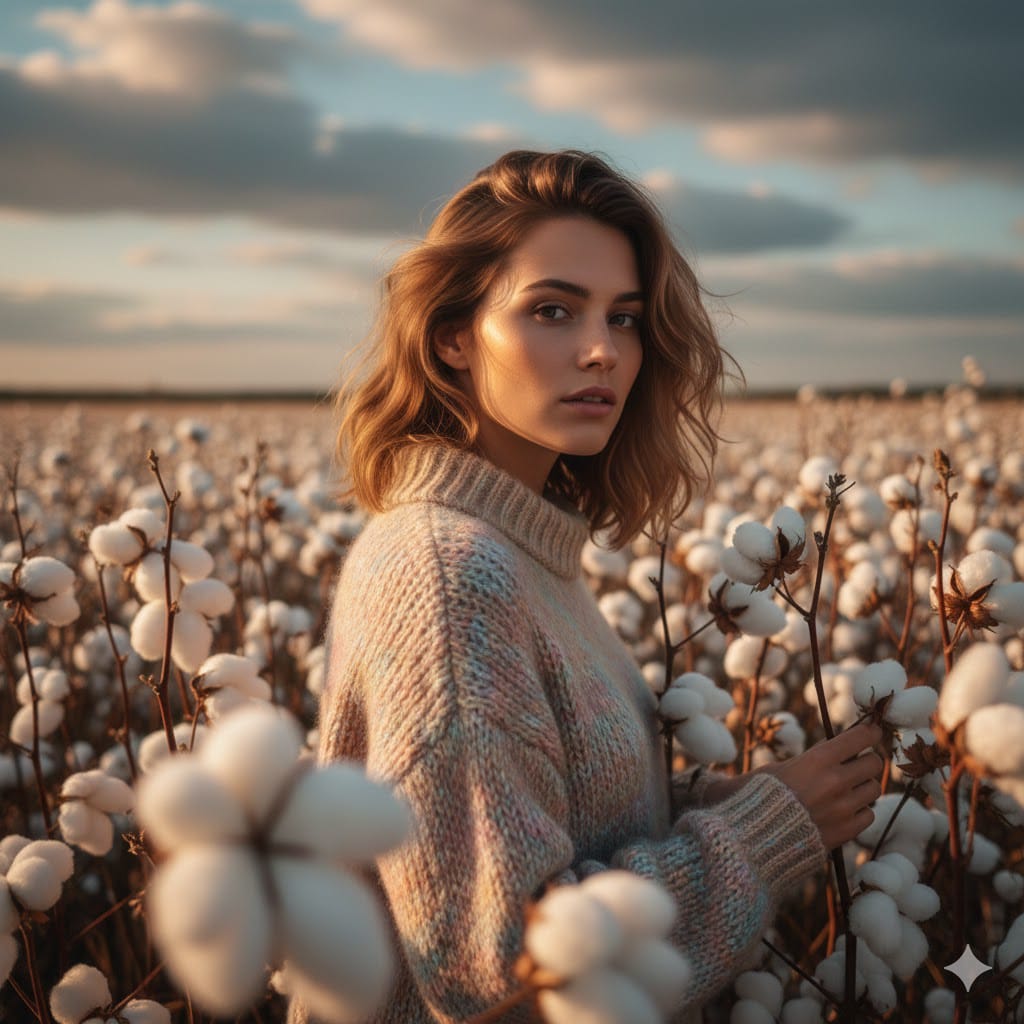
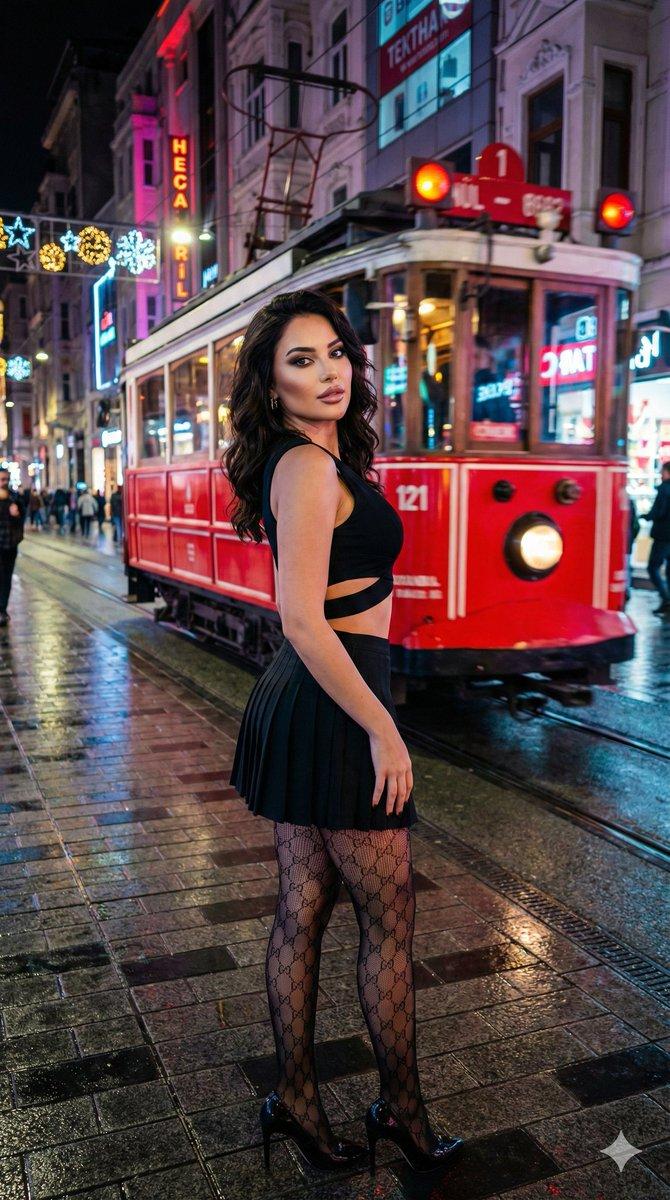
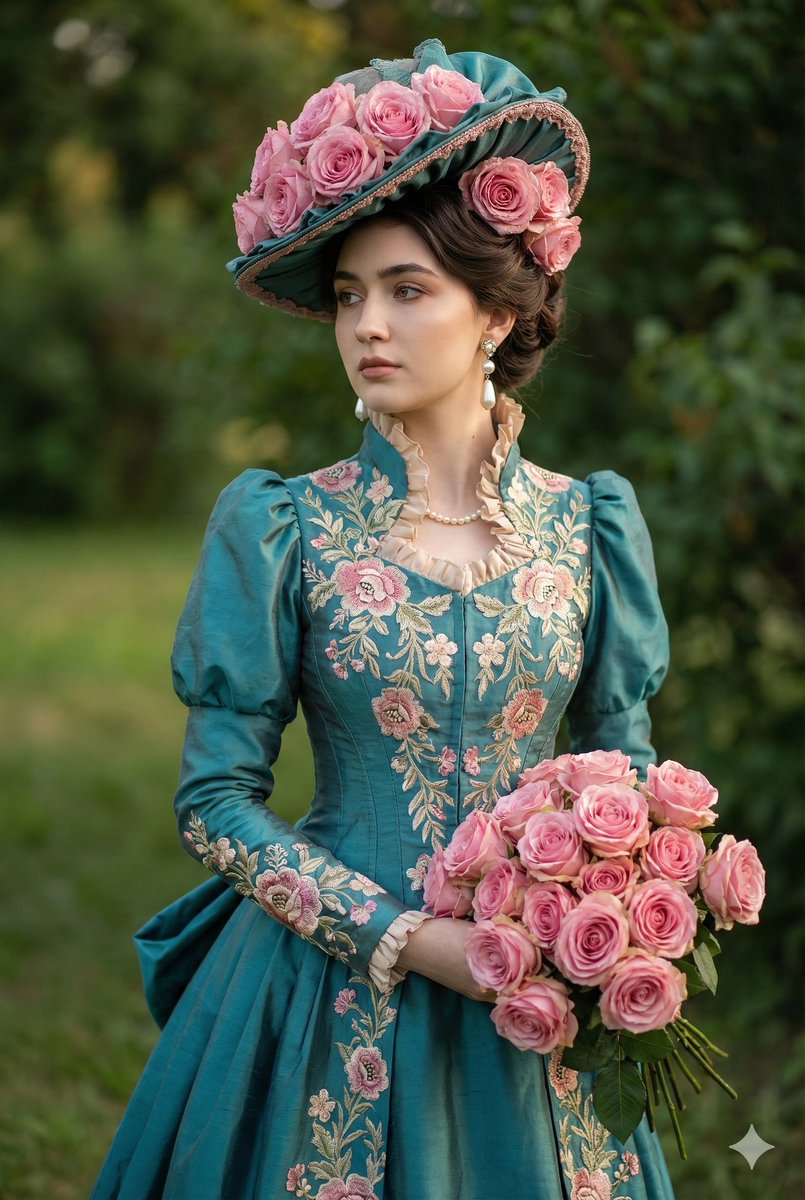
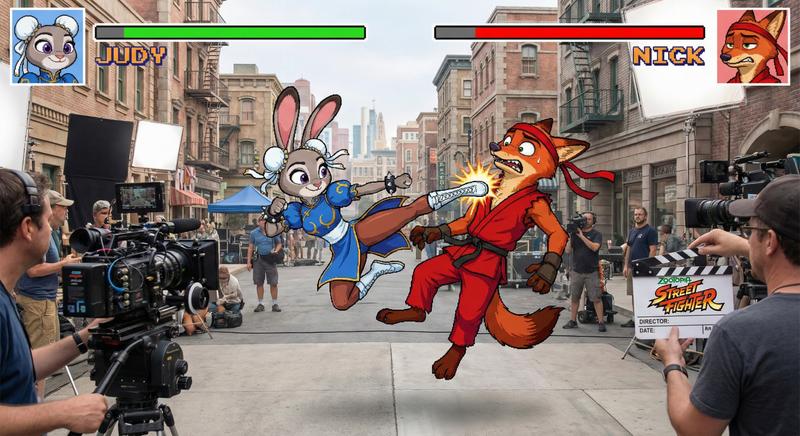
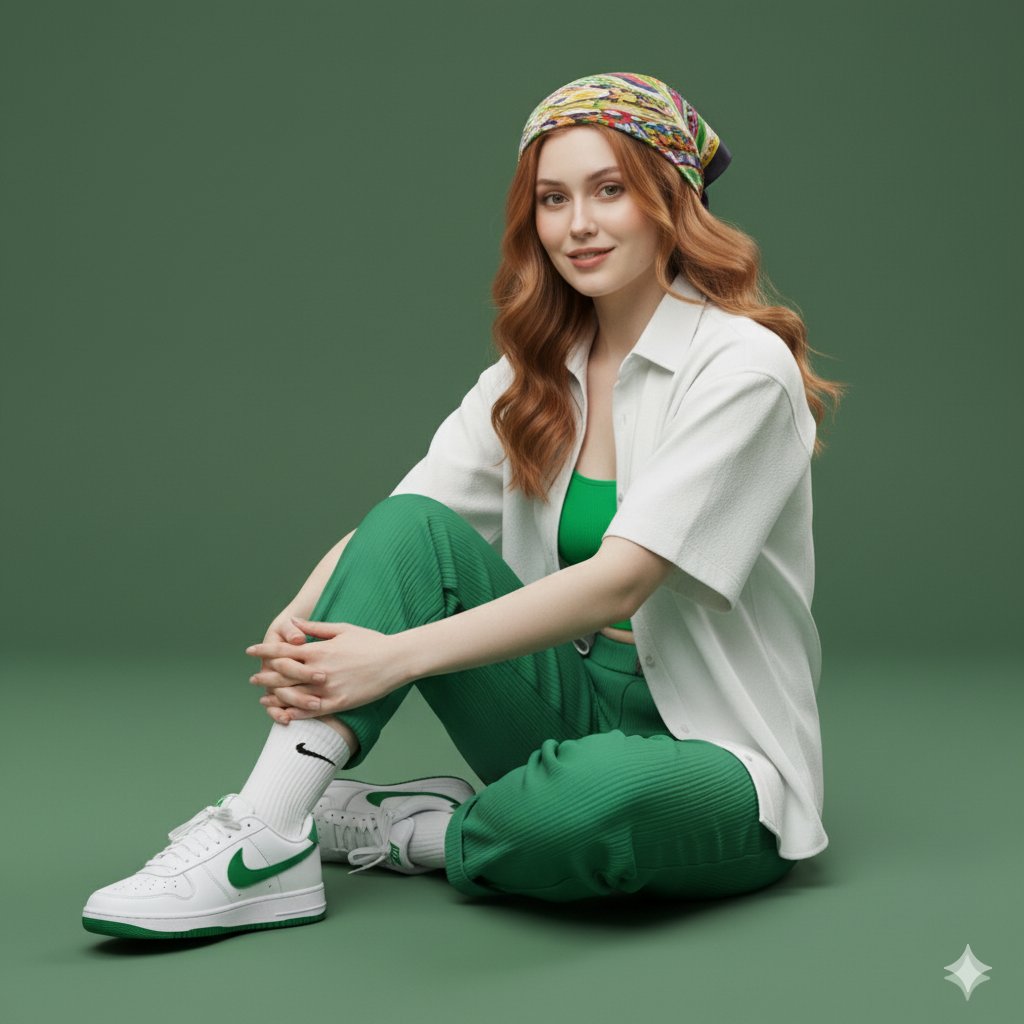
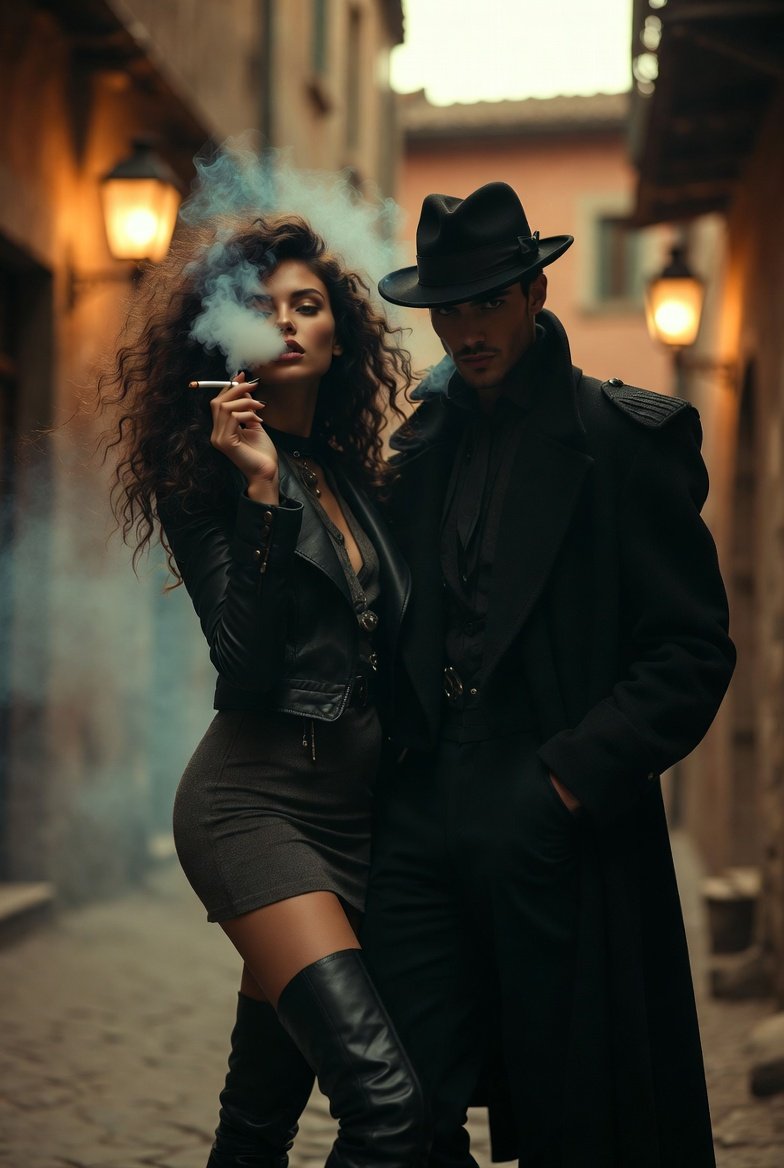
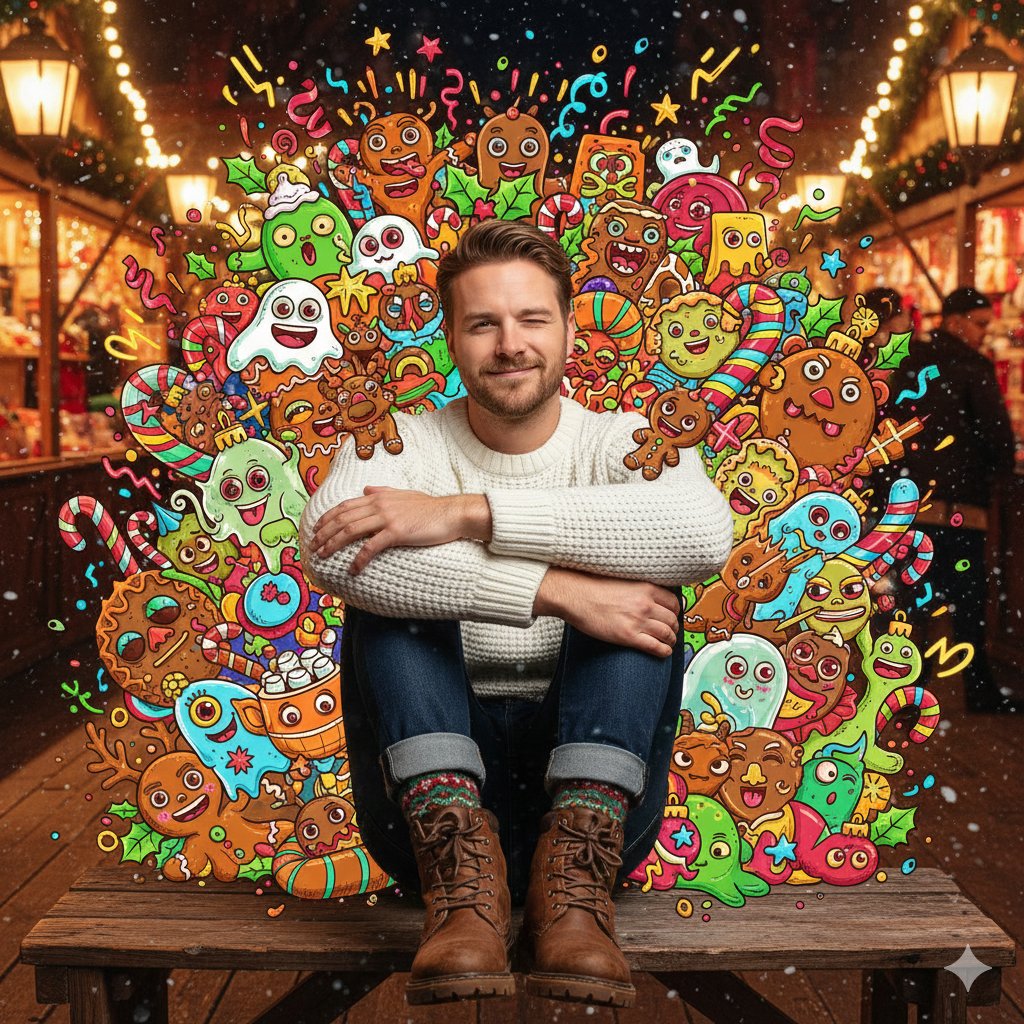
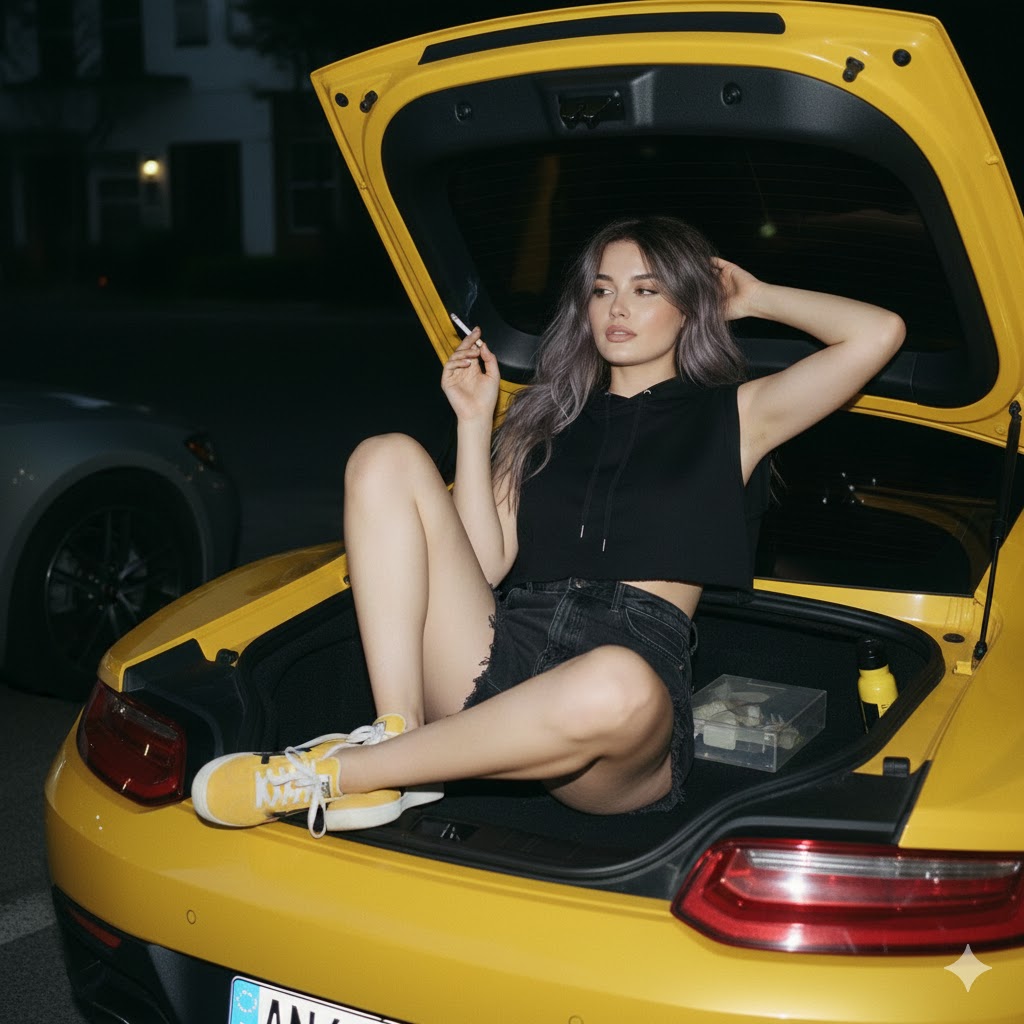
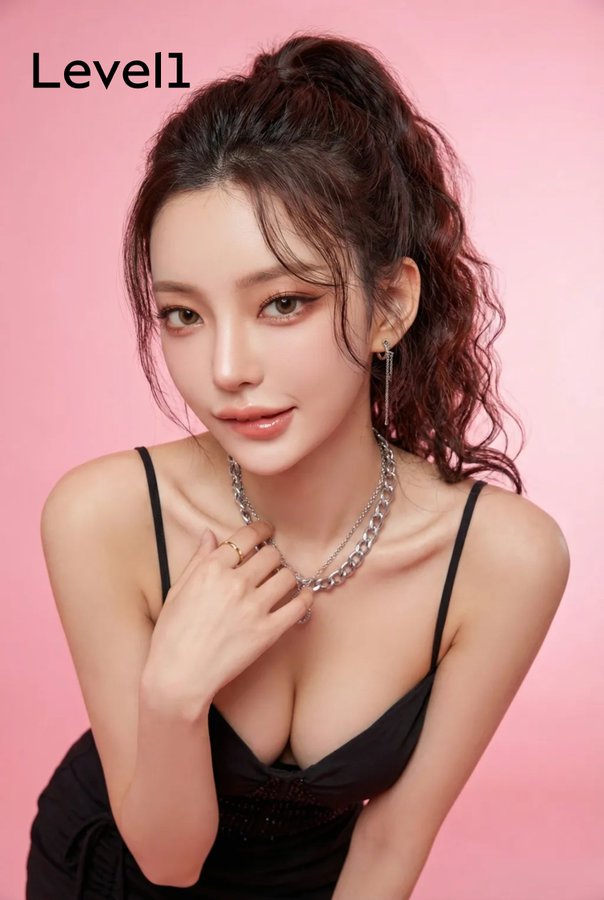
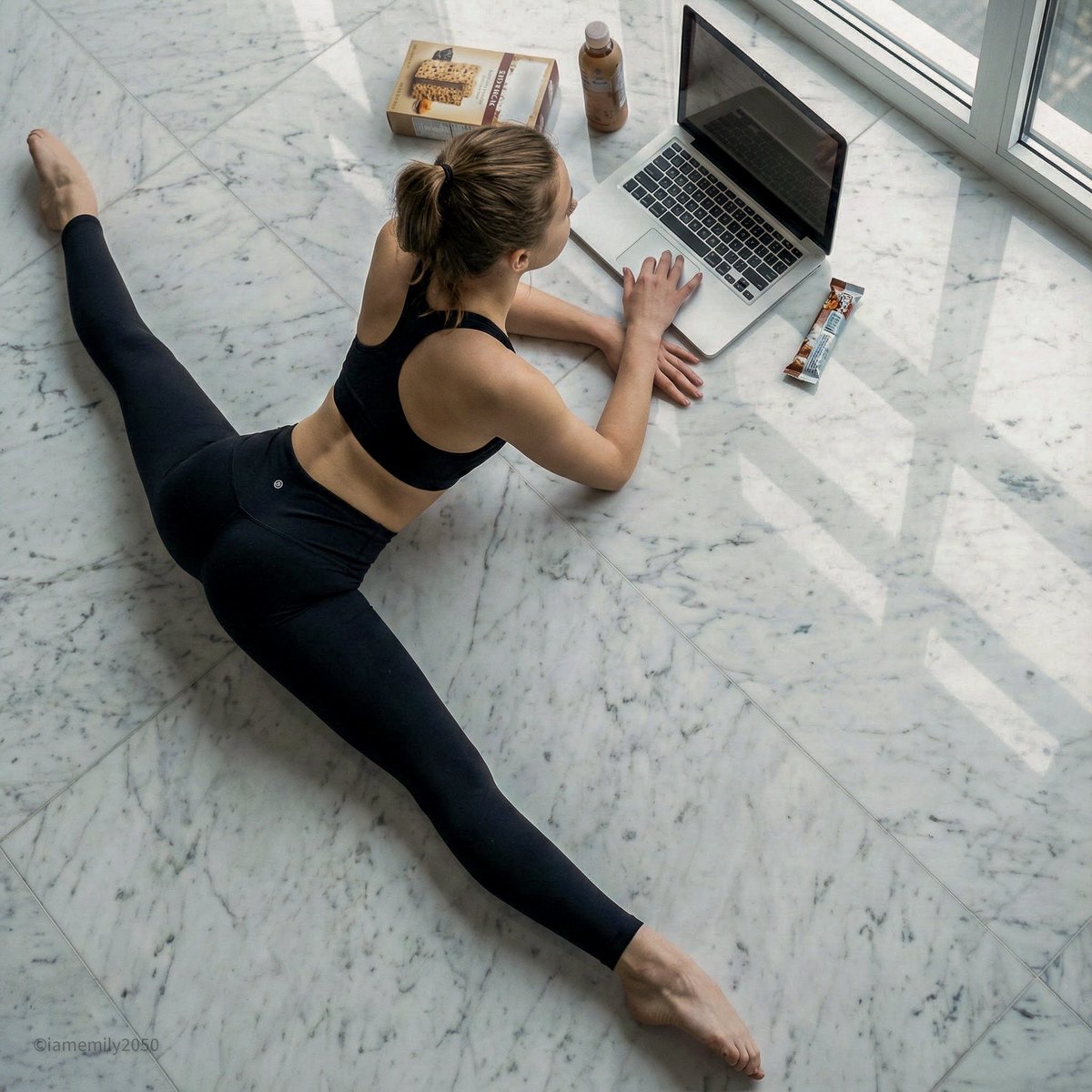
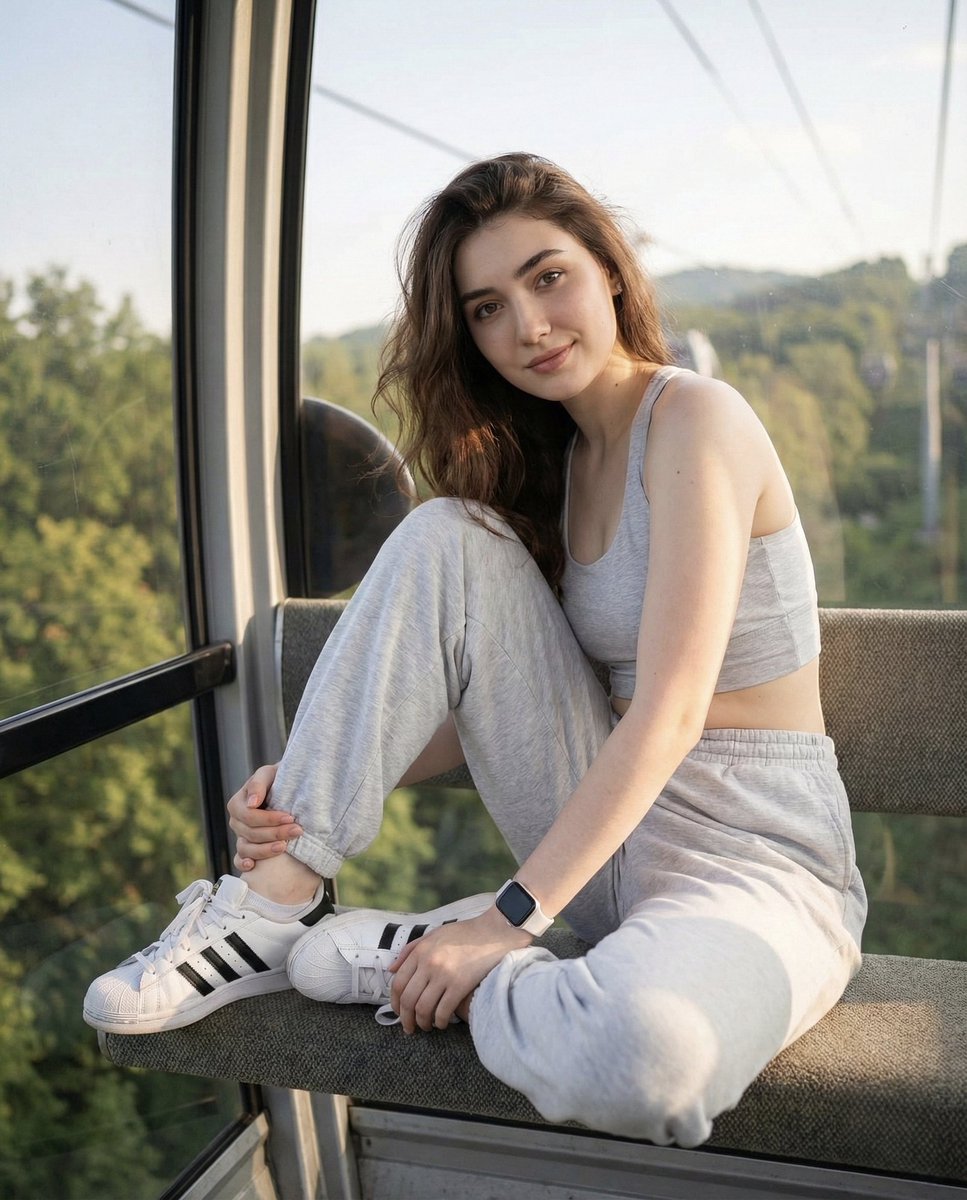
Example images

Güzel prompt { "prompt": "Create an ultra realistic isometric diorama based st

Prompt
Güzel prompt

{
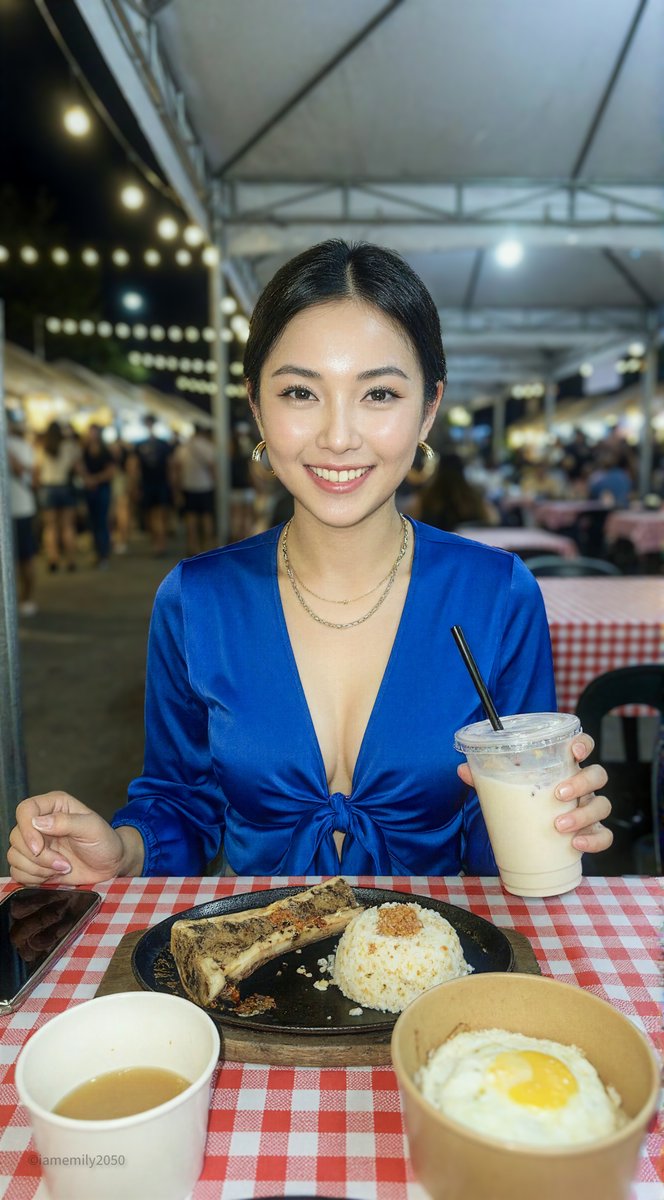
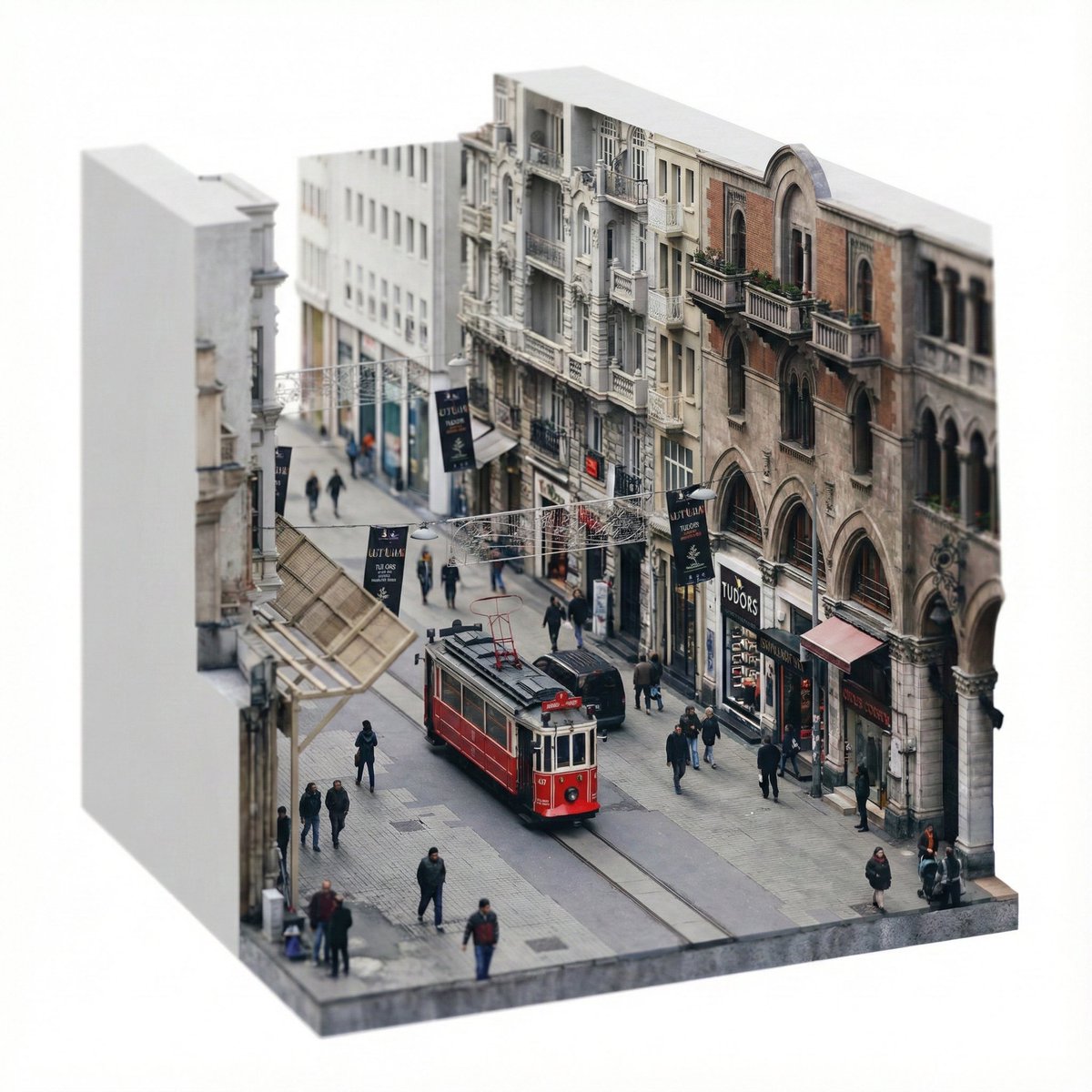
  "prompt": "Create an ultra realistic isometric diorama based strictly on the uploaded image. Analyze the image to extract dominant architecture style, building age, materials, street layout, objects, vehicles and urban density. Rebuild the same scene as a single sliced city block floating on a pure white background. Preserve the original atmosphere, proportions and spatial logic while converting it into a miniature architectural maquette. Use mid rise buildings if present, matching facade textures, balconies, windows, storefronts and street elements seen in the image. Keep only elements visible in the source image. Remove anything not present. Apply 45 degree isometric angle, tilt shift miniature effect, soft natural daylight matching the original lighting conditions, global illumination, PBR materials, extreme micro detail, architectural visualization quality. Clean studio lighting. No sky, no horizon.",
  "negative_prompt": "invented objects, extra buildings, fantasy elements, cartoon, anime, illustration, low poly, flat shading, fisheye, distortion, surreal details, inconsistent scale, random props",
  "aspect_ratio": "1:1",
  "style": "photorealistic",
  "quality": "high"
}
Category
creative_scene
Model
Nano Banana Pro
Creator
Pixshop
Views1
Source ID
e0110b3d-bbdb-471d-87f6-be2a6c2cfa60
Published
Jan 11, 2026

Guide

About "Güzel prompt { "prompt": "Create an ultra realistic isometric diorama based st"

What is this prompt for?

"Güzel prompt { "prompt": "Create an ultra realistic isometric diorama based st" AI image prompt for Nano Banana Pro (creative_scene). creative_scene Copy it o…

The full copyable prompt and example visuals above are ready for AI image generation or one-click recreate in Picva.

How to use this prompt

  1. Step 1

    Open the prompt detail

    Review the example visuals, category, and full prompt text for "Güzel prompt { "prompt": "Create an ultra realistic isometric diorama based st".

  2. Step 2

    Copy the prompt

    Copy the prompt body from this page, or load it directly in Studio.

  3. Step 3

    Pick a model (Nano Banana Pro)

    Prefer Nano Banana Pro. If you switch models, keep subject and composition and tweak style terms.

  4. Step 4

    Generate and export

    Recreate the look in Picva, or export into your workflow for editing and publishing.

FAQ

What is the "Güzel prompt { "prompt": "Create an ultra realistic isometric diorama based st" prompt?
It is an AI image-generation prompt for Nano Banana Pro in the creative_scene category. This page includes the full prompt text, example visuals, and a one-click recreate path in Picva.
How do I use this prompt to generate an image?
Copy the prompt from this page, or use Generate / Studio. Paste it into a compatible image model, or recreate the look in Picva with optional reference images.
Which model is this prompt for?
This page lists Nano Banana Pro. Most descriptive prompts also transfer to nearby image models such as GPT Image, Flux, or Midjourney with light style tweaks.
Can I use the result commercially?
You can usually copy the prompt for creation, but commercial use of the final image depends on the model terms, reference-image rights, and the generated content. Follow the source author and platform rules.