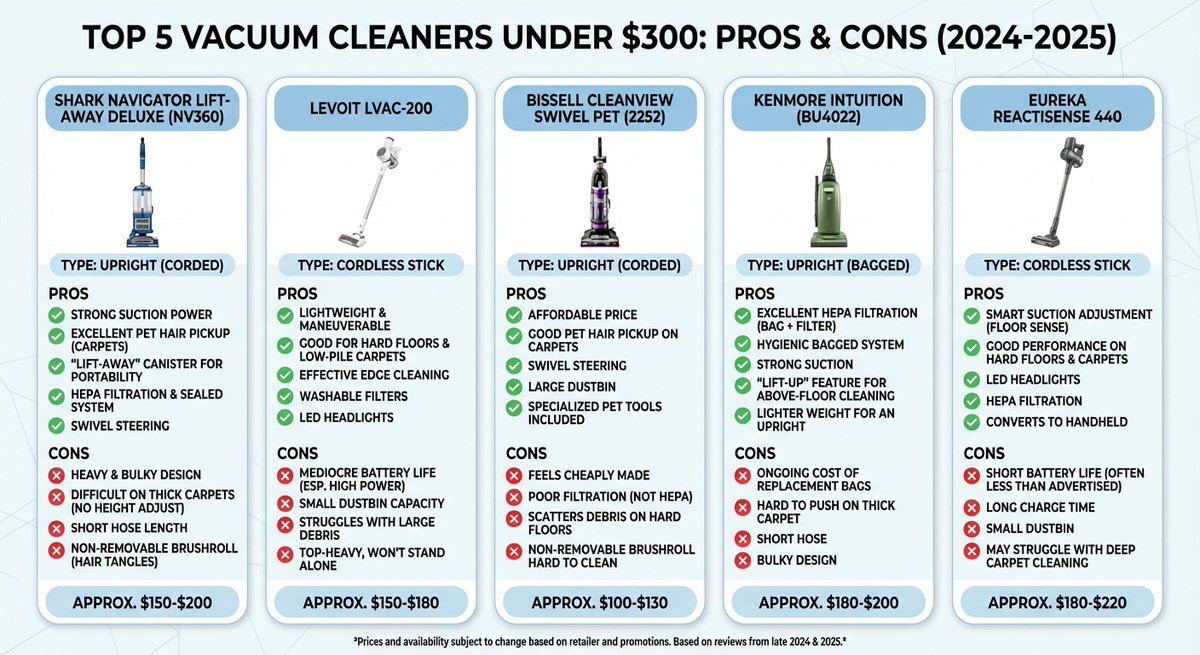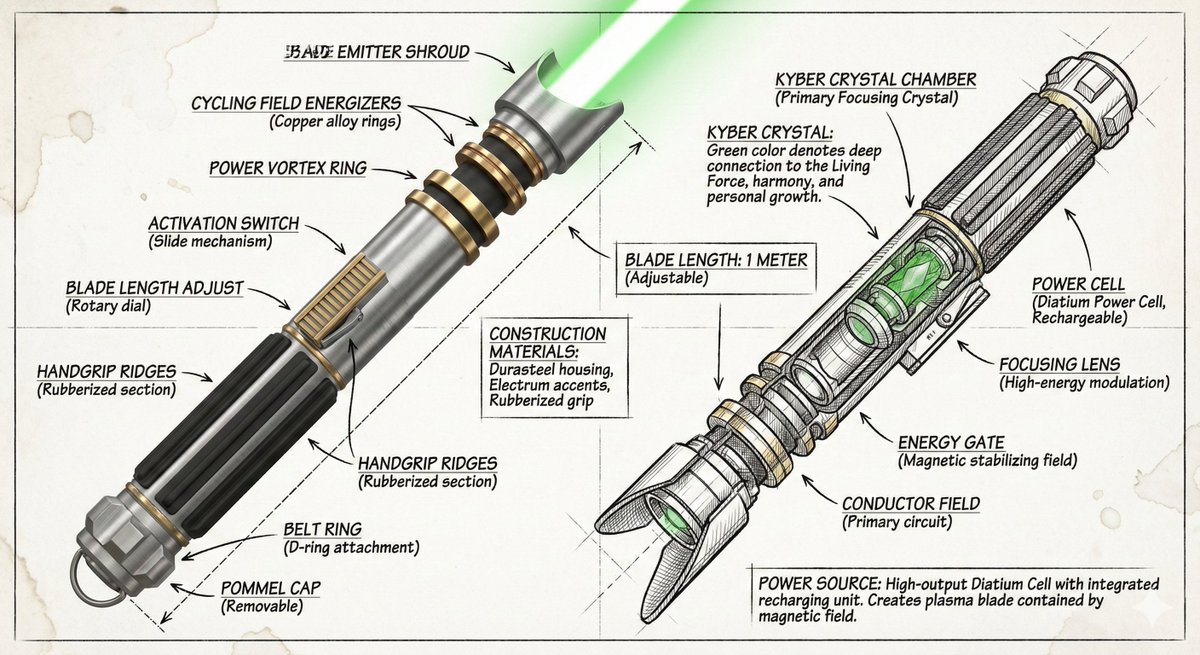
19

Nano Banana Pro - Infographics Prompts Prompt - Nike Air Jordan Create an infogr
Enlarge

Example images

Nano Banana Pro - Infographics Prompts Prompt - Nike Air Jordan Create an infogr

Prompt
Nano Banana Pro - Infographics Prompts

Prompt - Nike Air Jordan

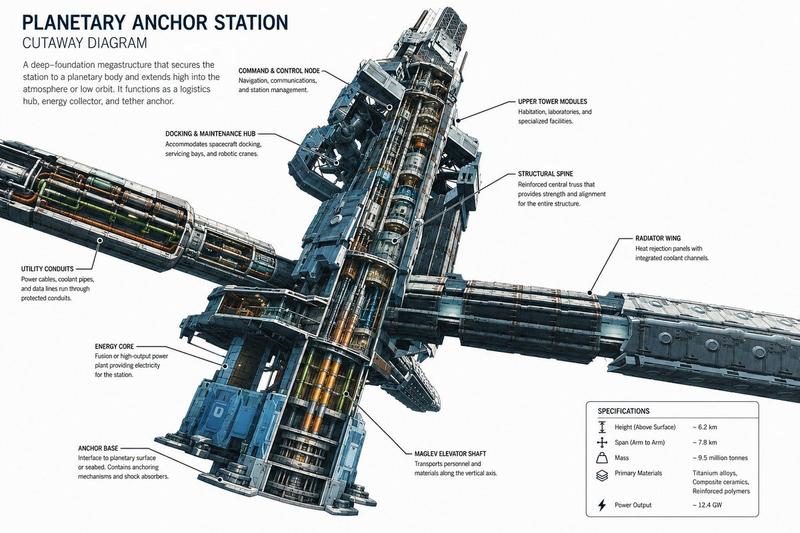
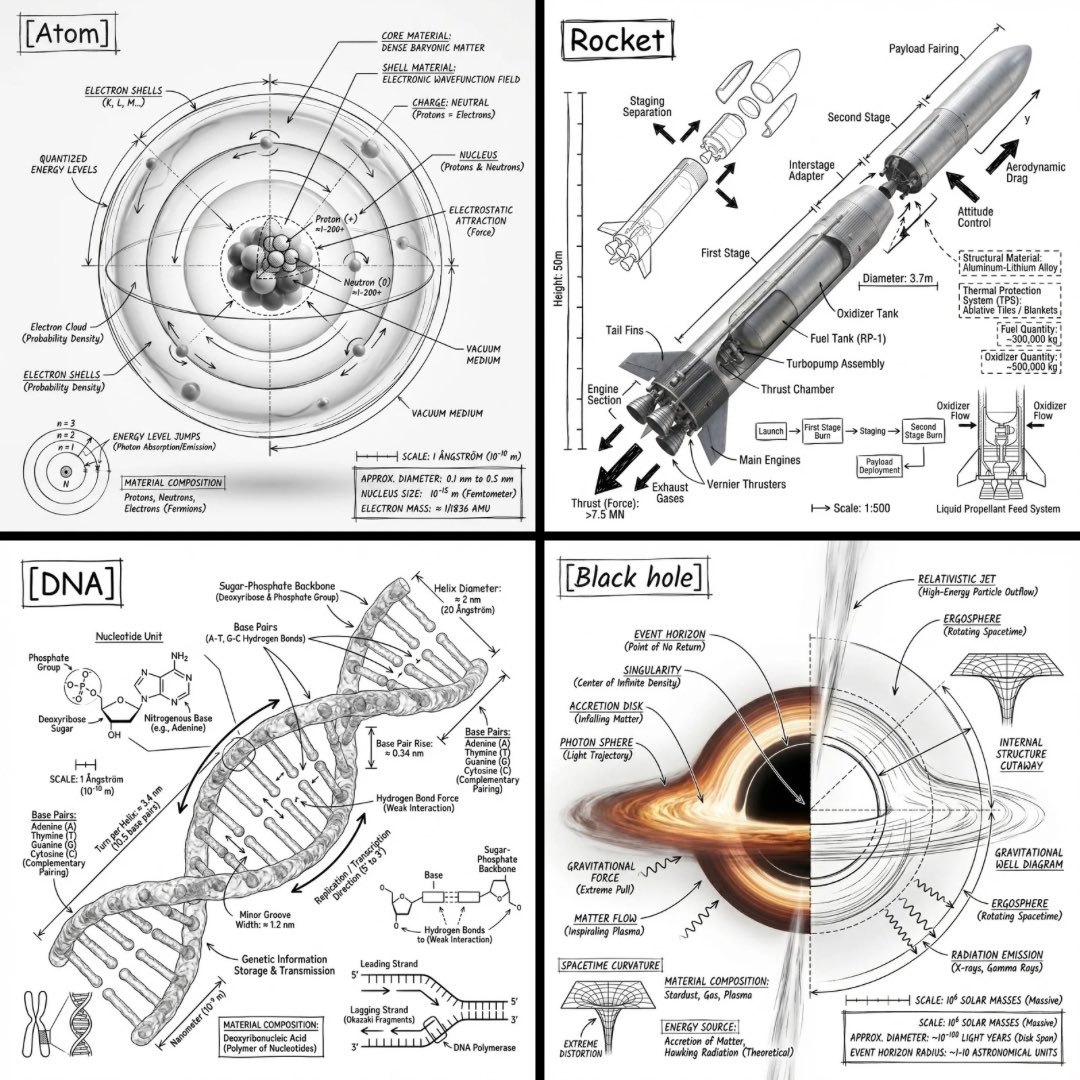
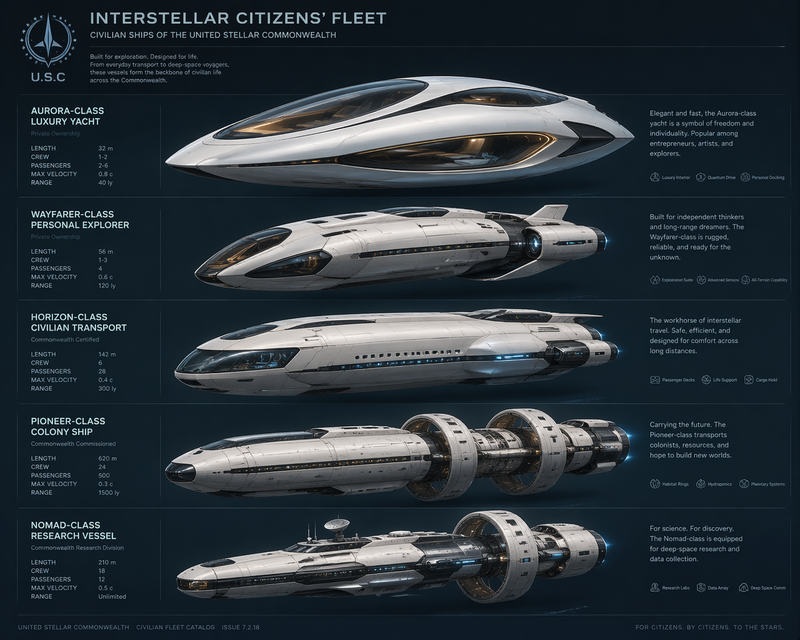
Create an infographic image of Nike Air Jordan 1 High OG sneaker, combining a realistic photograph or photoreal render of the object with technical annotation overlays placed directly on top. Use black ink–style line drawings and text (technical pen / engineering diagram aesthetic) for all annotations. Include precise arrows pointing to specific parts, detailed labels naming each component (toe box, swoosh logo, wings logo, collar, tongue, lace holes, midsole, outsole, heel counter, perforations, stitching patterns), materials used (premium leather, rubber outsole, foam cushioning), and historical notes (designed by Peter Moore, 1985, banned by NBA). Show both side profile and slight 3/4 angle. Background should be clean white or very light neutral. Overall style: a hybrid of product photography and vintage technical manual illustration. High resolution, ultra-detailed, 4K quality.
Category
创意图片
Model
Nano Banana Pro
Creator
@kaanakz
Views9
Source ID
75163fed-3a69-46ca-add8-2bafa1cf0a4b
Published
Feb 2, 2026

Guide

About "Nano Banana Pro - Infographics Prompts Prompt - Nike Air Jordan Create an infogr"

What is this prompt for?

"Nano Banana Pro - Infographics Prompts Prompt - Nike Air Jordan Create an infogr" AI image prompt for Nano Banana Pro (创意图片). 创意图片 Copy it on Picva and recrea…

The full copyable prompt and example visuals above are ready for AI image generation or one-click recreate in Picva.

How to use this prompt

  1. Step 1

    Open the prompt detail

    Review the example visuals, category, and full prompt text for "Nano Banana Pro - Infographics Prompts Prompt - Nike Air Jordan Create an infogr".

  2. Step 2

    Copy the prompt

    Copy the prompt body from this page, or load it directly in Studio.

  3. Step 3

    Pick a model (Nano Banana Pro)

    Prefer Nano Banana Pro. If you switch models, keep subject and composition and tweak style terms.

  4. Step 4

    Generate and export

    Recreate the look in Picva, or export into your workflow for editing and publishing.

FAQ

What is the "Nano Banana Pro - Infographics Prompts Prompt - Nike Air Jordan Create an infogr" prompt?
It is an AI image-generation prompt for Nano Banana Pro in the 创意图片 category. This page includes the full prompt text, example visuals, and a one-click recreate path in Picva.
How do I use this prompt to generate an image?
Copy the prompt from this page, or use Generate / Studio. Paste it into a compatible image model, or recreate the look in Picva with optional reference images.
Which model is this prompt for?
This page lists Nano Banana Pro. Most descriptive prompts also transfer to nearby image models such as GPT Image, Flux, or Midjourney with light style tweaks.
Can I use the result commercially?
You can usually copy the prompt for creation, but commercial use of the final image depends on the model terms, reference-image rights, and the generated content. Follow the source author and platform rules.