17

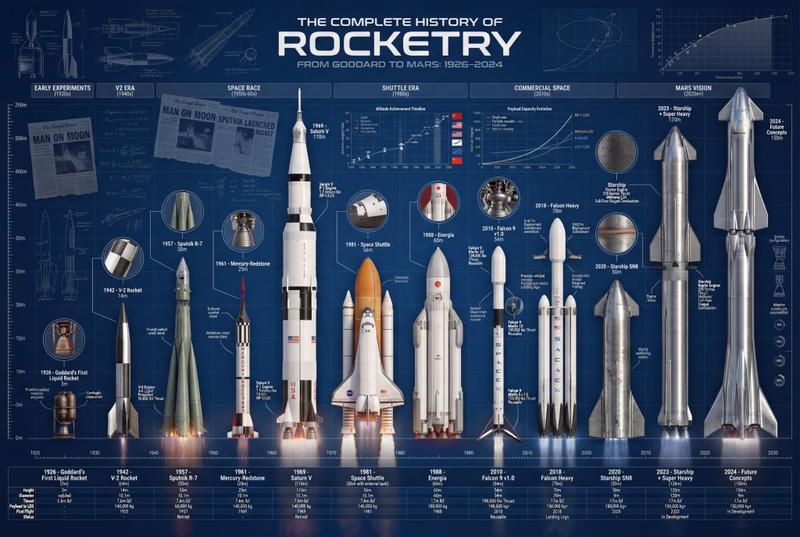
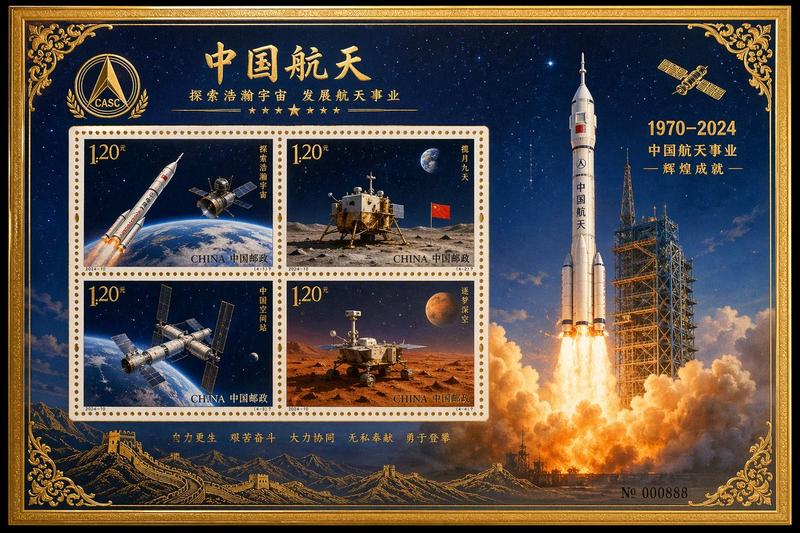
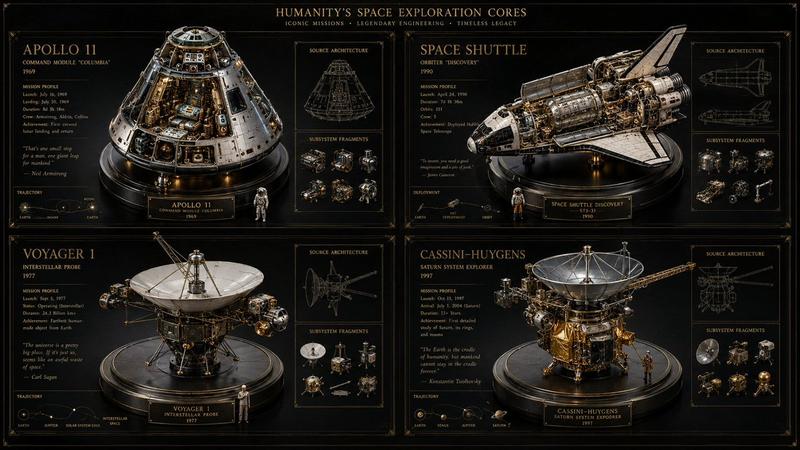
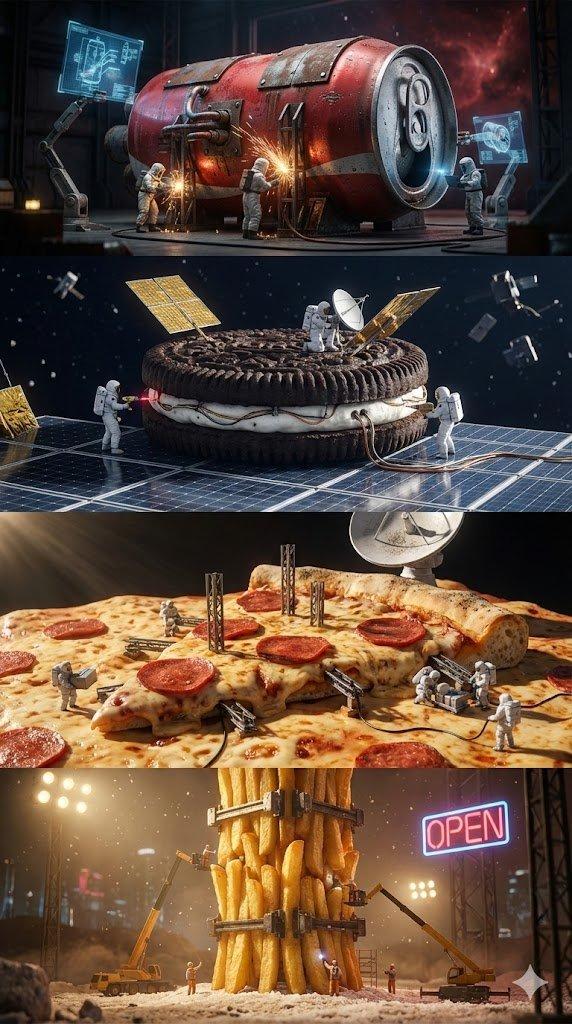
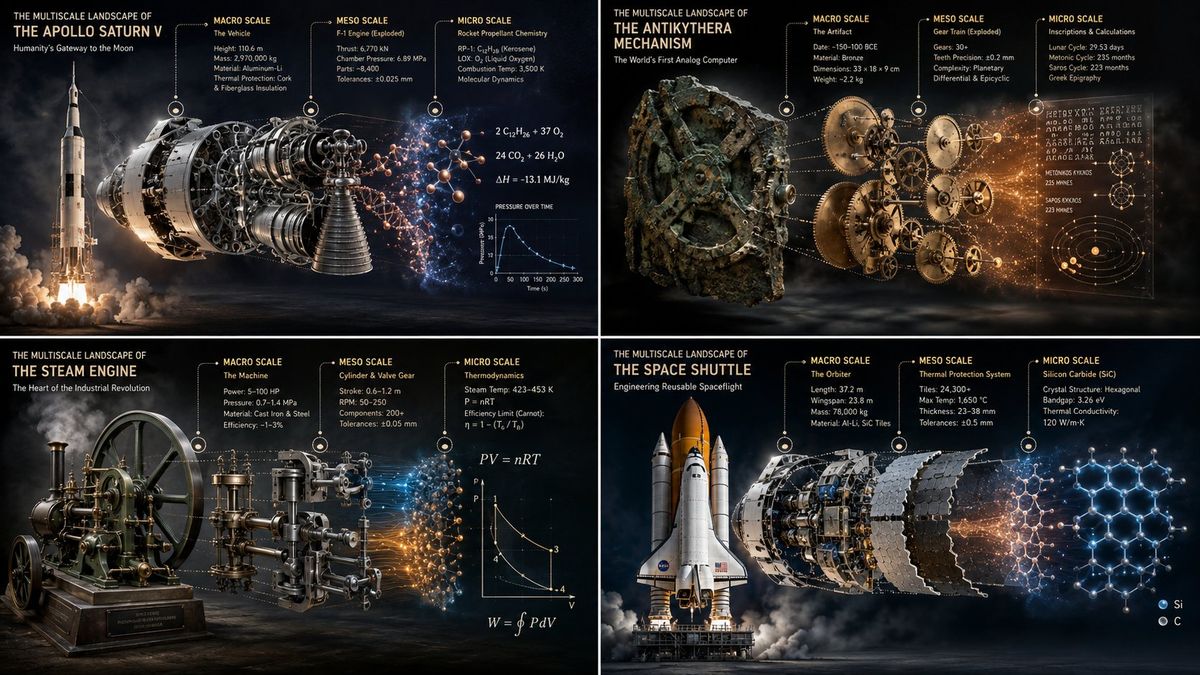
知名复杂机械多尺度全景渲染图
Enlarge

知名复杂机械多尺度全景渲染图

Prompt
2x2 grid, 16:9, do this for 4 famous complex machines in our history: {   "@ context": " https: //schema.org/ ScientificInfographic",   " @ type": "VisualRepresentation",   "name": "The Multiscale Landscape of [$SUBJECT]",   "artDirection": "Hyper-realistic 3D, nanoscopic macro-lighting, editorial layout",   "subjectOf": {     "@ type": "ComplexSystem",     "name": "[$SUBJECT]",     "hasPart": [       {         "@ type": "MacroStructure",         "description": "Semantic inference of the outermost boundary/envelope",         "renderStyle": "Ultra-realistic surface photography",         "uiAnnotation": "Floating tag with material/surface properties"       },       {         "@ type": "MesoStructure",         "description": "Semantic inference of internal mechanics/capsid",         "renderStyle": "Exploded CAD cutaway",         "uiAnnotation": "Floating tag with structural symmetry/engineering tolerances"       },       {         "@ type": "MicroStructure",         "description": "Semantic inference of raw code/genome/atomic lattice",         "renderStyle": "Glowing abstract data vectors",         "uiAnnotation": "Floating tag with mathematical/genetic sequences"       }     ]   },   "visualConnectors": "Energetic transitions and dotted assembly pathways linking the layers",   "background": "Dark studio void with atmospheric fog" }
Category
Posters & Typography
Model
ChatGPT
Creator
@Gdgtify
Views77
Source ID
14201
Published
May 12, 2026

Guide

About "知名复杂机械多尺度全景渲染图"

What is this prompt for?

"知名复杂机械多尺度全景渲染图" AI image prompt for ChatGPT (Posters & Typography). 2x2 网格,16:9,针对历史上 4 台著名的复杂机器执行此操作: { "@context": "https://schema.org/ScientificInfographic…

The full copyable prompt and example visuals above are ready for AI image generation or one-click recreate in Picva.

How to use this prompt

  1. Step 1

    Open the prompt detail

    Review the example visuals, category, and full prompt text for "知名复杂机械多尺度全景渲染图".

  2. Step 2

    Copy the prompt

    Copy the prompt body from this page, or load it directly in Studio.

  3. Step 3

    Pick a model (ChatGPT)

    Prefer ChatGPT. If you switch models, keep subject and composition and tweak style terms.

  4. Step 4

    Generate and export

    Recreate the look in Picva, or export into your workflow for editing and publishing.

FAQ

What is the "知名复杂机械多尺度全景渲染图" prompt?
It is an AI image-generation prompt for ChatGPT in the Posters & Typography category. This page includes the full prompt text, example visuals, and a one-click recreate path in Picva.
How do I use this prompt to generate an image?
Copy the prompt from this page, or use Generate / Studio. Paste it into a compatible image model, or recreate the look in Picva with optional reference images.
Which model is this prompt for?
This page lists ChatGPT. Most descriptive prompts also transfer to nearby image models such as GPT Image, Flux, or Midjourney with light style tweaks.
Can I use the result commercially?
You can usually copy the prompt for creation, but commercial use of the final image depends on the model terms, reference-image rights, and the generated content. Follow the source author and platform rules.