18

A premium 9:16 youth-culture editorial poster
Enlarge

A premium 9:16 youth-culture editorial poster

Prompt
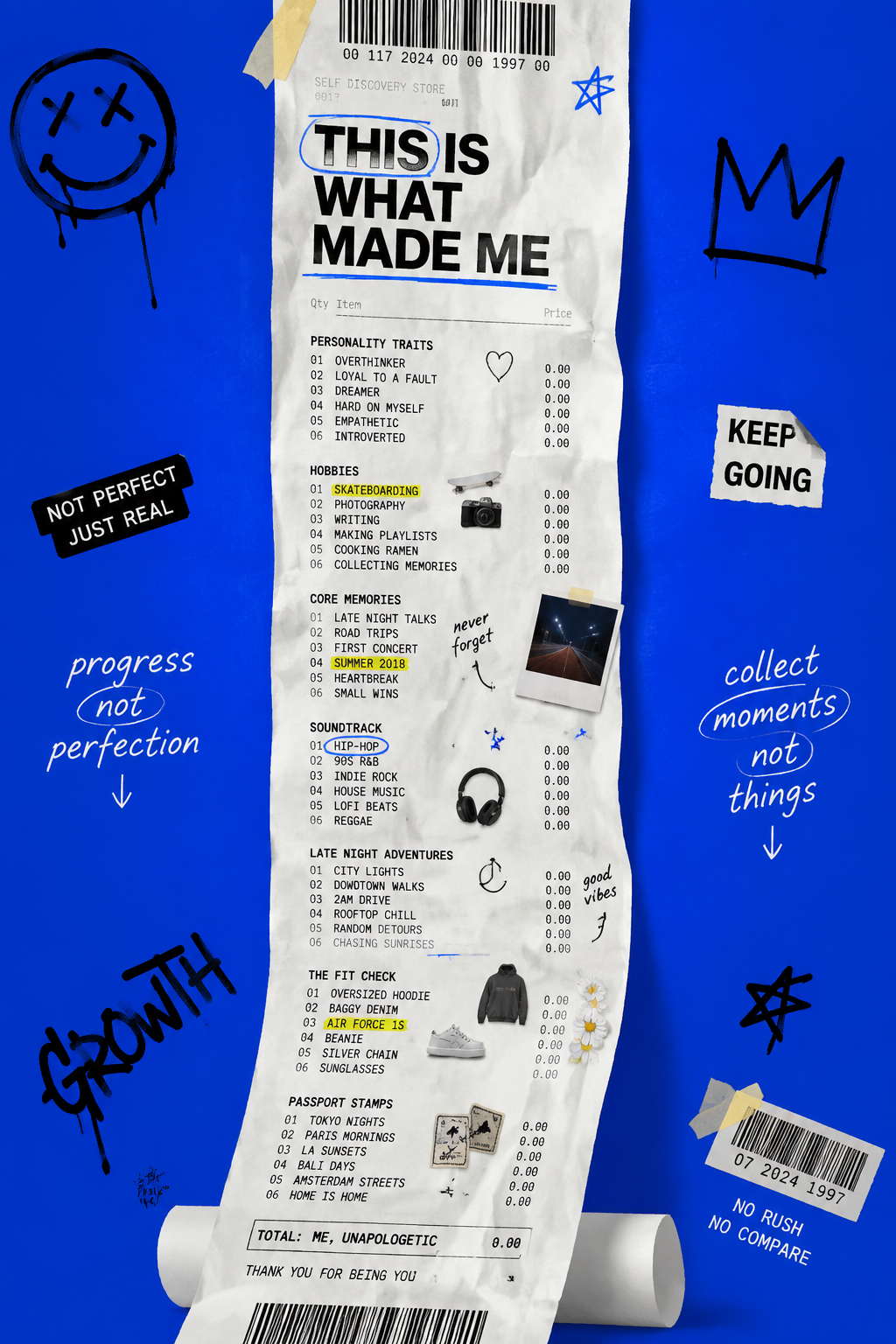
A premium 9:16 youth-culture editorial poster.Main Subject:An extremely long shopping receipt hanging vertically through the entire composition.Instead of product names, the receipt lists personality traits, hobbies, memories, favorite music genres, late-night adventures, streetwear pieces, and travel moments.Small realistic product thumbnails appear next to some entries.The receipt curls naturally and dominates the composition.Typography:"THIS IS WHAT MADE ME"integrated into the receipt layout.Graphic Elements:Doodles.
Handwritten circles.
Highlighted lines.
Tape pieces.
Barcode graphics.
Receipt markings.Background:Clean vibrant electric blue.Style:Modern identity storytelling.
Pinterest viral aesthetic.
Magazine editorial campaign.8K masterpiece.
Category
Posters & Typography
Model
GPT Image 2
Views47
Source ID
21025
Published
Jun 14, 2026

Guide

About "A premium 9:16 youth-culture editorial poster"

What is this prompt for?

"A premium 9:16 youth-culture editorial poster" AI image prompt for GPT Image 2 (Posters & Typography). A premium 9:16 youth-culture editorial poster.Main Subj…

The full copyable prompt and example visuals above are ready for AI image generation or one-click recreate in Picva.

How to use this prompt

  1. Step 1

    Open the prompt detail

    Review the example visuals, category, and full prompt text for "A premium 9:16 youth-culture editorial poster".

  2. Step 2

    Copy the prompt

    Copy the prompt body from this page, or load it directly in Studio.

  3. Step 3

    Pick a model (GPT Image 2)

    Prefer GPT Image 2. If you switch models, keep subject and composition and tweak style terms.

  4. Step 4

    Generate and export

    Recreate the look in Picva, or export into your workflow for editing and publishing.

FAQ

What is the "A premium 9:16 youth-culture editorial poster" prompt?
It is an AI image-generation prompt for GPT Image 2 in the Posters & Typography category. This page includes the full prompt text, example visuals, and a one-click recreate path in Picva.
How do I use this prompt to generate an image?
Copy the prompt from this page, or use Generate / Studio. Paste it into a compatible image model, or recreate the look in Picva with optional reference images.
Which model is this prompt for?
This page lists GPT Image 2. Most descriptive prompts also transfer to nearby image models such as GPT Image, Flux, or Midjourney with light style tweaks.
Can I use the result commercially?
You can usually copy the prompt for creation, but commercial use of the final image depends on the model terms, reference-image rights, and the generated content. Follow the source author and platform rules.