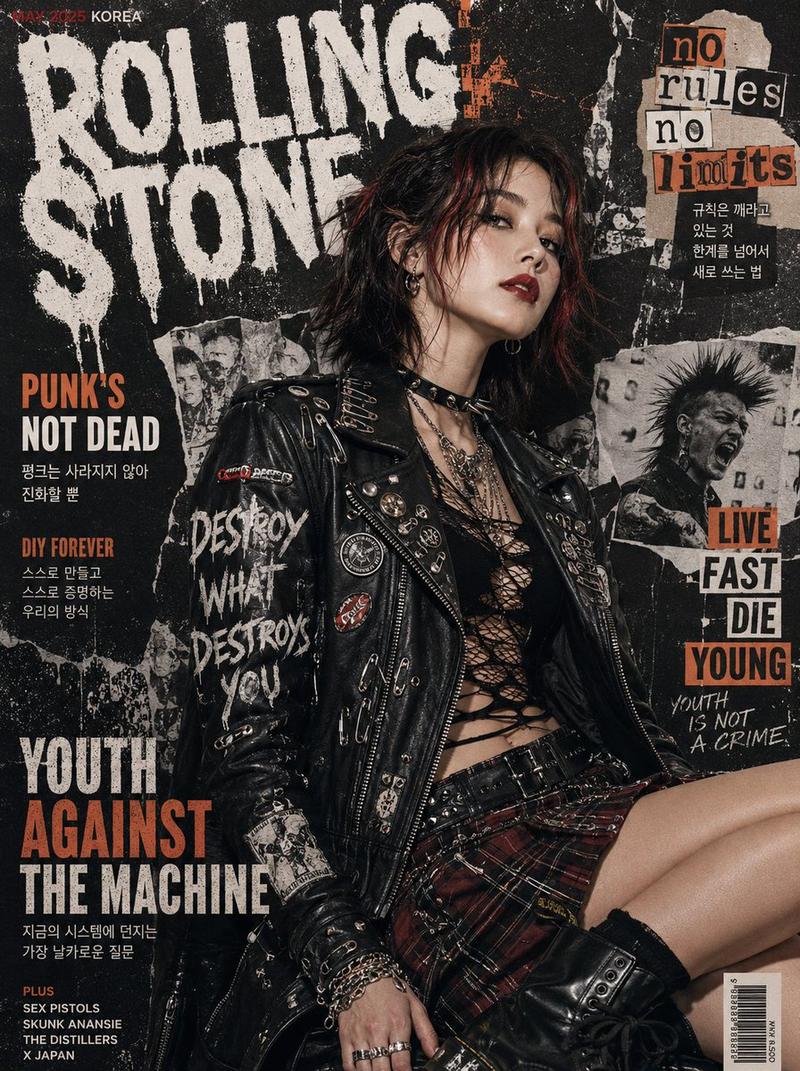
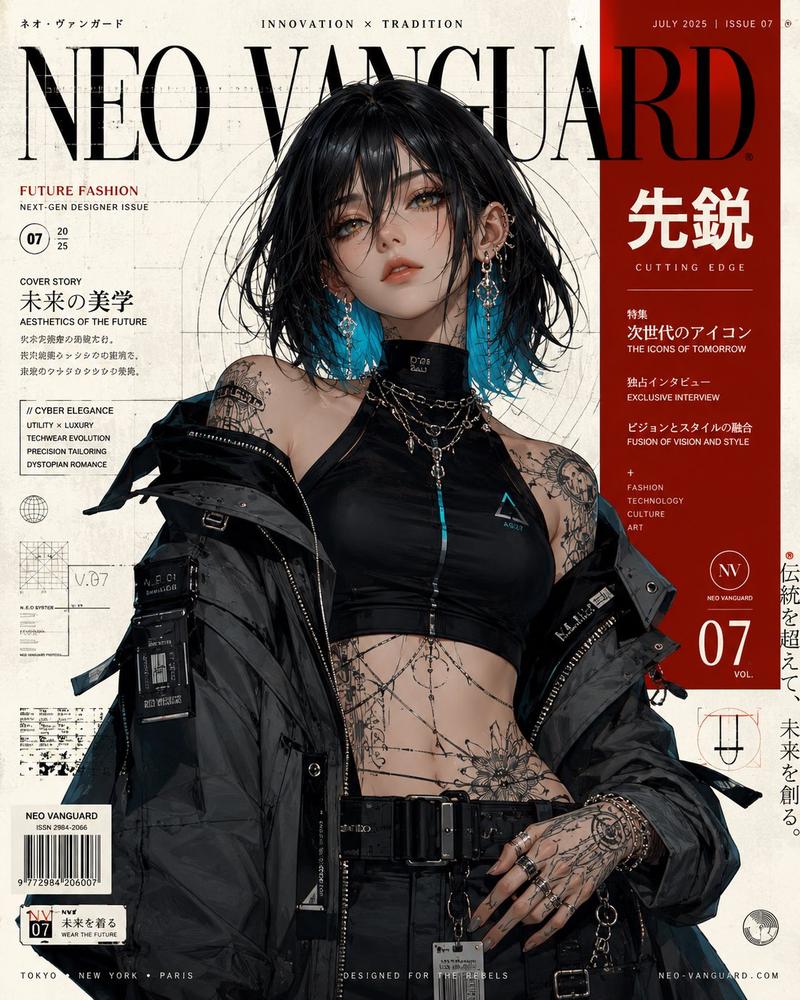
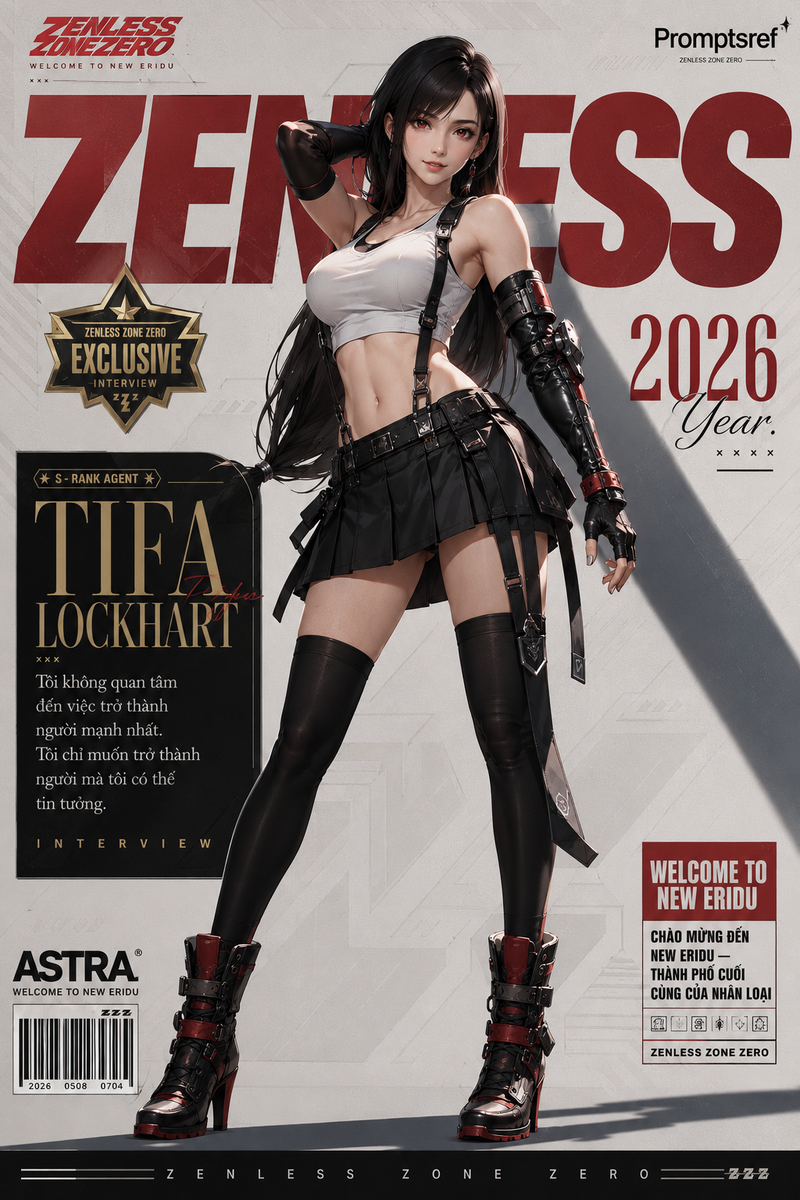
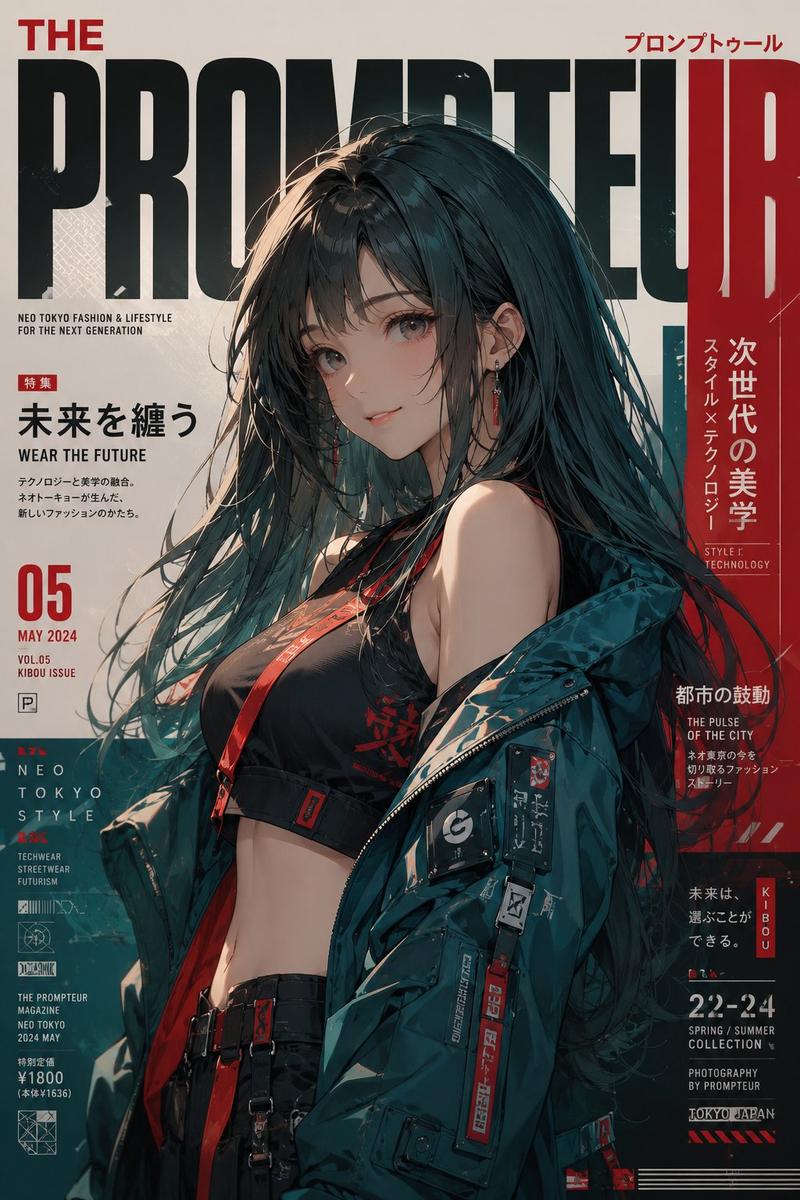
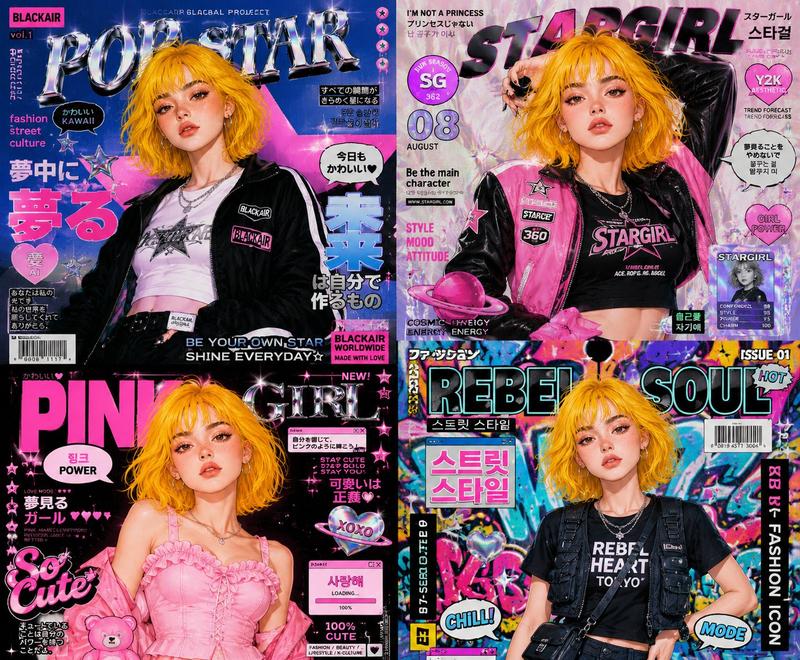
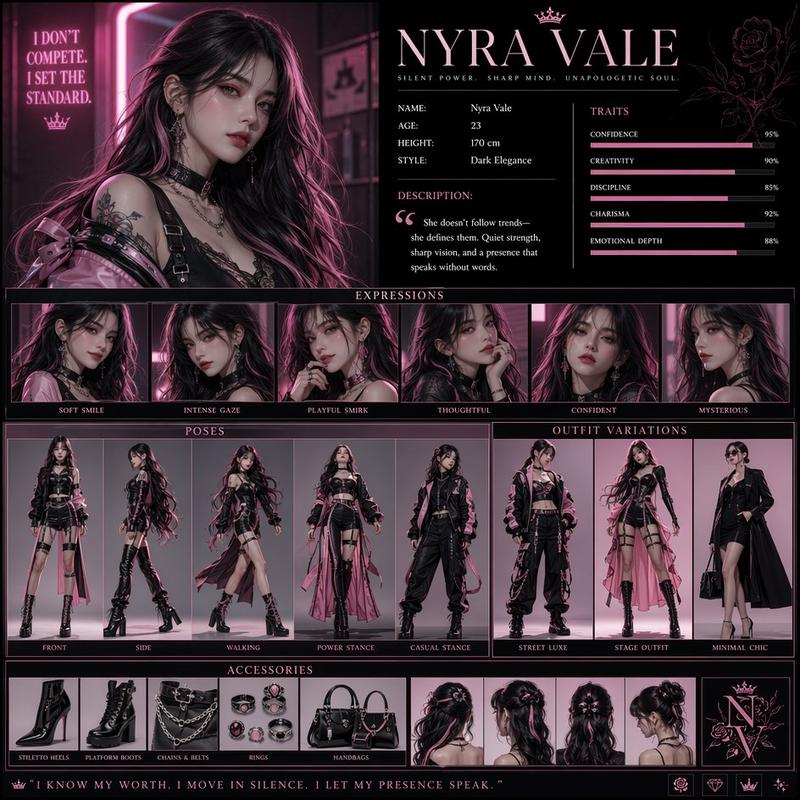
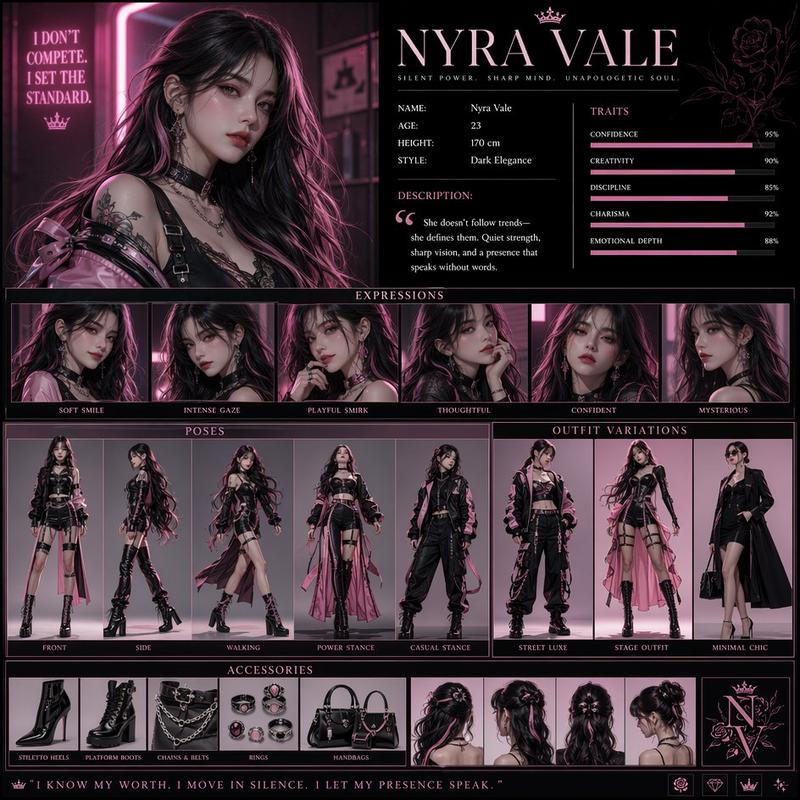
Create a near-square high-impact promotional poster collage inspired by an actio
Prompt
Create a near-square high-impact promotional poster collage inspired by an action video game cover, featuring multiple adult female pop-idol figures arranged inside thick black angular comic-panel borders. Use a saturated bright yellow studio background across the entire design, with a large central white block-letter parody game logo and smaller rating-label style graphic elements near the bottom corners.

The subjects should look like a tactical K-pop girl group concept: slim adult performers with confident, serious expressions, intense glossy eyes, slightly parted or relaxed lips, and strong camera-aware attitude. Preserve varied facial angles and expressions rather than making them identical. Use K-pop editorial makeup: smoky elongated eyeliner, cat-eye shape, shimmer on the eyelids, dramatic lashes, softly contoured cheeks, luminous clean base, and nude-pink lips.

Style the hair with strong idol-fashion variation: messy wet-textured black waves, long pink-magenta waves under a cap, platinum blonde braids, dark tousled hair, and face-framing strands. Hair should have deliberate flyaways, gloss, volume, and visible studio-light highlights.

Wardrobe should mix military streetwear and stage styling: olive green and black cropped tops, camouflage jackets, sleeveless tanks, tactical vests, straps, buckles, belts, cargo pants, fingerless gloves, hoop earrings, chains, rings, and caps. Several outfits should reveal skin in a fashion-stage way: faces, necks, collarbones, shoulders, upper arms, midriffs, waist, small hip-adjacent areas above low-rise pants, and one thigh area through sheer black tights. Skin should look fair to light with warm yellow bounce, smooth and satin-like as if lightly powdered under hot studio lamps, with bright highlights on cheekbones, collarbones, shoulders, and exposed midriff.

Use mixed framing: close-up portraits, half-body shots, cropped torso poses, one central standing figure, a crouched side pose, raised arms, hands near the face or cap, slight torso twists, and aggressive off-center crops. The composition should feel loud, asymmetrical, and poster-like, not like a clean studio portrait.

Photograph it as if shot with hard frontal studio flash and strong fill light, then composited into a glossy magazine-style fan poster. Keep deep focus, sharp faces, saturated color, hard graphic borders, slight compression texture, and a pasted-game-cover quality. The mood should feel bold, defiant, urban, playful, and fashionably dangerous, as if the characters had already stepped out of a chaotic city mission and are frozen on the cover before the next scene begins.

Avoid a single-subject portrait, plain background, pastel colors, natural outdoor lighting, overly smooth plastic AI skin, childlike faces, oversexualized posing, missing black panel borders, missing central typography, washed-out yellow, blurry text, deformed hands, extra limbs, and generic military cosplay.
- Category
- Posters & Typography
- Model
- GPT Image 2
- Creator
- xie underwood
- Source ID
- 28454
- Published
- Jun 14, 2026
Views189