16

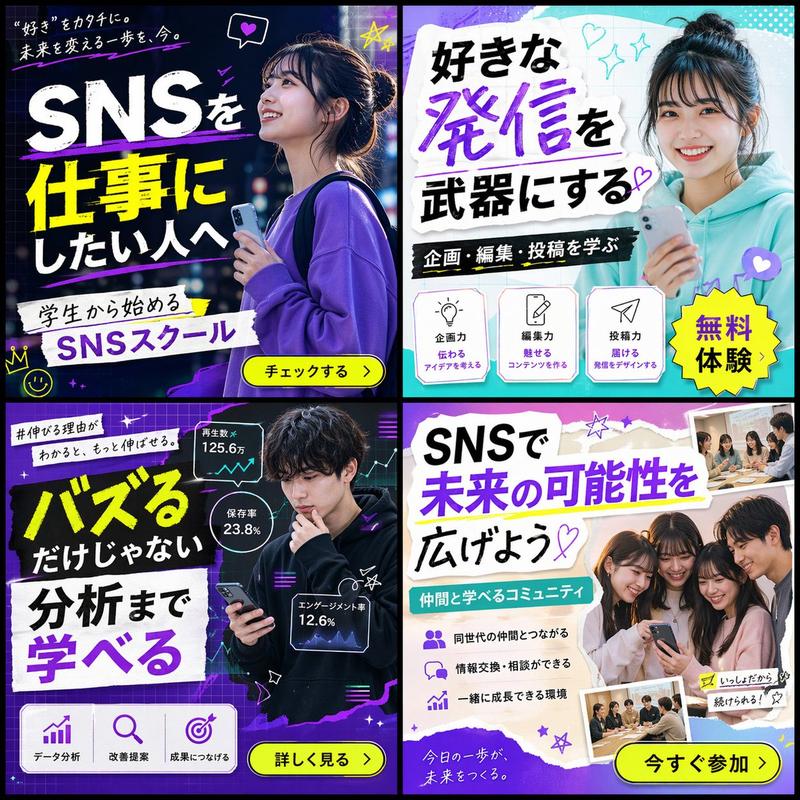
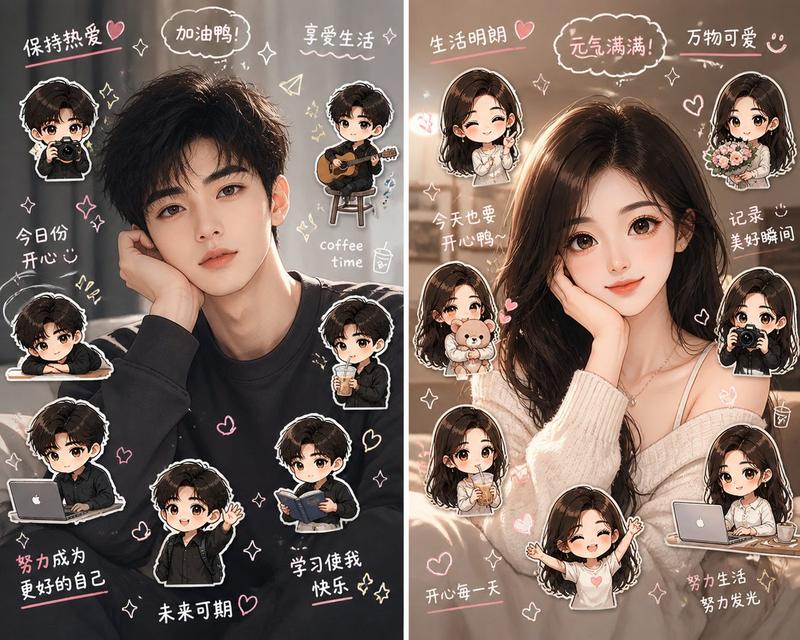
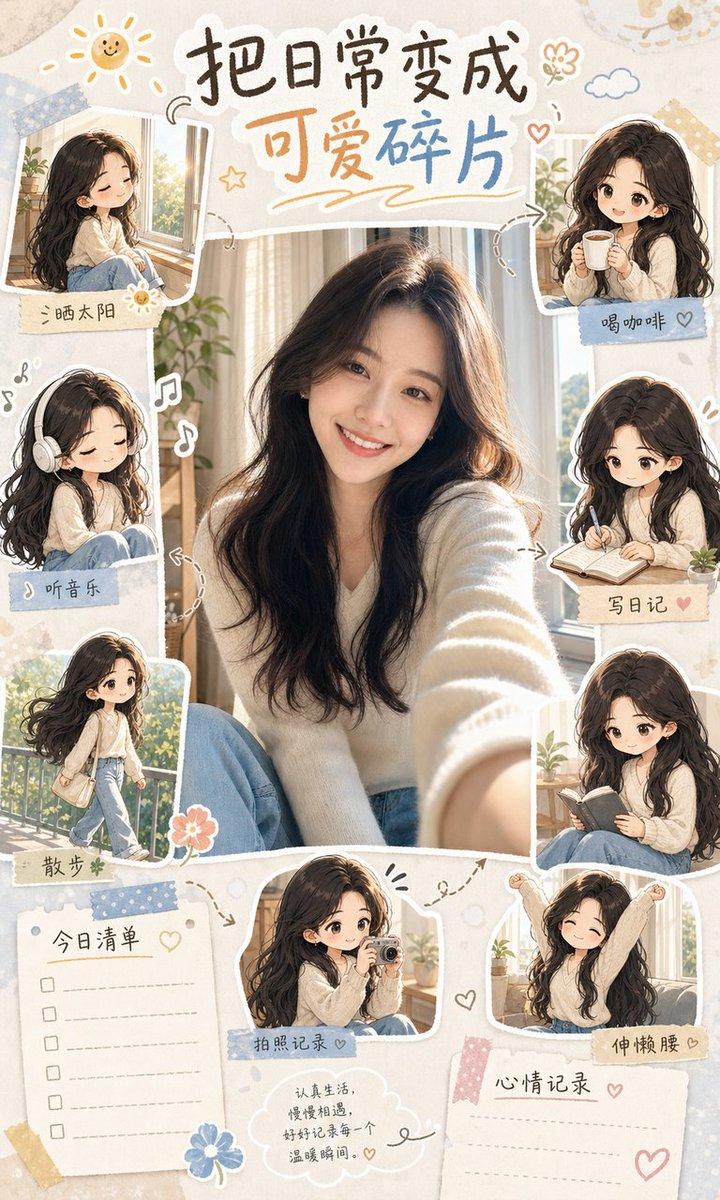
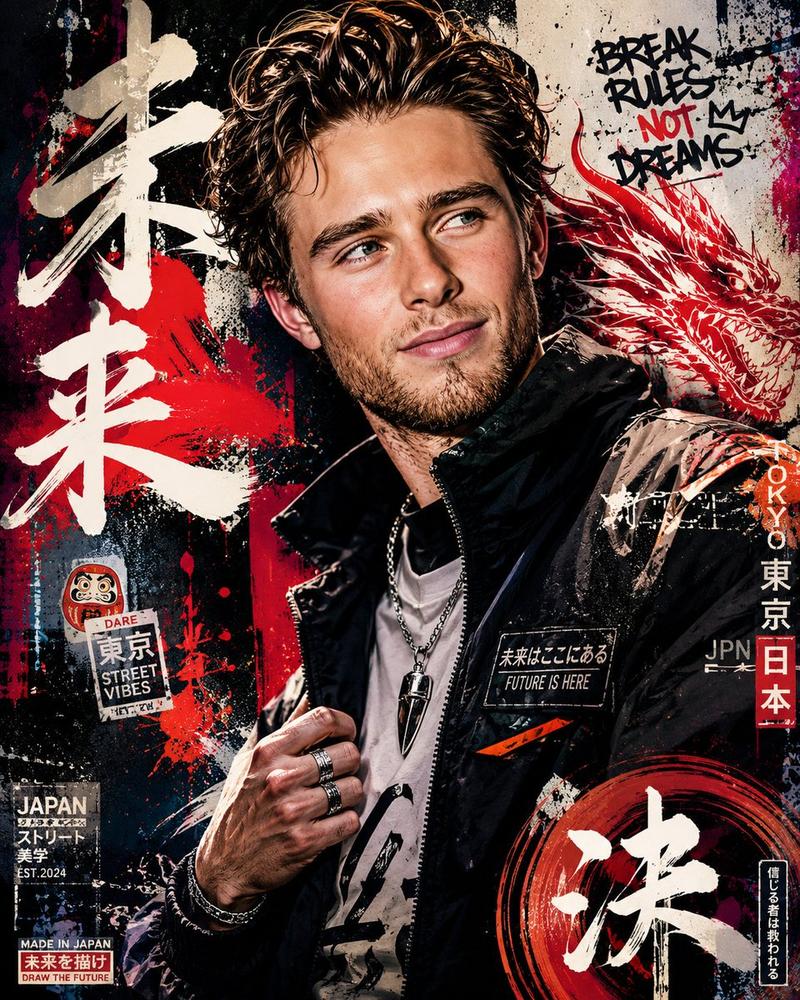
围绕任意主题对象生成一张真实照片感与手绘手帐感叠加的视觉图像:主题对象作为画面第一视觉重心,被近距离闪光灯式光线照亮,边缘清晰、肤感或材质干净,背景保留真实环境
Enlarge

围绕任意主题对象生成一张真实照片感与手绘手帐感叠加的视觉图像:主题对象作为画面第一视觉重心,被近距离闪光灯式光线照亮,边缘清晰、肤感或材质干净,背景保留真实环境

Prompt
围绕任意主题对象生成一张真实照片感与手绘手帐感叠加的视觉图像:主题对象作为画面第一视觉重心,被近距离闪光灯式光线照亮,边缘清晰、肤感或材质干净,背景保留真实环境的纵深与轻微夜间暗部,让主体像从现场照片里被突然点亮。主体外侧用粗细不完全一致的高明度手绘线条勾出随手描摹的轮廓,线条不追求工整,带有亲密、即时、手写祝福般的情绪;周围分布小星星、爱心、箭头、波浪线、感叹号、笑脸、几何小符号和短划线,形成围绕主体跳动的白色涂鸦轨道。画面加入两到三处贴纸式局部影像或小裁片,像被手工贴上去的回忆碎片,用歪斜边框、圆形圈画或粗白边强调“被标记的细节”,并让这些小图与箭头、短句产生阅读路径。文字作为图像的一部分出现,使用厚实圆润的手写字、大小悬殊的数字或主题词,集中在边缘与空隙处,节奏像随手写下的纪念信息,不复制固定文案。色彩从主题自身的材质、环境和情绪中提取,保留大面积较暗的现场背景、被闪光点亮的干净主体、少量明亮清透的手绘信息层和极小面积的柔和情绪强调色;整体是明亮清爽与夜间现场感并存的高对比关系,暗部要清澈、亮部要洁净,避免脏灰、陈旧、烟雾化或过度复古。完成效果应像私人相册中被认真涂鸦装饰过的一瞬间,信息密度高但重心明确,手绘覆盖层活泼而不遮蔽主体。

主题:周星驰生日
元素:血型、星座、mbti 、 今年会发生的好事、祝福语
比例:9:16
用途:粉丝做手机壁纸,有收藏价值
Category
Brand & Logos
Model
GPT Image 2
Views30
Source ID
36809
Published
Jun 27, 2026

Guide

About "围绕任意主题对象生成一张真实照片感与手绘手帐感叠加的视觉图像:主题对象作为画面第一视觉重心,被近距离闪光灯式光线照亮,边缘清晰、肤感或材质干净,背景保留真实环境"

What is this prompt for?

"围绕任意主题对象生成一张真实照片感与手绘手帐感叠加的视觉图像:主题对象作为画面第一视觉重心,被近距离闪光灯式光线照亮,边缘清晰、肤感或材质干净,背景保留真实环境" AI image prompt for GPT Image 2 (Brand & Logos). 围绕任意主题对象生成一张真实照片感与手绘手帐感叠加的视…

The full copyable prompt and example visuals above are ready for AI image generation or one-click recreate in Picva.

How to use this prompt

  1. Step 1

    Open the prompt detail

    Review the example visuals, category, and full prompt text for "围绕任意主题对象生成一张真实照片感与手绘手帐感叠加的视觉图像:主题对象作为画面第一视觉重心,被近距离闪光灯式光线照亮,边缘清晰、肤感或材质干净,背景保留真实环境".

  2. Step 2

    Copy the prompt

    Copy the prompt body from this page, or load it directly in Studio.

  3. Step 3

    Pick a model (GPT Image 2)

    Prefer GPT Image 2. If you switch models, keep subject and composition and tweak style terms.

  4. Step 4

    Generate and export

    Recreate the look in Picva, or export into your workflow for editing and publishing.

FAQ

What is the "围绕任意主题对象生成一张真实照片感与手绘手帐感叠加的视觉图像:主题对象作为画面第一视觉重心,被近距离闪光灯式光线照亮,边缘清晰、肤感或材质干净,背景保留真实环境" prompt?
It is an AI image-generation prompt for GPT Image 2 in the Brand & Logos category. This page includes the full prompt text, example visuals, and a one-click recreate path in Picva.
How do I use this prompt to generate an image?
Copy the prompt from this page, or use Generate / Studio. Paste it into a compatible image model, or recreate the look in Picva with optional reference images.
Which model is this prompt for?
This page lists GPT Image 2. Most descriptive prompts also transfer to nearby image models such as GPT Image, Flux, or Midjourney with light style tweaks.
Can I use the result commercially?
You can usually copy the prompt for creation, but commercial use of the final image depends on the model terms, reference-image rights, and the generated content. Follow the source author and platform rules.