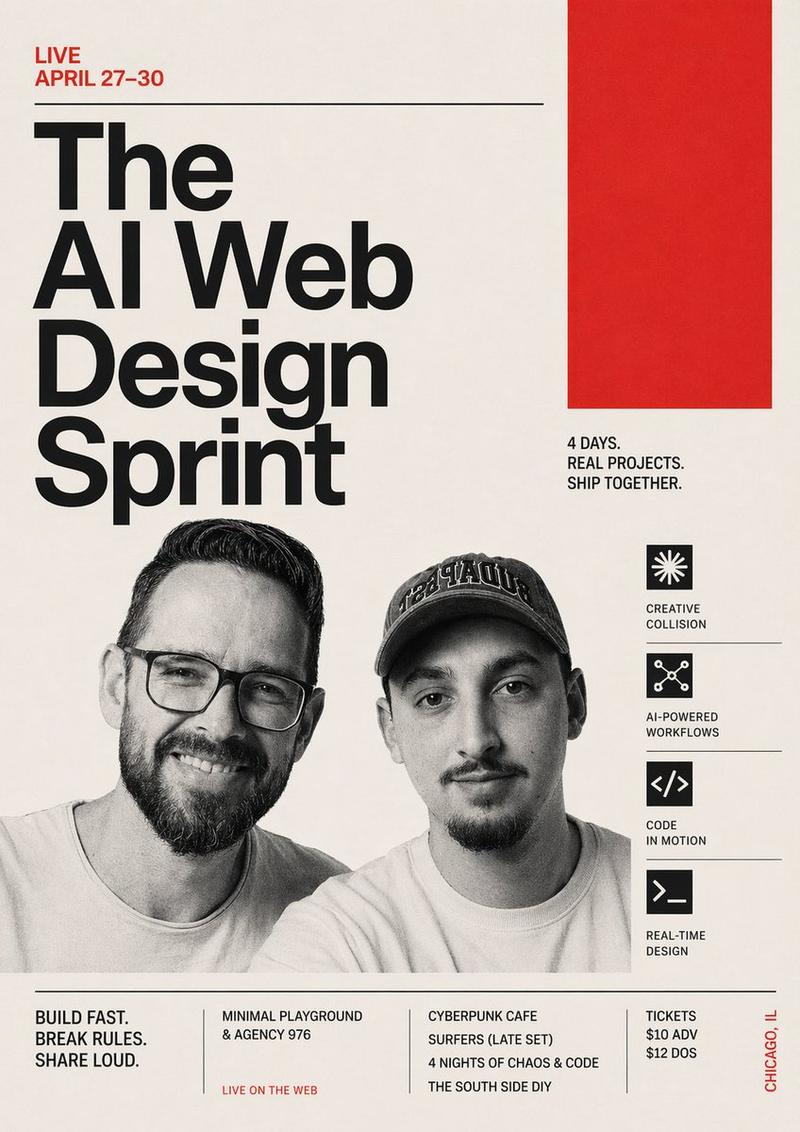
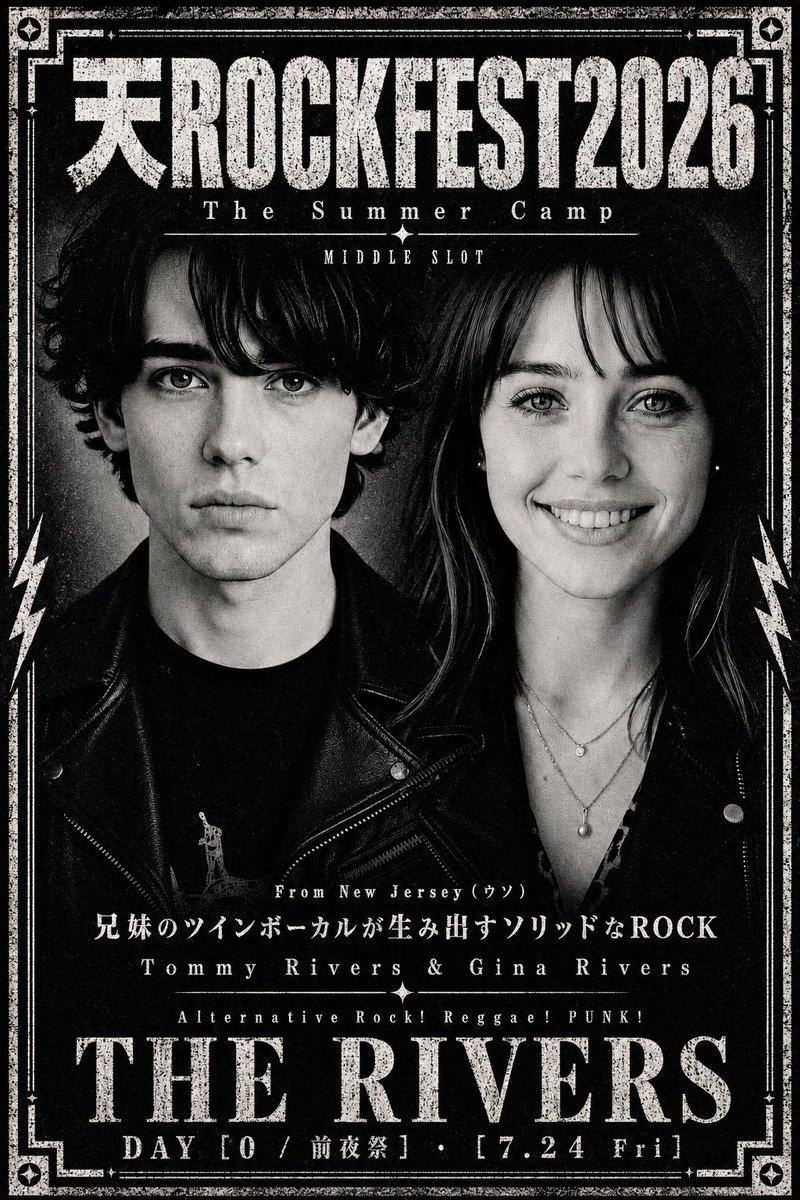
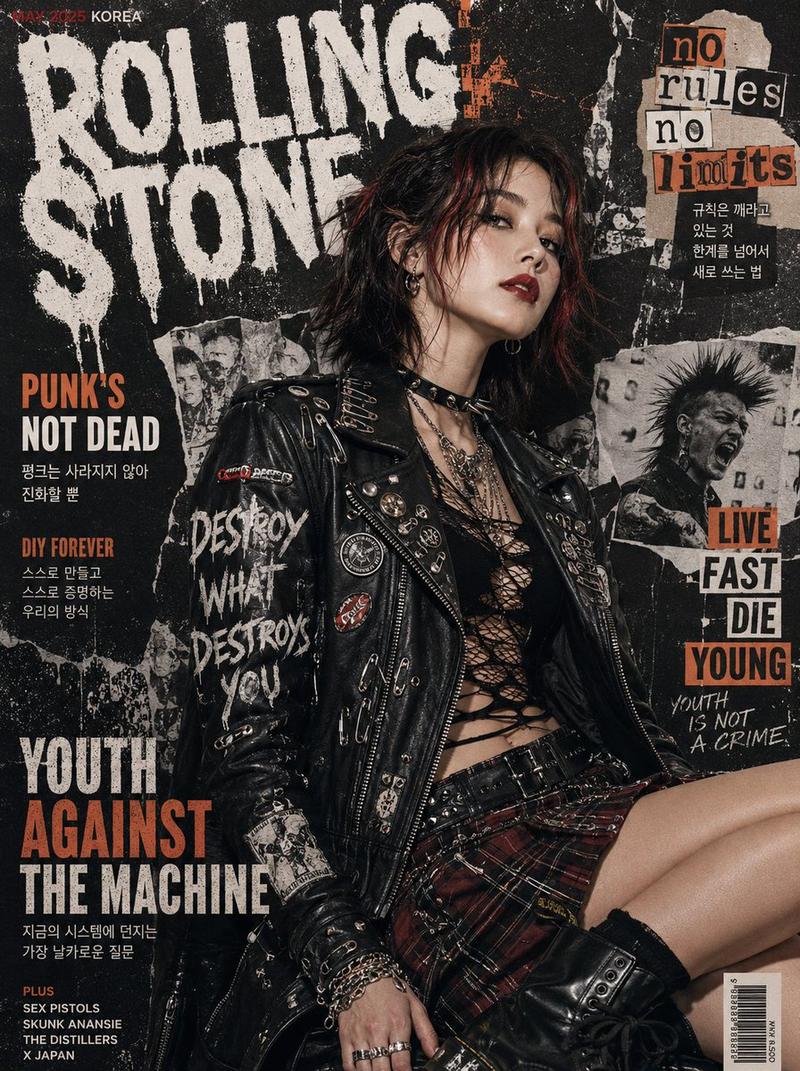
朋克 AI 冲刺活动传单
Prompt
Create a raw, high-contrast punk rock gig poster collage for an event called {argument name="event title" default="THE AI WEB DESIGN SPRINT"}. The design should feel like a xeroxed underground flyer pasted on a city wall: rough torn paper edges, photocopy grain, ink smudges, distressed black-and-white textures, hot magenta paint splashes, DIY zine aesthetics, and chaotic layered paper scraps taped and pinned together. Use a vertical poster composition with a black background and a central oversized torn white rectangle set at a slight angle, filled with huge condensed black distressed lettering for the main title. At the very top, add a smaller black torn strip with handwritten brush lettering in neon magenta reading {argument name="top slogan" default="LIVE PUNK!"}. On the left side, place a hot pink torn paper block with hand-drawn black text listing the date {argument name="event dates" default="April 27-30"}, then smaller stacked lines reading "4 NIGHTS OF CHAOS & CODE", "DOORS 7PM", "SHOW 8PM", "$10 ADV", and "$12 DOS". On the right side, add an off-white torn note with magenta "WITH:" at the top and four supporting acts listed in black handwritten text: "Minimal Playground", "Agency 976", "Cyberpunk Cafe", and "Surfers (Late Set)". In the center-lower area, show exactly 2 black-and-white photocopied punk band members from the chest up, standing shoulder to shoulder, both wearing leather jackets with patches and pins; the left one has round glasses, the right one wears a baseball cap. Their faces should be generic and partially obscured by the collage styling so the poster focus remains typographic and graphic rather than portrait-specific. Add a hot pink spiky starburst on the mid-right containing a black circle with a simple white radial symbol. Near the bottom right, place a beige masking-tape-like paper scrap with bold handwritten black text reading "Build Fast. Break Rules. Share Loud.". Near the bottom left, add a black rectangular venue block with magenta hand lettering for {argument name="venue name" default="THE SOUTH SIDE DIY"} and smaller white address text "218 W. 31st Street" and "Chicago, IL", plus a small white skull icon nearby. Include exactly 2 silver safety pins, one near the upper left corner and one near the lower left area, and exactly 1 strip of dark duct tape on the left edge of the main title paper. Finish the bottom edge with a black-and-white checkerboard strip spanning the full width. Overall mood: rebellious, loud, youthful, anarchic, street-pasted punk flyer meets tech event promo, with intense contrast, gritty halftone noise, screen-print imperfections, and hand-made collage energy.- Category
- Charts & Infographics
- Model
- GPT Image 2
- Creator
- Ran Segall
- Source ID
- 15459
- Published
- Apr 24, 2026
Views3