19

Create a portrait image with the following concept: A realistic selfie of a hand
Enlarge

Create a portrait image with the following concept: A realistic selfie of a hand

Prompt
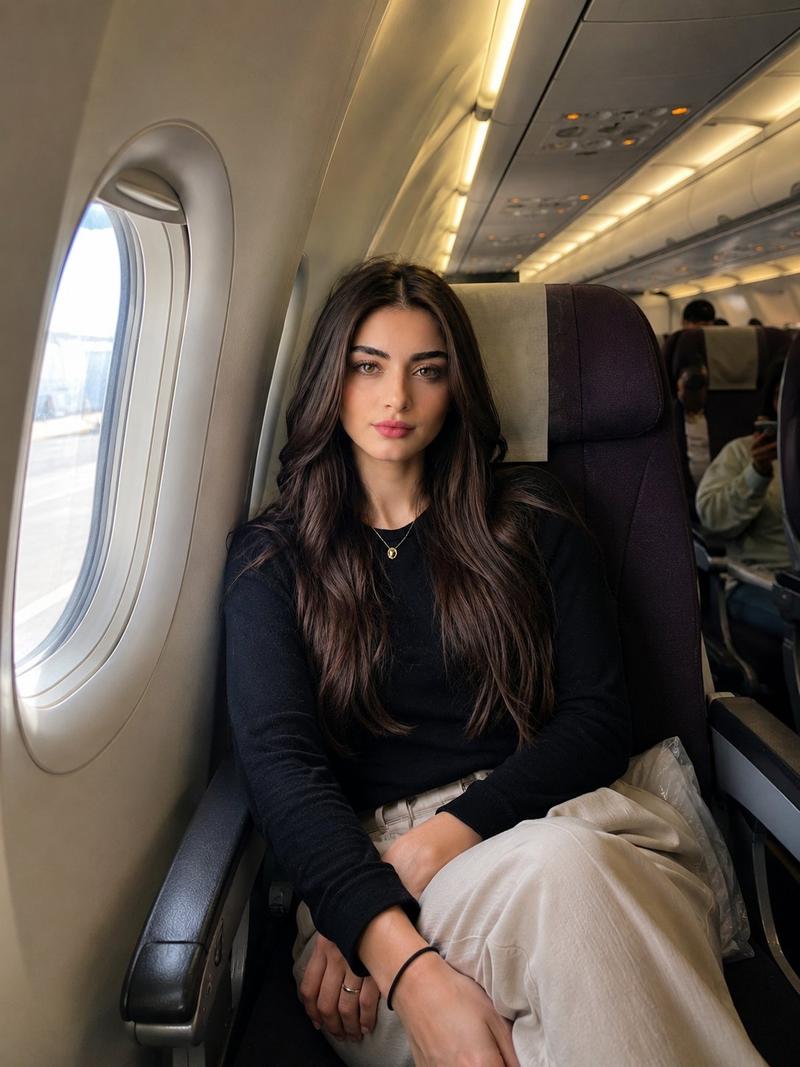
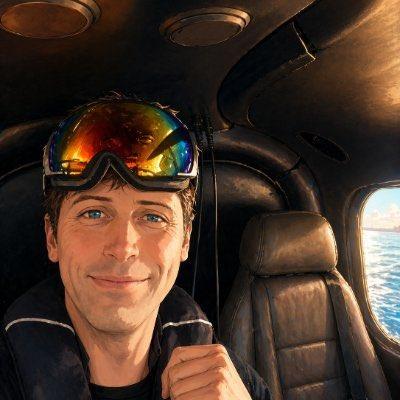
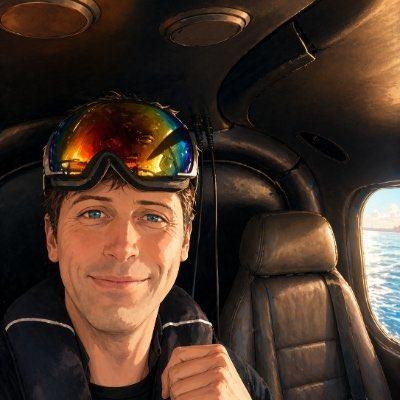
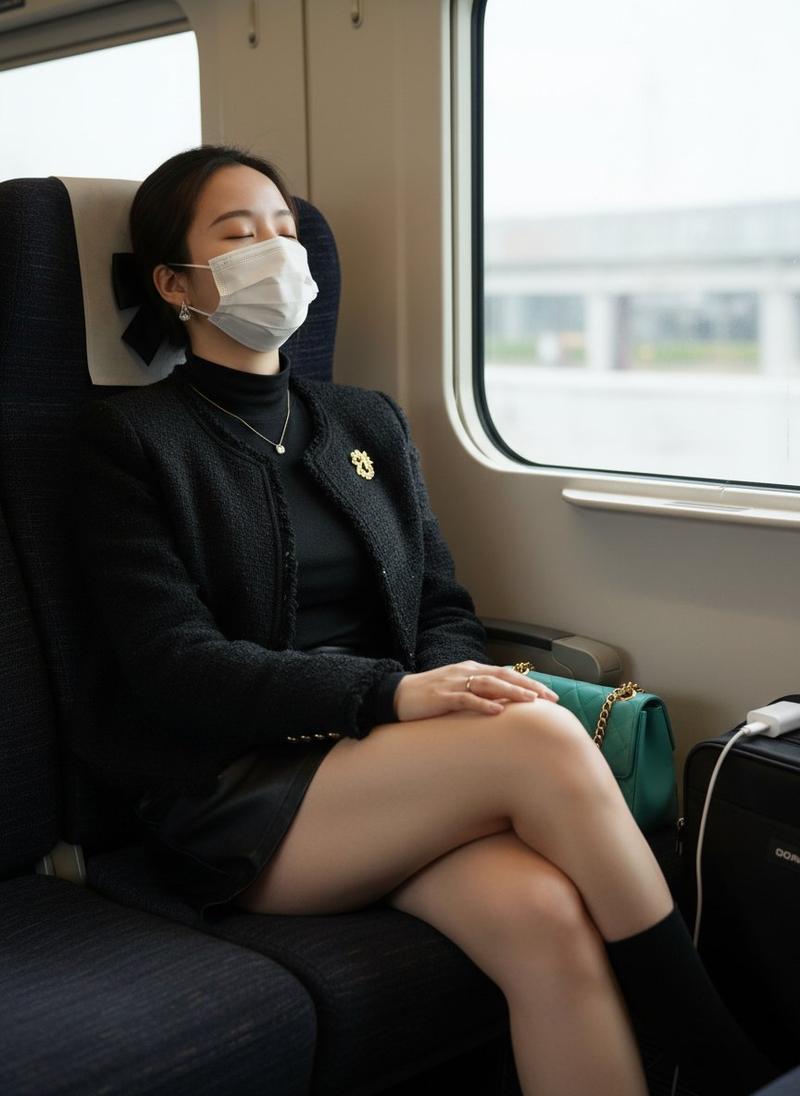
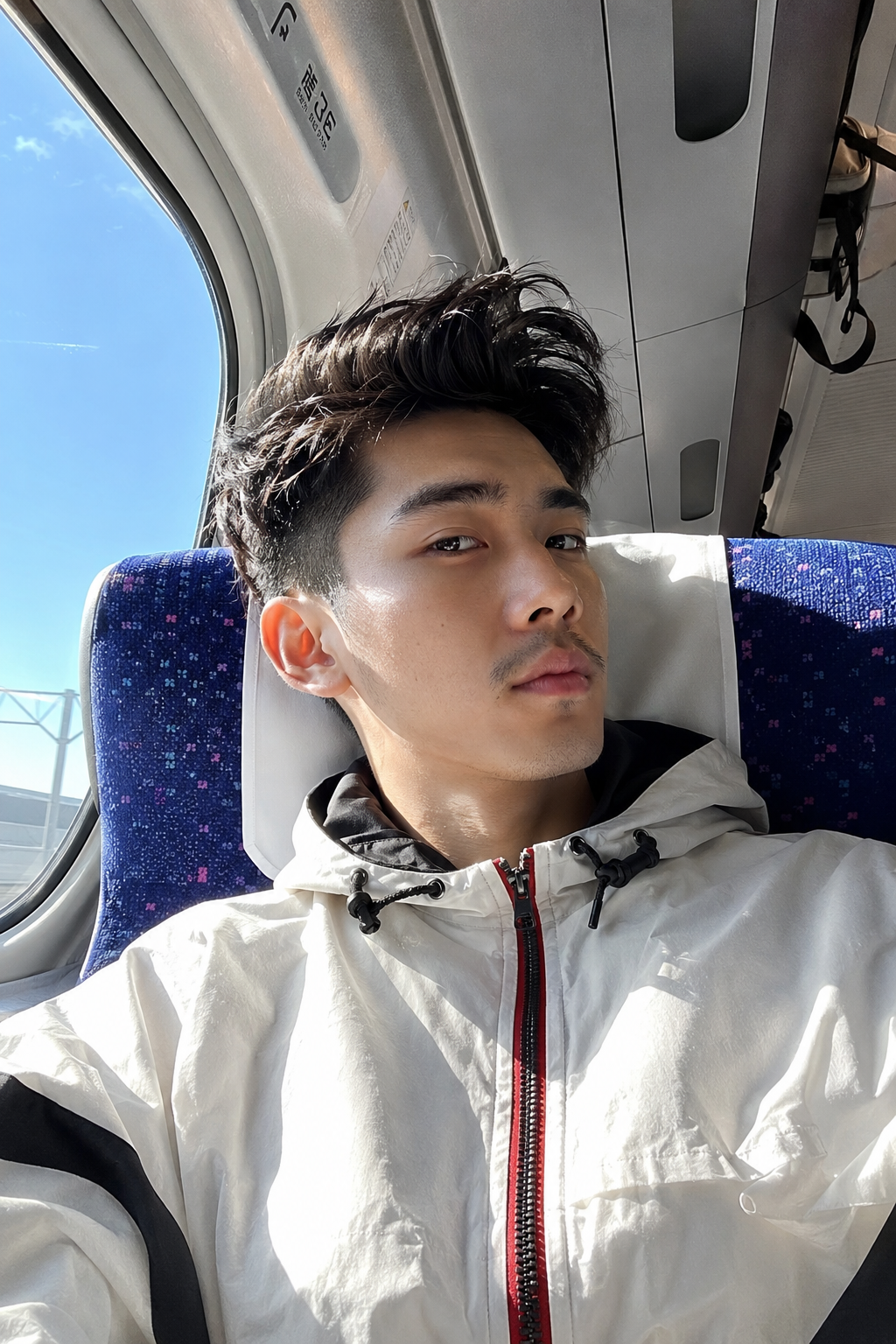
Create a portrait image with the following concept: A realistic selfie of a handsome young Asian man (100% face as pictured) with a thin mustache, with a short, voluminous quiff hairstyle blowing in the wind. leaning comfortably against the white headrest of a train seat. He is looking sideways at the mirror, He is wearing a white technical windbreaker jacket with black stripes with a red center zipper and a black hood tie. The lighting comes from strong natural sunlight coming in from the large train window on the left, drinking spirit water and creating a high-contrast shadow on the right side of his face. The background is the interior of a modern bullet train (Shinkansen style), featuring blue cloth seats with a purple/pink polka dot pattern. Above him, details of the train ceiling, luggage rack, and a small safety sticker are visible. A bright blue sky is visible through the window. High definition candid travel photography, camera aesthetic, 8k.
Category
Products & E-commerce
Model
GPT Image 2
Views100
Source ID
37709
Published
Jun 28, 2026

Guide

About "Create a portrait image with the following concept: A realistic selfie of a hand"

What is this prompt for?

"Create a portrait image with the following concept: A realistic selfie of a hand" AI image prompt for GPT Image 2 (Products & E-commerce). Create a portrait i…

The full copyable prompt and example visuals above are ready for AI image generation or one-click recreate in Picva.

How to use this prompt

  1. Step 1

    Open the prompt detail

    Review the example visuals, category, and full prompt text for "Create a portrait image with the following concept: A realistic selfie of a hand".

  2. Step 2

    Copy the prompt

    Copy the prompt body from this page, or load it directly in Studio.

  3. Step 3

    Pick a model (GPT Image 2)

    Prefer GPT Image 2. If you switch models, keep subject and composition and tweak style terms.

  4. Step 4

    Generate and export

    Recreate the look in Picva, or export into your workflow for editing and publishing.

FAQ

What is the "Create a portrait image with the following concept: A realistic selfie of a hand" prompt?
It is an AI image-generation prompt for GPT Image 2 in the Products & E-commerce category. This page includes the full prompt text, example visuals, and a one-click recreate path in Picva.
How do I use this prompt to generate an image?
Copy the prompt from this page, or use Generate / Studio. Paste it into a compatible image model, or recreate the look in Picva with optional reference images.
Which model is this prompt for?
This page lists GPT Image 2. Most descriptive prompts also transfer to nearby image models such as GPT Image, Flux, or Midjourney with light style tweaks.
Can I use the result commercially?
You can usually copy the prompt for creation, but commercial use of the final image depends on the model terms, reference-image rights, and the generated content. Follow the source author and platform rules.