18

真人摄影、真实人物、日系复古 Pin 图气质的柔焦手机闪光人像,竖幅 9:16,近景半身构图,略高于眼平的正面机位,人物居中偏右,脸部占据上半部主视觉,右侧白色
Enlarge

真人摄影、真实人物、日系复古 Pin 图气质的柔焦手机闪光人像,竖幅 9:16,近景半身构图,略高于眼平的正面机位,人物居中偏右,脸部占据上半部主视觉,右侧白色

Prompt
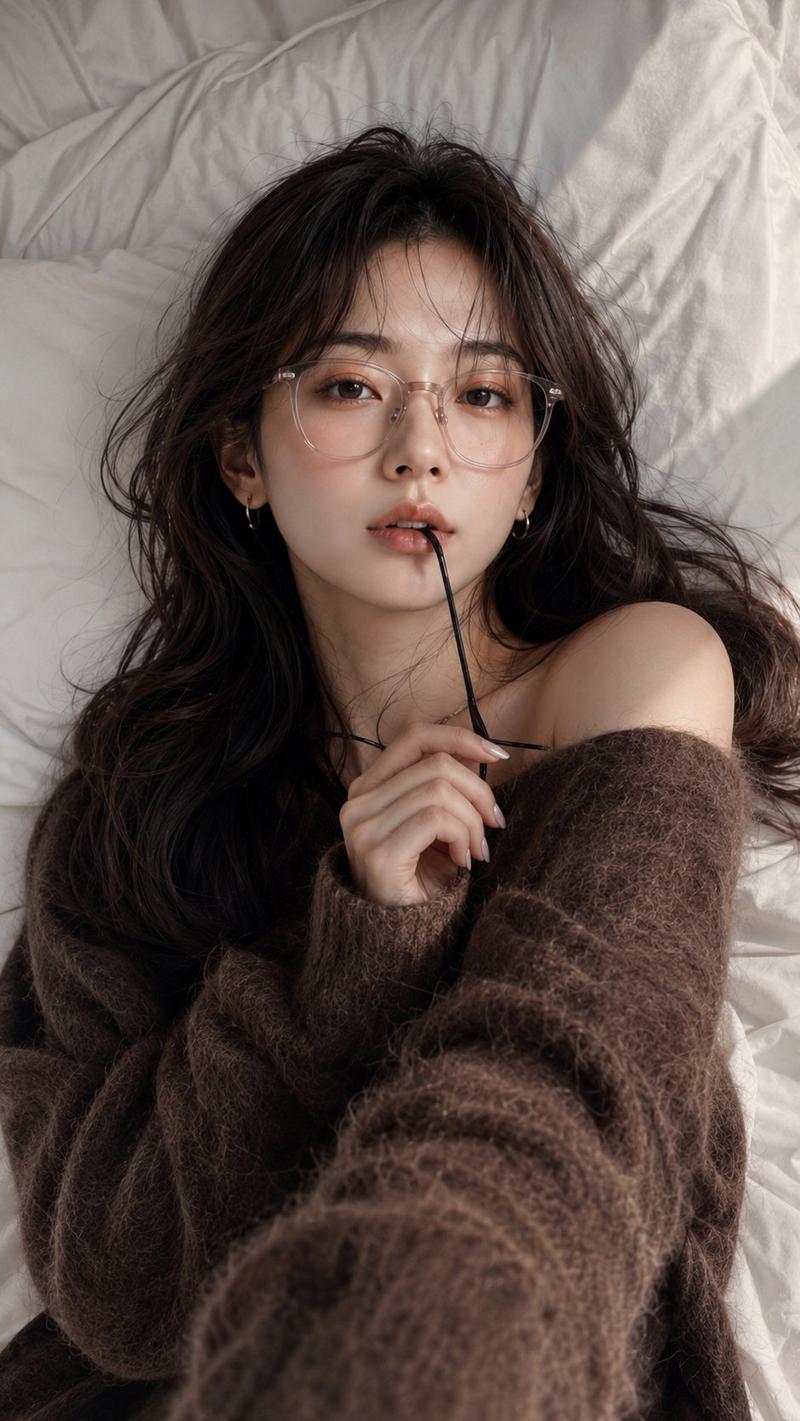
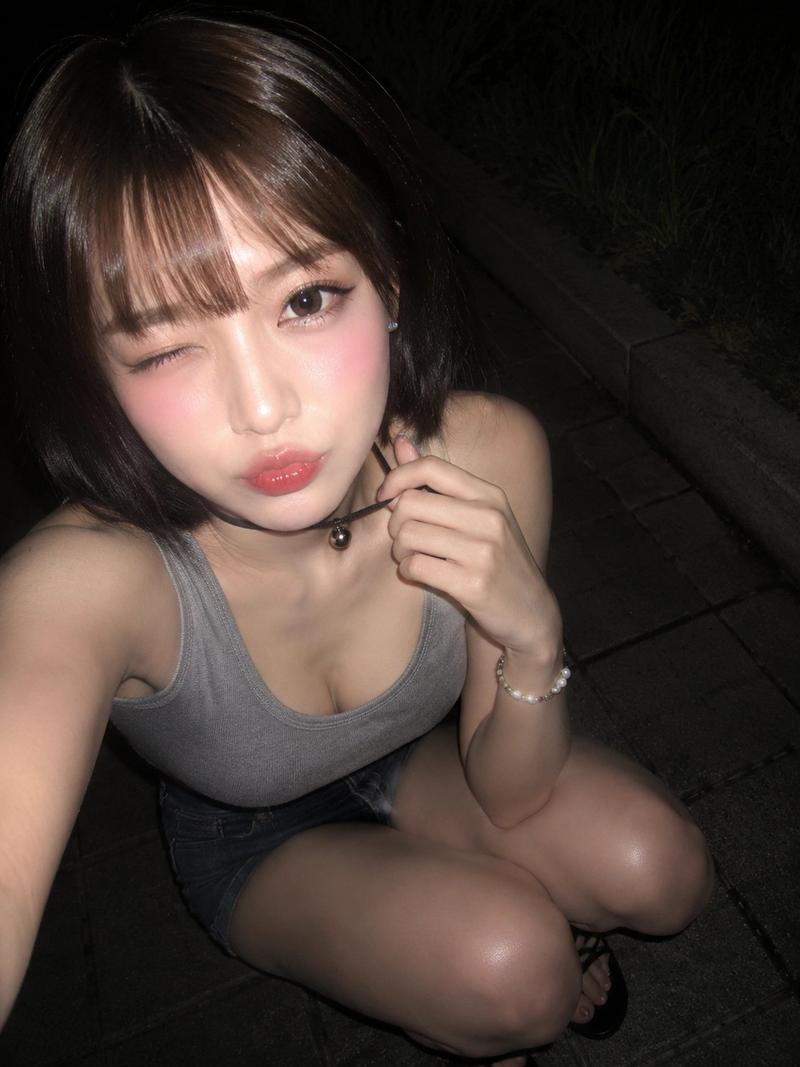
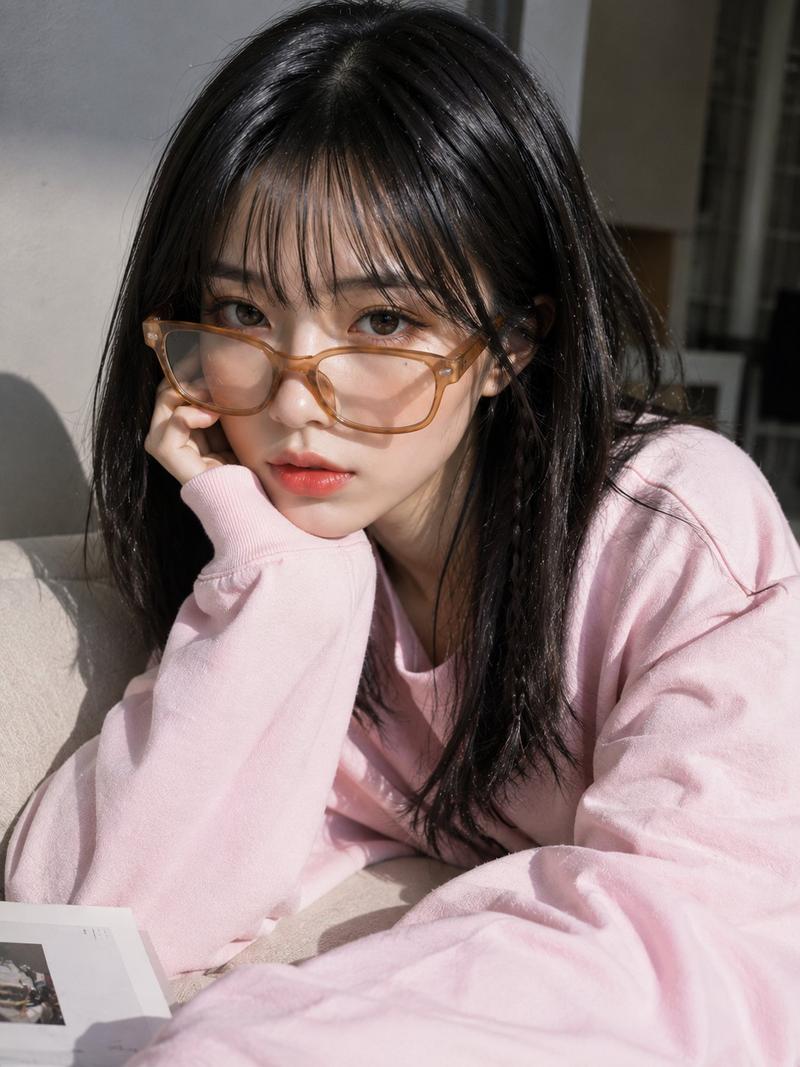
真人摄影、真实人物、日系复古 Pin 图气质的柔焦手机闪光人像,竖幅 9:16,近景半身构图,略高于眼平的正面机位,人物居中偏右,脸部占据上半部主视觉,右侧白色窗框作为辅助竖向结构,左侧深色室内墙面压暗背景。年轻女性,冷白到象牙白肤调,脸颊和鼻尖有粉红腮红与细小闪粉,眼神湿润安静、略带羞怯和无辜感,眉眼放松,嘴唇微张并含住黑色细框眼镜的一端,嘴角不笑。蓬松黑棕短卷发、空气感齐刘海,右侧格纹蝴蝶结发夹,珍珠耳钉,亮泽唇釉,银色闪片美甲;一只手抬起眼镜靠近唇边,另一只手搭在右侧前景,身体轻微前倾、肩颈前收。穿米白粗针织马甲叠搭浅色印花衬衫,马甲罗纹和纽扣边缘自然贴合,上身有柔和包裹感,衬衫领口袖口产生轻薄褶皱,针织哑光绒感与衬衫低反光材质清晰。右侧窗光混合正面闪光,冷白高光、灰紫暗部、低饱和粉米色调,局部过曝和朦胧光晕,保留脸部水润高光、唇部反光、指甲闪片反射;CCD/手机压缩质感,轻微噪点、灰尘颗粒、柔焦低对比,不要动漫、不要插画
Category
Architecture & Spaces
Model
GPT Image 2
Views226
Source ID
38058
Published
Jun 29, 2026

Guide

About "真人摄影、真实人物、日系复古 Pin 图气质的柔焦手机闪光人像,竖幅 9:16,近景半身构图,略高于眼平的正面机位,人物居中偏右,脸部占据上半部主视觉,右侧白色"

What is this prompt for?

"真人摄影、真实人物、日系复古 Pin 图气质的柔焦手机闪光人像,竖幅 9:16,近景半身构图,略高于眼平的正面机位,人物居中偏右,脸部占据上半部主视觉,右侧白色" AI image prompt for GPT Image 2 (Architecture & Spaces). 真人摄影、真实人物、日系复古 Pin…

The full copyable prompt and example visuals above are ready for AI image generation or one-click recreate in Picva.

How to use this prompt

  1. Step 1

    Open the prompt detail

    Review the example visuals, category, and full prompt text for "真人摄影、真实人物、日系复古 Pin 图气质的柔焦手机闪光人像,竖幅 9:16,近景半身构图,略高于眼平的正面机位,人物居中偏右,脸部占据上半部主视觉,右侧白色".

  2. Step 2

    Copy the prompt

    Copy the prompt body from this page, or load it directly in Studio.

  3. Step 3

    Pick a model (GPT Image 2)

    Prefer GPT Image 2. If you switch models, keep subject and composition and tweak style terms.

  4. Step 4

    Generate and export

    Recreate the look in Picva, or export into your workflow for editing and publishing.

FAQ

What is the "真人摄影、真实人物、日系复古 Pin 图气质的柔焦手机闪光人像,竖幅 9:16,近景半身构图,略高于眼平的正面机位,人物居中偏右,脸部占据上半部主视觉,右侧白色" prompt?
It is an AI image-generation prompt for GPT Image 2 in the Architecture & Spaces category. This page includes the full prompt text, example visuals, and a one-click recreate path in Picva.
How do I use this prompt to generate an image?
Copy the prompt from this page, or use Generate / Studio. Paste it into a compatible image model, or recreate the look in Picva with optional reference images.
Which model is this prompt for?
This page lists GPT Image 2. Most descriptive prompts also transfer to nearby image models such as GPT Image, Flux, or Midjourney with light style tweaks.
Can I use the result commercially?
You can usually copy the prompt for creation, but commercial use of the final image depends on the model terms, reference-image rights, and the generated content. Follow the source author and platform rules.