18

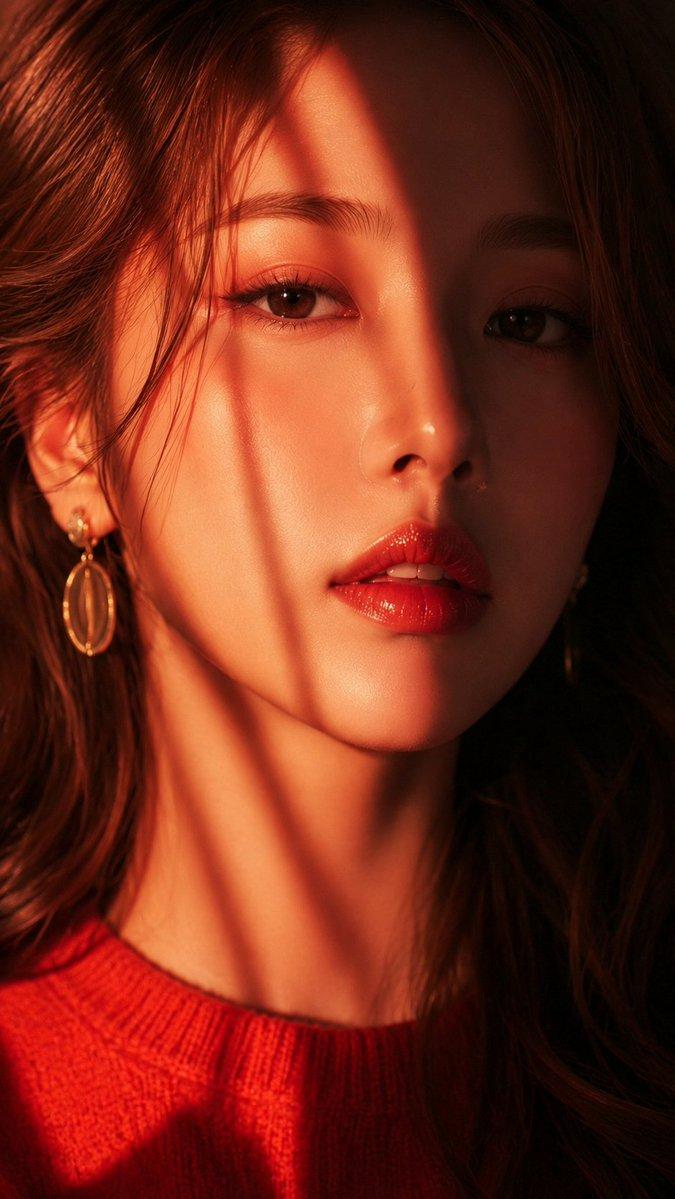
A stunning, high-resolution close-up portrait of an East Asian woman, gazing dir
Enlarge

A stunning, high-resolution close-up portrait of an East Asian woman, gazing dir

Prompt
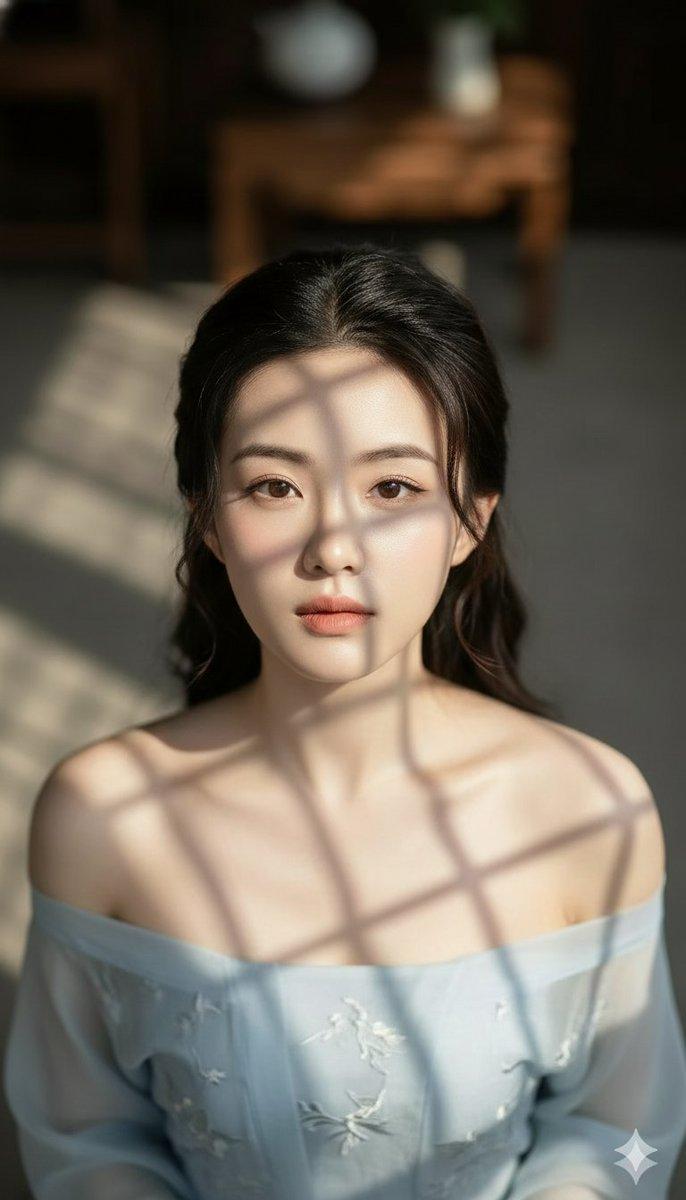
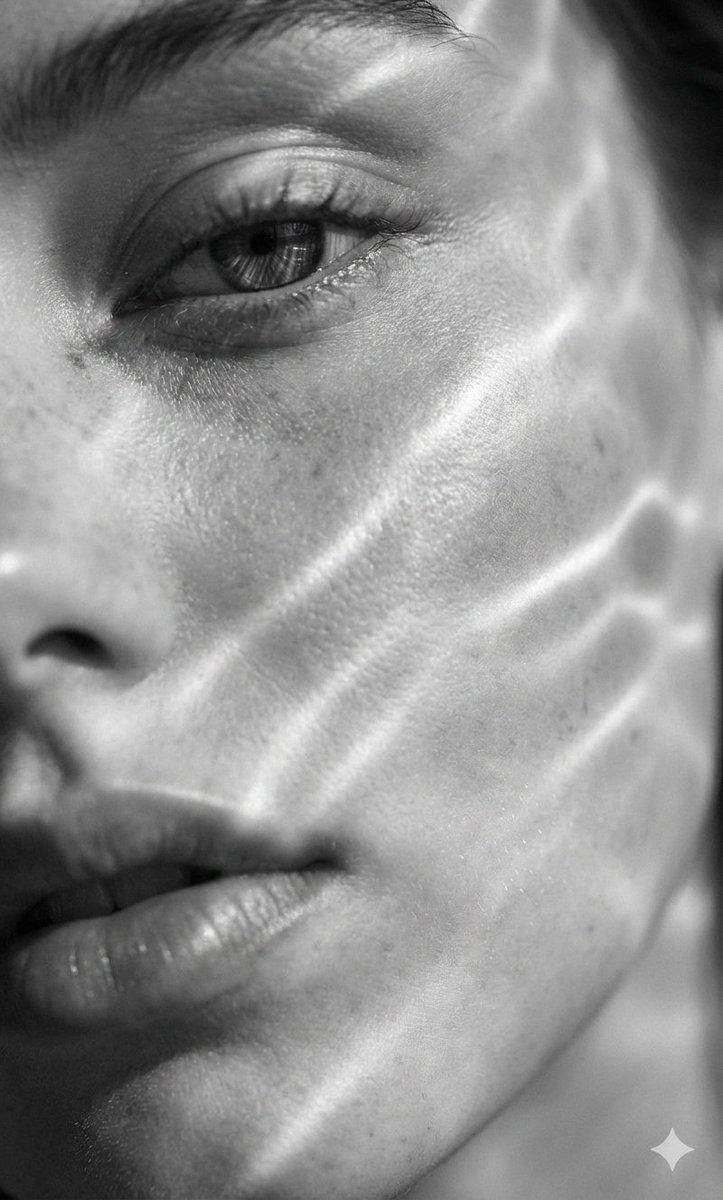
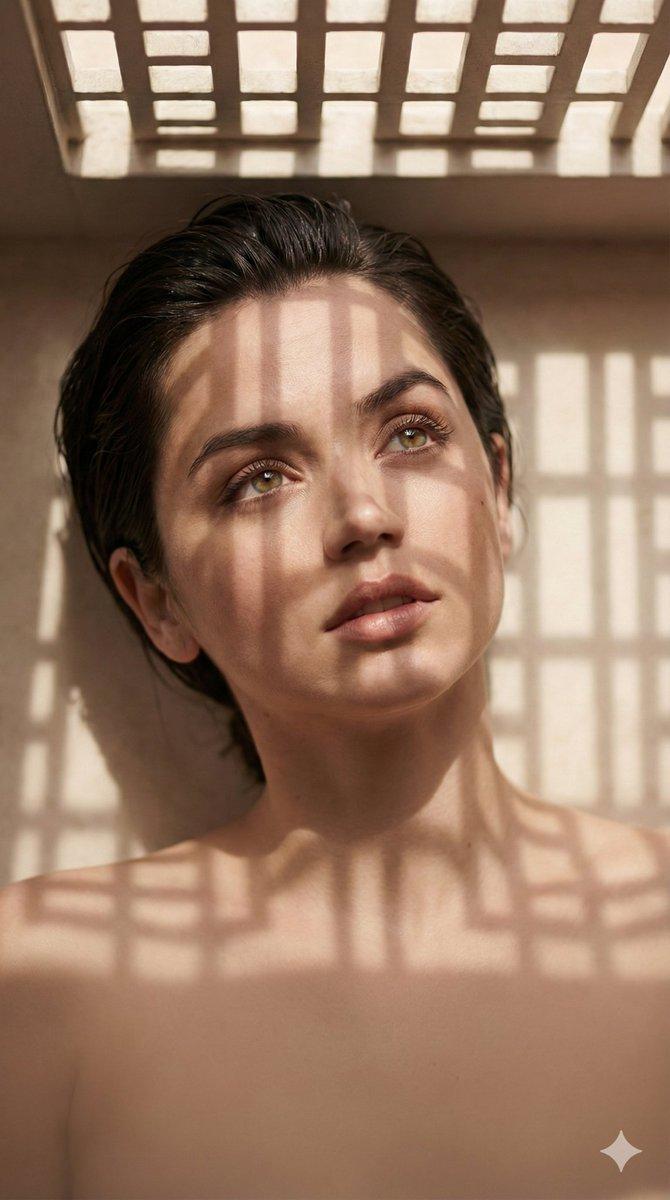
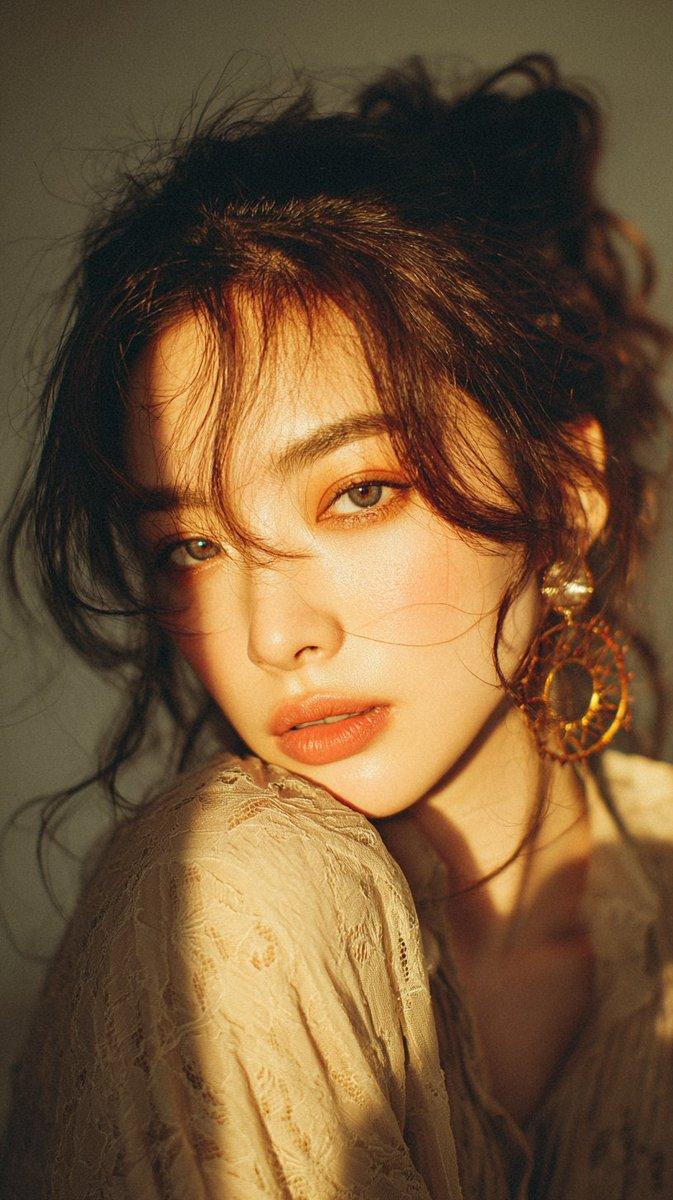
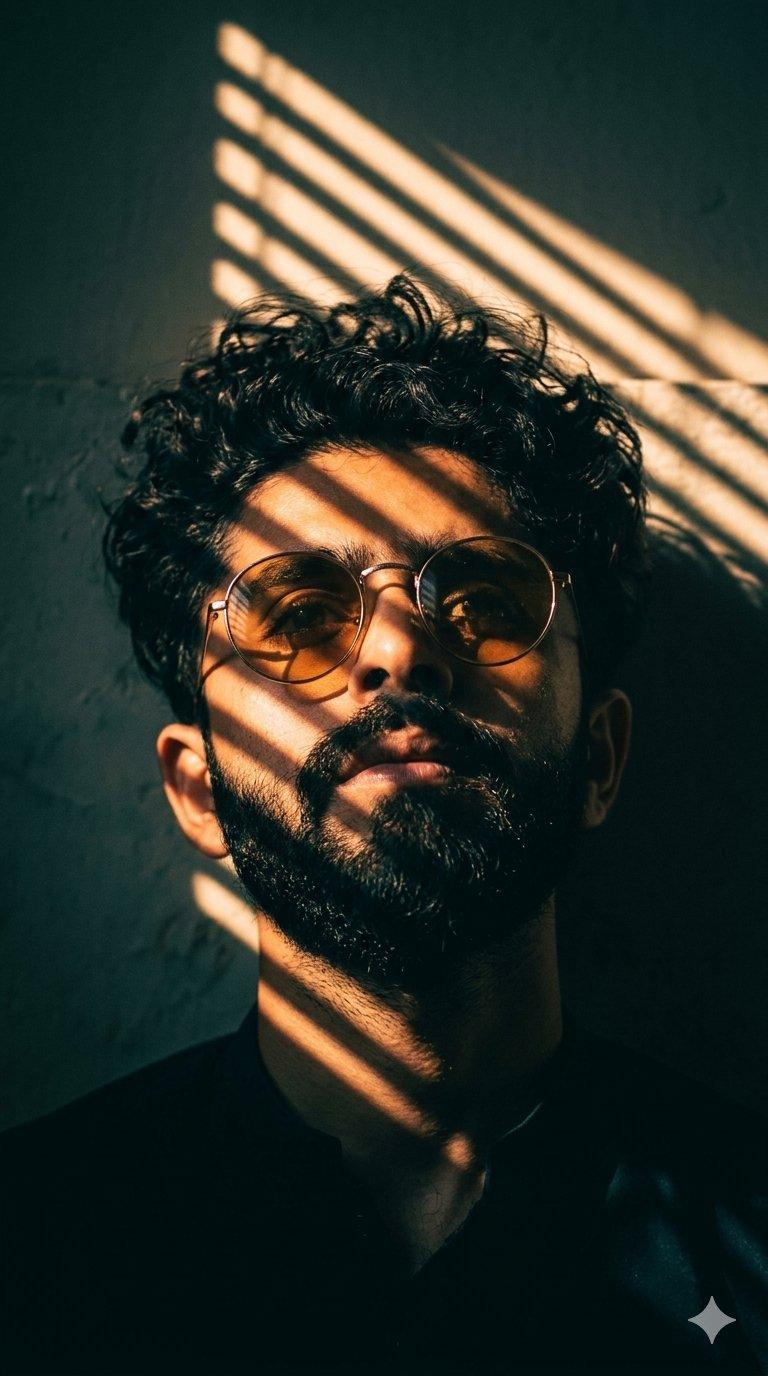
A stunning, high-resolution close-up portrait of an East Asian woman, gazing directly at the camera with a soulful expression. She is in a softly lit room, bathed in a warm, golden-orange sunlight coming from the side, filtered through venetian blinds. This lighting creates distinct, dark, parallel stripe shadows across her face, eyes, and hair, giving the composition a dramatic, cinematic feel. Her skin has a soft, sun-kissed, and smooth texture. She wears vibrant, glossy red lipstick that reflects the light, and small, ornate pearl drop earrings, partially in shadow. She is wearing a cozy, red knit turtleneck sweater. Subtle icons are placed on the collar: a tiny, stylized red heart to her lower left and a small white dove to the lower right. Her brown eyes are full of expression, reflecting the light, and her brown hair is slightly wavy and soft. The background is a soft, dark, indeterminate gradient, enhancing the contrast and focus on her face. The style is an editorial-quality, intimate beauty photograph with rich color grading.
Category
Brand & Logos
Model
GPT Image 2
Views56
Source ID
40124
Published
Jul 2, 2026

Guide

About "A stunning, high-resolution close-up portrait of an East Asian woman, gazing dir"

What is this prompt for?

"A stunning, high-resolution close-up portrait of an East Asian woman, gazing dir" AI image prompt for GPT Image 2 (Brand & Logos). A stunning, high-resolution…

The full copyable prompt and example visuals above are ready for AI image generation or one-click recreate in Picva.

How to use this prompt

  1. Step 1

    Open the prompt detail

    Review the example visuals, category, and full prompt text for "A stunning, high-resolution close-up portrait of an East Asian woman, gazing dir".

  2. Step 2

    Copy the prompt

    Copy the prompt body from this page, or load it directly in Studio.

  3. Step 3

    Pick a model (GPT Image 2)

    Prefer GPT Image 2. If you switch models, keep subject and composition and tweak style terms.

  4. Step 4

    Generate and export

    Recreate the look in Picva, or export into your workflow for editing and publishing.

FAQ

What is the "A stunning, high-resolution close-up portrait of an East Asian woman, gazing dir" prompt?
It is an AI image-generation prompt for GPT Image 2 in the Brand & Logos category. This page includes the full prompt text, example visuals, and a one-click recreate path in Picva.
How do I use this prompt to generate an image?
Copy the prompt from this page, or use Generate / Studio. Paste it into a compatible image model, or recreate the look in Picva with optional reference images.
Which model is this prompt for?
This page lists GPT Image 2. Most descriptive prompts also transfer to nearby image models such as GPT Image, Flux, or Midjourney with light style tweaks.
Can I use the result commercially?
You can usually copy the prompt for creation, but commercial use of the final image depends on the model terms, reference-image rights, and the generated content. Follow the source author and platform rules.