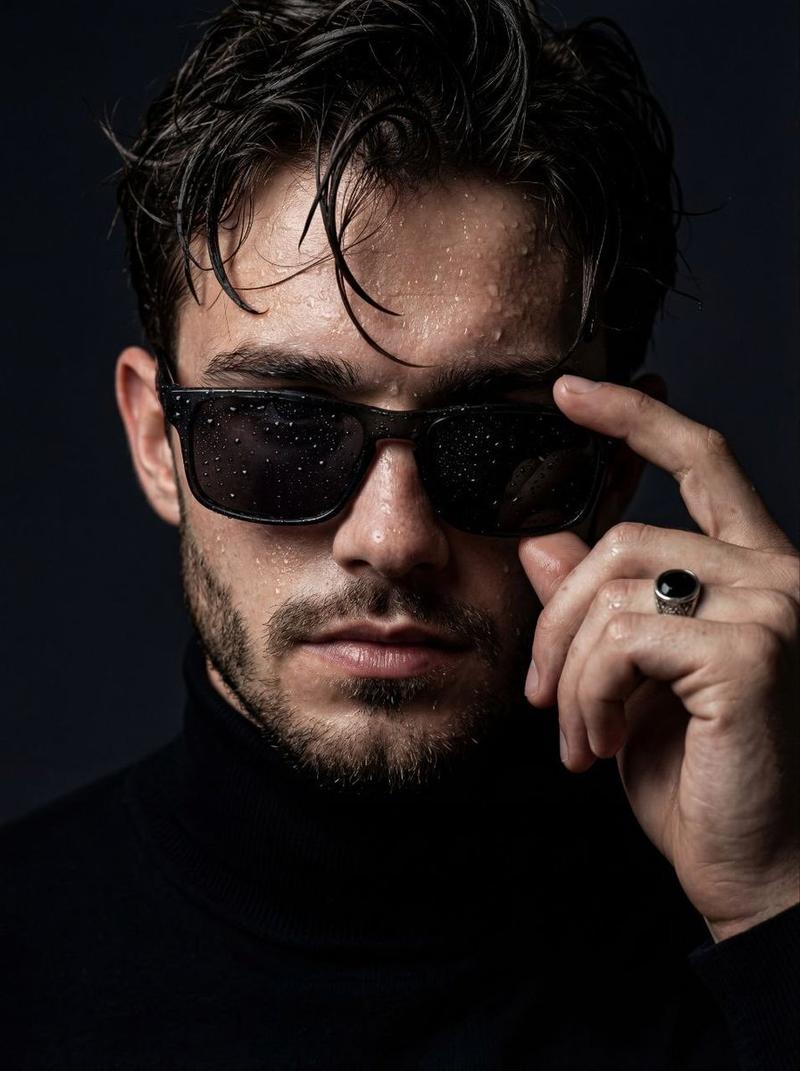
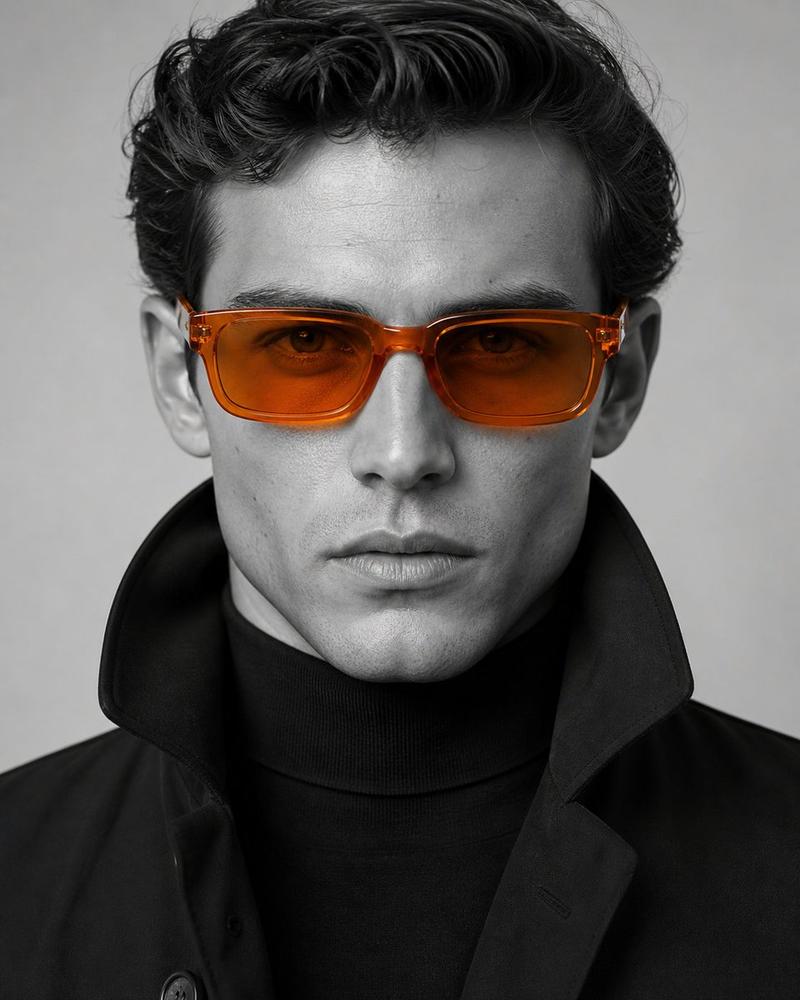
Create a 9:16 high-end experimental portrait poster with a clean editorial layou
Prompt
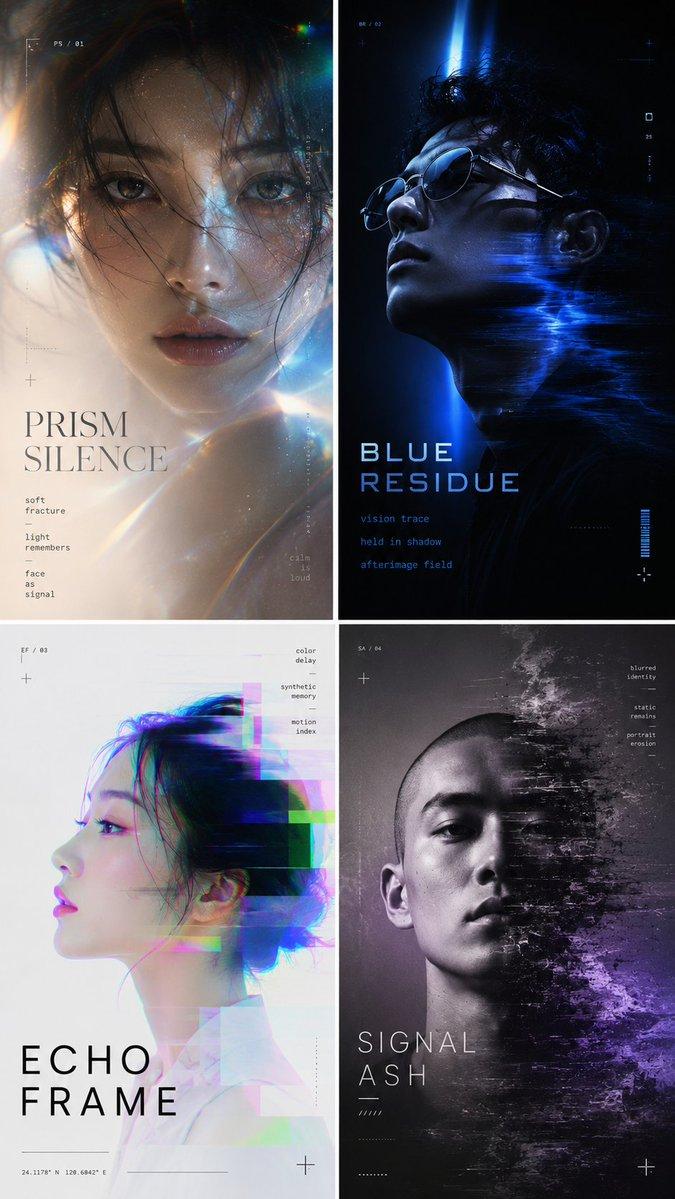
Create a 9:16 high-end experimental portrait poster with a clean editorial layout.
The image should feel original, modern, visually striking, and design-driven.
Use a single adult model as the main subject. Keep the face recognizable, while reshaping the portrait through controlled visual effects such as blur, scan distortion, subtle grid overlays, spotlight shadow, or chromatic glitch.
Typography should feel custom, refined, and minimal, with an original title and a few short supporting phrases. Keep the layout clean, elevated, and poster-like.

4 directions:

1. STATIC VEIL
 A monochrome black-and-gray portrait poster.
 A young male model with a shaved head and bold geometric black sunglasses.
 The head and glasses stay sharp, while the lower half of the portrait dissolves into horizontal scan distortion and stretched blur, as if the figure is being pulled into static.
 Fine grain texture in the background.
 Use a custom text system such as: “STATIC VEIL”, “visual noise”, “shadow signal”, “blurred matter”, “a portrait reduced to rhythm”.
 Cold, minimal, futuristic, powerful.

2. SPECTRAL DRIFT
 A white-background experimental beauty portrait poster.
 A young female model in side or three-quarter profile, with one eye and facial structure remaining clear.
 Controlled chromatic glitch trails in cyan, magenta, blue, and violet sweep horizontally across the face and body.
 The effect should feel luminous and elegant.
 Use a custom text system such as: “SPECTRAL DRIFT”, “motion layer”, “color echo”, “synthetic portrait”, “light offset”, “frame memory”.
 Clean, futuristic, vivid, dreamlike.

3. SIGNAL FACE
 A white or light-gray portrait poster with a digital identity feeling.
 A young East Asian male model wearing slim black sunglasses, centered in frame.
 The middle of the face remains sharp, while the edges of the hair, shoulders, and outline have soft motion blur and slight RGB drift.
 Overlay a subtle transparent grid across the composition.
 Use small blue accent text sparingly.
 Use a custom text system such as: “SIGNAL FACE”, “portrait sample”, “digital identity”, “soft focus study”, “visual layer”, “north field”.
 Minimal, precise, polished.

4. NARROW BEAM
 A dark blue to black portrait poster with a moody experimental lighting setup.
 A young male model facing forward, with a narrow beam of light cutting across the eyes and upper face, while the lower face and body fade into darkness.
 Add faint grid texture or very thin technical lines in the background.
 Use a custom text system such as: “NARROW BEAM”, “where shadow holds”, “vision remains”, “silence defines the frame”, “a study of presence held in blue”.
 Quiet, restrained, cinematic, intense.

You can swap the model, title, color logic, and effect treatment, while keeping the same overall quality: a clear focal point, original text, controlled distortion, and strong poster composition.
- Category
- Posters & Typography
- Model
- GPT Image 2
- Creator
- xie underwood
- Source ID
- 42084
- Published
- Jul 6, 2026
Views36


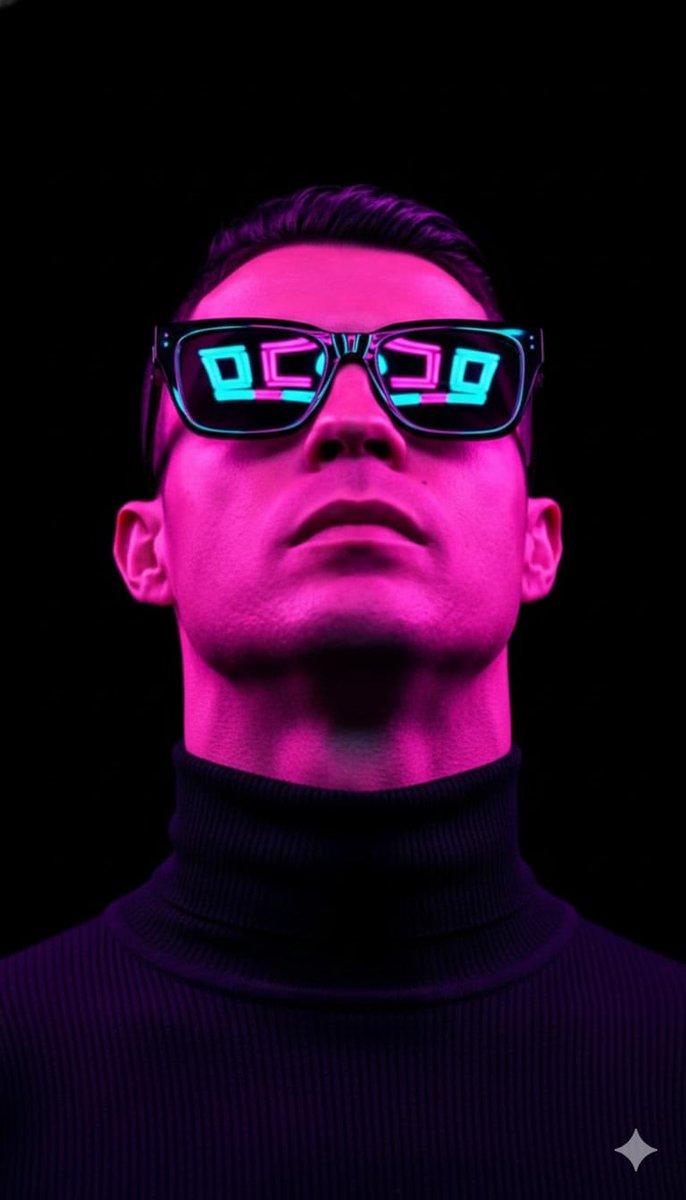


![A surreal mixed-media portrait of [PERSON], set against a clean, plain white bac](https://i.pixshop.app/storage/v1/render/image/public/prompt-source-media/promptsref/work-7416/image-1-32bb540059cd9a64.png?width=800&quality=75&resize=contain)