20

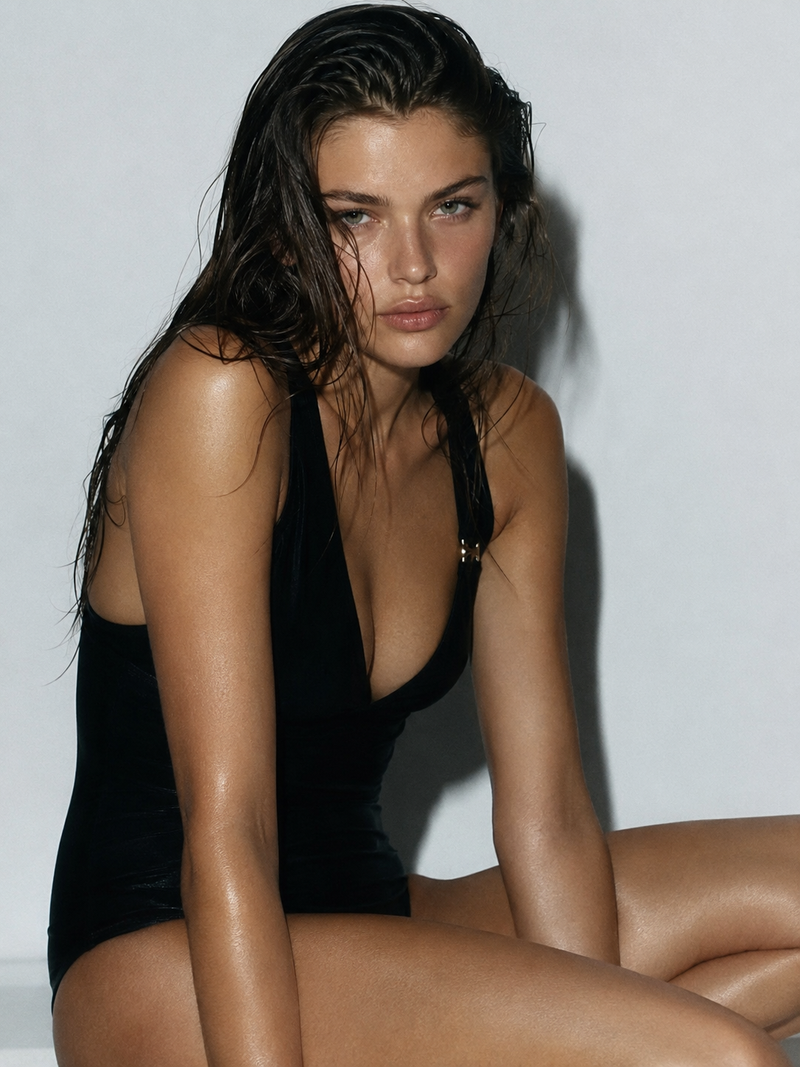
SUBJECT Avatar (Ref A), early-20s athletic
Enlarge

SUBJECT Avatar (Ref A), early-20s athletic

Prompt
SUBJECT Avatar (Ref A), early-20s athletic. Shot from directly overhead, she reaches up one arm raised with racket, other hand open reaching toward a tennis ball in the foreground, looking up into lens. FORM High overhead angle, dramatic foreshortening, ball large in foreground, body radiating below. COLOR White top + sage-green skirt on soft green court, cream lines. LIGHTING Hard bright sun, long directional shadows across court. CAMERA 35mm, f/4 directional motion blur trailing the racket arm and the reaching hand, pixel-stretch on the ball's edge, face sharp (Ref D). STYLE Couture tennis editorial, kinetic, sage-and-white. NEGATIVE No orange grade, no full blur, no logos, no retouching. --ar 9:16 --raw --profile 7612n3h
Category
Brand & Logos
Model
Midjourney
Views31
Source ID
44004
Published
Jul 8, 2026

Guide

About "SUBJECT Avatar (Ref A), early-20s athletic"

What is this prompt for?

"SUBJECT Avatar (Ref A), early-20s athletic" AI image prompt for Midjourney (Brand & Logos). SUBJECT Avatar (Ref A), early-20s athletic. Shot from directly ove…

The full copyable prompt and example visuals above are ready for AI image generation or one-click recreate in Picva.

How to use this prompt

  1. Step 1

    Open the prompt detail

    Review the example visuals, category, and full prompt text for "SUBJECT Avatar (Ref A), early-20s athletic".

  2. Step 2

    Copy the prompt

    Copy the prompt body from this page, or load it directly in Studio.

  3. Step 3

    Pick a model (Midjourney)

    Prefer Midjourney. If you switch models, keep subject and composition and tweak style terms.

  4. Step 4

    Generate and export

    Recreate the look in Picva, or export into your workflow for editing and publishing.

FAQ

What is the "SUBJECT Avatar (Ref A), early-20s athletic" prompt?
It is an AI image-generation prompt for Midjourney in the Brand & Logos category. This page includes the full prompt text, example visuals, and a one-click recreate path in Picva.
How do I use this prompt to generate an image?
Copy the prompt from this page, or use Generate / Studio. Paste it into a compatible image model, or recreate the look in Picva with optional reference images.
Which model is this prompt for?
This page lists Midjourney. Most descriptive prompts also transfer to nearby image models such as GPT Image, Flux, or Midjourney with light style tweaks.
Can I use the result commercially?
You can usually copy the prompt for creation, but commercial use of the final image depends on the model terms, reference-image rights, and the generated content. Follow the source author and platform rules.