16

Smartphone Internals Layered View
Enlarge

Smartphone Internals Layered View

Prompt
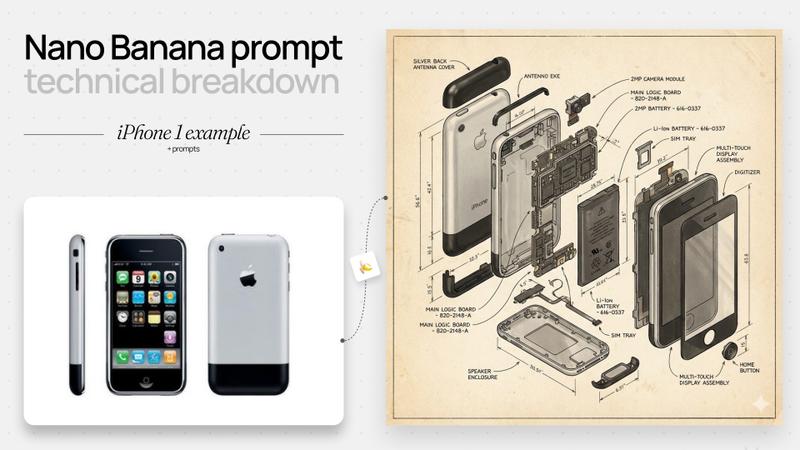
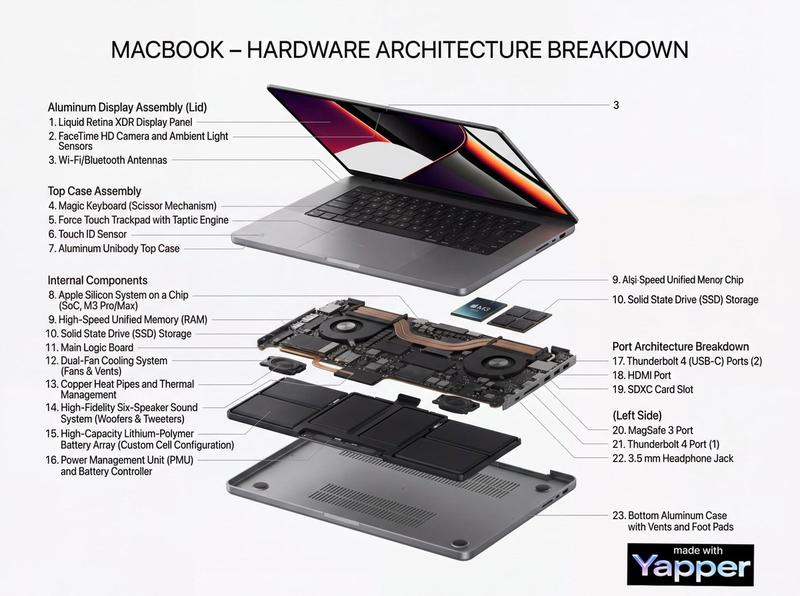
Produce a sleek exploded-view illustration of a fictional flagship smartphone called the HELIX ONE, shown front and back in a vertically layered assembly on a soft charcoal gradient background. Separate the glass, OLED panel, midframe, battery, camera island, wireless charging coil, logic board, cooling vapor chamber, speakers, and rear shell. Use realistic materials including brushed titanium edges, ceramic back, black glass, copper thermal elements, and blue PCB traces. Add crisp labels and in-image text: "HELIX ONE", "Layered Internal Architecture", "6.7 in OLED", "5,100 mAh", and "Vapor Chamber 3,200 mm2". Label components "Main Camera 50 MP", "Ultrawide 13 MP", "Coil", "Battery", "Logic Board", and "Speaker Module". Keep the composition elegant, technical, and believable, with exact spacing, sharp typography, clean callout leaders, and premium product-visualization quality.
Category
Charts & Infographics
Model
GPT Image 2
Creator
wuyoscar
Views1
Source ID
116

Guide

About "Smartphone Internals Layered View"

What is this prompt for?

"Smartphone Internals Layered View" AI image prompt for GPT Image 2 (Charts & Infographics). Produce a sleek exploded-view illustration of a fictional flagship…

The full copyable prompt and example visuals above are ready for AI image generation or one-click recreate in Picva.

How to use this prompt

  1. Step 1

    Open the prompt detail

    Review the example visuals, category, and full prompt text for "Smartphone Internals Layered View".

  2. Step 2

    Copy the prompt

    Copy the prompt body from this page, or load it directly in Studio.

  3. Step 3

    Pick a model (GPT Image 2)

    Prefer GPT Image 2. If you switch models, keep subject and composition and tweak style terms.

  4. Step 4

    Generate and export

    Recreate the look in Picva, or export into your workflow for editing and publishing.

FAQ

What is the "Smartphone Internals Layered View" prompt?
It is an AI image-generation prompt for GPT Image 2 in the Charts & Infographics category. This page includes the full prompt text, example visuals, and a one-click recreate path in Picva.
How do I use this prompt to generate an image?
Copy the prompt from this page, or use Generate / Studio. Paste it into a compatible image model, or recreate the look in Picva with optional reference images.
Which model is this prompt for?
This page lists GPT Image 2. Most descriptive prompts also transfer to nearby image models such as GPT Image, Flux, or Midjourney with light style tweaks.
Can I use the result commercially?
You can usually copy the prompt for creation, but commercial use of the final image depends on the model terms, reference-image rights, and the generated content. Follow the source author and platform rules.