18

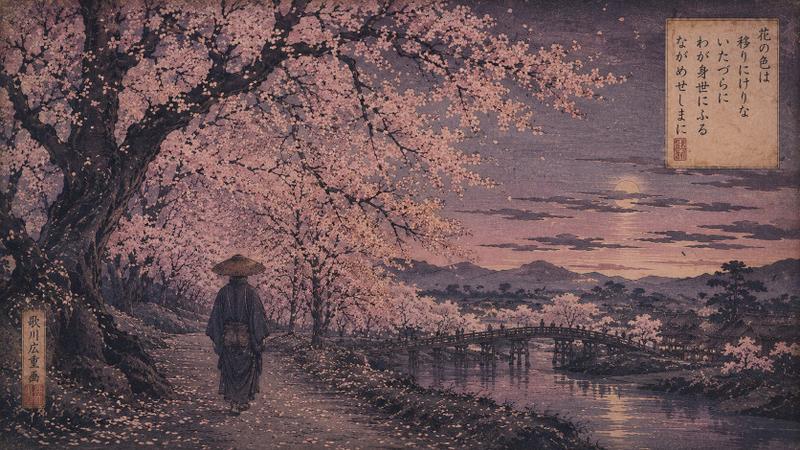
Impressionist Lineage: River at Dusk
Enlarge

Impressionist Lineage: River at Dusk

Prompt
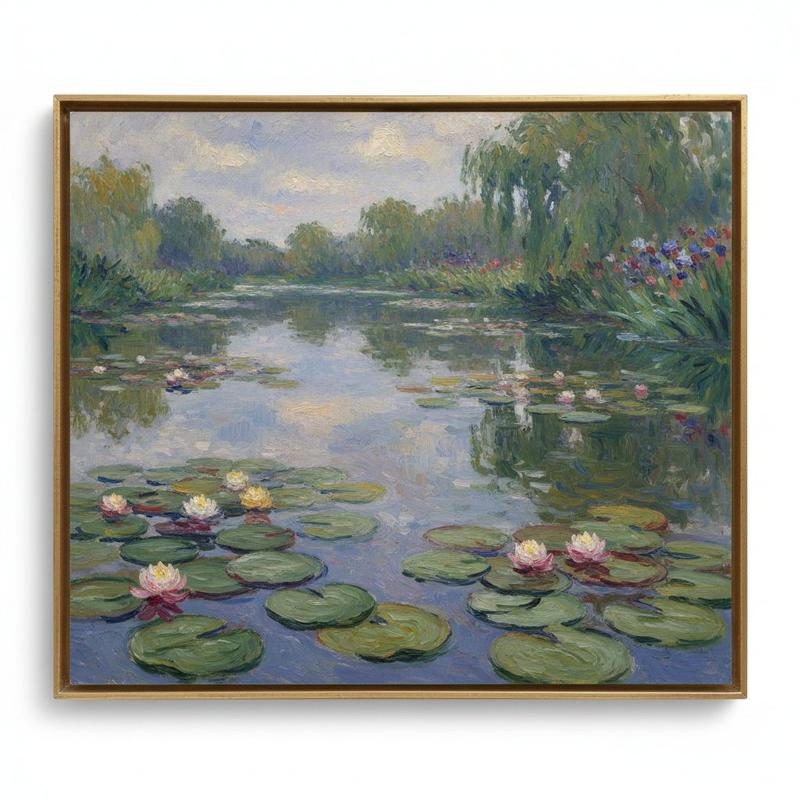
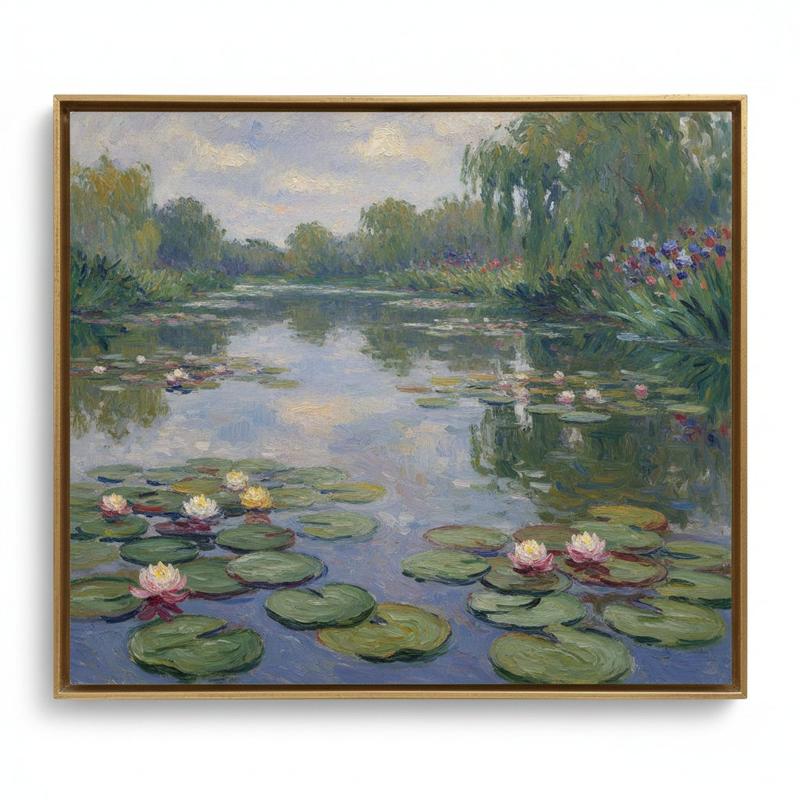
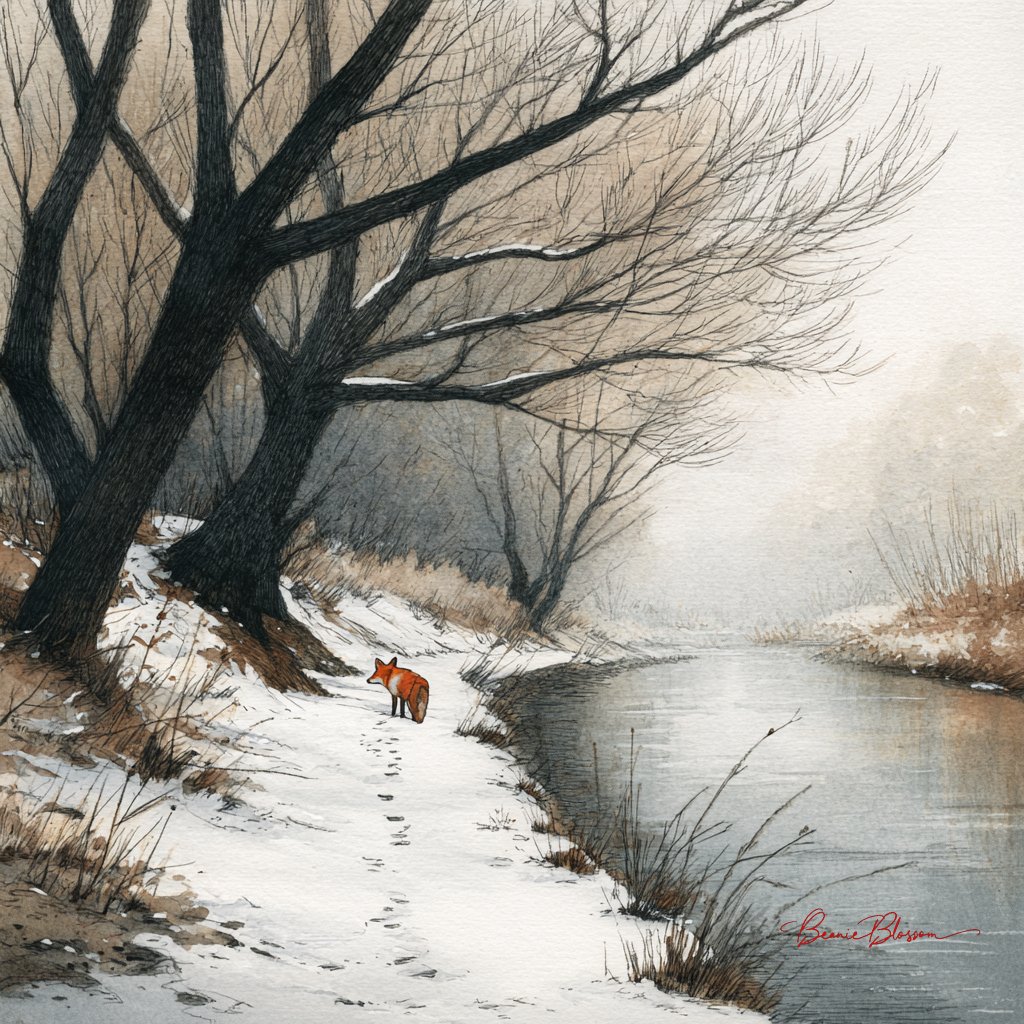
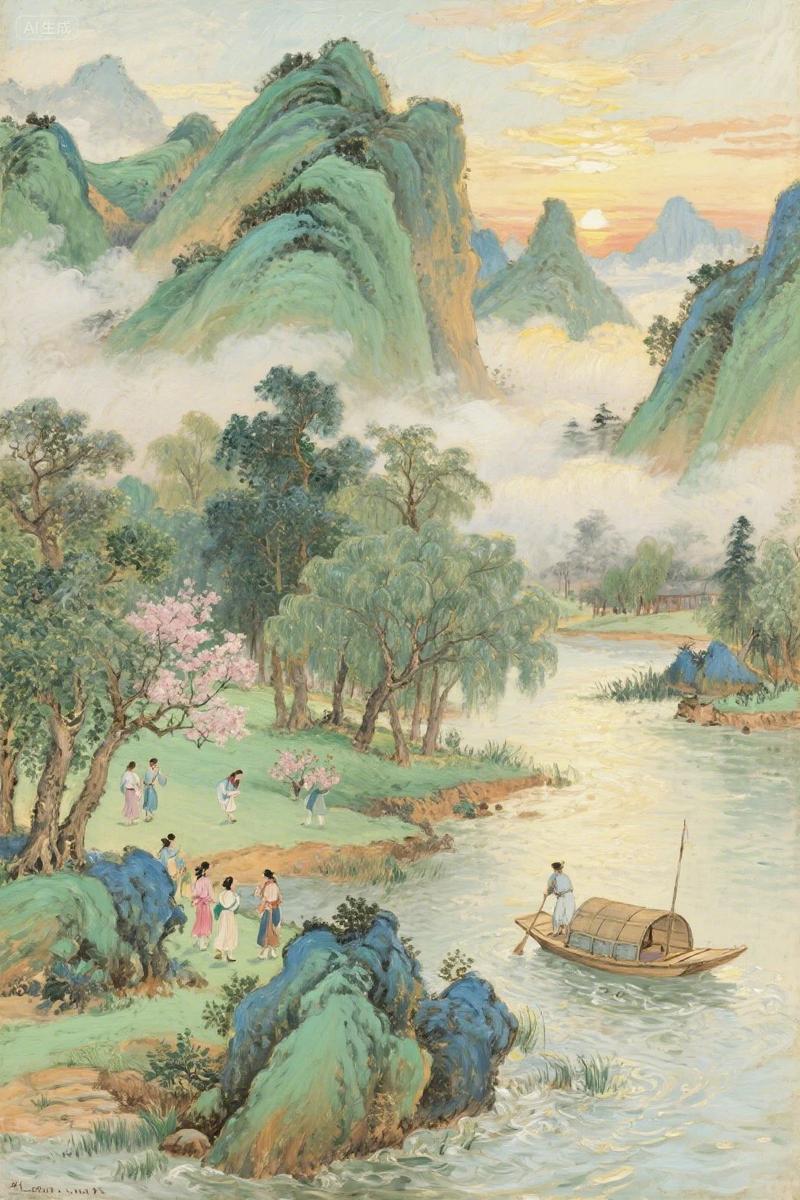
A serene landscape painting in the lineage of late 19th-century Impressionism, depicting a wide river reflecting a hazy violet and gold sunset. The water is rendered with short, horizontal dabs of color—'Lavender', 'Pale Peach', and 'Sage Green'—that suggest the gentle ripple of the surface. On the banks, weeping willows are suggested by soft, blurred strokes of dark emerald and charcoal. The atmosphere is thick with moisture and light, where the sky and water seem to merge at the horizon. There are no sharp lines or defined edges; the entire scene is a study of light, color, and atmospheric perspective. The lighting is the fleeting 'blue hour,' where the last rays of sun catch the tips of the waves. The mood is tranquil and meditative, capturing a fleeting moment of natural beauty through a soft, atmospheric lens.
Category
Illustration & Art
Model
GPT Image 2
Creator
wuyoscar
Views3
Source ID
137

Guide

About "Impressionist Lineage: River at Dusk"

What is this prompt for?

"Impressionist Lineage: River at Dusk" AI image prompt for GPT Image 2 (Illustration & Art). A serene landscape painting in the lineage of late 19th-century Im…

The full copyable prompt and example visuals above are ready for AI image generation or one-click recreate in Picva.

How to use this prompt

  1. Step 1

    Open the prompt detail

    Review the example visuals, category, and full prompt text for "Impressionist Lineage: River at Dusk".

  2. Step 2

    Copy the prompt

    Copy the prompt body from this page, or load it directly in Studio.

  3. Step 3

    Pick a model (GPT Image 2)

    Prefer GPT Image 2. If you switch models, keep subject and composition and tweak style terms.

  4. Step 4

    Generate and export

    Recreate the look in Picva, or export into your workflow for editing and publishing.

FAQ

What is the "Impressionist Lineage: River at Dusk" prompt?
It is an AI image-generation prompt for GPT Image 2 in the Illustration & Art category. This page includes the full prompt text, example visuals, and a one-click recreate path in Picva.
How do I use this prompt to generate an image?
Copy the prompt from this page, or use Generate / Studio. Paste it into a compatible image model, or recreate the look in Picva with optional reference images.
Which model is this prompt for?
This page lists GPT Image 2. Most descriptive prompts also transfer to nearby image models such as GPT Image, Flux, or Midjourney with light style tweaks.
Can I use the result commercially?
You can usually copy the prompt for creation, but commercial use of the final image depends on the model terms, reference-image rights, and the generated content. Follow the source author and platform rules.