20

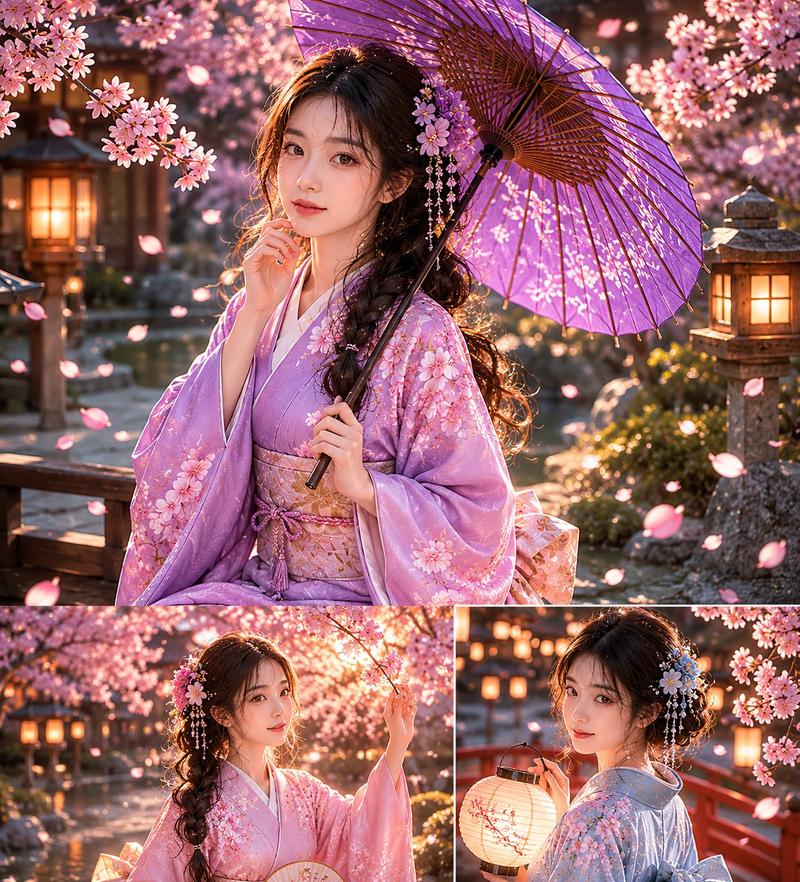
柳湖汉服夕照
Enlarge

柳湖汉服夕照

Prompt
Create a vertical cinematic fantasy portrait of a graceful young woman in traditional Chinese hanfu standing beside a quiet lake at sunset, her face intentionally obscured by a plain beige rectangular privacy block. She wears a flowing layered {argument name="dress color" default="coral red and pale peach"} embroidered hanfu with delicate floral patterns, translucent gauze sleeves, long trailing silk ribbons, and ornate hair ornaments in a dark updo. She holds a large round {argument name="parasol color" default="pale pink oil-paper"} parasol behind her shoulder, its bamboo ribs glowing translucently in the backlight. The setting is an idyllic ancient Chinese riverside landscape under a huge old {argument name="tree type" default="weeping willow"} with a thick textured trunk on the left and countless golden hanging branches framing the top of the image. Warm sunlight sits low near the horizon, reflecting across the water in sparkling bands; distant misty mountains, a small traditional pavilion, and soft peach clouds appear in the background. The foreground has wildflowers, grasses, and a narrow dirt path, with petals and fabric ribbons catching the breeze. Use a romantic painterly realism style, ultra-detailed fabric embroidery, soft atmospheric haze, golden-hour rim light, warm amber and rose color grading, dreamy ethereal mood, depth of field, elegant composition, full-body view, 9:16 vertical aspect ratio.
Category
Charts & Infographics
Model
GPT Image 2
Views7
Source ID
17636
Published
May 2, 2026

Guide

About "柳湖汉服夕照"

What is this prompt for?

"柳湖汉服夕照" AI image prompt for GPT Image 2 (Charts & Infographics). 此提示词可生成一张浪漫的竖版人像,描绘一位身着飘逸汉服的女子在夕阳下的柳树旁,非常适合创作历史奇幻风格及优雅的东亚风角色艺术。 Copy it on Picva and recreate…

The full copyable prompt and example visuals above are ready for AI image generation or one-click recreate in Picva.

How to use this prompt

  1. Step 1

    Open the prompt detail

    Review the example visuals, category, and full prompt text for "柳湖汉服夕照".

  2. Step 2

    Copy the prompt

    Copy the prompt body from this page, or load it directly in Studio.

  3. Step 3

    Pick a model (GPT Image 2)

    Prefer GPT Image 2. If you switch models, keep subject and composition and tweak style terms.

  4. Step 4

    Generate and export

    Recreate the look in Picva, or export into your workflow for editing and publishing.

FAQ

What is the "柳湖汉服夕照" prompt?
It is an AI image-generation prompt for GPT Image 2 in the Charts & Infographics category. This page includes the full prompt text, example visuals, and a one-click recreate path in Picva.
How do I use this prompt to generate an image?
Copy the prompt from this page, or use Generate / Studio. Paste it into a compatible image model, or recreate the look in Picva with optional reference images.
Which model is this prompt for?
This page lists GPT Image 2. Most descriptive prompts also transfer to nearby image models such as GPT Image, Flux, or Midjourney with light style tweaks.
Can I use the result commercially?
You can usually copy the prompt for creation, but commercial use of the final image depends on the model terms, reference-image rights, and the generated content. Follow the source author and platform rules.