17

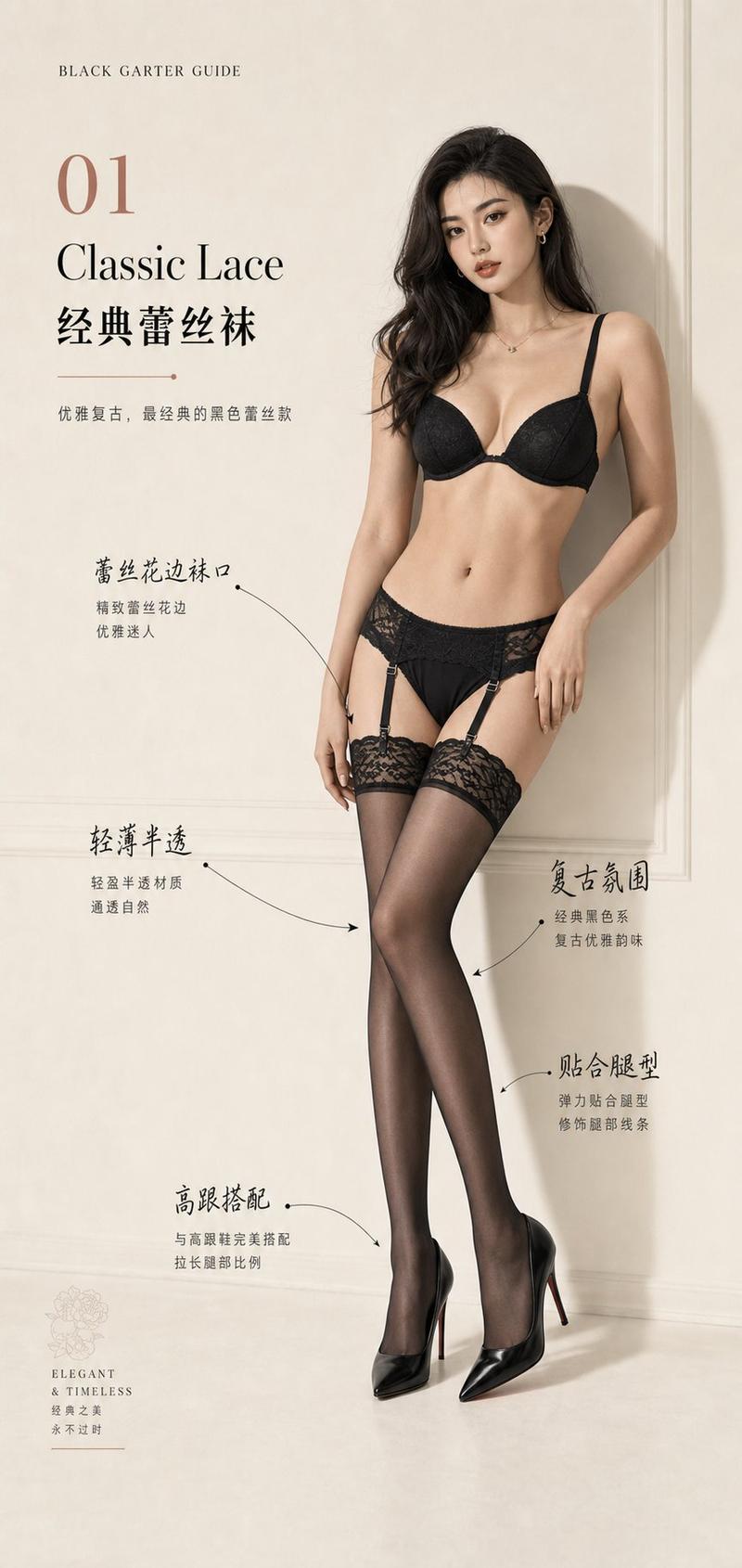
由 gpt image 2 创作的肖像 ---prompt--- 9:16 竖构图,逼真奢华时尚摄影编辑风格,无缝暖白色摄影棚背景,柔和漫射胶片...
Enlarge

Example images

由 gpt image 2 创作的肖像 ---prompt--- 9:16 竖构图,逼真奢华时尚摄影编辑风格,无缝暖白色摄影棚背景,柔和漫射胶片...

Prompt
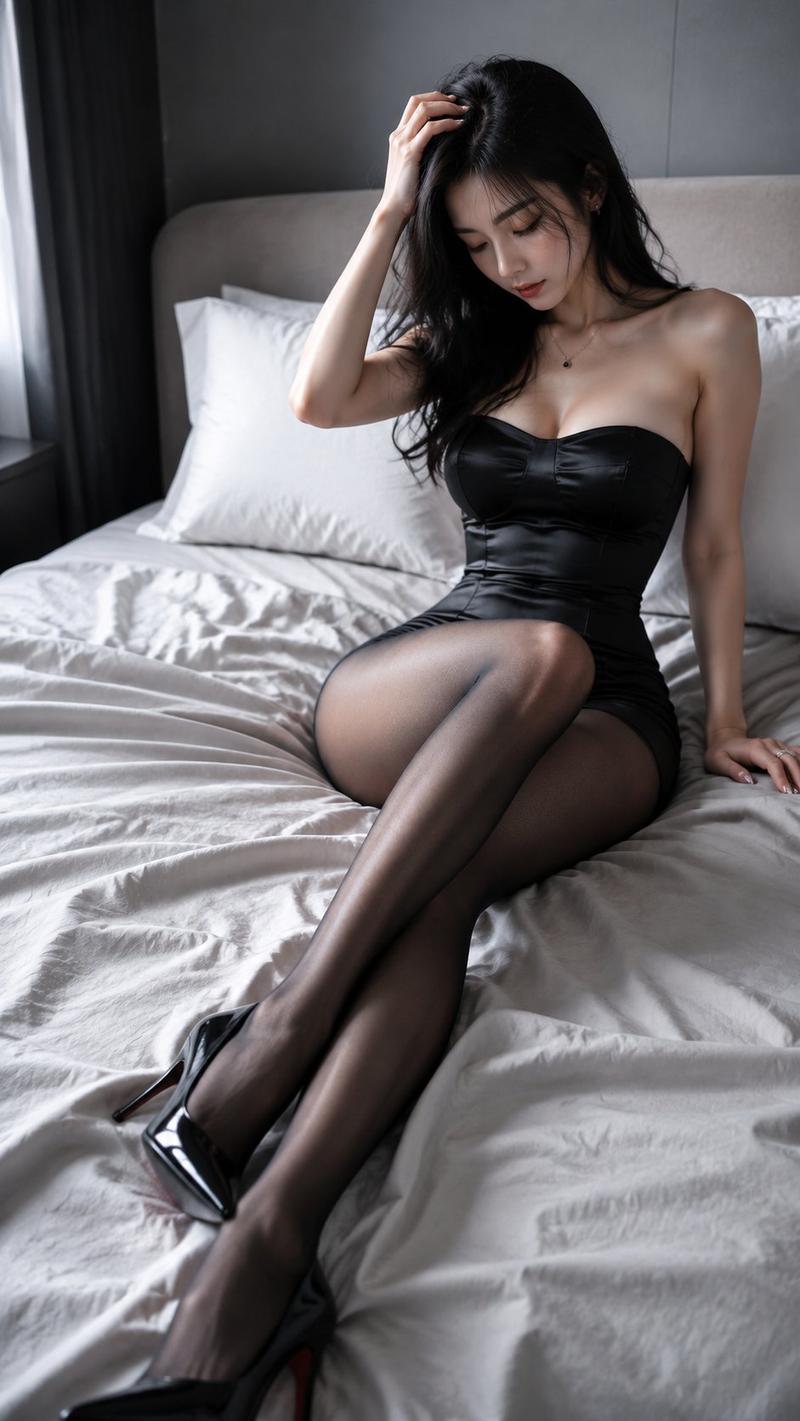
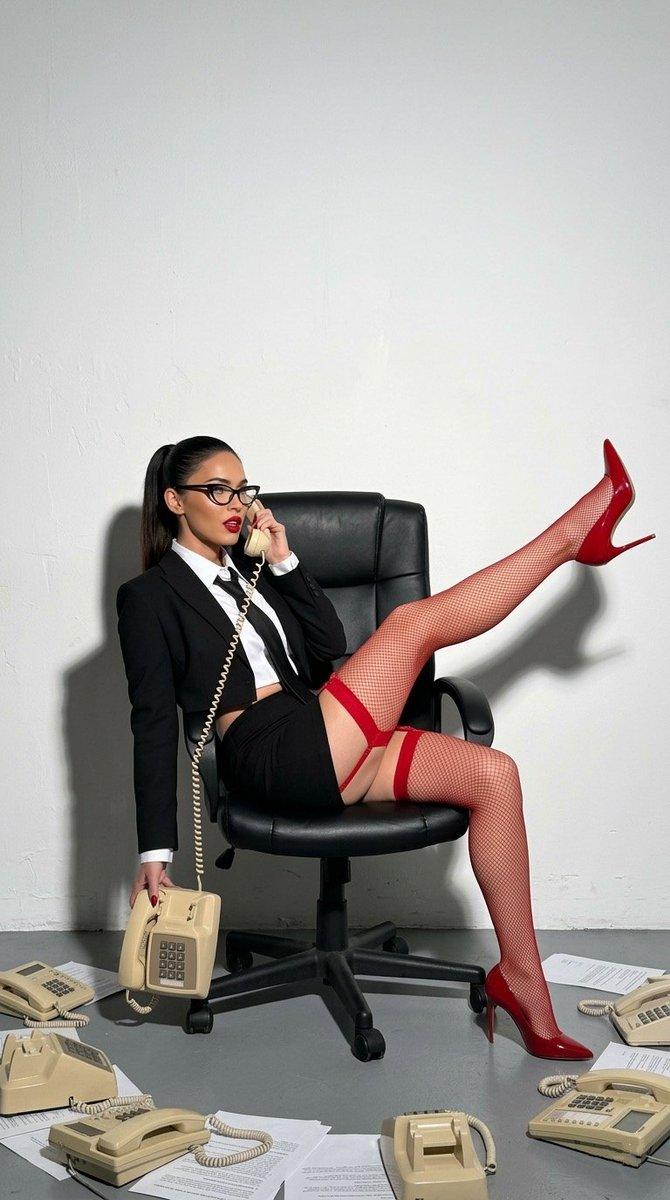
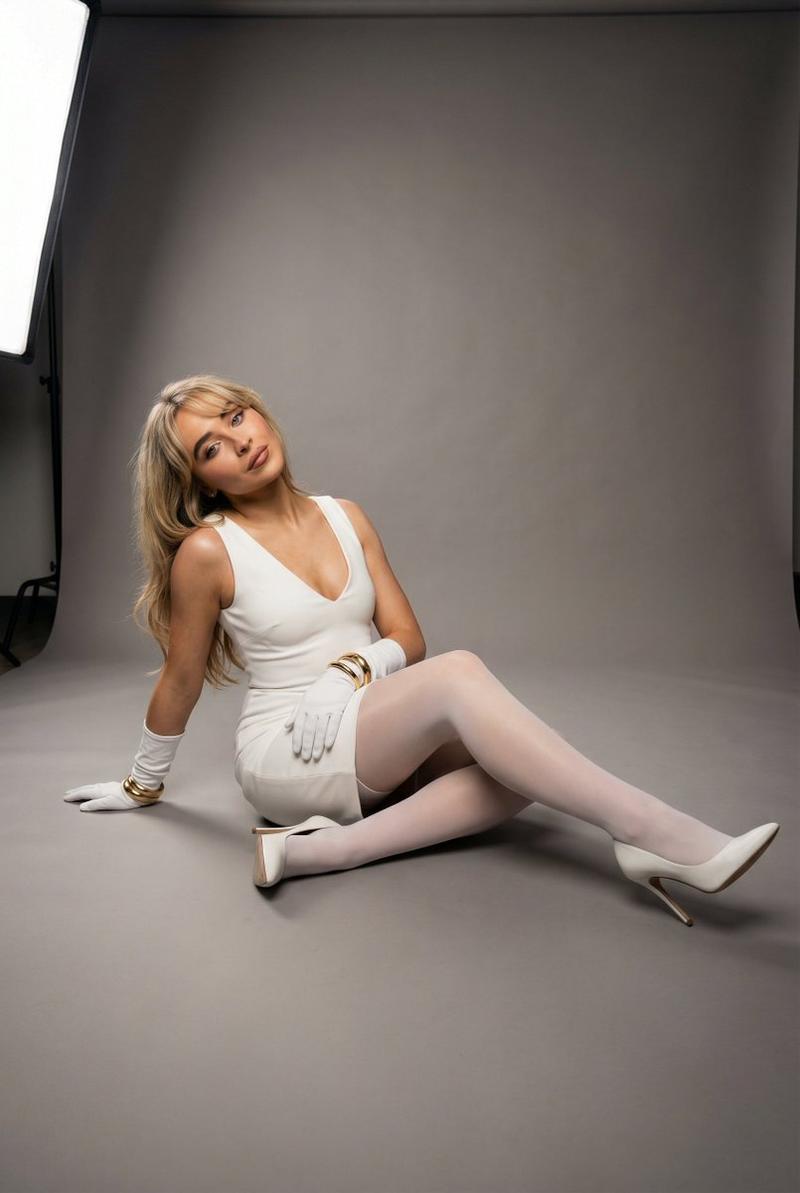
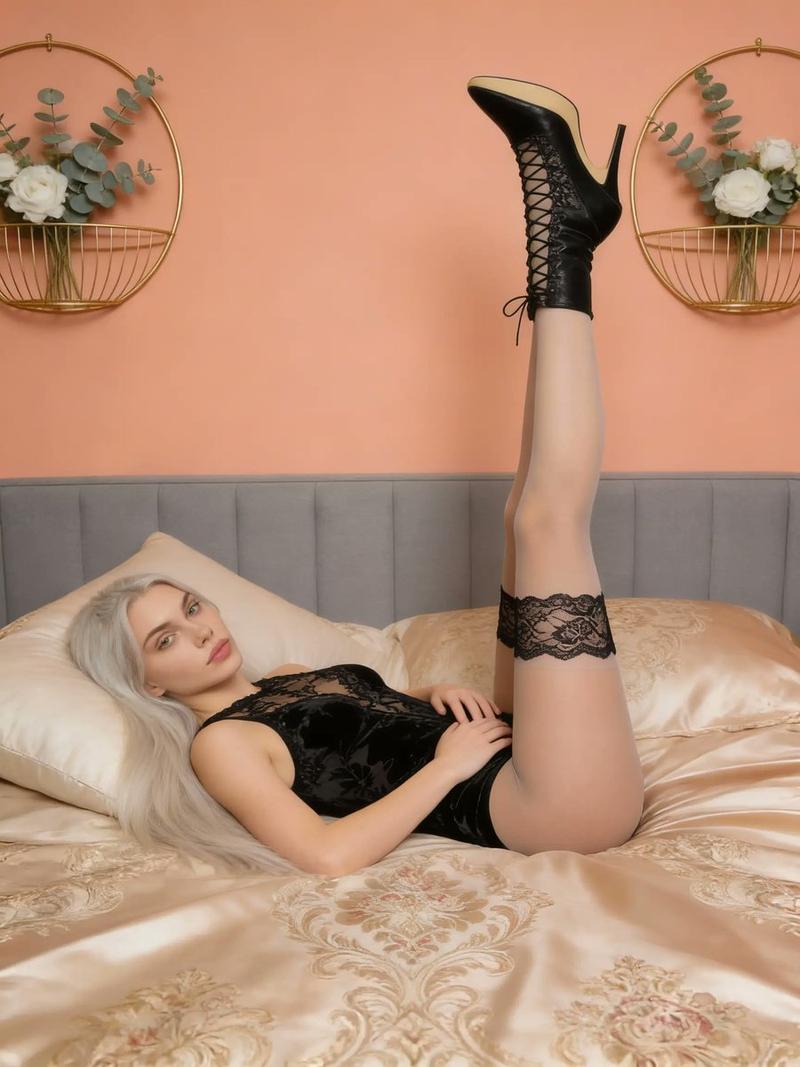
由 gpt image 2 创作的肖像 ---prompt--- 9:16 竖构图,逼真奢华时尚摄影编辑风格,无缝暖白色摄影棚背景,柔和漫射胶片照明,高调曝光,奶油色高光,细微晕影,柔和绽放,柔雾效果,细腻 35mm 胶片颗粒,温暖象牙色调级,高端杂志摄影。 一位美丽的成年东亚时尚模特,明顯為成人,皮膚白皙發光,自然妝容,深色頭髮鬆散地紮在腦後,神情平靜。 她在攝影棚地板上表演雕塑般的編輯姿勢,從側面觀看。一條腿向上伸展,另一條腿自然交叉,創造優雅的幾何線條和平衡的構圖。放鬆的雙手自然支撐姿勢。逼真解剖結構,優雅比例。 服裝:合身黑色高領緊身體衣,半透明黑色緊身褲,光澤黑色尖頭高跟鞋,極簡銀色珠寶。 極簡構圖,全身拍攝,寬裕負空間,精緻時尚廣告活動,優雅造型,超逼真。
Category
创意图片
Model
GPT Image 2
Views9
Source ID
2076310083257118941
Published
Jul 19, 2026

Guide

About "由 gpt image 2 创作的肖像 ---prompt--- 9:16 竖构图,逼真奢华时尚摄影编辑风格,无缝暖白色摄影棚背景,柔和漫射胶片..."

What is this prompt for?

"由 gpt image 2 创作的肖像 ---prompt--- 9:16 竖构图,逼真奢华时尚摄影编辑风格,无缝暖白色摄影棚背景,柔和漫射胶片..." AI image prompt for GPT Image 2 (创意图片). Saved from X post by @BubbleBrain. 由 gpt…

The full copyable prompt and example visuals above are ready for AI image generation or one-click recreate in Picva.

How to use this prompt

  1. Step 1

    Open the prompt detail

    Review the example visuals, category, and full prompt text for "由 gpt image 2 创作的肖像 ---prompt--- 9:16 竖构图,逼真奢华时尚摄影编辑风格,无缝暖白色摄影棚背景,柔和漫射胶片...".

  2. Step 2

    Copy the prompt

    Copy the prompt body from this page, or load it directly in Studio.

  3. Step 3

    Pick a model (GPT Image 2)

    Prefer GPT Image 2. If you switch models, keep subject and composition and tweak style terms.

  4. Step 4

    Generate and export

    Recreate the look in Picva, or export into your workflow for editing and publishing.

FAQ

What is the "由 gpt image 2 创作的肖像 ---prompt--- 9:16 竖构图,逼真奢华时尚摄影编辑风格,无缝暖白色摄影棚背景,柔和漫射胶片..." prompt?
It is an AI image-generation prompt for GPT Image 2 in the 创意图片 category. This page includes the full prompt text, example visuals, and a one-click recreate path in Picva.
How do I use this prompt to generate an image?
Copy the prompt from this page, or use Generate / Studio. Paste it into a compatible image model, or recreate the look in Picva with optional reference images.
Which model is this prompt for?
This page lists GPT Image 2. Most descriptive prompts also transfer to nearby image models such as GPT Image, Flux, or Midjourney with light style tweaks.
Can I use the result commercially?
You can usually copy the prompt for creation, but commercial use of the final image depends on the model terms, reference-image rights, and the generated content. Follow the source author and platform rules.