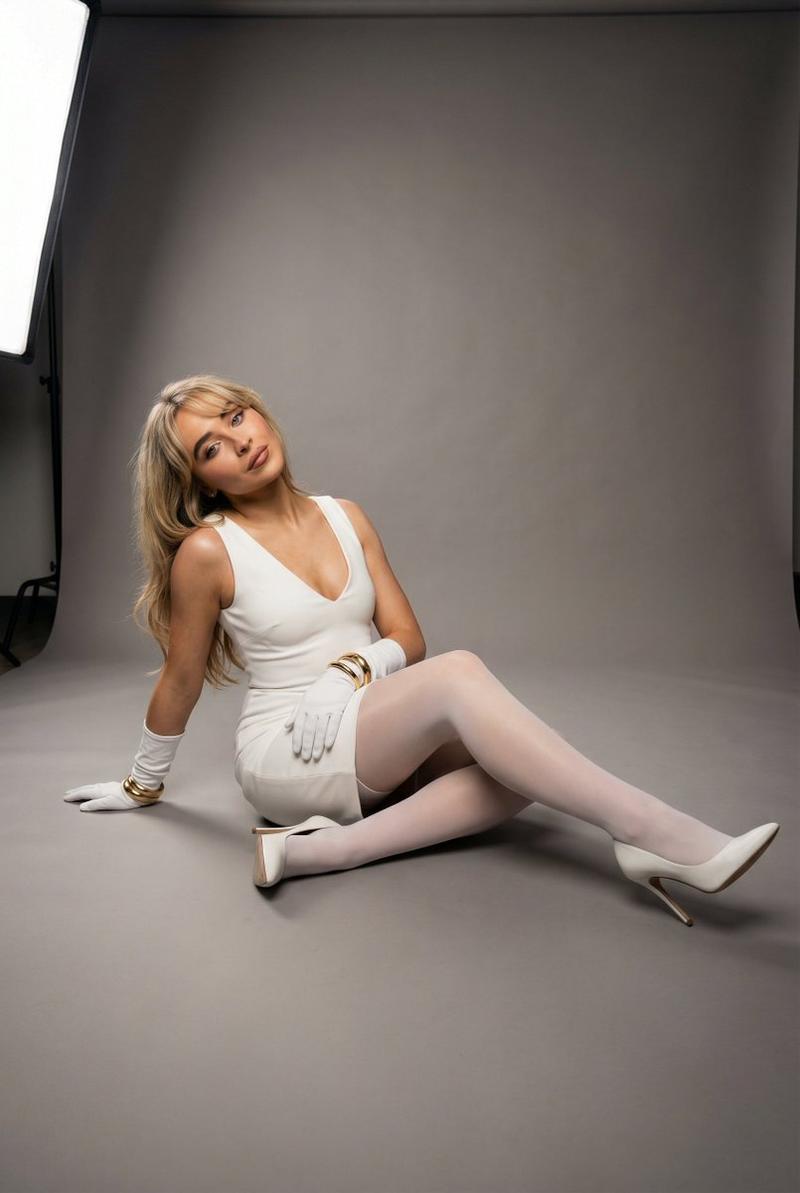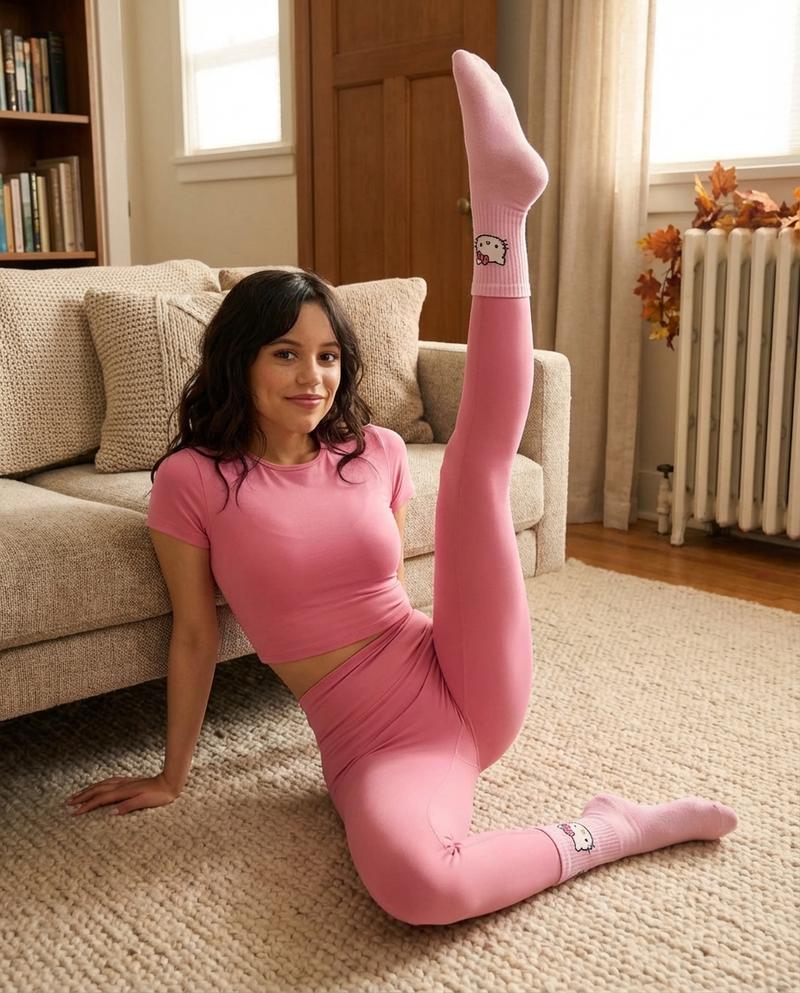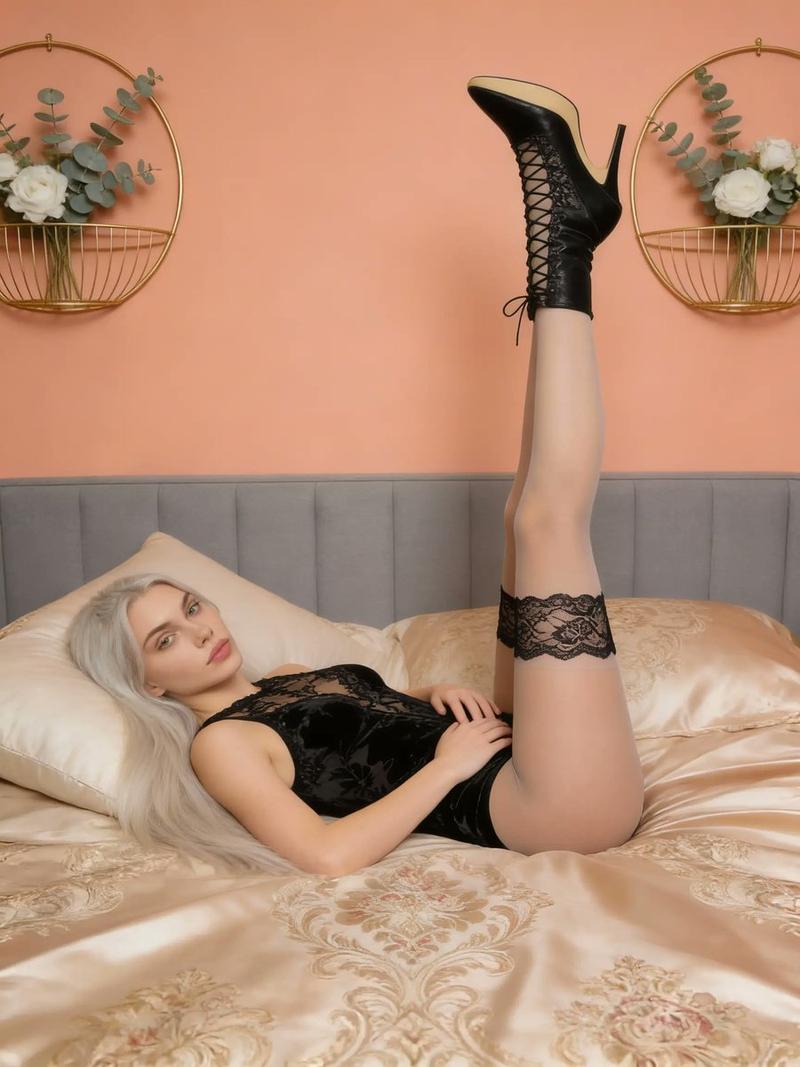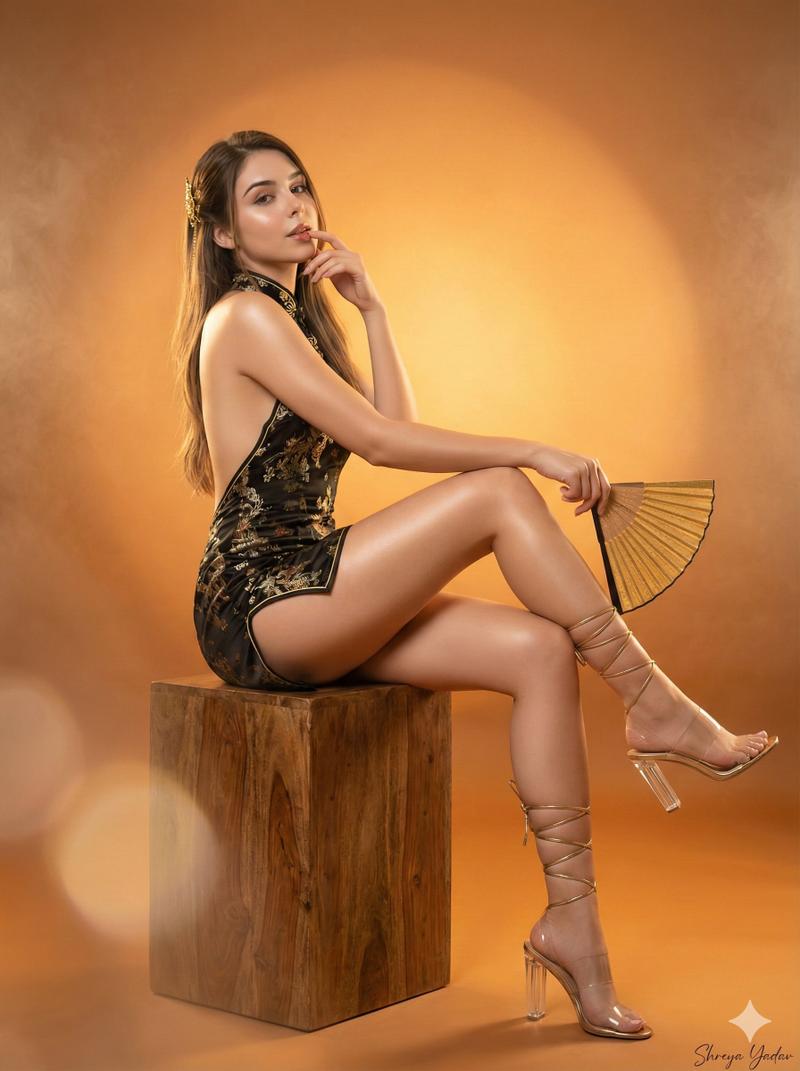
极简影棚灰衣女子造型摄影
Prompt
{
  "aspect_ratio": "4:5",
"image_prompt": {
    "scene_description": {
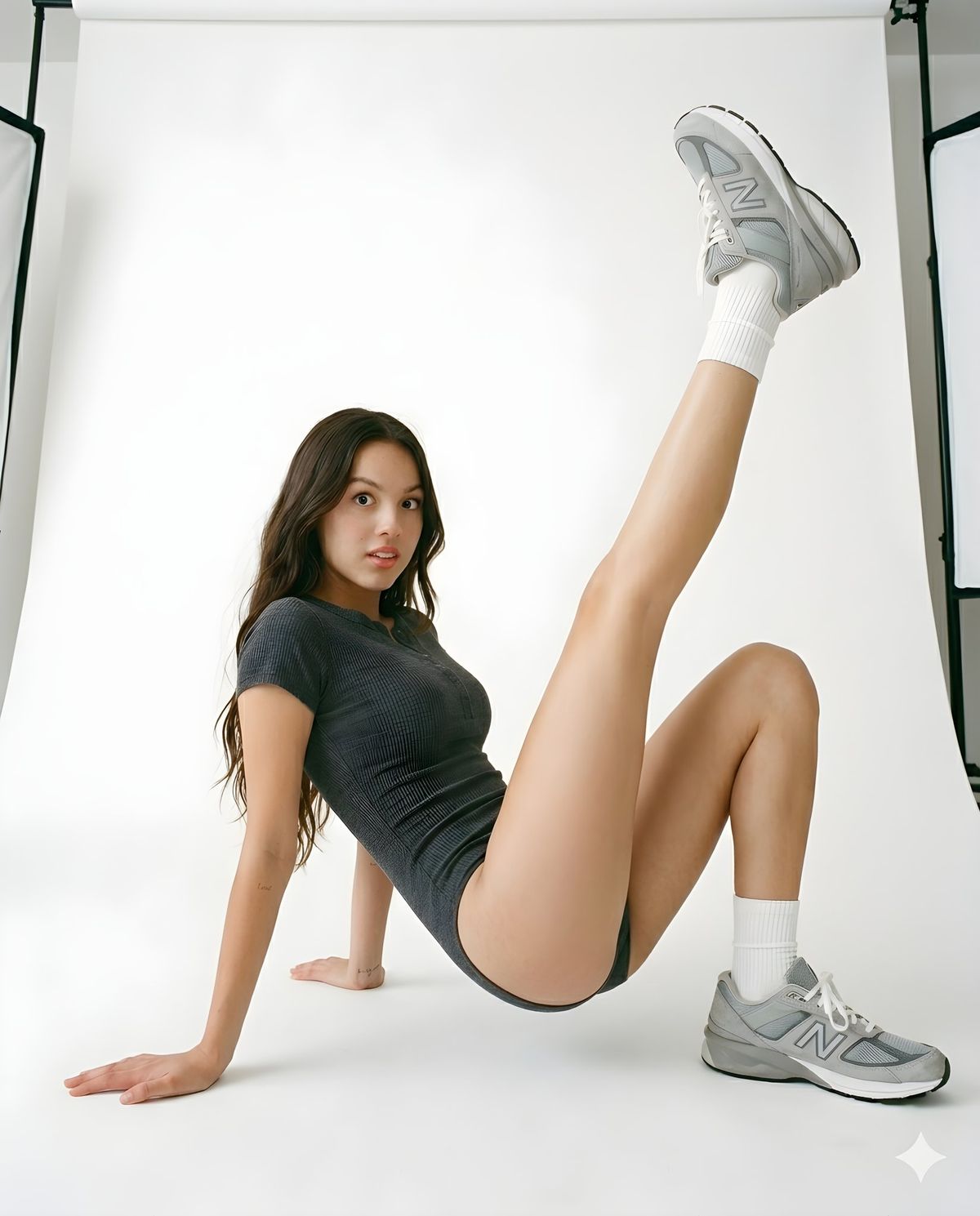
      "overall_scene": "A high-resolution, unedited raw photograph of a woman in a dynamic pose against a plain white seamless studio cyclorama background. The scene is evenly lit with soft studio illumination. The focus is pin-sharp across the entire frame, with no background blur or depth of field effect, rendering both the subject and the background with equal, crisp detail.",
      "subject": {
        "person": "A young woman with curly, shoulder-length brown hair.",
        "pose": "Seated on the floor, leaning back on her right arm. Her left leg is bent with the foot on the floor. Her right leg is extended and raised straight up into the air. She is looking directly at the camera with a slight smile.",
        "clothing": [
          {
            "item": "Grey short-sleeved bodysuit (unitard) with a partial button-up front.",
            "details": "Dark charcoal grey color, fabric texture is visible."
          },
          {
            "item": "White crew socks.",
            "details": "Rolled just above the ankle, knit texture visible."
          },
          {
            "item": "Chunky athletic sneakers.",
            "details": "Grey and white New Balance-style 'dad shoe' sneakers, with prominent soles and paneling. The sneakers are in crisp focus on both feet (one on the floor, one raised)."
          }
        ],
        "distinguishing_features": "A small, delicate tattoo is visible on her right inner forearm near the wrist."
      },
      "setting": {
        "floor": "Clean, smooth white studio floor.",
        "background": "Seamless, plain white cyclorama wall that continues from the floor."
      }
    },
    "technical_specifications": {
      "camera": "Sony A7R IV full-frame mirrorless camera.",
      "lens": "Sony FE 50mm f/1.8 lens.",
      "settings": {
        "aperture": "f/11 (for deep depth of field and pin-sharpness across the scene).",
        "shutter_speed": "1/250s (to freeze the pose).",
        "iso": "100 (for low noise).",
        "lighting": "Two large softboxes (primary and fill) and a background reflector for even, clean light with minimal, defined shadows.",
        "focus": "Sharp focus on the subject's face, extending to the feet and background.",
        "color_profile": "Natural, unedited raw color."
      },
      "image_quality": "4K resolution, HD photography, clean and uncompressed raw file feel, full color fidelity, natural film grain (minimized at ISO 100).",
      "post_processing_instructions": "No artificial background blur (bokeh) or aggressive smoothing to be applied. The depth of field should be wide, as dictated by the f/11 aperture setting. The texture of the bodysuit, socks, sneakers, skin, and hair should be highly detailed and sharp. The white background should remain a uniform, bright white without falling into blur."
    }
  }
}- Category
- UI & Interfaces
- Model
- Nano Banana Pro
- Creator
- @NoahNeku
- Source ID
- 14848
- Published
- May 21, 2026
Views114