19

根据上传的产品图像,创建一款高端 4:5 FMCG 英雄广告。完全保留产品原貌——形状、包装、品牌、标志、颜色、标签、比例、材质或纹理均不得更改...
Enlarge

Example images

根据上传的产品图像,创建一款高端 4:5 FMCG 英雄广告。完全保留产品原貌——形状、包装、品牌、标志、颜色、标签、比例、材质或纹理均不得更改...

Prompt
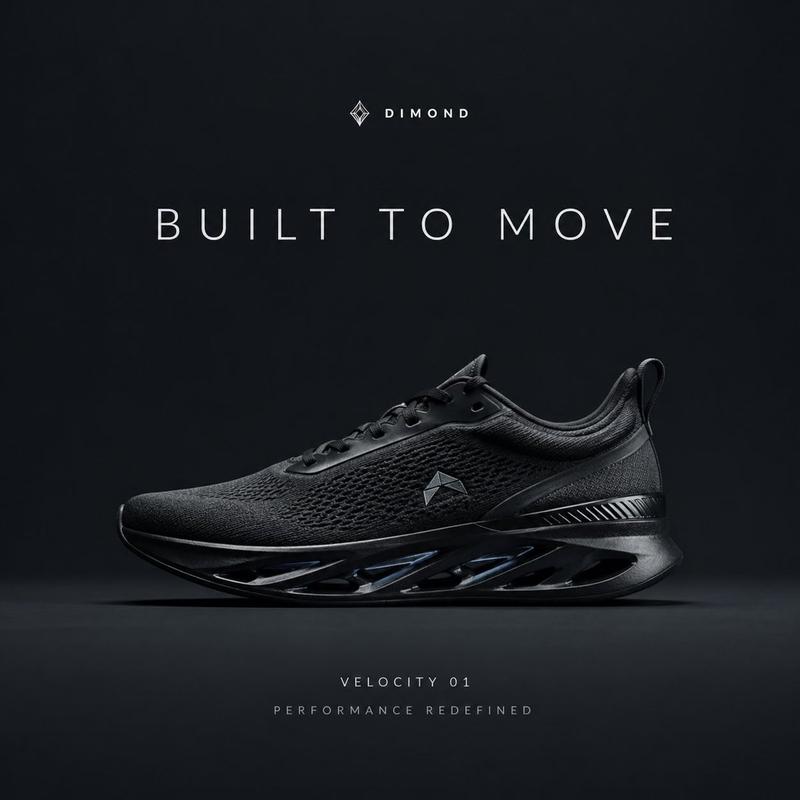
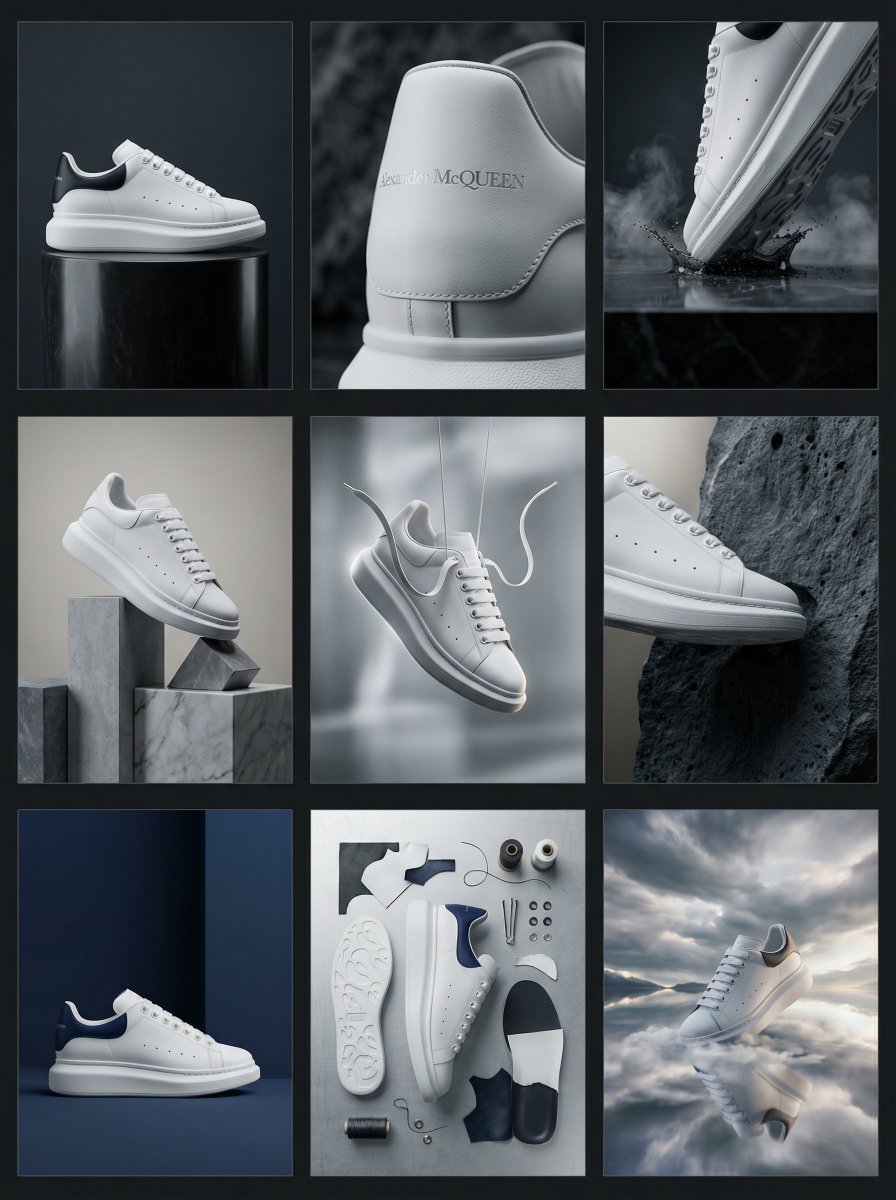
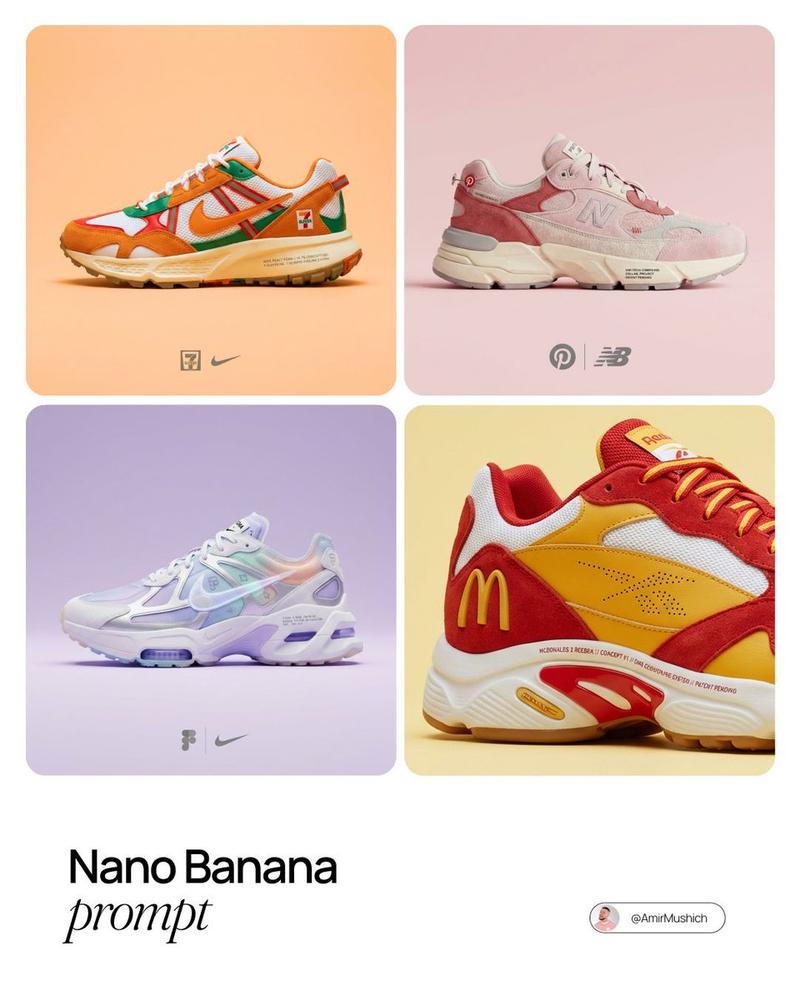
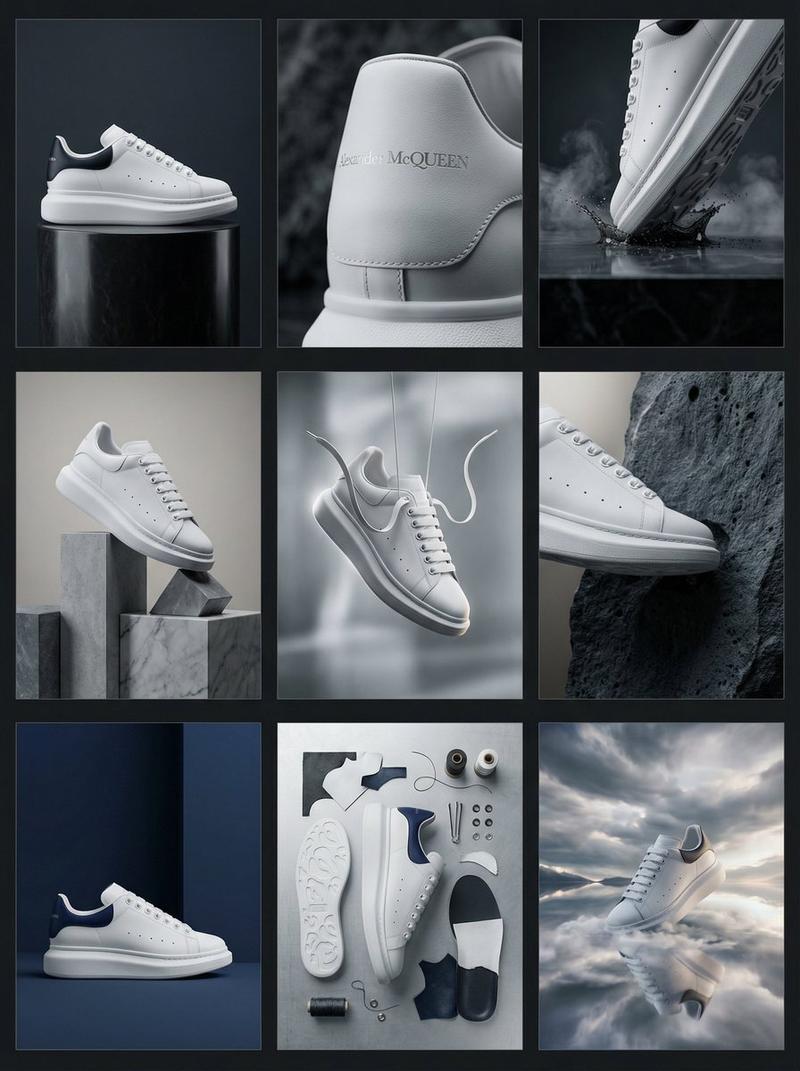
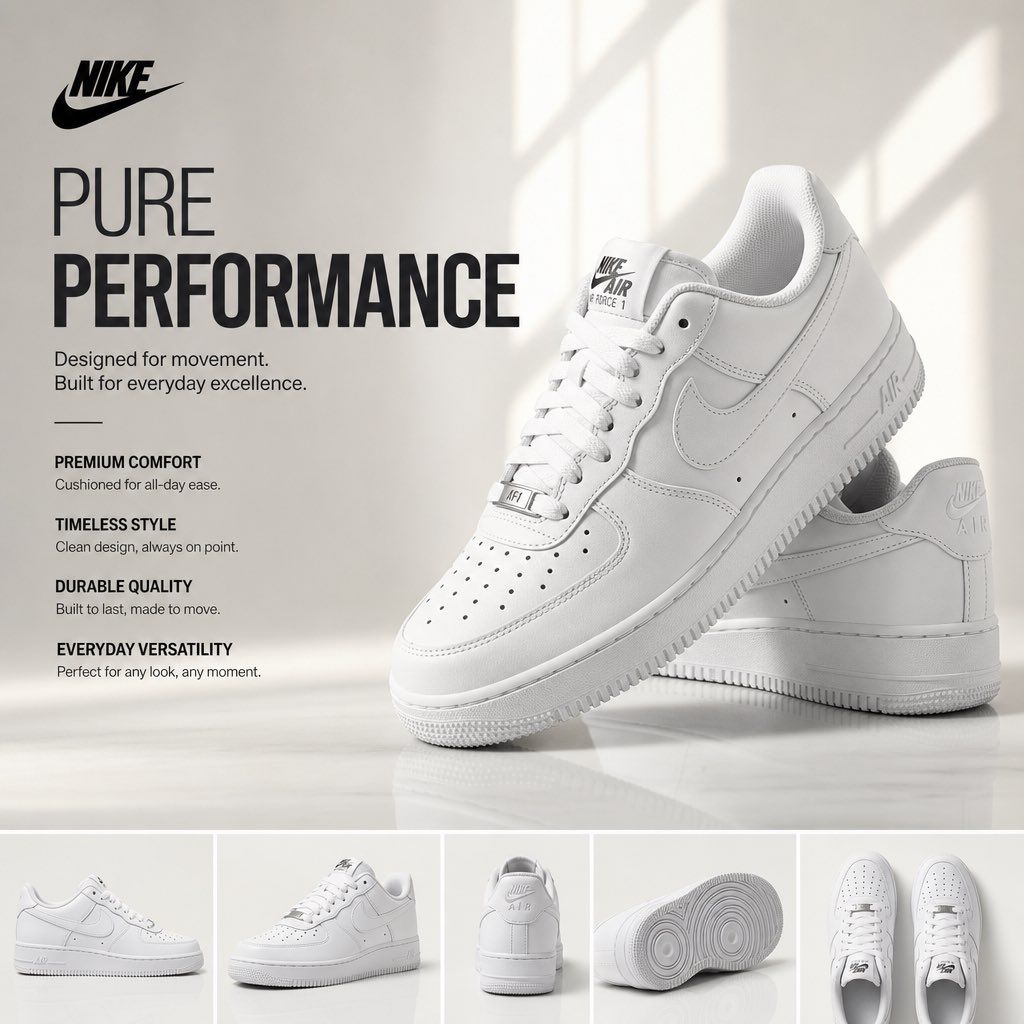
根据上传的产品图像,创建一款高端 4:5 FMCG 英雄广告。完全保留产品原貌——形状、包装、品牌、标志、颜色、标签、比例、材质或纹理均不得更改。从包装中自动提取原始品牌标志,并将其清晰放置在左上角。生成一个高端标题、1–2 行副标题,以及左侧四项纯文本产品特性。将产品作为主要英雄元素(≈70% 的布局)展示,带有逼真的接触阴影、柔和反射和高雅构图。添加底部条带,包含 4–5 个一致的产品角度(正面、45°、侧面、背面、顶部/特写)。使用受苹果启发的极简工作室风格,背景为从产品品牌颜色衍生的柔和渐变,自然窗光、HDR 全局照明、微妙反射和高雅负空间。瑞士排版风格(SF Pro Display/Helvetica Neue/Inter 风格)。使用 ARRI Alexa Mini LF 拍摄,配备 85mm 产品镜头。超写实 V-Ray/Octane/Unreal Engine 5 品质,光线追踪,8K,分辨率适用于杂志、目录、广告牌、亚马逊列表和奢侈品牌广告标准。无人物、图标、装饰图形、杂乱元素或重新设计的包装。产品始终是绝对主角。
Category
创意图片
Model
GPT Image 2
Views4
Source ID
2076615912904704265
Published
Jul 19, 2026

Guide

About "根据上传的产品图像,创建一款高端 4:5 FMCG 英雄广告。完全保留产品原貌——形状、包装、品牌、标志、颜色、标签、比例、材质或纹理均不得更改..."

What is this prompt for?

"根据上传的产品图像,创建一款高端 4:5 FMCG 英雄广告。完全保留产品原貌——形状、包装、品牌、标志、颜色、标签、比例、材质或纹理均不得更改..." AI image prompt for GPT Image 2 (创意图片). Saved from X post by @im_shahid7. 一些鞋类品牌…

The full copyable prompt and example visuals above are ready for AI image generation or one-click recreate in Picva.

How to use this prompt

  1. Step 1

    Open the prompt detail

    Review the example visuals, category, and full prompt text for "根据上传的产品图像,创建一款高端 4:5 FMCG 英雄广告。完全保留产品原貌——形状、包装、品牌、标志、颜色、标签、比例、材质或纹理均不得更改...".

  2. Step 2

    Copy the prompt

    Copy the prompt body from this page, or load it directly in Studio.

  3. Step 3

    Pick a model (GPT Image 2)

    Prefer GPT Image 2. If you switch models, keep subject and composition and tweak style terms.

  4. Step 4

    Generate and export

    Recreate the look in Picva, or export into your workflow for editing and publishing.

FAQ

What is the "根据上传的产品图像,创建一款高端 4:5 FMCG 英雄广告。完全保留产品原貌——形状、包装、品牌、标志、颜色、标签、比例、材质或纹理均不得更改..." prompt?
It is an AI image-generation prompt for GPT Image 2 in the 创意图片 category. This page includes the full prompt text, example visuals, and a one-click recreate path in Picva.
How do I use this prompt to generate an image?
Copy the prompt from this page, or use Generate / Studio. Paste it into a compatible image model, or recreate the look in Picva with optional reference images.
Which model is this prompt for?
This page lists GPT Image 2. Most descriptive prompts also transfer to nearby image models such as GPT Image, Flux, or Midjourney with light style tweaks.
Can I use the result commercially?
You can usually copy the prompt for creation, but commercial use of the final image depends on the model terms, reference-image rights, and the generated content. Follow the source author and platform rules.