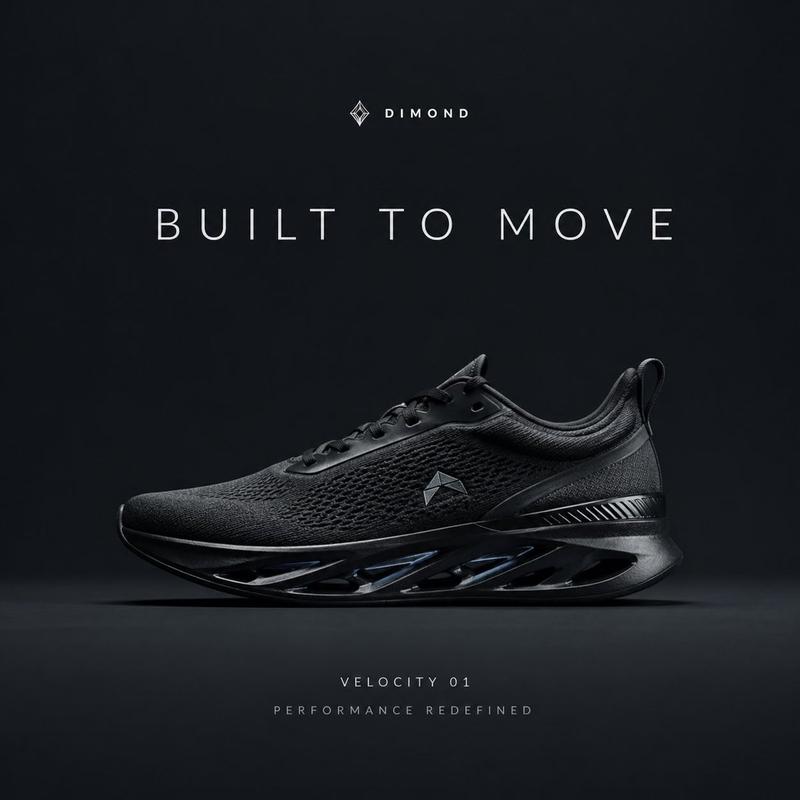
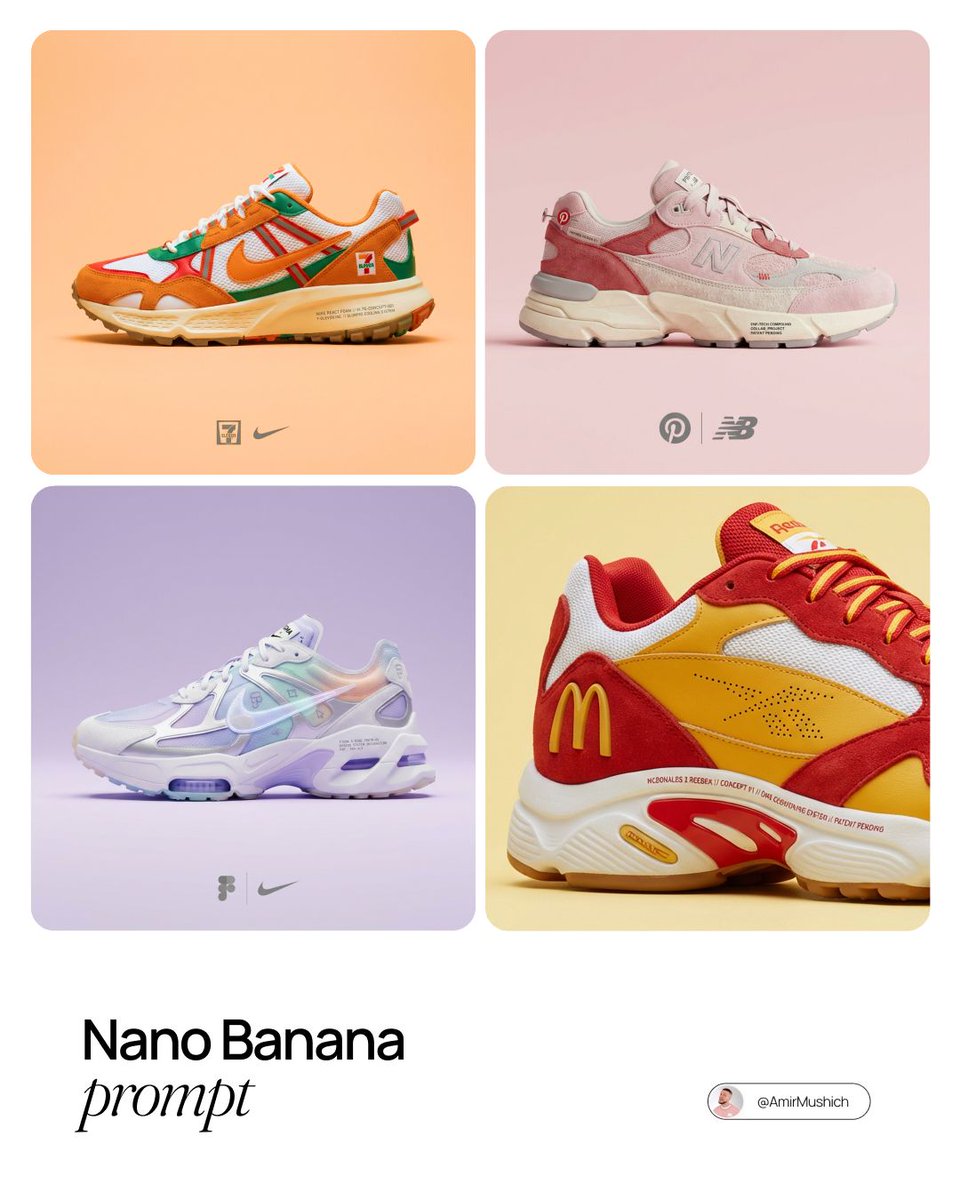
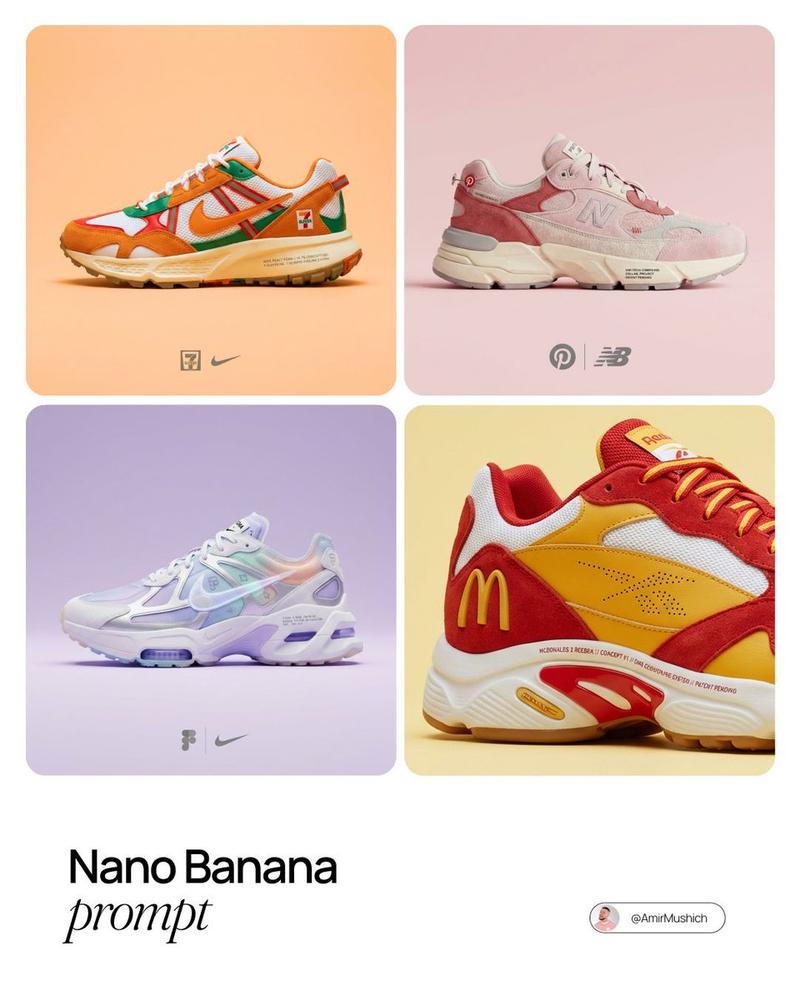
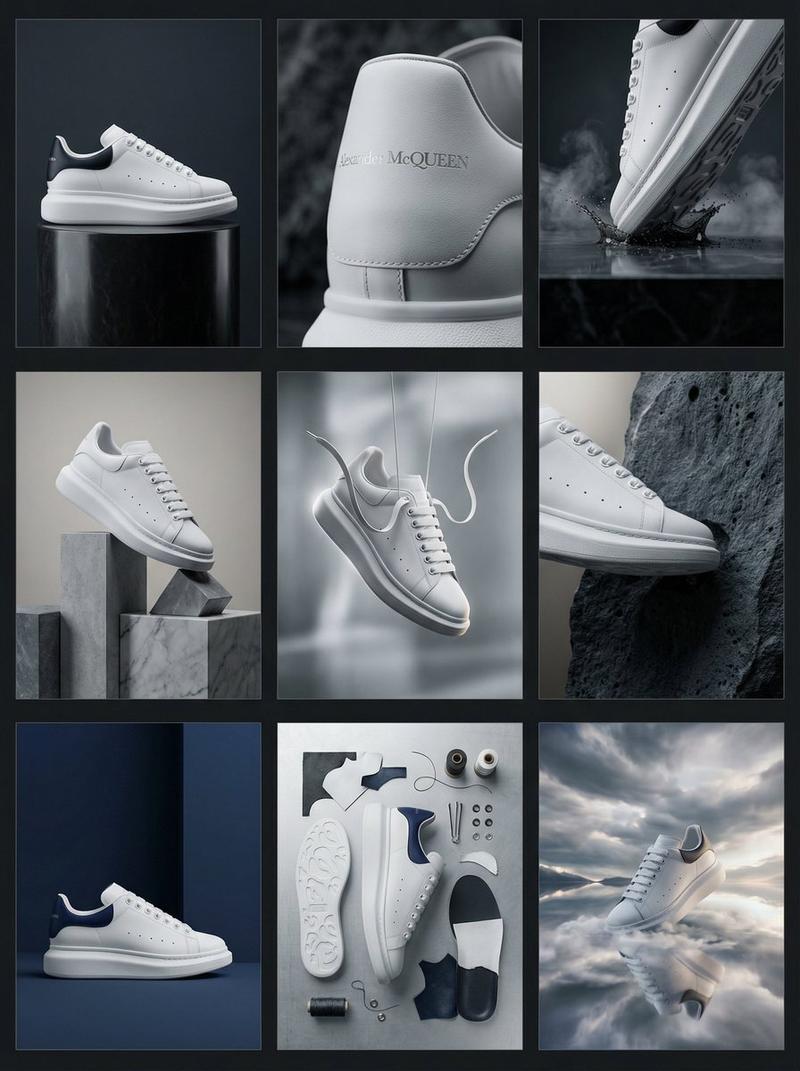
产品设计目录排版
Prompt
Create a vertical 3:4 {argument name="page type" default="product design catalog page"} with a {argument name="background" default="warm neutral paper-like background"}.

Top section — lifestyle hero shot: place the product (use the uploaded image as the exact reference, preserving its form, proportions, materials, and identity without redesign) center-dominant with generous whitespace. Setting is a minimal architectural interior with a textured plaster wall and subtle concrete/stone floor. {argument name="lighting" default="Lighting is natural sunlight angled from the side, soft but casting high-contrast shadows"}. Render in editorial lifestyle photography style, high realism, warm and muted color grading.

Bottom section — technical specification panel laid out in a clean modular grid:
- Bottom left and center: orthographic architectural line drawings showing front view, side view, and three-quarter cutaway/profile view. Lines in muted red or sepia, fine technical weight, with minimal editorial measurement and construction callouts.
- Bottom right: 3-4 material swatch samples derived from the product's actual materials (fabric, leather, metal, wood, or plastic as applicable), in square or rectangular format with small editorial captions.

Typography: minimal editorial style, subtle captions only, no large headlines, soft black or dark brown.

Overall mood: design catalog / product design journal — architectural, premium, calm. No clutter, no bold colors, no heavy branding, no decorative graphics, no perspective distortion in the technical drawings.- Category
- Posters & Typography
- Model
- GPT Image 2
- Creator
- PromptLab
- Source ID
- 25675
- Published
- Jun 15, 2026
Views0