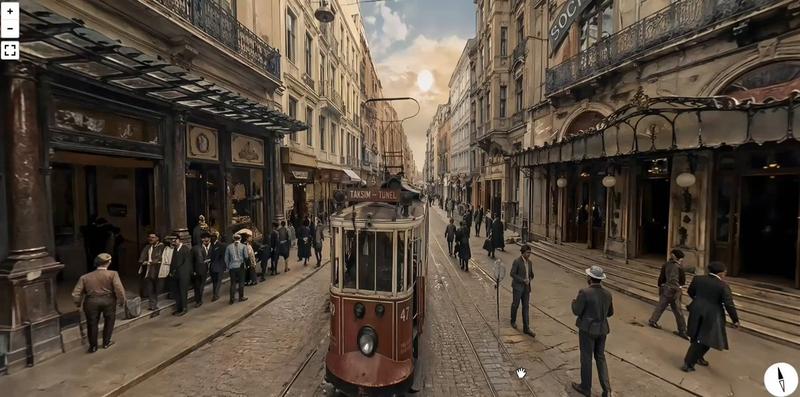
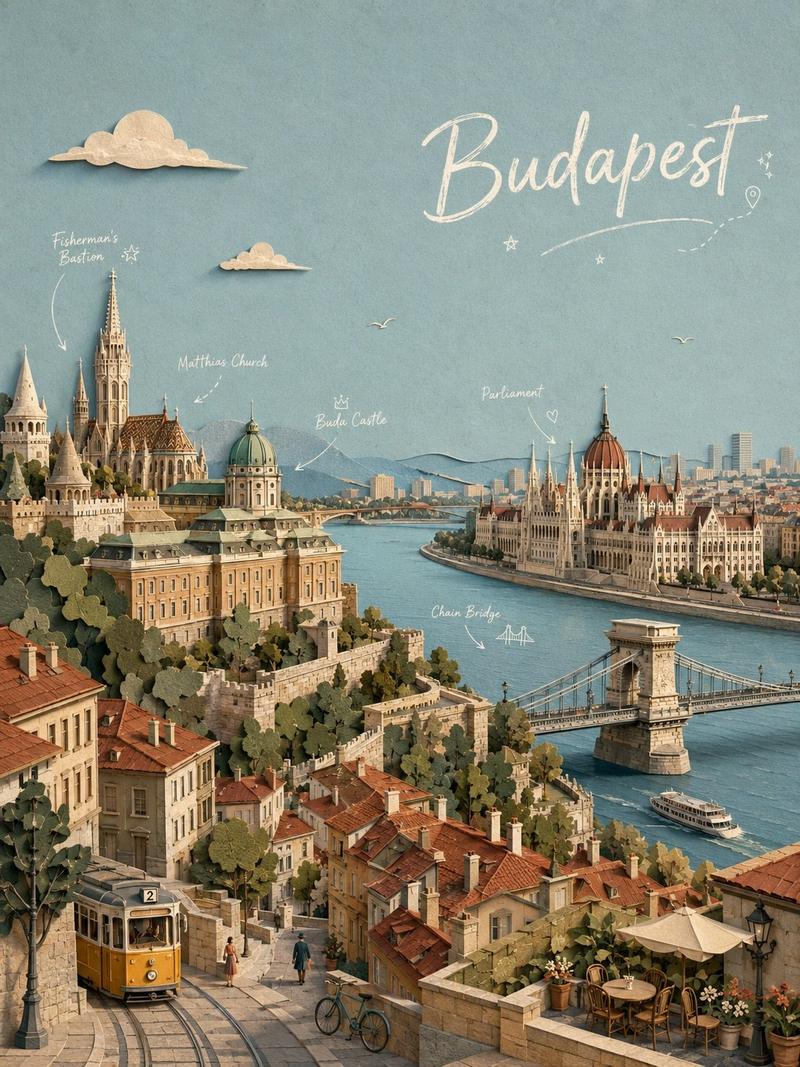
20

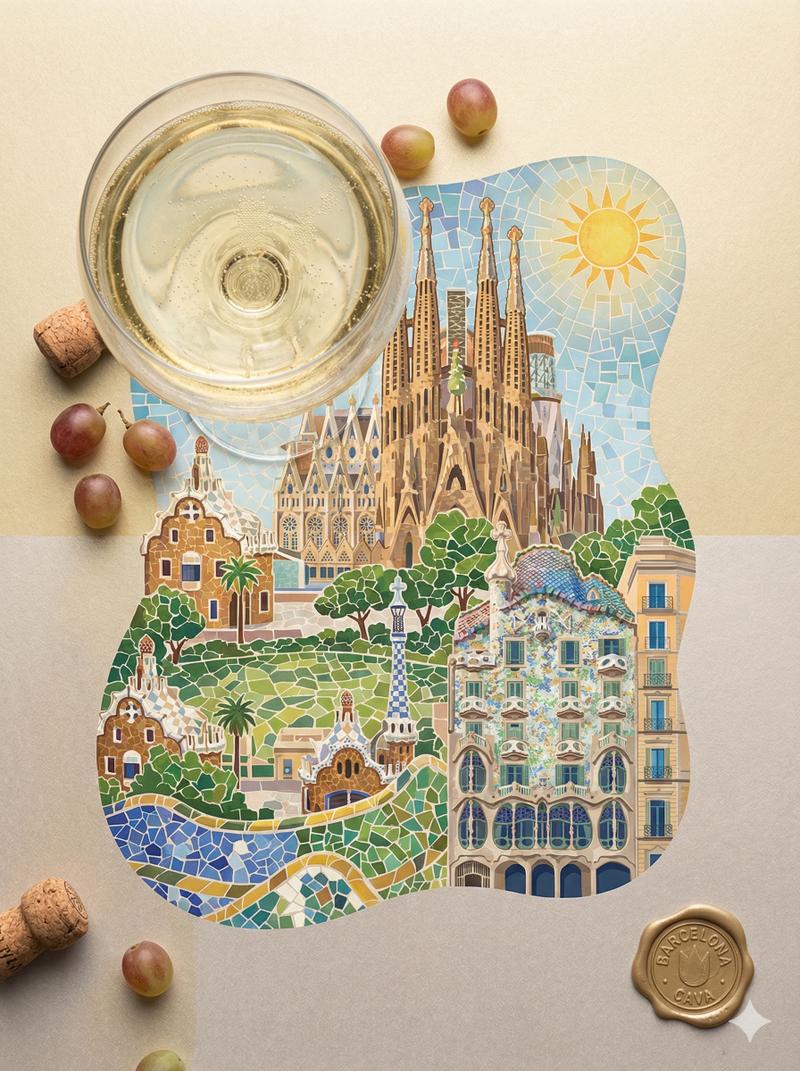
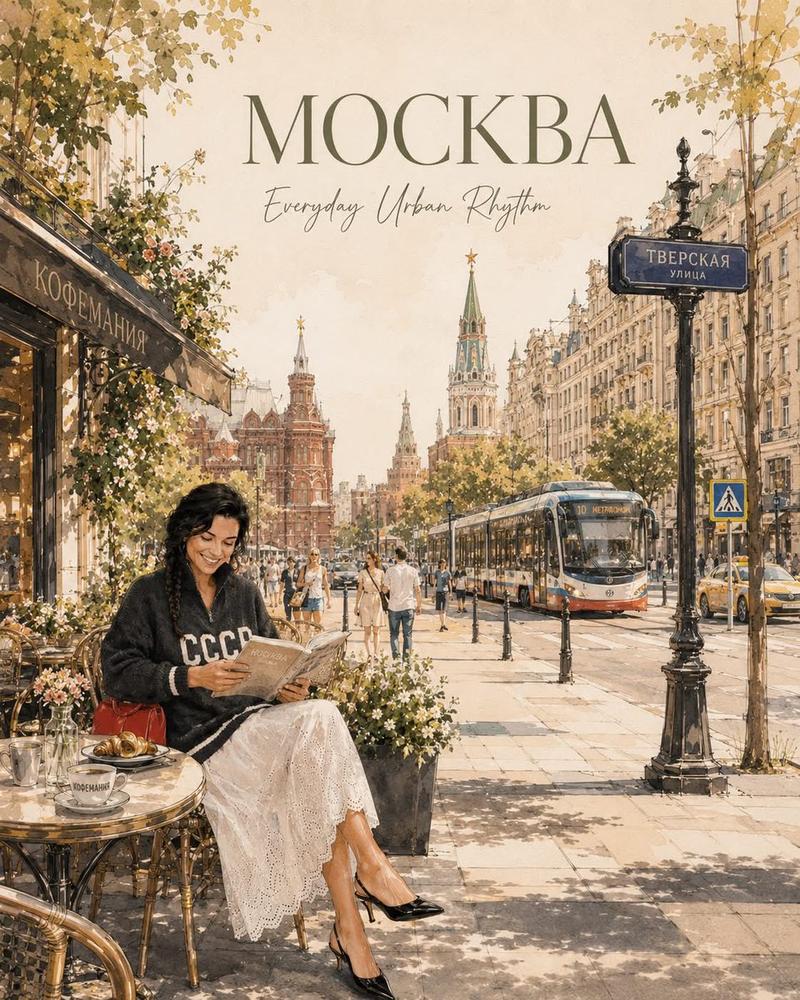
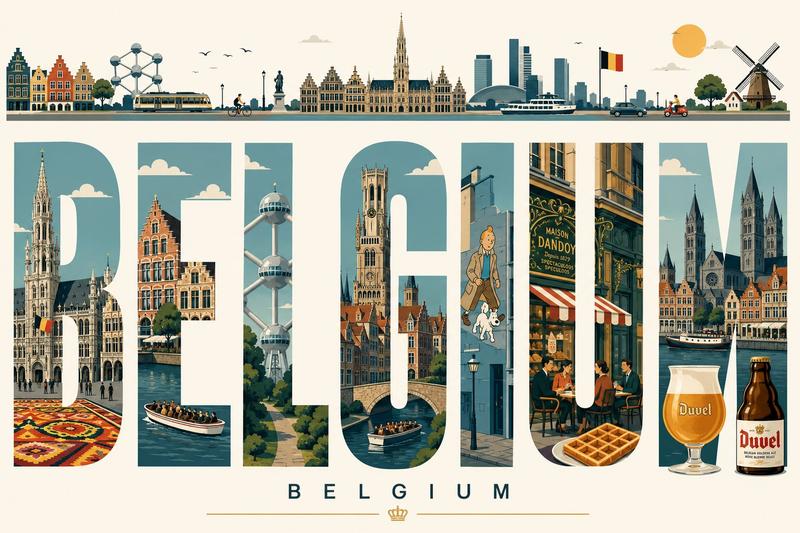
时尚之都排版海报 - [城市],[国家] 以城市最具标志性的时尚遗产、奢华工艺和复古旅行海报风格的奢华编辑旅行海报。“[城市]”一词以巨大的粗体...
Enlarge

Example images

时尚之都排版海报 - [城市],[国家] 以城市最具标志性的时尚遗产、奢华工艺和复古旅行海报风格的奢华编辑旅行海报。“[城市]”一词以巨大的粗体...

Prompt
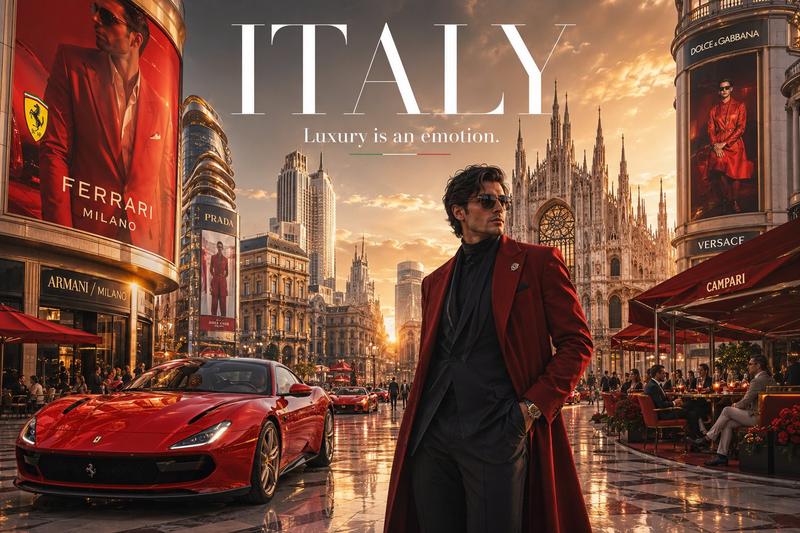
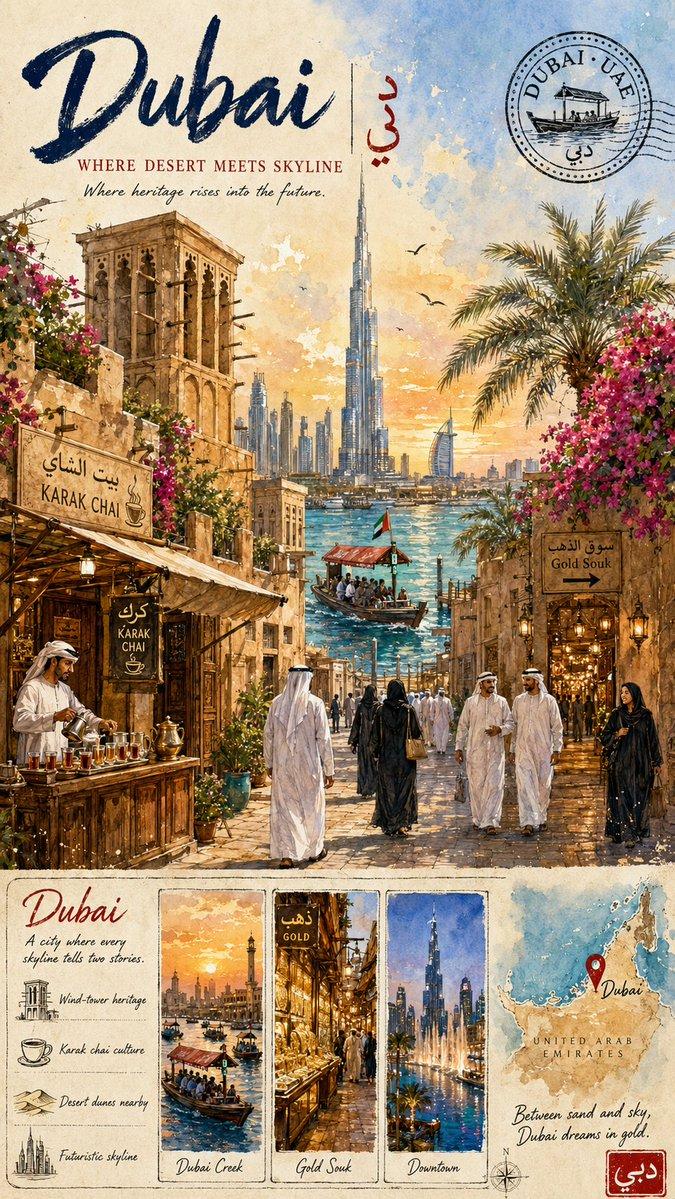
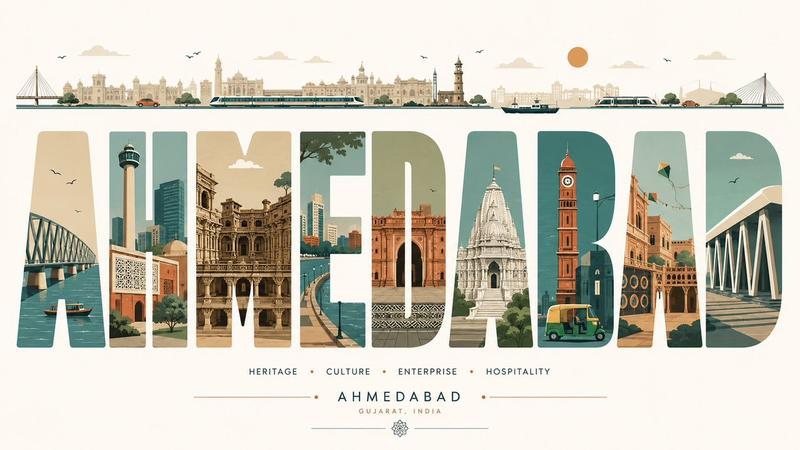
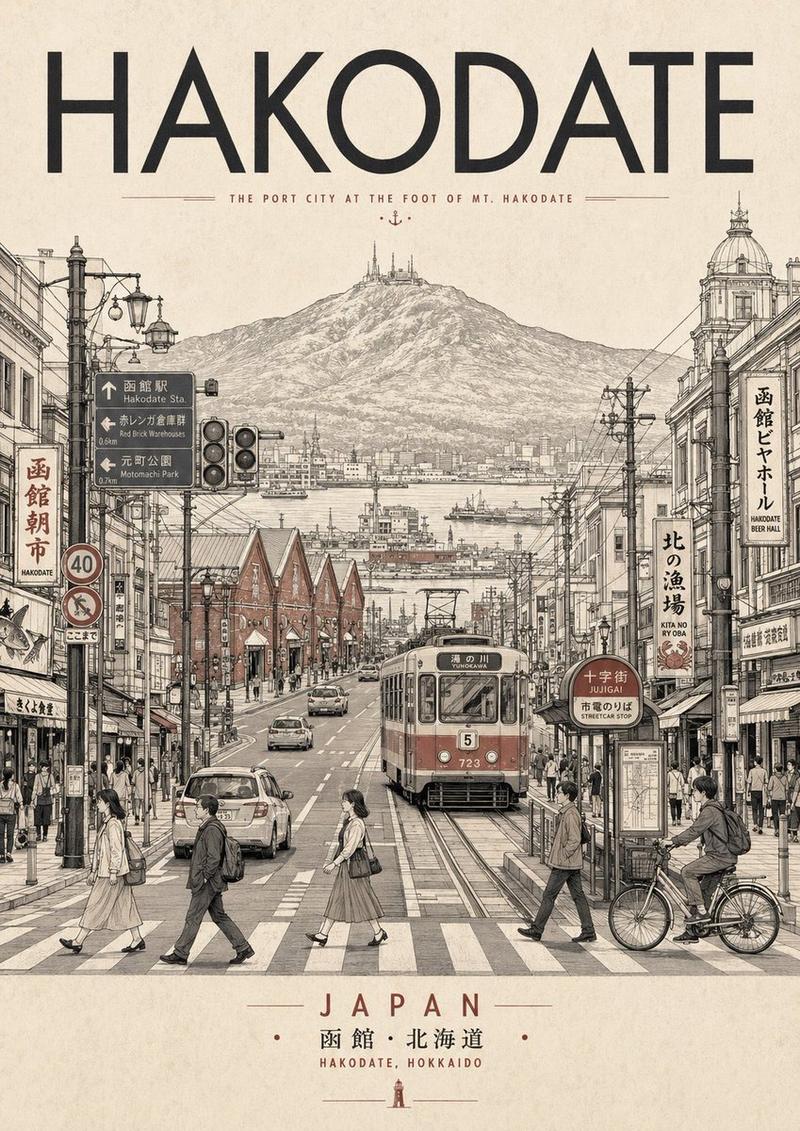
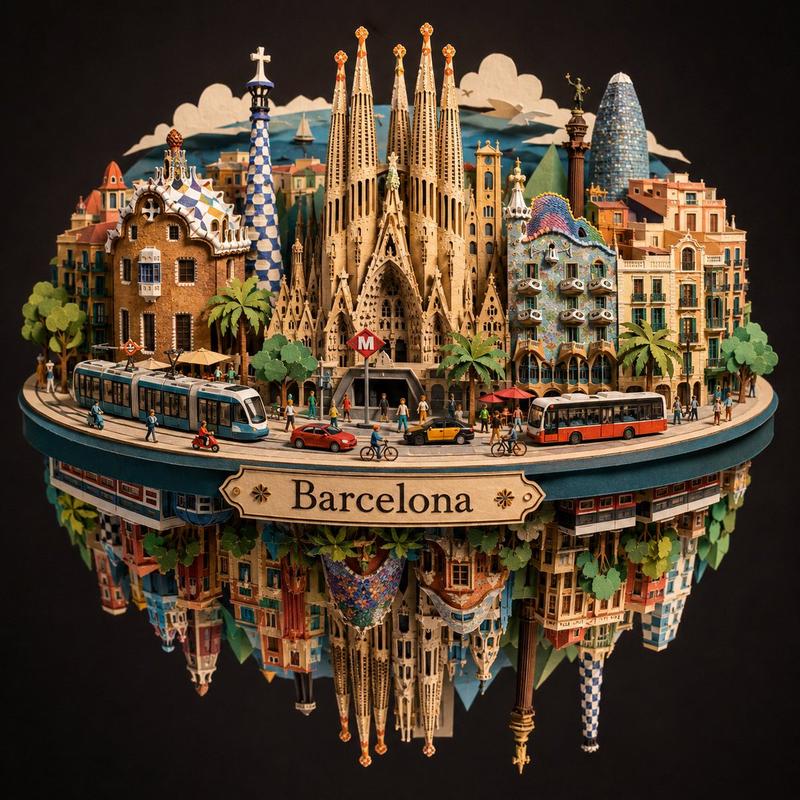
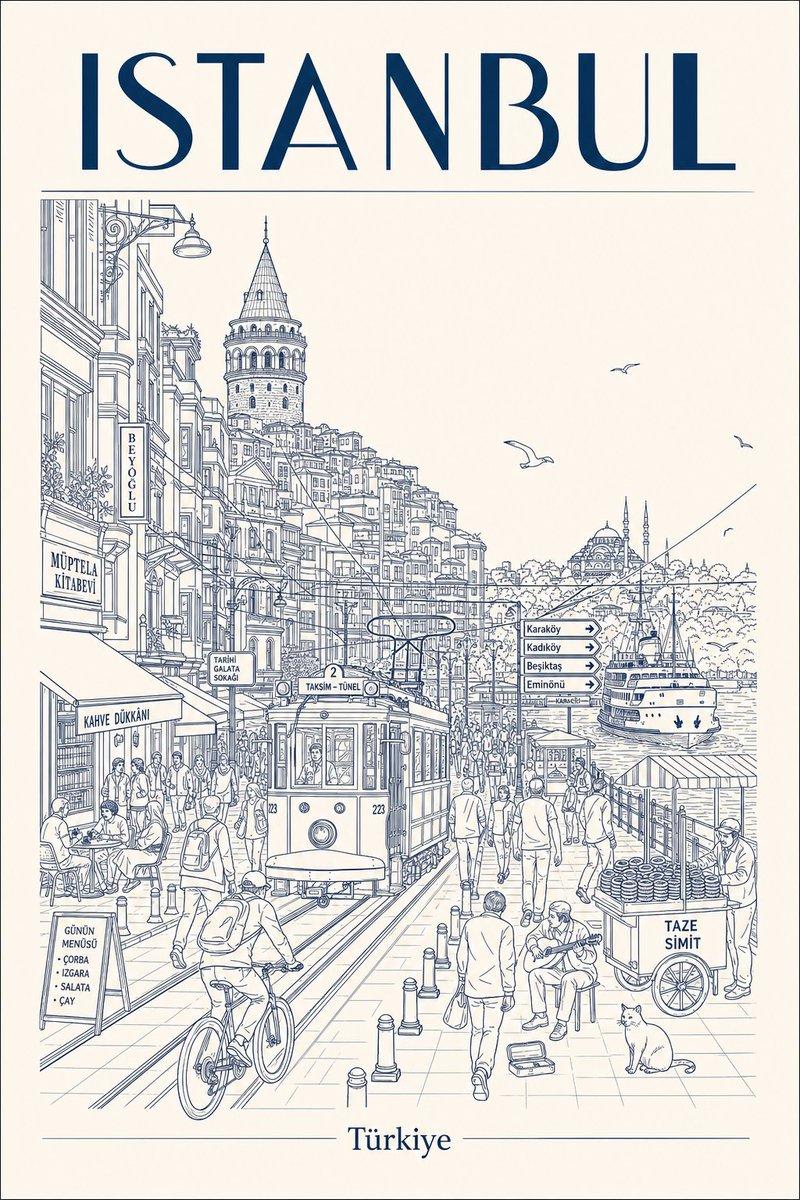
时尚之都排版海报 - [城市],[国家] 以城市最具标志性的时尚遗产、奢华工艺和复古旅行海报风格的奢华编辑旅行海报。“[城市]”一词以巨大的粗体大写衬线字体排版填充构图。 字母地图(每个字母代表一个街区、地标或文化时尚元素,每项最多3个图案): 每个字母应通过其建筑、时尚文化、当地传统、标志性地标、咖啡馆、市场、手工艺人或日常生活,代表城市身份中独特且易识别的部分。将图案自然适应选定目的地,同时保持精致的奢华编辑美学。 标志性调色板: 使用受城市视觉身份启发的色彩调色板——其建筑、景观、时尚遗产和文化氛围——同时保留柔和的复古色调、优雅的细节以及博物馆印刷品质。 城市植物: 自然地从排版中溢出或与之交织,融入本土或具有文化意义的花卉、植物或植物元素。 城市物件: 融入标志性的本地物件、车辆、手工艺品、食物、街头元素或文化符号,以真实代表目的地。 时尚人物: 包含一位穿着受城市当代或历史美学启发的时尚风格的优雅成年女性。她可以自然地与环境或本地文化元素互动,且绝不应主导构图。 排版下方: 以适合目的地的微妙全景构图,展示城市最具辨识度的天际线、建筑剪影、水道、山脉、纪念碑或景观。 副标题: 一句捕捉城市精神、文化或创意本质的诗意标语。 页脚坐标: 使用选定城市的准确地理坐标。 超详细的编辑矢量插图,干净的线稿,奶油色纸张,柔和的复古色彩,可收藏的博物馆印刷品,4:5 竖构图。
Category
创意图片
Model
GPT Image 2
Views5
Source ID
2078703881832554805
Published
Jul 19, 2026

Guide

About "时尚之都排版海报 - [城市],[国家] 以城市最具标志性的时尚遗产、奢华工艺和复古旅行海报风格的奢华编辑旅行海报。“[城市]”一词以巨大的粗体..."

What is this prompt for?

"时尚之都排版海报 - [城市],[国家] 以城市最具标志性的时尚遗产、奢华工艺和复古旅行海报风格的奢华编辑旅行海报。“[城市]”一词以巨大的粗体..." AI image prompt for GPT Image 2 (创意图片). Saved from X post by @Goodmanprotocol. GP…

The full copyable prompt and example visuals above are ready for AI image generation or one-click recreate in Picva.

How to use this prompt

  1. Step 1

    Open the prompt detail

    Review the example visuals, category, and full prompt text for "时尚之都排版海报 - [城市],[国家] 以城市最具标志性的时尚遗产、奢华工艺和复古旅行海报风格的奢华编辑旅行海报。“[城市]”一词以巨大的粗体...".

  2. Step 2

    Copy the prompt

    Copy the prompt body from this page, or load it directly in Studio.

  3. Step 3

    Pick a model (GPT Image 2)

    Prefer GPT Image 2. If you switch models, keep subject and composition and tweak style terms.

  4. Step 4

    Generate and export

    Recreate the look in Picva, or export into your workflow for editing and publishing.

FAQ

What is the "时尚之都排版海报 - [城市],[国家] 以城市最具标志性的时尚遗产、奢华工艺和复古旅行海报风格的奢华编辑旅行海报。“[城市]”一词以巨大的粗体..." prompt?
It is an AI image-generation prompt for GPT Image 2 in the 创意图片 category. This page includes the full prompt text, example visuals, and a one-click recreate path in Picva.
How do I use this prompt to generate an image?
Copy the prompt from this page, or use Generate / Studio. Paste it into a compatible image model, or recreate the look in Picva with optional reference images.
Which model is this prompt for?
This page lists GPT Image 2. Most descriptive prompts also transfer to nearby image models such as GPT Image, Flux, or Midjourney with light style tweaks.
Can I use the result commercially?
You can usually copy the prompt for creation, but commercial use of the final image depends on the model terms, reference-image rights, and the generated content. Follow the source author and platform rules.