3D环形展示墙:打造逼真品牌生态图
Prompt
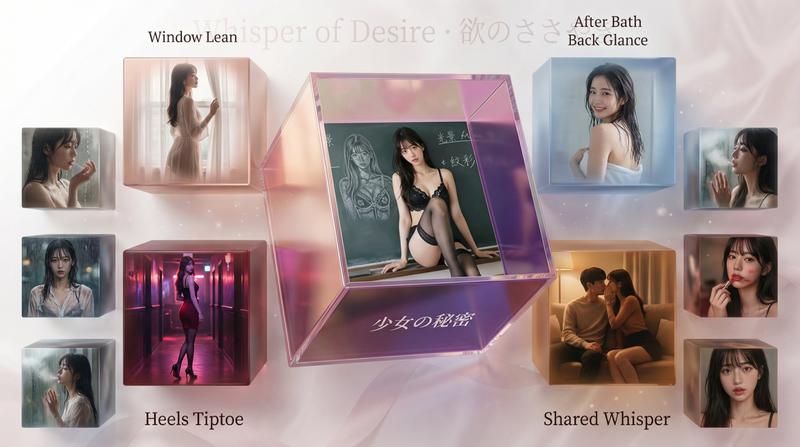
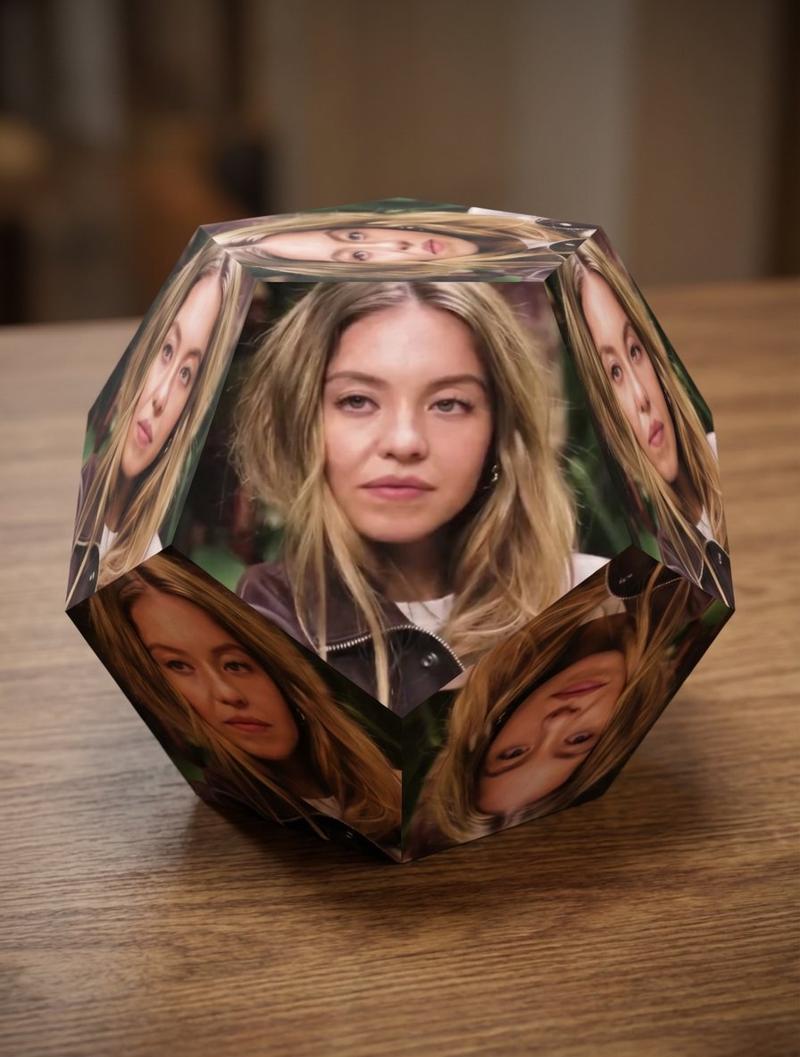
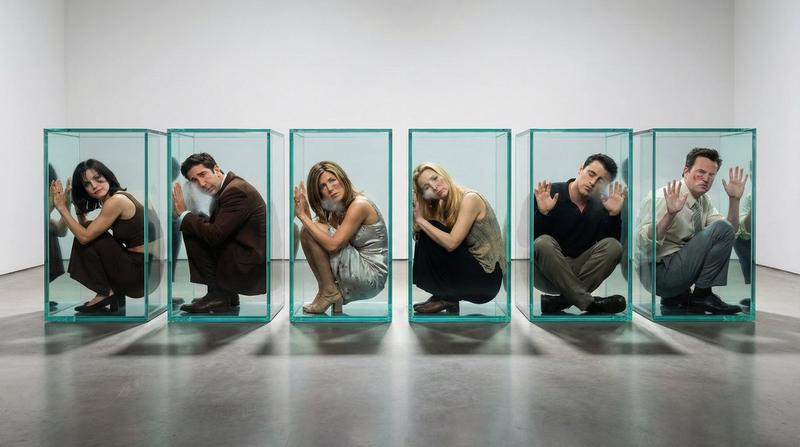
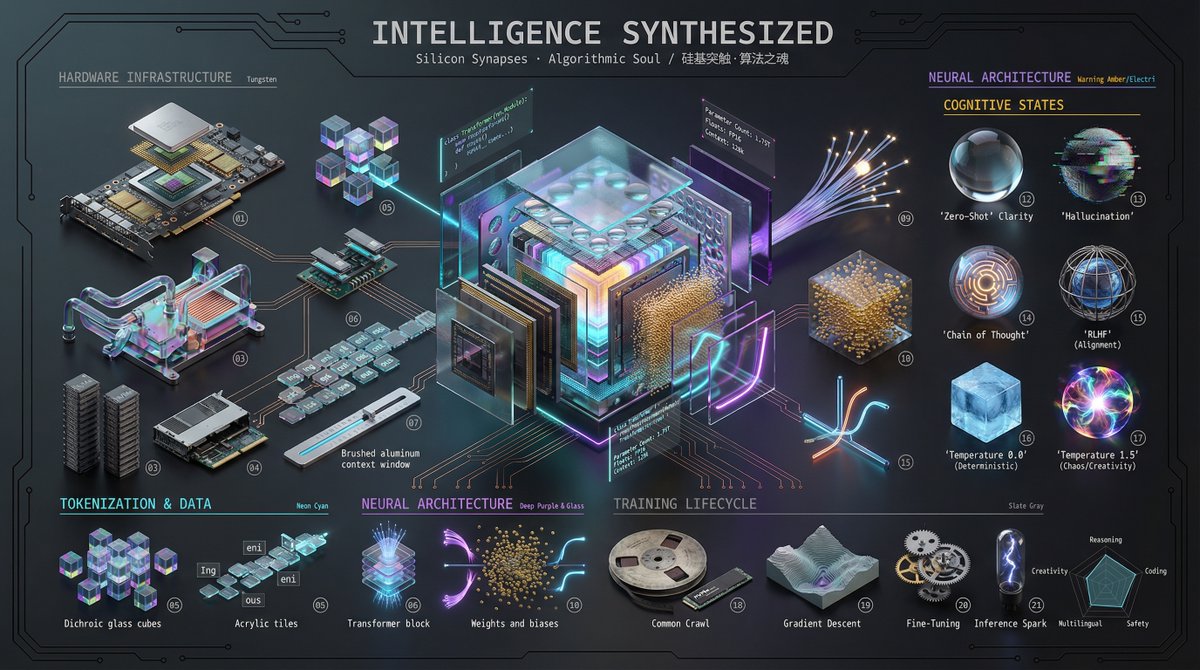
😭真的眼镜快看瞎了!为了测试这几个3D环形展示墙效果
搞得人真的是崩溃~
👍🏻但当我看到成品那一刻,我tm想说值了!
🤔这种图怎么做的?
• 多层环形,想加几层加几层
• 连接线自动变色变粗细,看着就专业
• 背景还能加水印,逼格拉满
• 重点是:超简单!改改文字就行
应用场景:
✅ 做品牌的拿去画生态图
✅ 做产品的拿去画功能图
✅ 搞家谱的拿去画关系图
✅ 做PPT的拿去秀技术栈
✅ 还有一堆乱七八糟但超有用的..
由于篇幅有限,仅展示通用类型的提示词!
记得交作业啊!发挥你们的想象了!
💬 想要完整版的6个主题场景模板+5个水印背景提示词?
👉 评论扣「3D」,我直接发你!
通用提示词:
3D ecosystem showcase wall with hierarchical multi-ring concentric layout design:
CENTER LAYER (Largest focal cube):
- One large transparent acrylic cube at center elevated position
- Main [CONTENT_TYPE] "[CENTER_NAME]" displayed on front face
- Holographic gradient effect with crystal reflections
- Size: Largest in composition
INNER RING ([NUMBER] core items, medium-large cubes):
- Arranged in circular formation around center at middle distance
- Item 1: [Name] ([Category]) - [Color] translucent cube, [content] on front face
- Item 2: [Name] ([Category]) - [Color] translucent cube, [content] on front face
- Item 3: [Name] ([Category]) - [Color] translucent cube, [content] on front face
- Item 4: [Name] ([Category]) - [Color] translucent cube, [content] on front face
- Size: Medium-large, 60-70% of center cube
OUTER RING ([NUMBER] extended items, smaller cubes):
- Wider circular formation around inner ring
- Item A: [Name] ([Category]) - [Color] cube, [content] on front
- Item B: [Name] ([Category]) - [Color] cube, [content] on front
- [Continue for all outer ring items...]
- Size: Smaller, 40-50% of center cube
MATERIAL & STYLE SPECIFICATIONS:
- All cubes: transparent acrylic/glass material with crystal-like reflections and refractions
- Each [content]: prominently displayed on the FRONT FACE of each cube
- [Content] style: clean, modern, recognizable [style description]
- Size hierarchy: Center (100%) → Inner ring (60-70%) → Outer ring (40-50%)
- Lighting: soft ethereal studio lighting with gentle shadows and highlights
- Background: clean white to light gray gradient, professional studio environment
- Perspective: isometric 3D view at 30-45 degree angle showing depth and spatial layers
- Typography: [font style] positioned below each cube
- Subtitle text: category/function description in smaller font (optional bilingual)
- Overall mood: [mood keywords]
- Composition: balanced radial symmetry with clear visual hierarchy
BACKGROUND DESIGN WITH WATERMARK:
- Base: clean white to light [color] gradient
- Watermark content: "[THEME_KEYWORDS]"
- Watermark style: [opacity]% opacity, [font style], [color tone]
- Watermark pattern: [Pattern A/B/C/D/E - see pattern guide below]
- Effect: adds [theme] depth without interfering with main elements
[Optional: CONNECTION LINES if showing relationships]
- Category
- Illustration & Art
- Model
- Unknown
- Creator
- Berryxia.AI
- Source ID
- 3d-ringing-showcase-wall-create-realistic-brand-ecosystem-maps
Views5