8

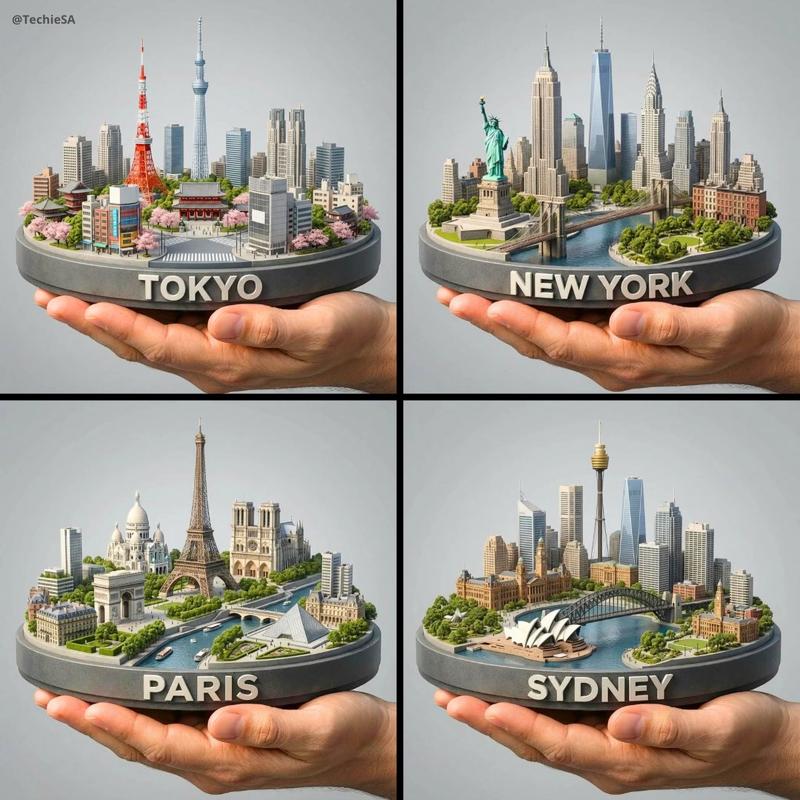
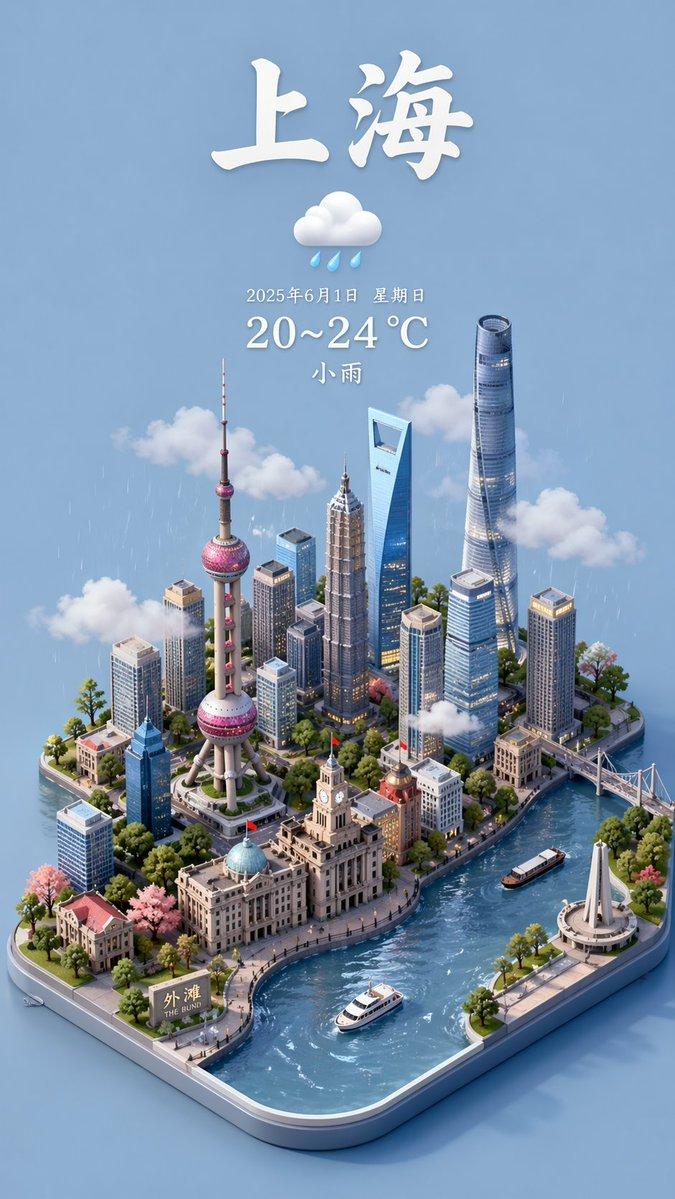
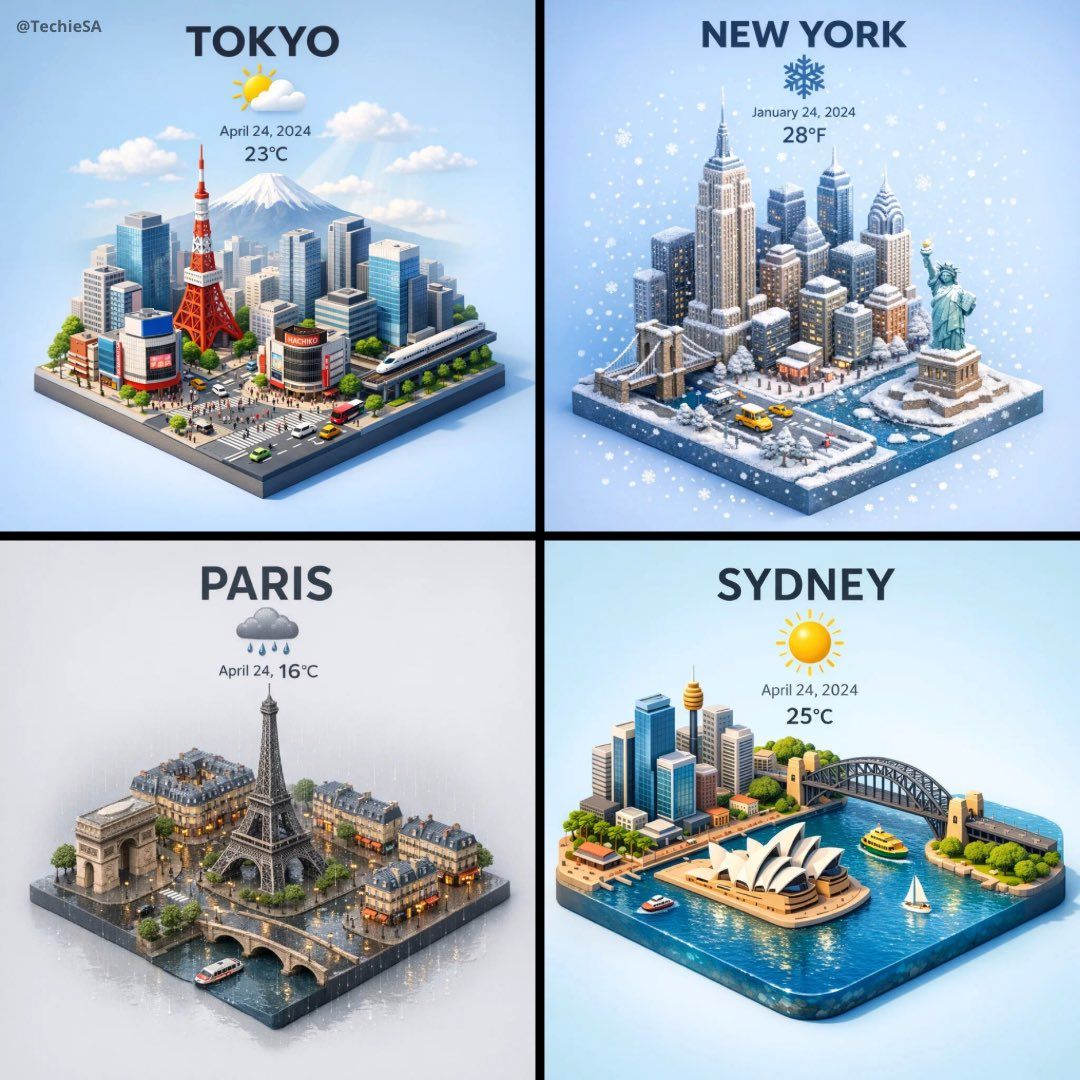
基于GPT-1.5的3D天气提示效果
Enlarge

基于GPT-1.5的3D天气提示效果

Prompt
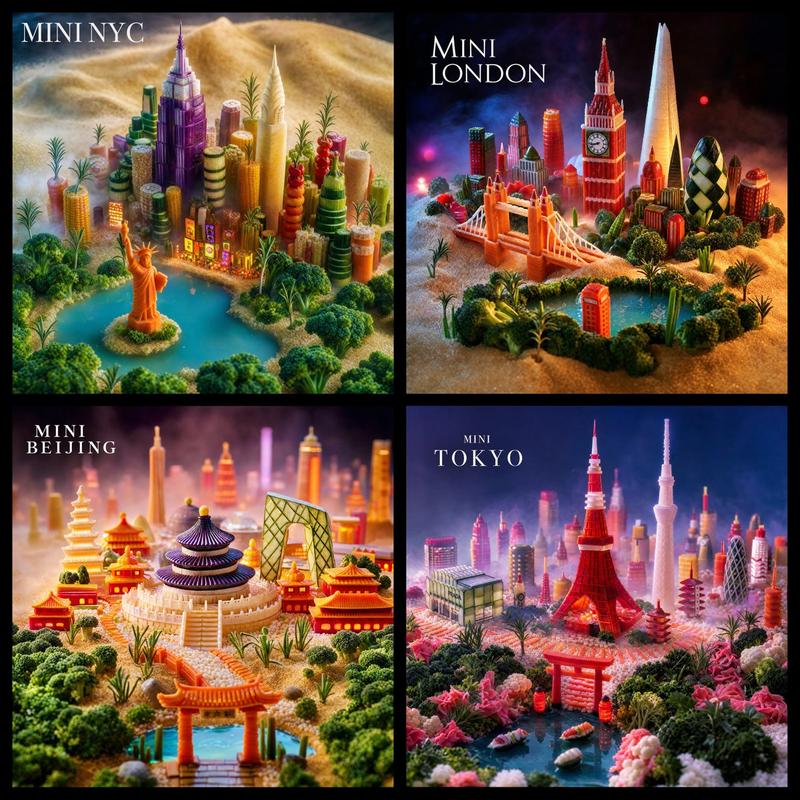
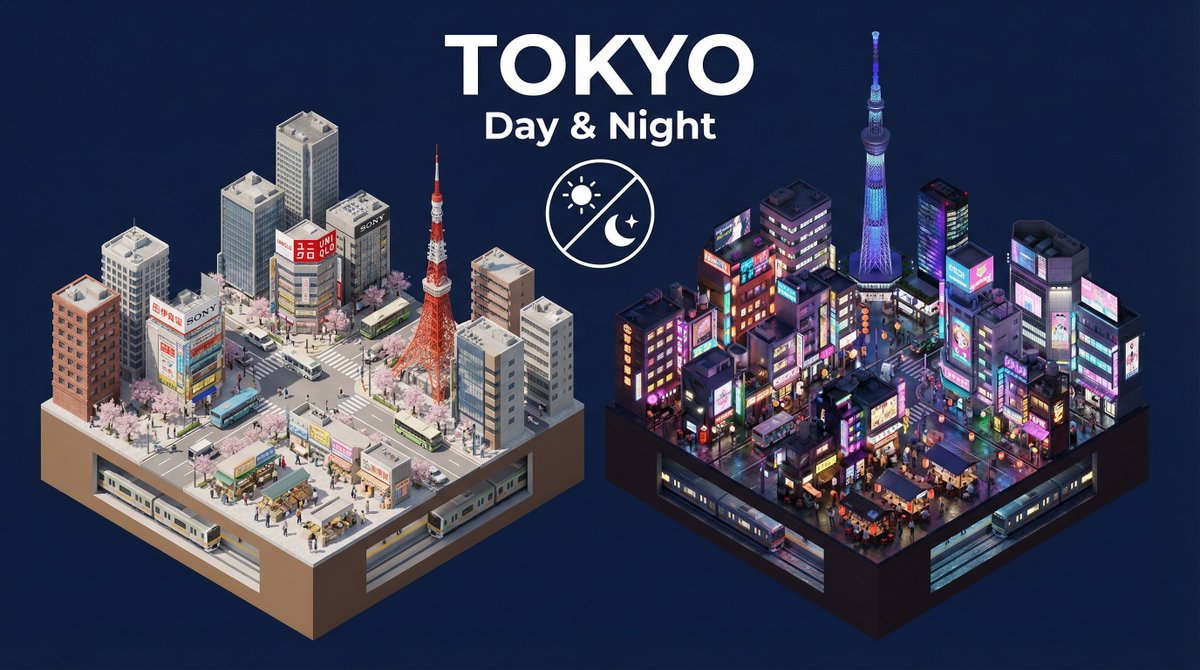
Tried my viral 3D Weather prompt with GPT-1.5 on @BasedLabsAI🌦️
Prompt👇🏻 https://t.co/GWNSGjTn1s
“Present a clear, 45° top-down isometric miniature 3D cartoon scene of [CITY], featuring its most iconic landmarks and architectural elements. Use soft, refined textures with realistic PBR materials and gentle, lifelike lighting and shadows. Integrate the current weather conditions directly into the city environment to create an immersive atmospheric mood.
Use a clean, minimalistic composition with a soft, solid-colored background.
At the top-center, place the title “[CITY]” in large bold text, a prominent weather icon beneath it, then the date (small text) and temperature (medium text).
All text must be centered with consistent spacing, and may subtly overlap the tops of the buildings.
Square 1080x1080 dimension.”
Category
Illustration & Art
Model
Unknown
Creator
TechieSA
Views0
Source ID
3d-weather-prompt-gpt-1-5

Guide

About "基于GPT-1.5的3D天气提示效果"

What is this prompt for?

"基于GPT-1.5的3D天气提示效果" AI image prompt for Unknown (Illustration & Art). Tried my viral 3D Weather prompt with GPT-1.5 on @BasedLabsAI🌦️ Prompt👇🏻 https://t.co…

The full copyable prompt and example visuals above are ready for AI image generation or one-click recreate in Picva.

How to use this prompt

  1. Step 1

    Open the prompt detail

    Review the example visuals, category, and full prompt text for "基于GPT-1.5的3D天气提示效果".

  2. Step 2

    Copy the prompt

    Copy the prompt body from this page, or load it directly in Studio.

  3. Step 3

    Pick a model (Unknown)

    Prefer Unknown. If you switch models, keep subject and composition and tweak style terms.

  4. Step 4

    Generate and export

    Recreate the look in Picva, or export into your workflow for editing and publishing.

FAQ

What is the "基于GPT-1.5的3D天气提示效果" prompt?
It is an AI image-generation prompt for Unknown in the Illustration & Art category. This page includes the full prompt text, example visuals, and a one-click recreate path in Picva.
How do I use this prompt to generate an image?
Copy the prompt from this page, or use Generate / Studio. Paste it into a compatible image model, or recreate the look in Picva with optional reference images.
Which model is this prompt for?
This page lists Unknown. Most descriptive prompts also transfer to nearby image models such as GPT Image, Flux, or Midjourney with light style tweaks.
Can I use the result commercially?
You can usually copy the prompt for creation, but commercial use of the final image depends on the model terms, reference-image rights, and the generated content. Follow the source author and platform rules.