11

亚克力钥匙扣
Enlarge

亚克力钥匙扣

Prompt
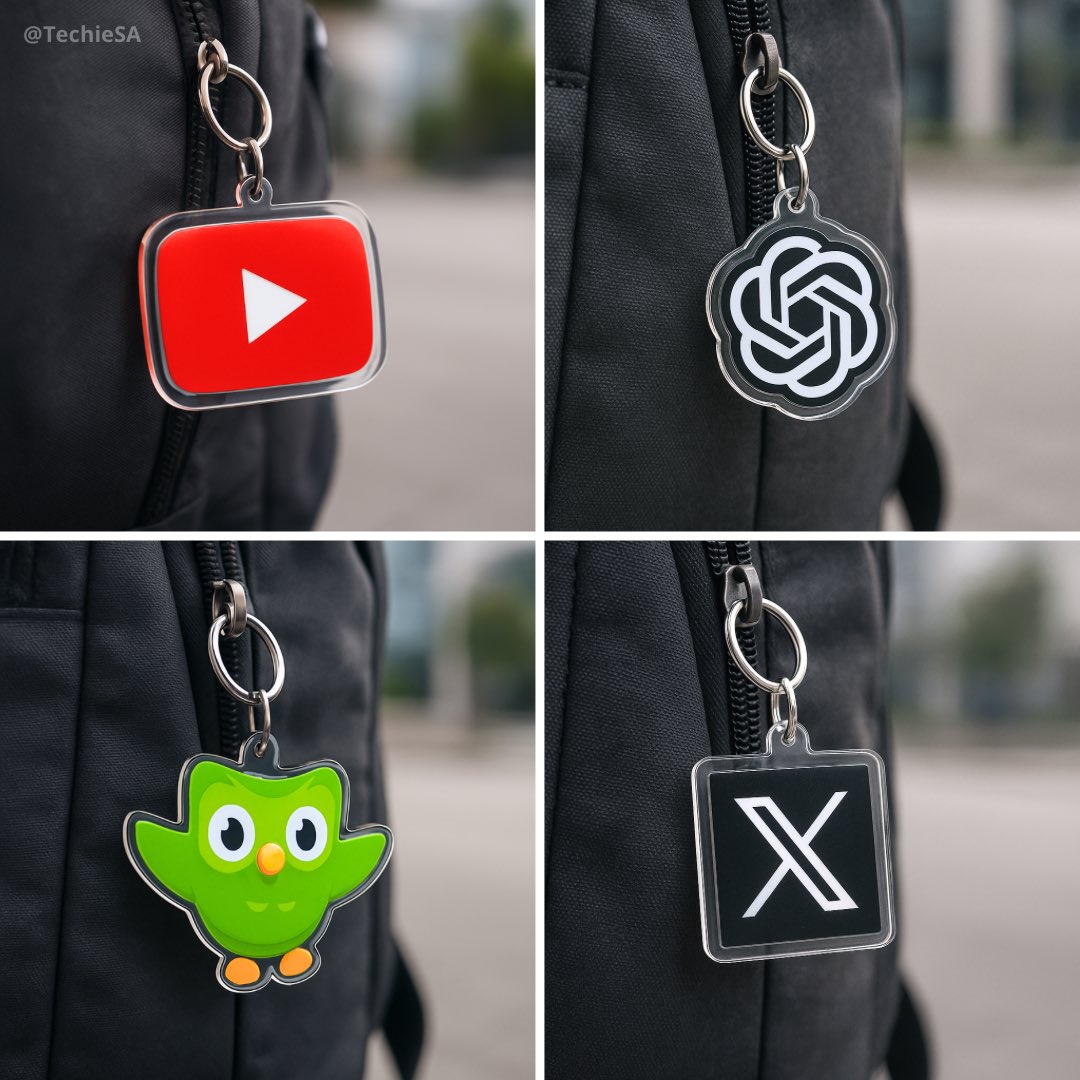
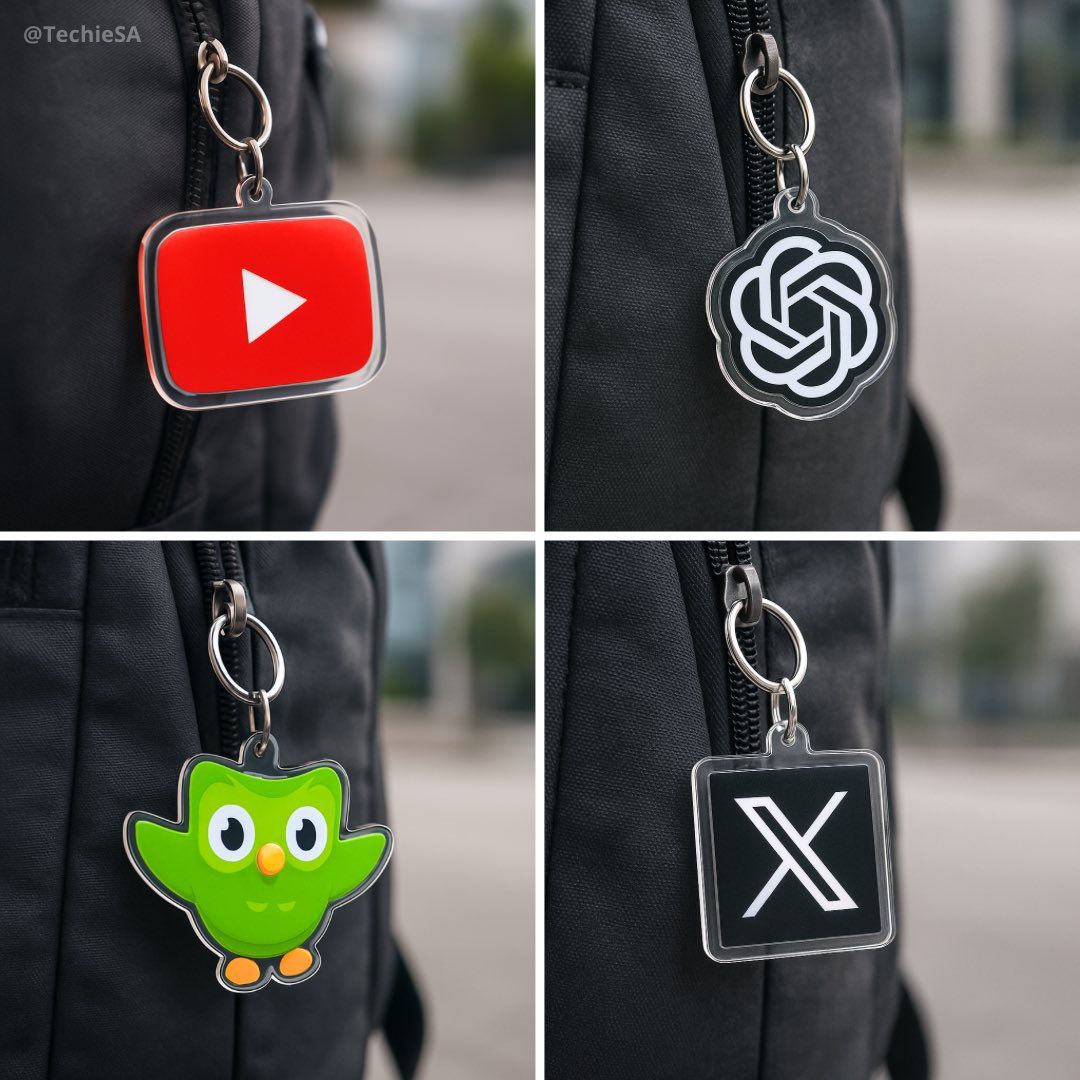
Create a photorealistic square image (1080x1080) showing a custom acrylic keychain version of the [LOGO] logo hanging from the zipper of a dark-colored backpack (e.g. black or grey). The logo must retain its original shape, color, and proportions without any alteration. The keychain should have a clear glossy acrylic layer, clipped with a silver metal ring and clasp. Use soft daylight or diffused lighting to avoid yellow tones. Set the background in a modern outdoor setting, but keep it blurred to maintain focus on the logo keychain.
创建一张逼真的方形图片(1080x1080 像素),展示一个定制的 [LOGO] 标志亚克力钥匙扣,它挂在一个深色背包(如黑色或灰色)的拉链上。该标志必须保持其原始形状、颜色和比例,不得有任何改动。钥匙扣应有一层透明的光泽亚克力,配有银色金属环和扣具。使用柔和的日光或漫射光,避免黄色调。背景设置为现代户外环境,但需模糊处理,以将焦点保持在标志钥匙扣上。
Category
Photography & Realism
Model
Unknown
Creator
TechieSA
Views6
Source ID
acrylic-keychain

Guide

About "亚克力钥匙扣"

What is this prompt for?

"亚克力钥匙扣" AI image prompt for Unknown (Photography & Realism). Create a photorealistic square image (1080x1080) showing a custom acrylic keychain version of the…

The full copyable prompt and example visuals above are ready for AI image generation or one-click recreate in Picva.

How to use this prompt

  1. Step 1

    Open the prompt detail

    Review the example visuals, category, and full prompt text for "亚克力钥匙扣".

  2. Step 2

    Copy the prompt

    Copy the prompt body from this page, or load it directly in Studio.

  3. Step 3

    Pick a model (Unknown)

    Prefer Unknown. If you switch models, keep subject and composition and tweak style terms.

  4. Step 4

    Generate and export

    Recreate the look in Picva, or export into your workflow for editing and publishing.

FAQ

What is the "亚克力钥匙扣" prompt?
It is an AI image-generation prompt for Unknown in the Photography & Realism category. This page includes the full prompt text, example visuals, and a one-click recreate path in Picva.
How do I use this prompt to generate an image?
Copy the prompt from this page, or use Generate / Studio. Paste it into a compatible image model, or recreate the look in Picva with optional reference images.
Which model is this prompt for?
This page lists Unknown. Most descriptive prompts also transfer to nearby image models such as GPT Image, Flux, or Midjourney with light style tweaks.
Can I use the result commercially?
You can usually copy the prompt for creation, but commercial use of the final image depends on the model terms, reference-image rights, and the generated content. Follow the source author and platform rules.