20

卡通照片转换
Enlarge

卡通照片转换

Prompt
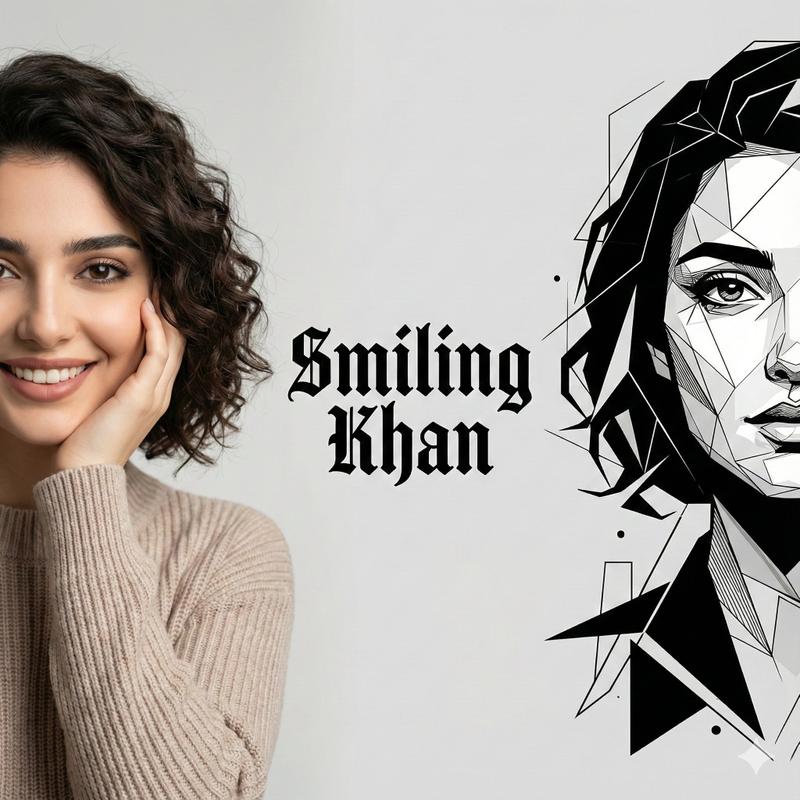
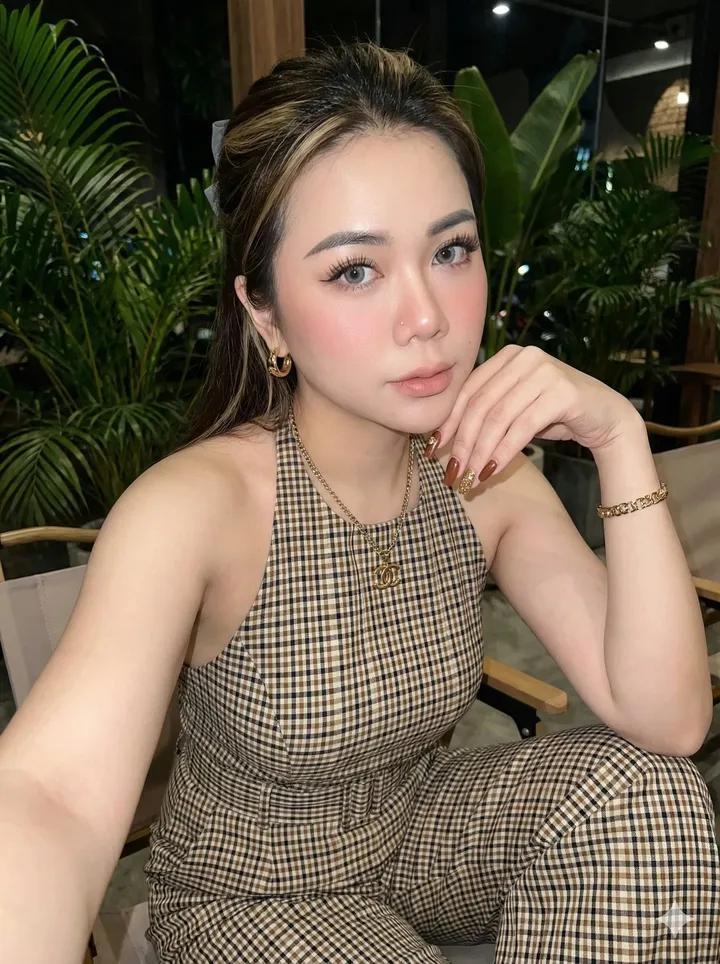
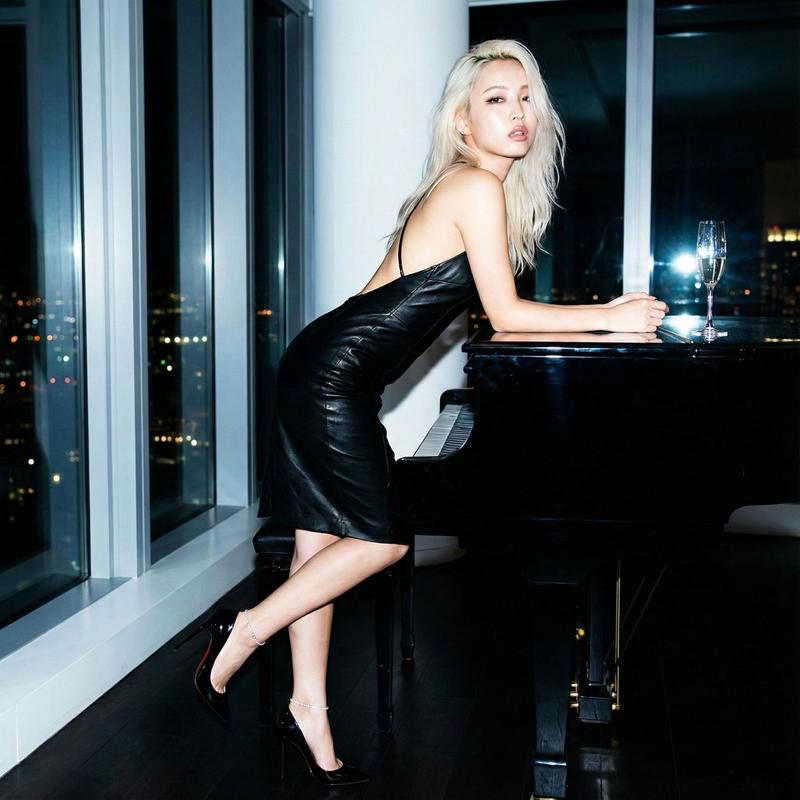
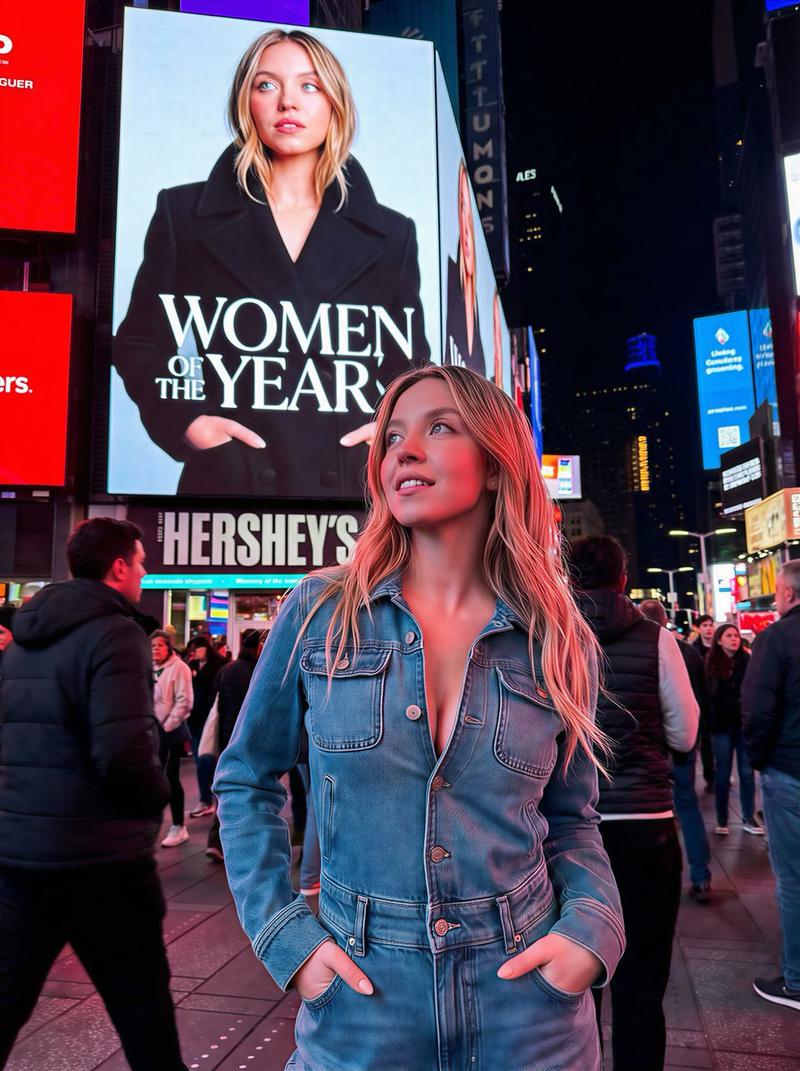
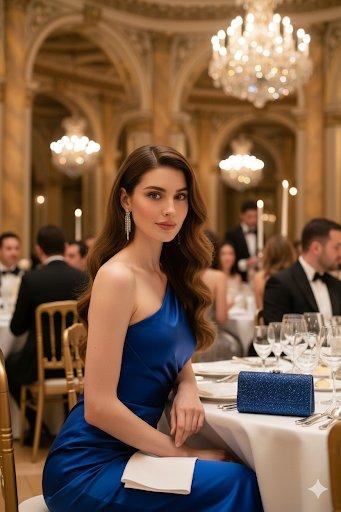
Transform the character into a digital, half-body cartoon-style portrait. Use a playful, vector-friendly style with clean solid lines, rounded face, oversized googly eyes, and minimal facial details. Show the character from chest up, including shoulders and upper torso. Apply smooth gradient fills to both the character and background for a colorful, soft look. Square format.
将角色转化为数字化的半身卡通风格肖像。使用适合矢量的俏皮风格,线条干净利落,圆润的脸庞,超大号的玻璃眼球,以及极简的面部细节。展示角色胸部以上的部分,包括肩膀和上半身。对角色和背景都应用平滑的渐变填充,营造色彩丰富、柔和的视觉效果。方形格式。
Category
Photography & Realism
Model
Unknown
Creator
fy360593
Views0
Source ID
cartoon-photo-conversion

Guide

About "卡通照片转换"

What is this prompt for?

"卡通照片转换" AI image prompt for Unknown (Photography & Realism). Transform the character into a digital, half-body cartoon-style portrait. Use a playful, vector-f…

The full copyable prompt and example visuals above are ready for AI image generation or one-click recreate in Picva.

How to use this prompt

  1. Step 1

    Open the prompt detail

    Review the example visuals, category, and full prompt text for "卡通照片转换".

  2. Step 2

    Copy the prompt

    Copy the prompt body from this page, or load it directly in Studio.

  3. Step 3

    Pick a model (Unknown)

    Prefer Unknown. If you switch models, keep subject and composition and tweak style terms.

  4. Step 4

    Generate and export

    Recreate the look in Picva, or export into your workflow for editing and publishing.

FAQ

What is the "卡通照片转换" prompt?
It is an AI image-generation prompt for Unknown in the Photography & Realism category. This page includes the full prompt text, example visuals, and a one-click recreate path in Picva.
How do I use this prompt to generate an image?
Copy the prompt from this page, or use Generate / Studio. Paste it into a compatible image model, or recreate the look in Picva with optional reference images.
Which model is this prompt for?
This page lists Unknown. Most descriptive prompts also transfer to nearby image models such as GPT Image, Flux, or Midjourney with light style tweaks.
Can I use the result commercially?
You can usually copy the prompt for creation, but commercial use of the final image depends on the model terms, reference-image rights, and the generated content. Follow the source author and platform rules.