17

可爱的设计师玩偶
Enlarge

可爱的设计师玩偶

Prompt
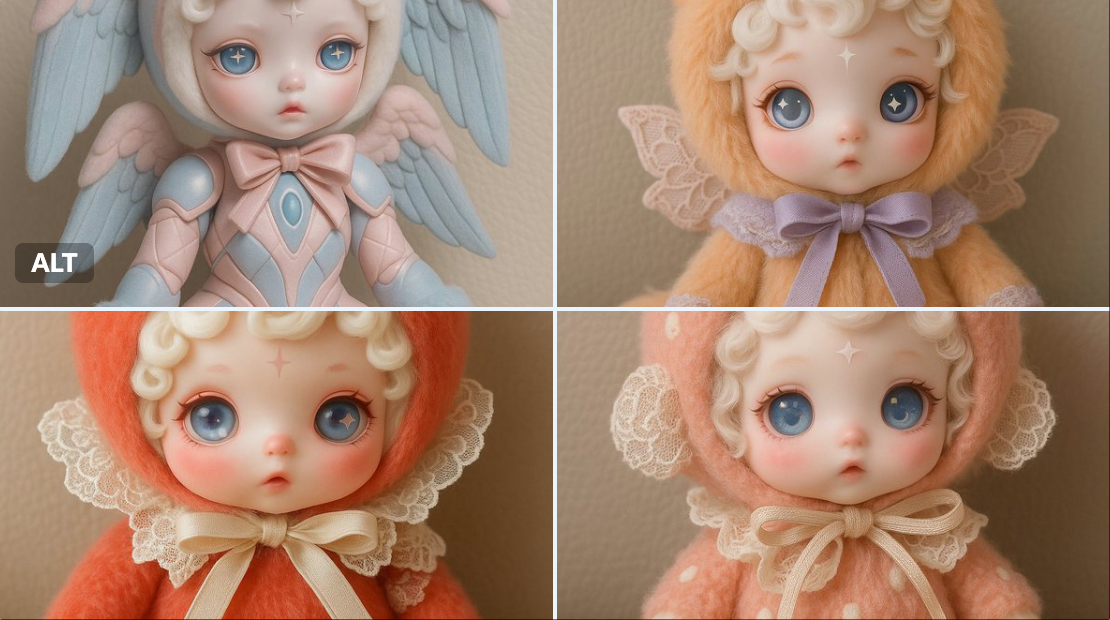
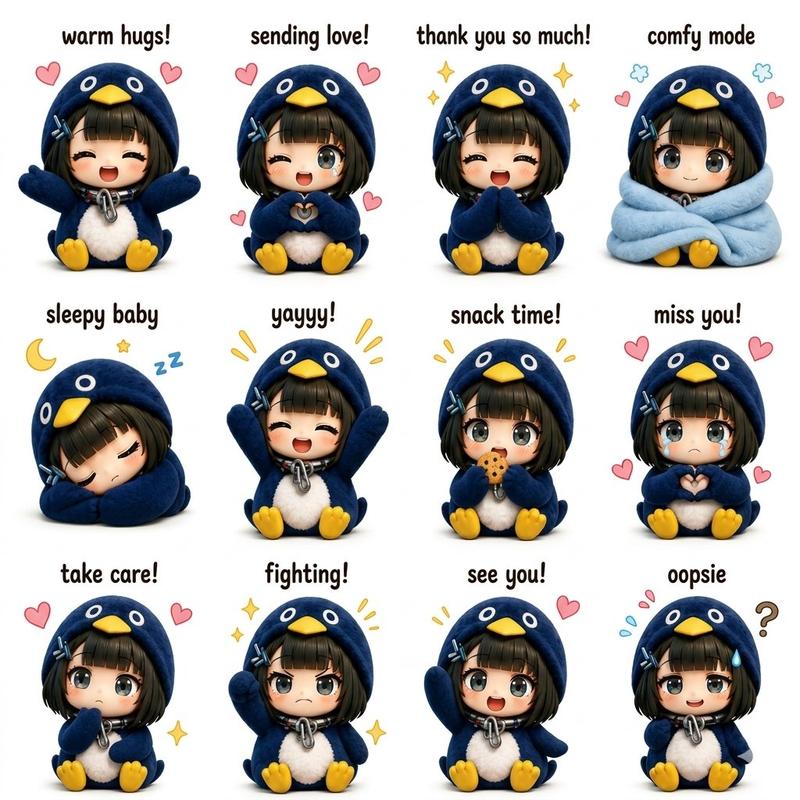
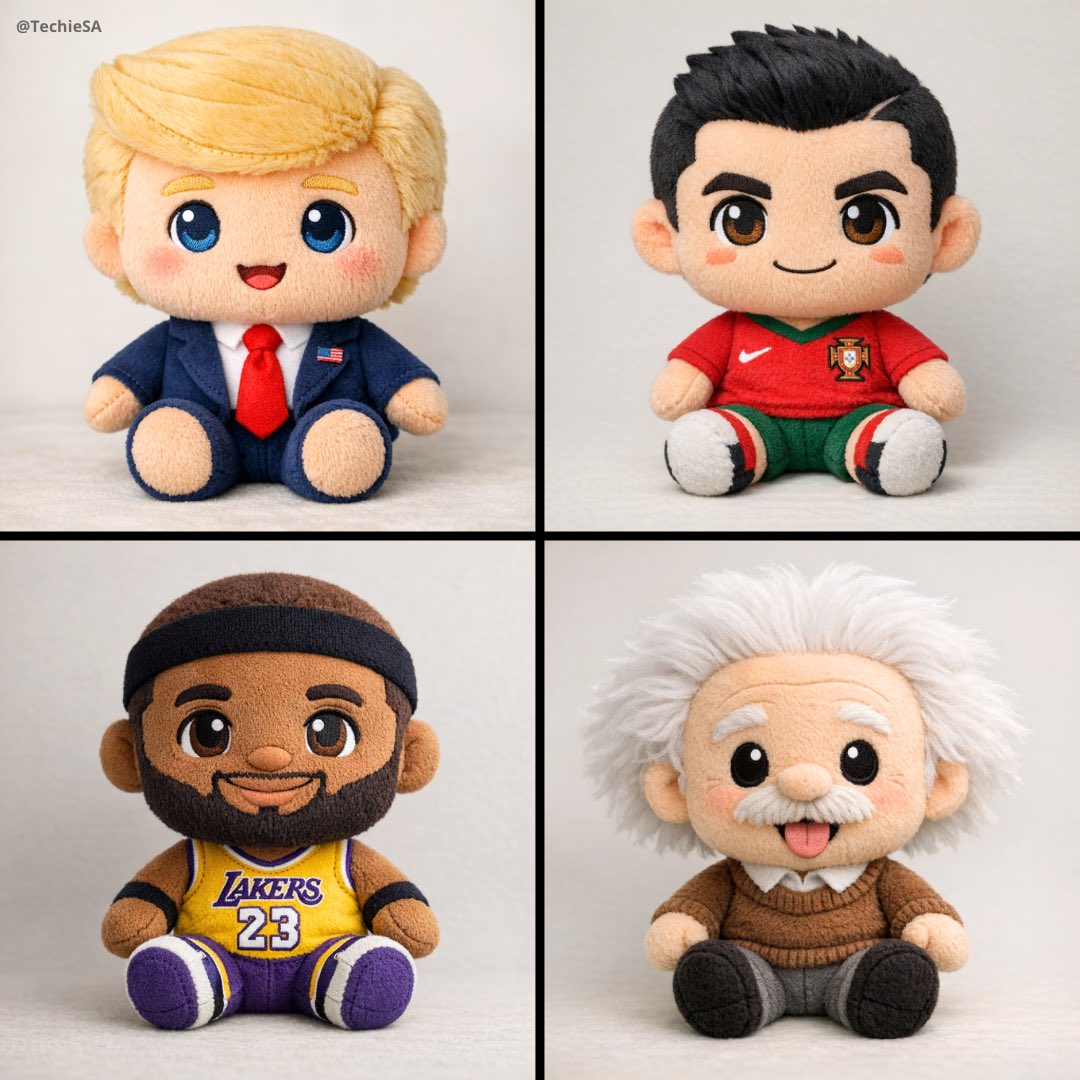
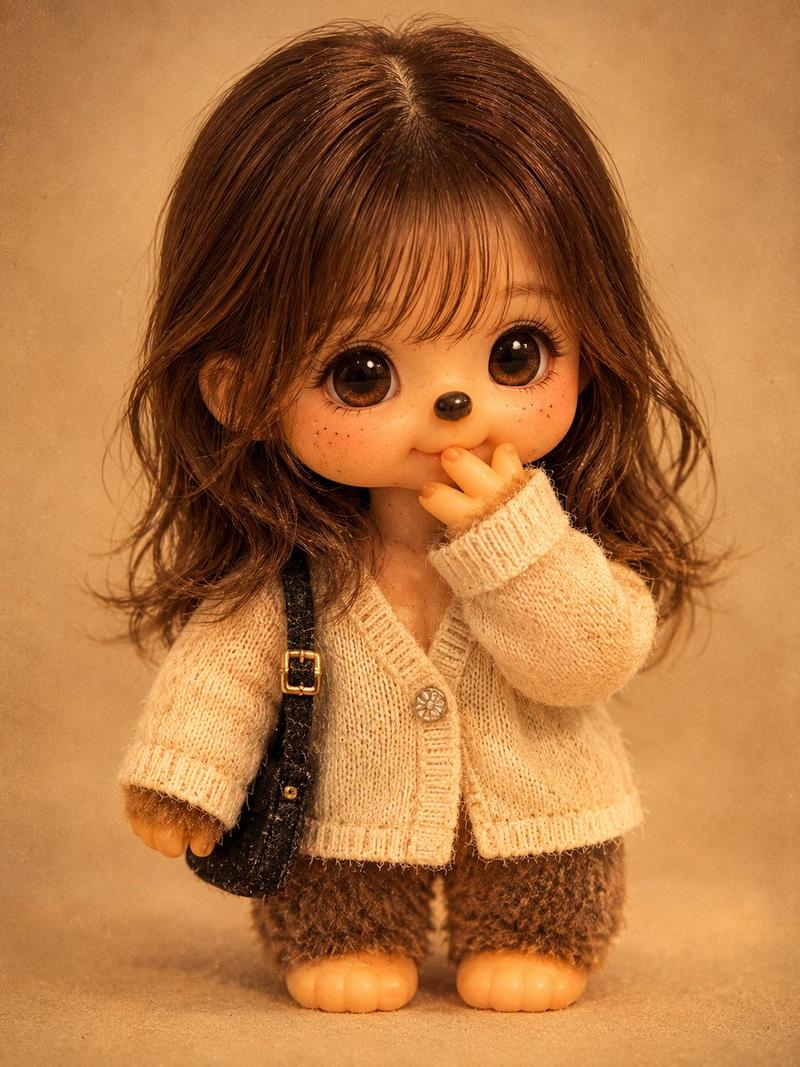
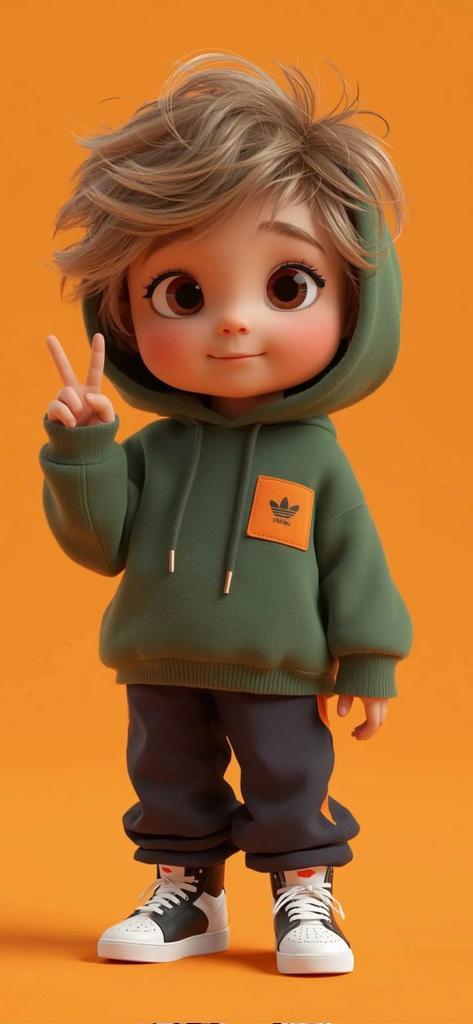
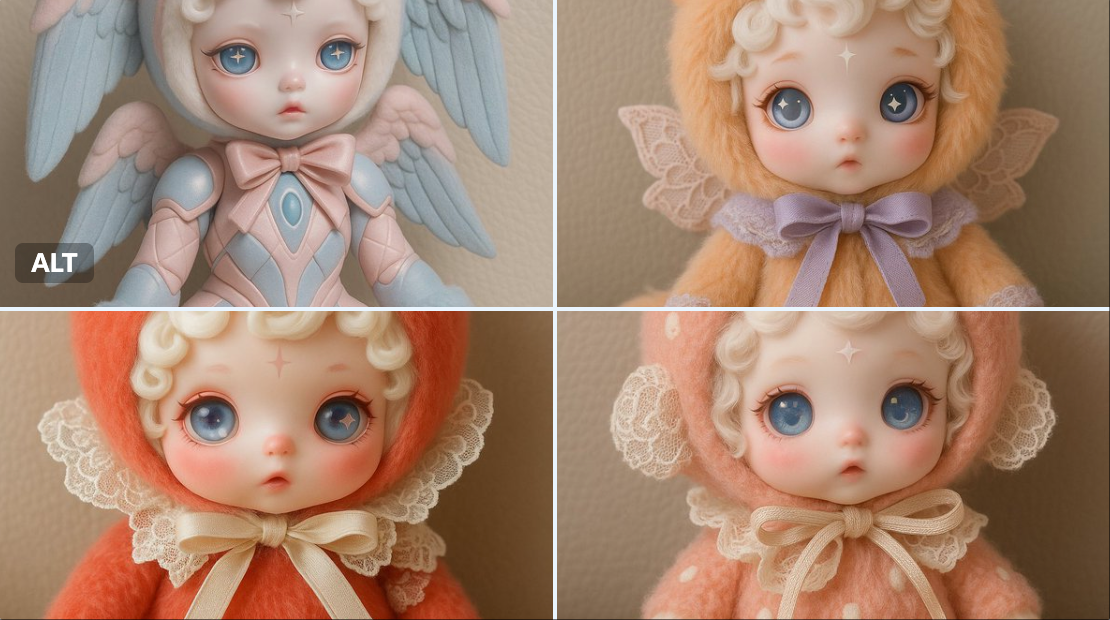
A cute designer doll styled as a [SUBJECT]. The doll has a porcelain face with blush, soft curly white hair, and large expressive eyes with unique pupils (like a star and moon). It wears a fluffy pastel-colored costume resembling the [chosen creature or idea], with detailed accessories like a hood with ears or horns, lace, and a ribbon. Embroidery on the paws reflects the character’s theme. The doll is sitting on a neutral background (like beige leather or soft fabric). The atmosphere is dreamy and whimsical, with soft lighting. Style: Korean collectible art doll, highly detailed, pastel color palette.
一个可爱的设计师玩偶,造型为 [SUBJECT]。娃娃有一张瓷脸,脸上泛着腮红,柔软的卷曲白发,还有一双富有表现力的大眼睛和独特的瞳孔(像星星和月亮)。它穿着一件蓬松的柔和色服装,类似于 [选择的生物或想法],带有详细的配饰,如带耳朵或角的兜帽、蕾丝和丝带。爪子上的刺绣反映了角色的主题。娃娃坐在中性背景上(如米色皮革或柔软的织物)。气氛梦幻而异想天开,灯光柔和。风格:韩国收藏艺术娃娃,高度详细,柔和的调色板。
Category
Characters & People
Model
Unknown
Views0
Source ID
cute-designer-doll

Guide

About "可爱的设计师玩偶"

What is this prompt for?

"可爱的设计师玩偶" AI image prompt for Unknown (Characters & People). A cute designer doll styled as a [SUBJECT]. The doll has a porcelain face with blush, soft curly…

The full copyable prompt and example visuals above are ready for AI image generation or one-click recreate in Picva.

How to use this prompt

  1. Step 1

    Open the prompt detail

    Review the example visuals, category, and full prompt text for "可爱的设计师玩偶".

  2. Step 2

    Copy the prompt

    Copy the prompt body from this page, or load it directly in Studio.

  3. Step 3

    Pick a model (Unknown)

    Prefer Unknown. If you switch models, keep subject and composition and tweak style terms.

  4. Step 4

    Generate and export

    Recreate the look in Picva, or export into your workflow for editing and publishing.

FAQ

What is the "可爱的设计师玩偶" prompt?
It is an AI image-generation prompt for Unknown in the Characters & People category. This page includes the full prompt text, example visuals, and a one-click recreate path in Picva.
How do I use this prompt to generate an image?
Copy the prompt from this page, or use Generate / Studio. Paste it into a compatible image model, or recreate the look in Picva with optional reference images.
Which model is this prompt for?
This page lists Unknown. Most descriptive prompts also transfer to nearby image models such as GPT Image, Flux, or Midjourney with light style tweaks.
Can I use the result commercially?
You can usually copy the prompt for creation, but commercial use of the final image depends on the model terms, reference-image rights, and the generated content. Follow the source author and platform rules.