20

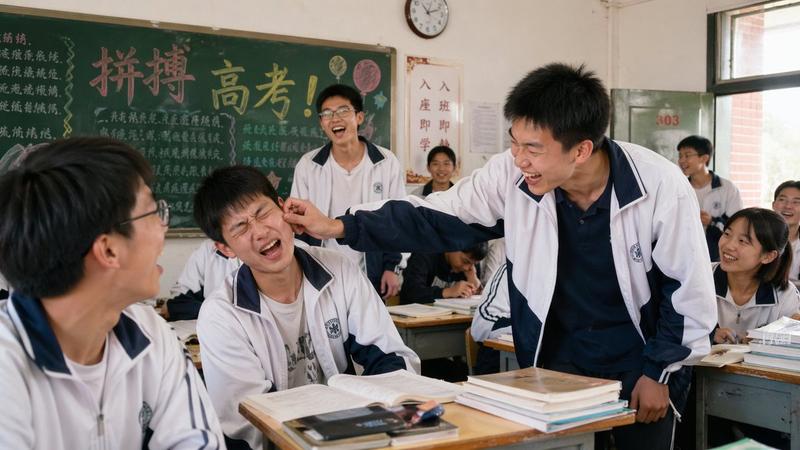
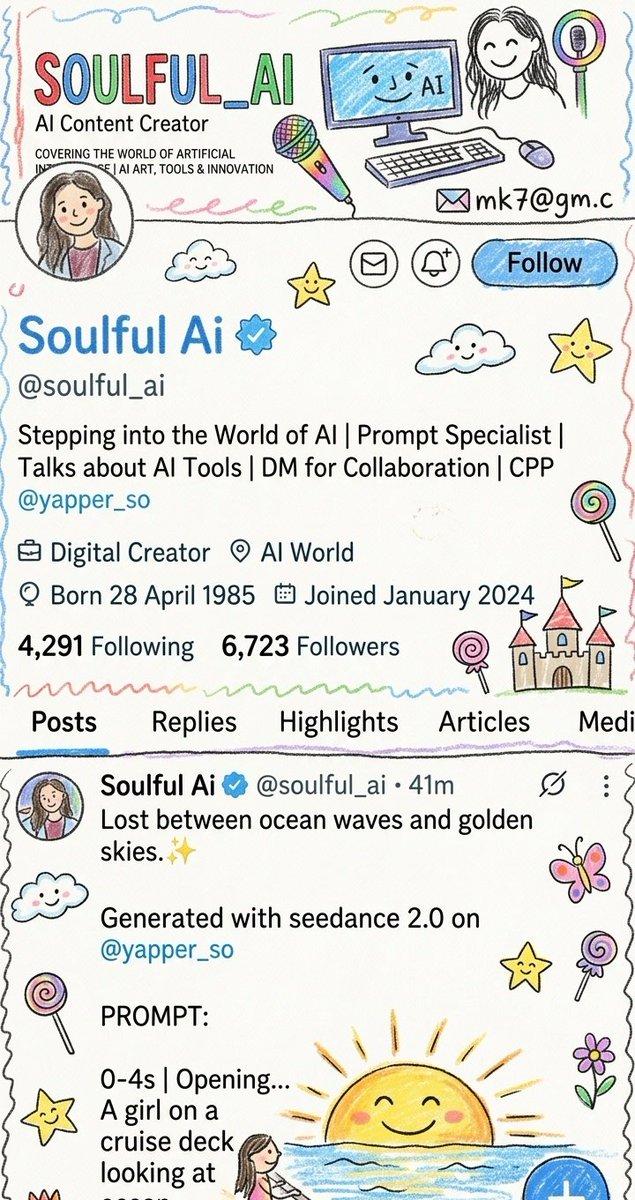
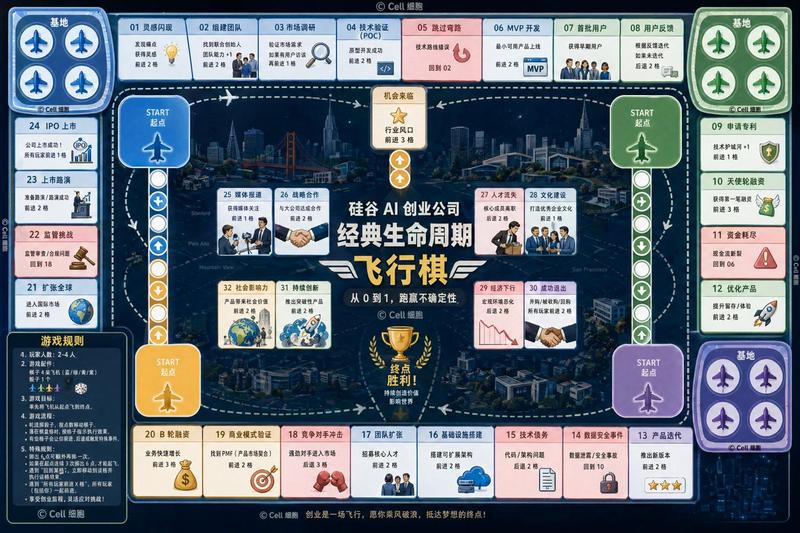
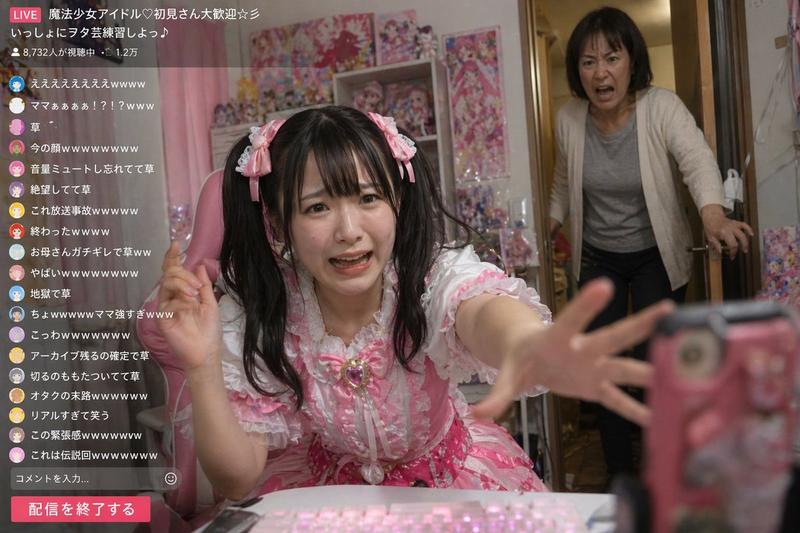
过去24小时好玩推文分析
Enlarge

过去24小时好玩推文分析

Prompt
过去24小时, 有哪些好玩的推文?
🛠️ 实操技巧与工具 (Practical Hacks & Tools)
玩转“红墨水”批注风格 (Nano Banana Pro):(推主: @op7418, @brad_zhang2024)
操作简述:使用提示词“把它打印出来,然后用红墨水疯狂地加上手写中文批注、涂鸦、乱画...”,可用于解释论文、吐槽聊天记录或制作书籍批注。
达成效果:生成极具视觉冲击力和幽默感的手写风格“烂笔头”批注图。
🔗 链接:https://t.co/h56EMSGDQe
🔗 进阶提示词:https://t.co/FkaTP93JaM
制作“时空穿越”对比照:(推主: @dotey, @langzihan)
操作简述:使用 "Horizontal split-screen cinematic shot..." 结构的提示词,描述同一场景(如柏林墙、上海)在两个时代的融合。
达成效果:创作出具有电影质感、连接过去与现在的艺术照片。
🔗 链接:https://t.co/j1fOFIIjwf
AI 处理超大 Excel 文件 (>2万行):(推主: @0xluffy_eth)
操作简述:不要直接丢给 ChatGPT,采用“分治法”:分割文件 -> 统一清洗 -> 逐步分析 -> Power Query 合并。
达成效果:解决 AI 处理大数据量时容易崩溃或乱猜的问题,实现自动化数据清洗。
🔗 链接:https://t.co/DjciOcQtr3
Google Mixboard 生成 PPT:(推主: @op7418)
操作简述:在 Google 的 Mixboard 画布中上传文档/图片,利用集成的 Nano Banana Pro 模型一键生成带图的 PPT,并支持画圈修改。
达成效果:白嫖高质量 AI PPT 生成工具,且控制力极强。
🔗 链接:https://t.co/G2Sak0Ux6v
AI 视频去水印工具:(推主: @ianneo_ai)
操作简述:推荐了一个垂直工具,利用 AI 移除视频水印并自动修复画质。
达成效果:解决短视频搬运或二创中的高频痛点。
🔗 链接:https://t.co/w2Cc6ynIZg
Category
Scenes & Storytelling
Model
Nano Banana Pro
Creator
hahagood
Views2
Source ID
fun-tweets-analysis

Guide

About "过去24小时好玩推文分析"

What is this prompt for?

"过去24小时好玩推文分析" AI image prompt for Nano Banana Pro (Scenes & Storytelling). 过去24小时, 有哪些好玩的推文? 🛠️ 实操技巧与工具 (Practical Hacks & Tools) 玩转“红墨水”批注风格 (Nano Banana Pr…

The full copyable prompt and example visuals above are ready for AI image generation or one-click recreate in Picva.

How to use this prompt

  1. Step 1

    Open the prompt detail

    Review the example visuals, category, and full prompt text for "过去24小时好玩推文分析".

  2. Step 2

    Copy the prompt

    Copy the prompt body from this page, or load it directly in Studio.

  3. Step 3

    Pick a model (Nano Banana Pro)

    Prefer Nano Banana Pro. If you switch models, keep subject and composition and tweak style terms.

  4. Step 4

    Generate and export

    Recreate the look in Picva, or export into your workflow for editing and publishing.

FAQ

What is the "过去24小时好玩推文分析" prompt?
It is an AI image-generation prompt for Nano Banana Pro in the Scenes & Storytelling category. This page includes the full prompt text, example visuals, and a one-click recreate path in Picva.
How do I use this prompt to generate an image?
Copy the prompt from this page, or use Generate / Studio. Paste it into a compatible image model, or recreate the look in Picva with optional reference images.
Which model is this prompt for?
This page lists Nano Banana Pro. Most descriptive prompts also transfer to nearby image models such as GPT Image, Flux, or Midjourney with light style tweaks.
Can I use the result commercially?
You can usually copy the prompt for creation, but commercial use of the final image depends on the model terms, reference-image rights, and the generated content. Follow the source author and platform rules.