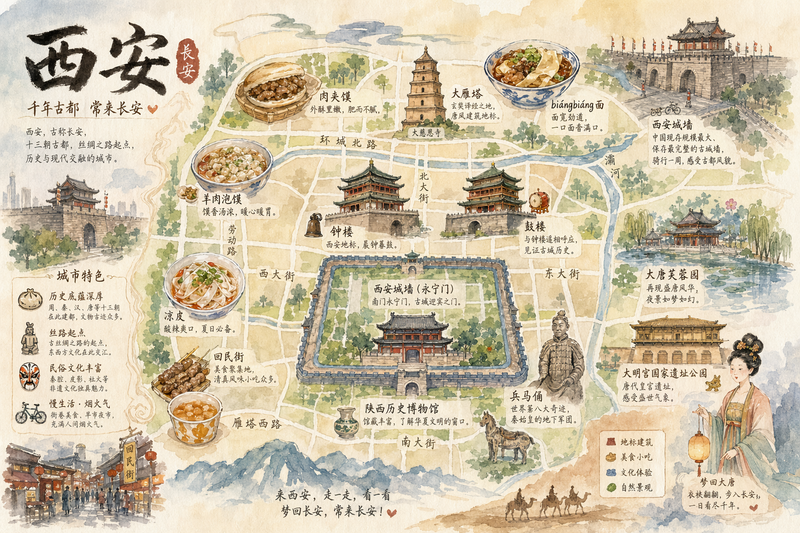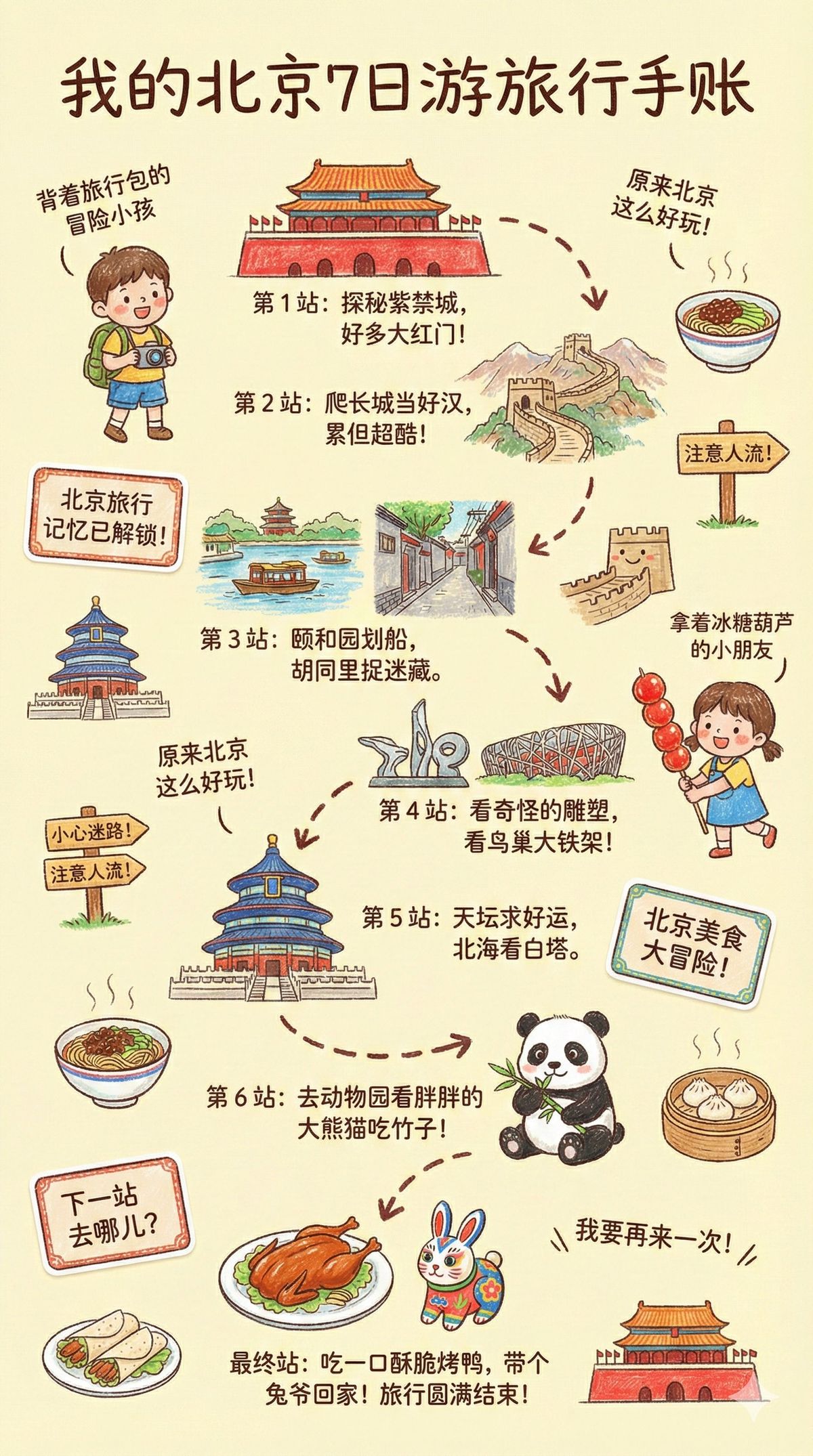
儿童蜡笔风格旅行日志插画
Prompt
🍌 nano banana prompt
Kids’ Crayon Travel Journal Illustration Prompt
This prompt generates a vibrant, child-like crayon-style vertical (9:16) travel-journal illustration for a {City Name} trip, automatically creating a winding route with daily recommended attractions, cute doodles, local landmarks, foods, and playful handwritten notes. The tone is warm, fun, and full of childlike curiosity.
--- Prompt ---
Please create a vibrant, child-like crayon-style vertical (9:16) illustration titled “{City Name} Travel Journal.”
The artwork should look as if it were drawn by a curious child using colorful crayons, featuring a soft, warm light-toned background (such as pale yellow), combined with bright reds, blues, greens, and other cheerful colors to create a cozy, playful travel atmosphere.
I. Main Scene: Travel-Journal Style Route Map
In the center of the illustration, draw a “winding, zigzagging travel route” with arrows and dotted lines connecting multiple locations.
The route should automatically generate recommended attractions based on {Number of Days}:
Example structure (auto-filled with {City Name}-related content):
- “Stop 1: {Attraction 1 + short fun description}”
- “Stop 2: {Attraction 2 + short fun description}”
- “Stop 3: {Attraction 3 + short fun description}”
- …
- “Final Stop: {Local signature food or souvenir + warm closing remark}”
Rules:
- If no number of days is provided, default to a 1-day highlight itinerary.
II. Surrounding Playful Elements (Auto-adapt to the City)
Add many cute doodles and child-like decorative elements around the route, such as:
1. Adorable travel characters
- A child holding a local snack
- A little adventurer with a backpack
2. Q-style hand-drawn iconic landmarks
- “{City Landmark 1}”
- “{City Landmark 2}”
- “{City Landmark 3}”
3. Funny signboards
- “Don’t get lost!”
- “Crowds ahead!”
- “Yummy food this way!”
(Auto-adjust contextually for the city)
4. Sticker-style short phrases
- “{City Name} travel memories unlocked!”
- “{City Name} food adventure!”
- “Where to next?”
5. Cute icons of local foods
- “{Local Food 1}”
- “{Local Food 2}”
- “{Local Food 3}”
6. Childlike exclamations
- “I didn’t know {City Name} was so fun!”
- “I want to come again!”
III. Overall Art Style Requirements
- Crayon / children’s hand-drawn travel diary style
- Bright, warm, colorful palette
- Cozy but full and lively composition
- Emphasize the joy of exploring
- All text should be in a cute handwritten font
- Make the entire page feel like a young child’s fun travel-journal entry
---
Input :
Chicago 7-Day Trip, English- Category
- Illustration & Art
- Model
- Nano Banana Pro
- Creator
- 宝玉
- Source ID
- kids-crayon-travel-journal-illustration
Views5