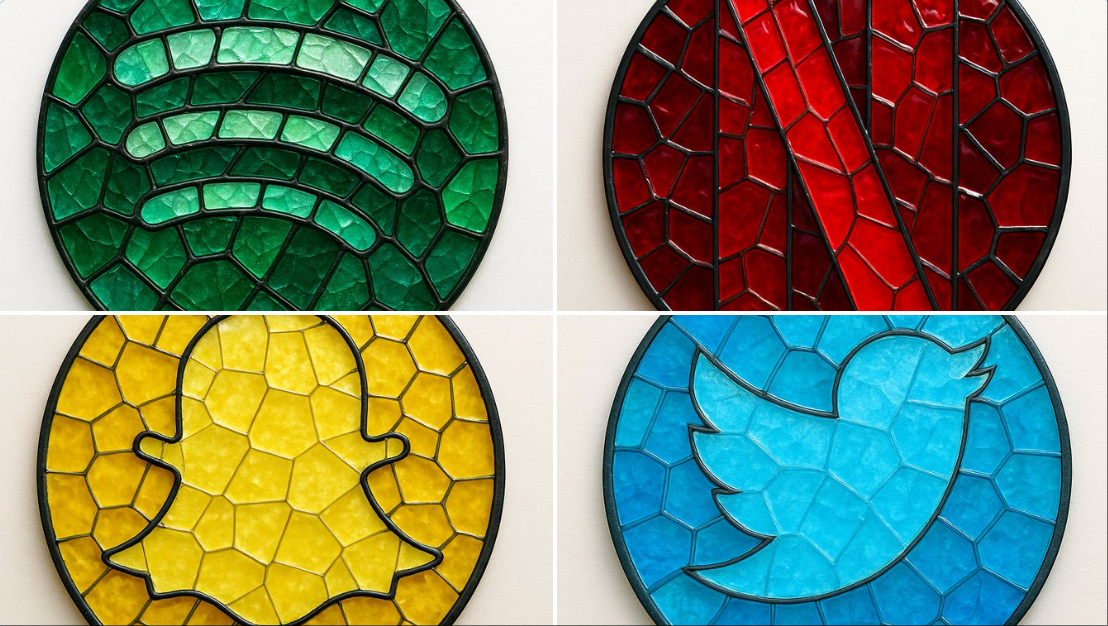
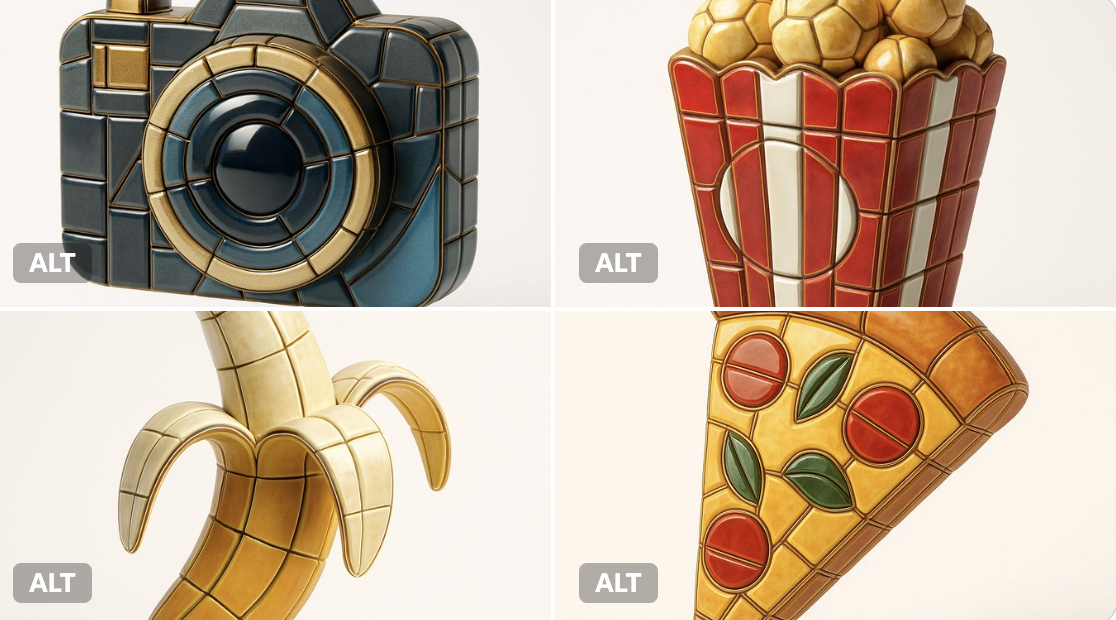
马赛克彩色玻璃徽章
Prompt
create image:\n{\n "style": "mosaic stained glass emblem",\n "object": "brand logo",\n "brand": {\n "name": "Spotify",\n "logo_shape": "circular",\n "icon_style": "three curved bars",\n "color_palette": {\n "primary": "#1DB954",\n "secondary": "#1ED760",\n "glass_variants": ["#147A3E", "#0F5C30", "#26C178"]\n }\n },\n "material": {\n "type": "colored glass",\n "effect": "semi-transparent with light reflections",\n "outline": {\n "color": "#111111",\n "width": "medium",\n "style": "lead-line traditional mosaic"\n }\n },\n "composition": {\n "layout": "logo composed of tessellated glass pieces",\n "geometry": "irregular but fitted glass shapes",\n "contrast": "dark outlines define shape clearly"\n },\n "lighting": {\n "type": "diffused natural light",\n "highlight": "glass texture and color depth emphasized"\n },\n "background": {\n "type": "flat surface",\n "color": "#F4F4F4"\n },\n "camera": {\n "angle": "top-down",\n "focus": "centered on entire logo"\n },\n "render": {\n "quality": "high",\n "shadows": "soft",\n "reflections": "minimal"\n }\n}
创建图像:\n{\n "风格": "马赛克彩色玻璃徽章",\n "对象": "品牌标志",\n "品牌": {\n "名称": "Spotify",\n "标志形状": "圆形",\n "图标风格": "三条弯曲的长条",\n "色彩搭配": {\n "主色": "#1DB954",\n "辅助色": "#1ED760",\n "玻璃变体色": ["#147A3E", "#0F5C30", "#26C178"]\n }\n },\n "材质": {\n "类型": "彩色玻璃",\n "效果": "半透明带光线反射",\n "轮廓": {\n "颜色": "#111111",\n "宽度": "中等",\n "风格": "传统马赛克铅线"\n }\n },\n "构图": {\n "布局": "由镶嵌玻璃片组成的标志",\n "几何形状": "不规则但拼接契合的玻璃造型",\n "对比度": "深色轮廓清晰界定形状"\n },\n "光线": {\n "类型": "漫射自然光",\n "高光": "突出玻璃质感和色彩深度"\n },\n "背景": {\n "类型": "平面",\n "颜色": "#F4F4F4"\n },\n "镜头": {\n "角度": "俯视",\n "焦点": "居中于整个标志"\n },\n "渲染": {\n "质量": "高",\n "阴影": "柔和",\n "反射": "轻微"\n }\n}- Category
- Photography & Realism
- Model
- Unknown
- Creator
- Melis✨
- Source ID
- mosaic-stained-glass-badge
Views0