20

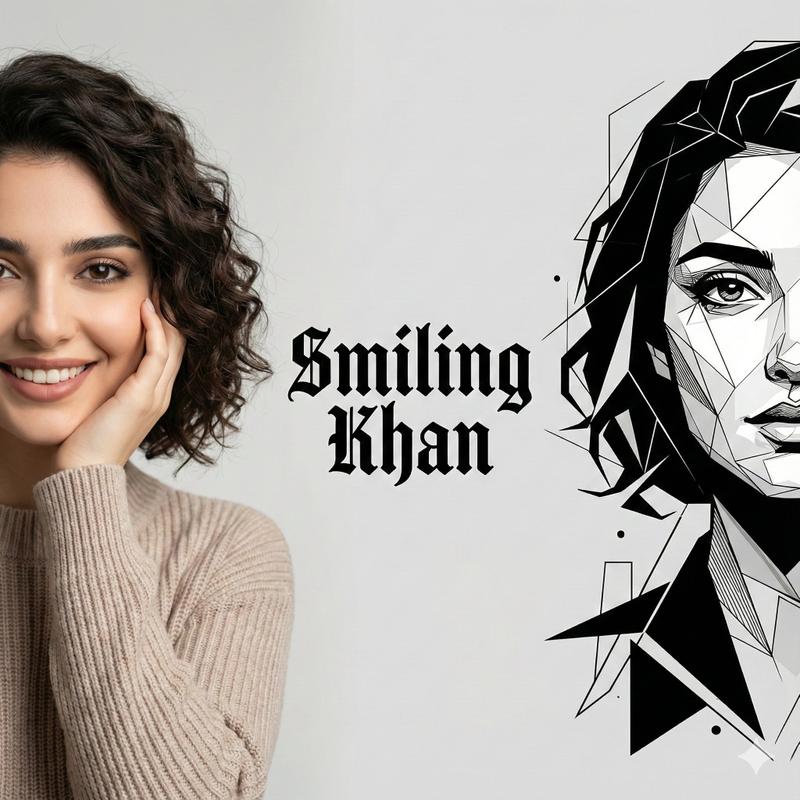
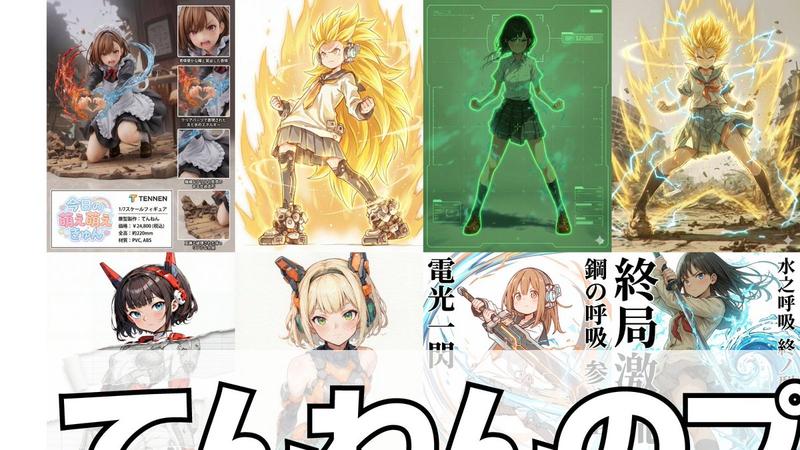
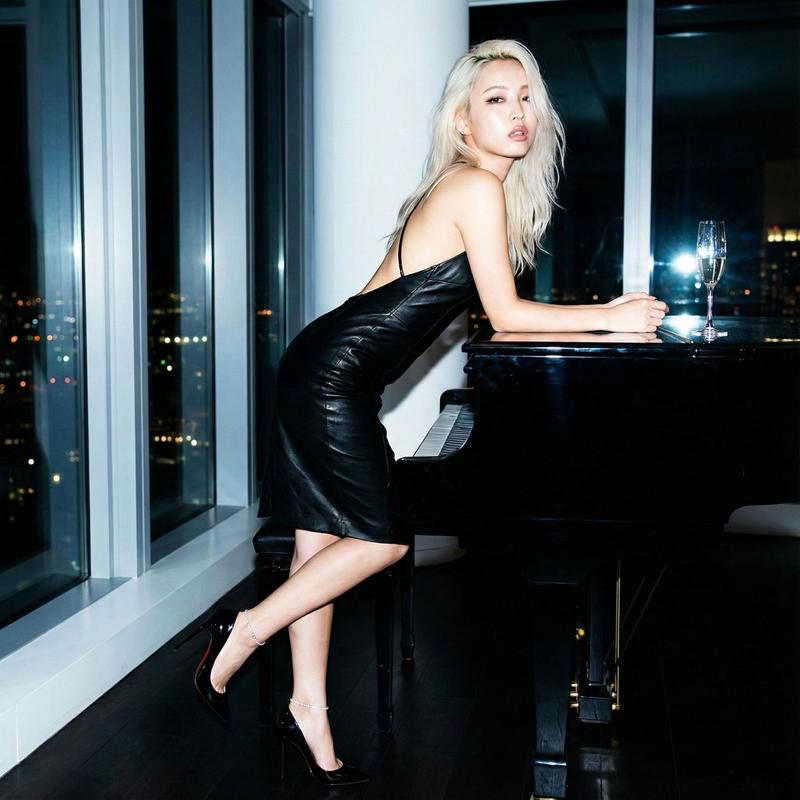
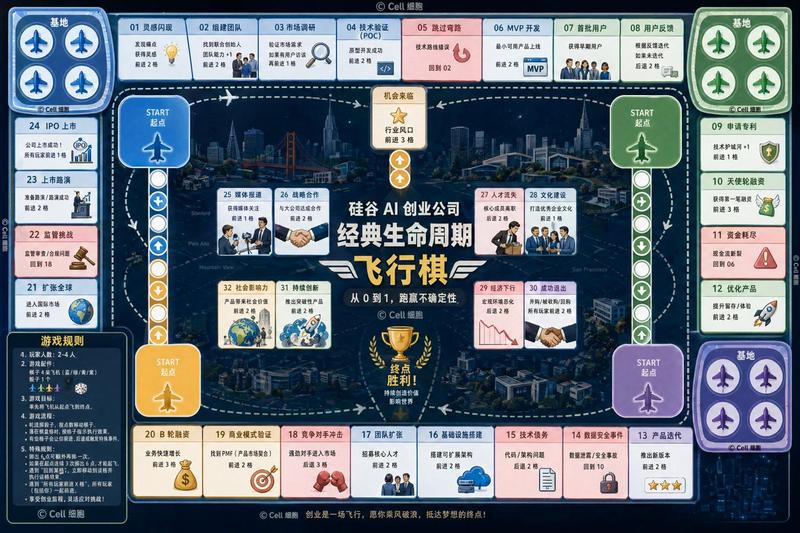
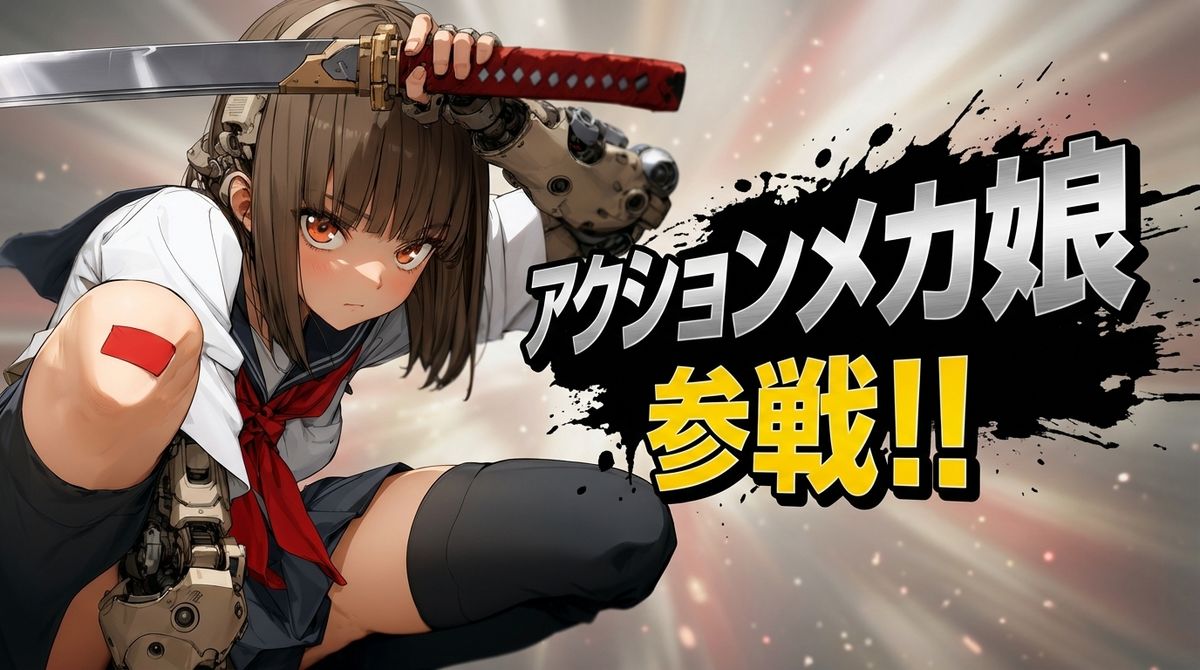
Nano Banana Pro游戏参战画面
Enlarge

Nano Banana Pro游戏参战画面

Prompt
Nano Banana Proで遊ぼう
【参戦画面プロンプト】
⠀
先日公開したプロンプトの背景に
関する記述の別バージョンです。
⠀
参照画像から推論するのは一緒ですが
ちょっと雰囲気を変えてます。
こっちのほうが「らしい」かなぁ?
色は参照画像によって変わります。
⠀
locationブロックの差し替えだけで
試せるのでぜひ作例を見せてください。
ご意見いただけると嬉しいです。
⠀
location:
description: >
Simple background created by interpreting the reference image’s mood.
Use soft gradients, atmospheric glow, light particles, or abstract light rays.
Avoid complex textures or any copyrighted shapes.
background_feel: >
Subtle, atmospheric, clean.
Category
Scenes & Storytelling
Model
Nano Banana Pro
Views0
Source ID
nano-banana-pro-battle-scene

Guide

About "Nano Banana Pro游戏参战画面"

What is this prompt for?

"Nano Banana Pro游戏参战画面" AI image prompt for Nano Banana Pro (Scenes & Storytelling). Nano Banana Proで遊ぼう 【参戦画面プロンプト】 ⠀ 先日公開したプロンプトの背景に 関する記述の別バージョンです。 ⠀ 参照画像から…

The full copyable prompt and example visuals above are ready for AI image generation or one-click recreate in Picva.

How to use this prompt

  1. Step 1

    Open the prompt detail

    Review the example visuals, category, and full prompt text for "Nano Banana Pro游戏参战画面".

  2. Step 2

    Copy the prompt

    Copy the prompt body from this page, or load it directly in Studio.

  3. Step 3

    Pick a model (Nano Banana Pro)

    Prefer Nano Banana Pro. If you switch models, keep subject and composition and tweak style terms.

  4. Step 4

    Generate and export

    Recreate the look in Picva, or export into your workflow for editing and publishing.

FAQ

What is the "Nano Banana Pro游戏参战画面" prompt?
It is an AI image-generation prompt for Nano Banana Pro in the Scenes & Storytelling category. This page includes the full prompt text, example visuals, and a one-click recreate path in Picva.
How do I use this prompt to generate an image?
Copy the prompt from this page, or use Generate / Studio. Paste it into a compatible image model, or recreate the look in Picva with optional reference images.
Which model is this prompt for?
This page lists Nano Banana Pro. Most descriptive prompts also transfer to nearby image models such as GPT Image, Flux, or Midjourney with light style tweaks.
Can I use the result commercially?
You can usually copy the prompt for creation, but commercial use of the final image depends on the model terms, reference-image rights, and the generated content. Follow the source author and platform rules.